Thank you for your inquiry. Could you provide a couple of points and clarifications before we can troubleshoot your setup further?
Are the virtual IPs assigned in the WireGuard and IPsec tunnels the same?
When you mention “2 same interfaces,” could you please clarify what exactly you mean by that? Are both tunnels bound to the same physical interface, or do you mean something else?
Could you share a topology diagram with the IP addresses of both VPN tunnel setups?
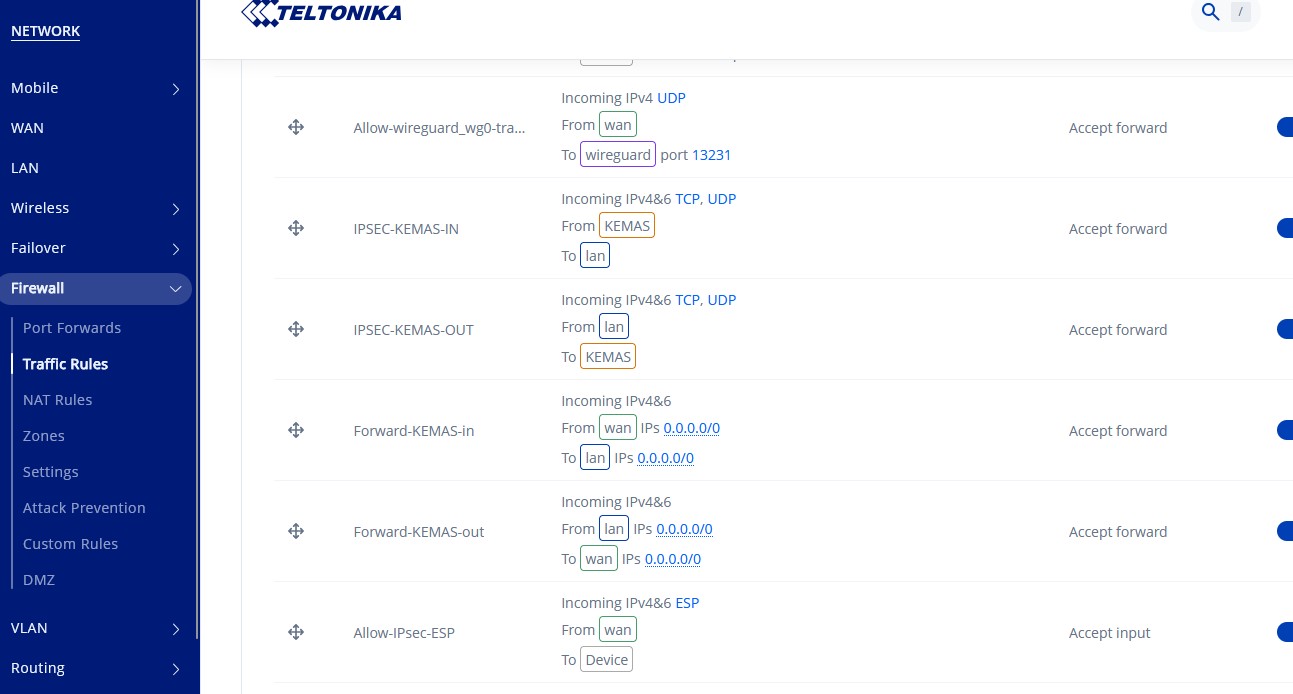
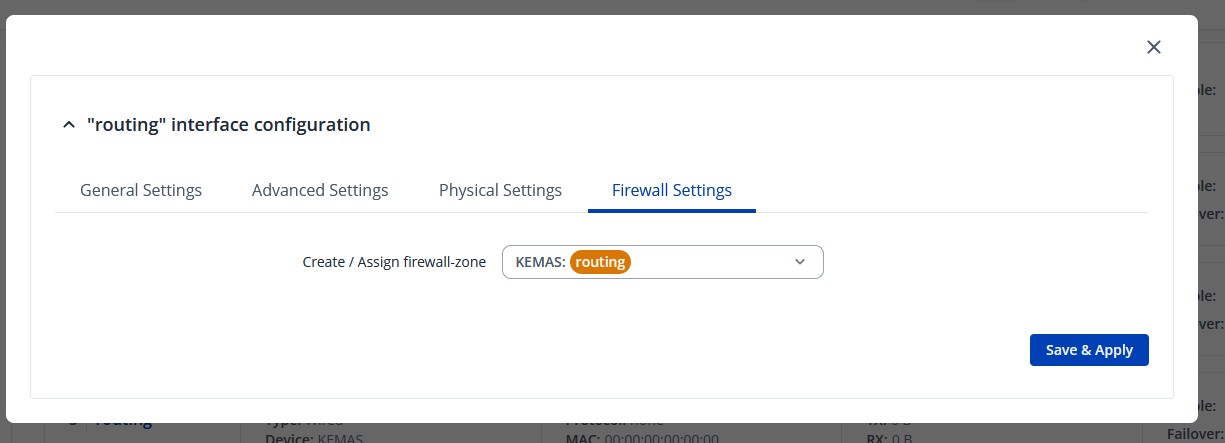
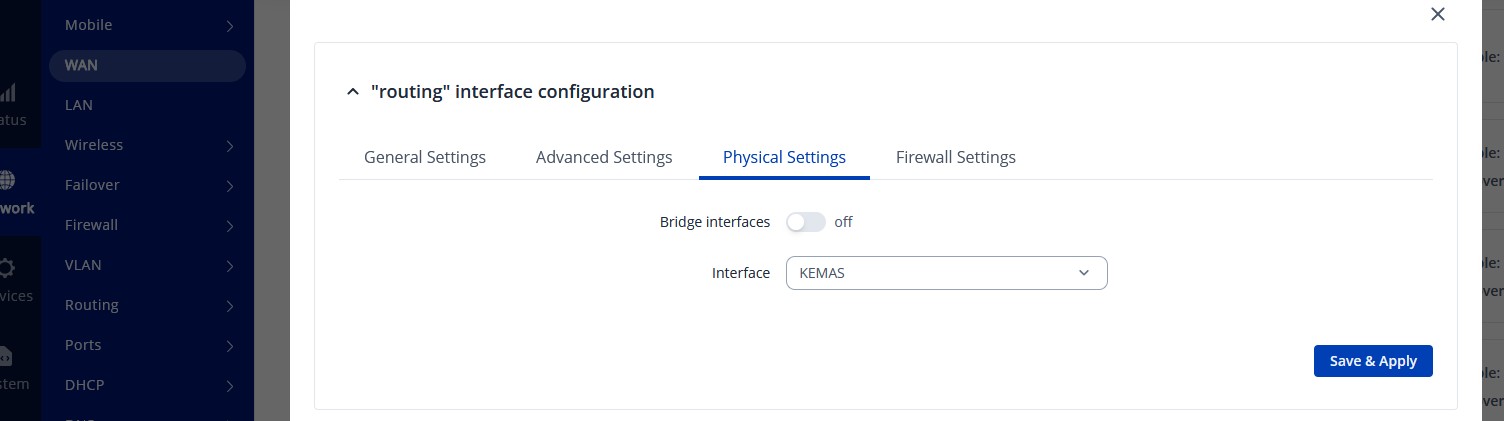
Additionally, if possible, please provide screenshots of the relevant VPN configurations.
Finally, what is the end goal of having both WireGuard and IPsec tunnels at the same time?
Apologies for the delay, and thank you for your reminder.
From the IPsec, WireGuard, and routing configurations you shared, it appears that a few configuration steps may be incorrect. To clarify, if I understood it properly, your goal is to split the traffic originating from the two interfaces (Terminal 1 and Terminal 2) so that each interface’s traffic is routed through either the IPsec or WireGuard tunnel, correct?
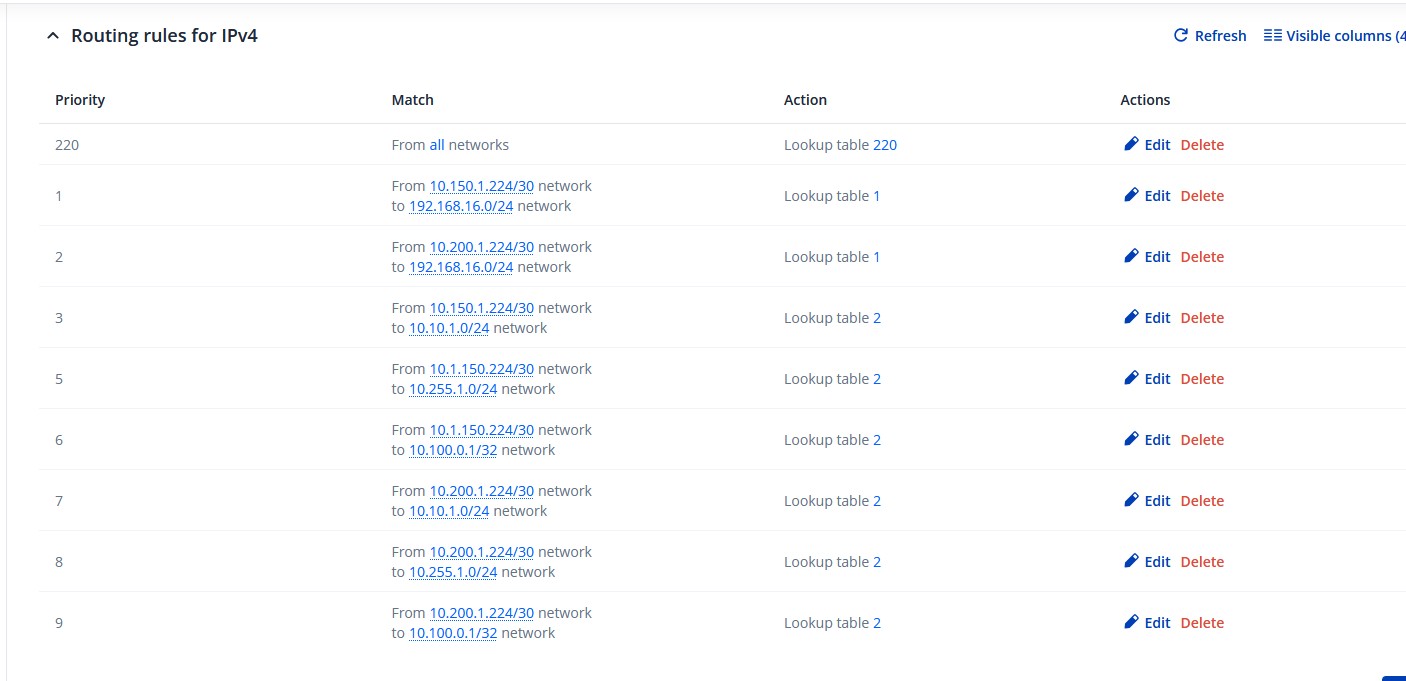
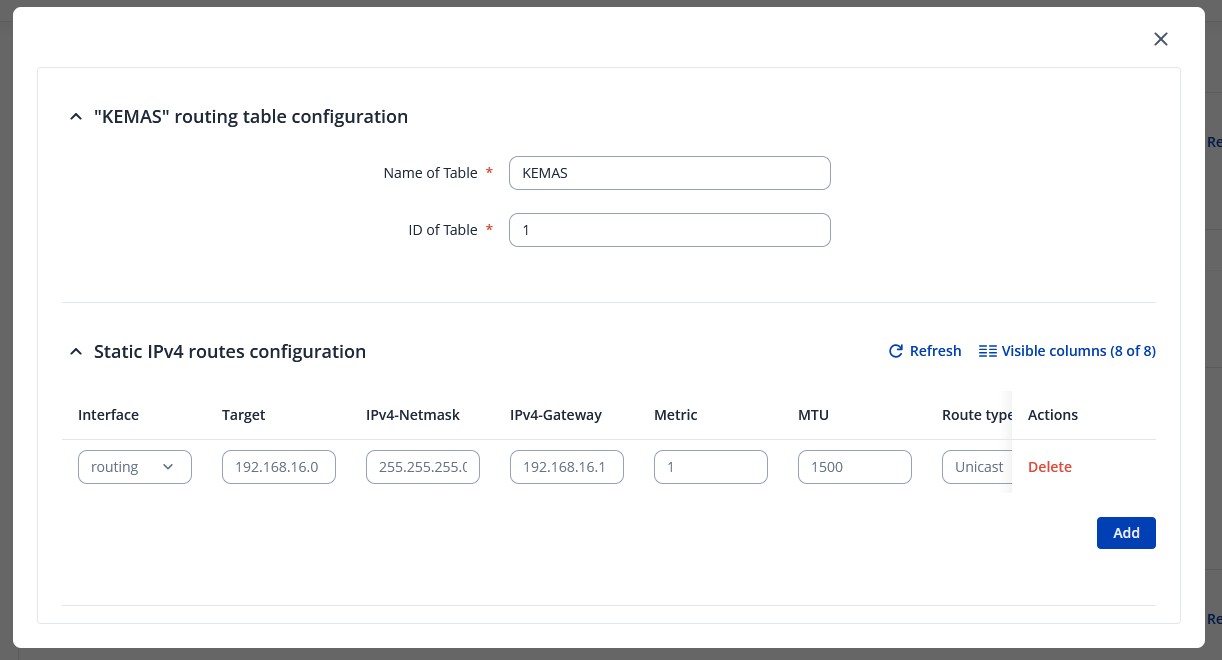
If that’s the case, you’ll need to create two separate routing tables, which can be set up using Policy Based Routing (PBR) under Network → Routing → PBR. Previously configured static routes should be ignored and removed, as PBR will take precedence for specific traffic flows.
It would be useful to review our wiki guide on traffic splitting through multiple interfaces to better understand how PBR works, as well as similar forum threads discussing this setup:
If you experience difficulties setting up PBR, please feel free to share your current configurations and describe how you want the traffic between tunnels to be split.
thanks for your reply. Still I don’t get what I have to do.
I set up two routing tables. But how do I build the IPSec Routing? For the wireguard table is taking the config of the static route. But how should I build the IPSEC?