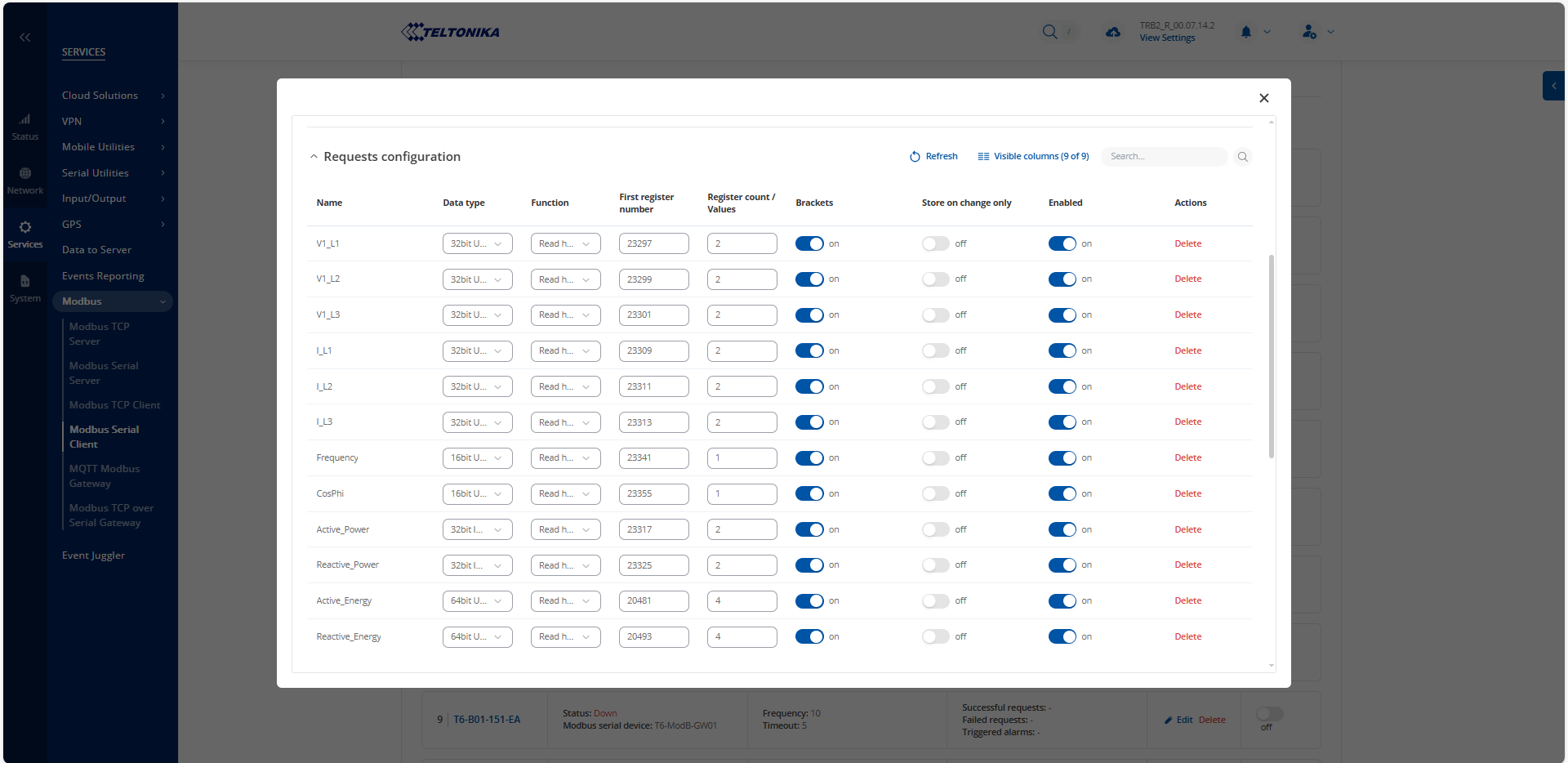
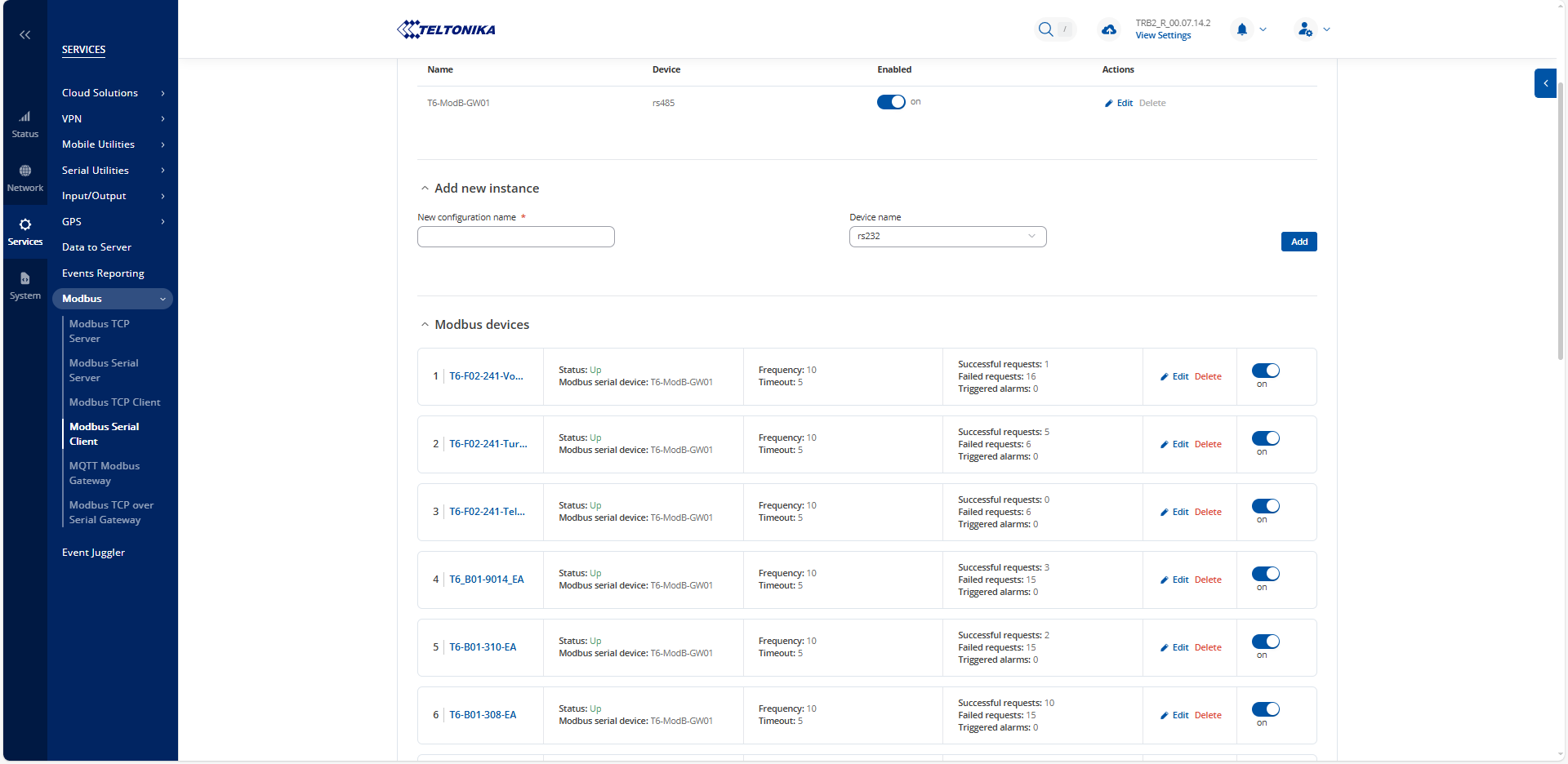
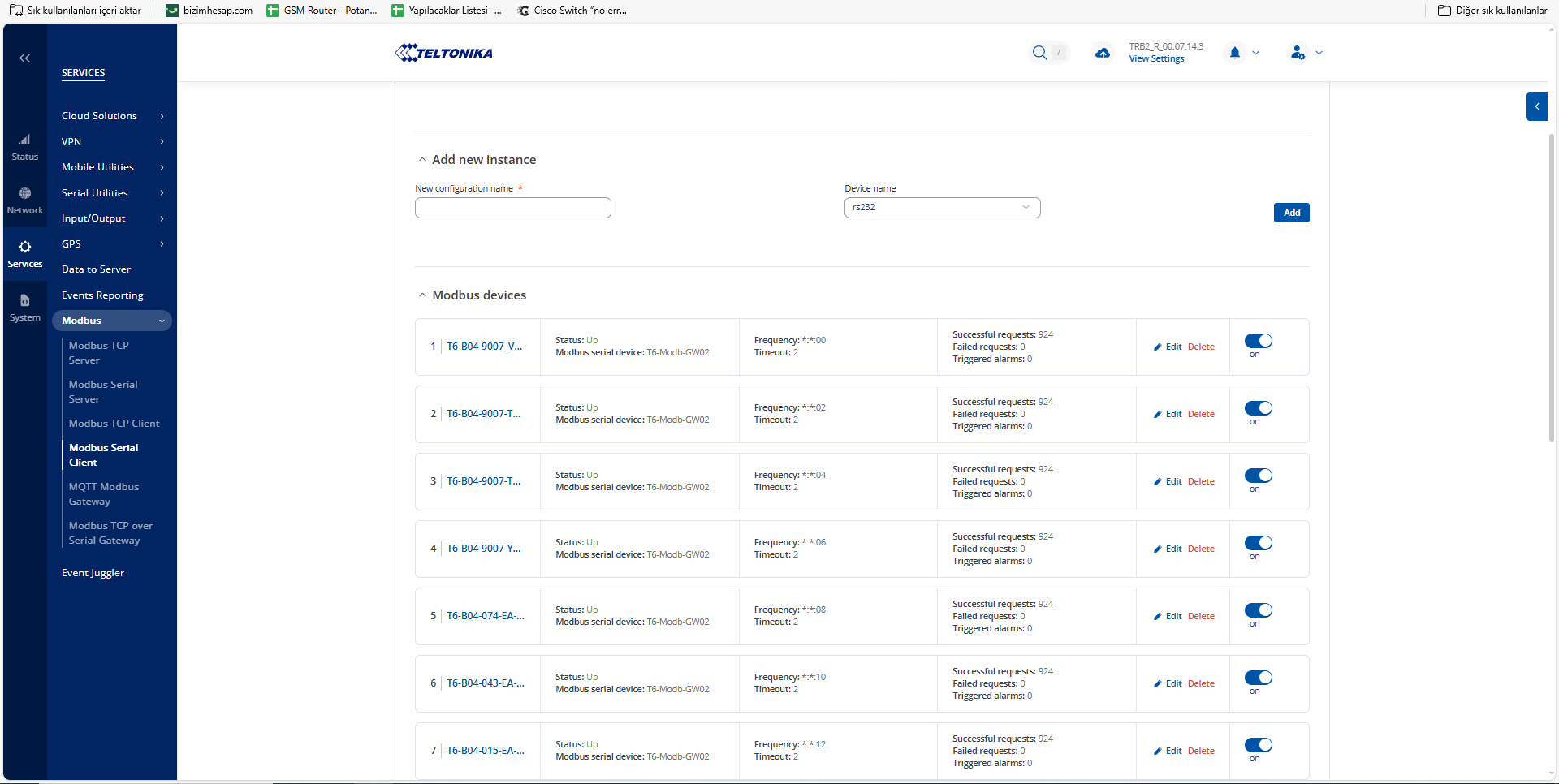
We are using a total of 18 TRB245s in a project. The devices have the current 7.14.2 software. Within the scope of the project, we collect data from modbus energy analyzers and send them to a platform with MQTT. We need to receive data from 18 analyzers in some places and 25 analyzers in some places per TRB245, but we are experiencing some problems as follows.
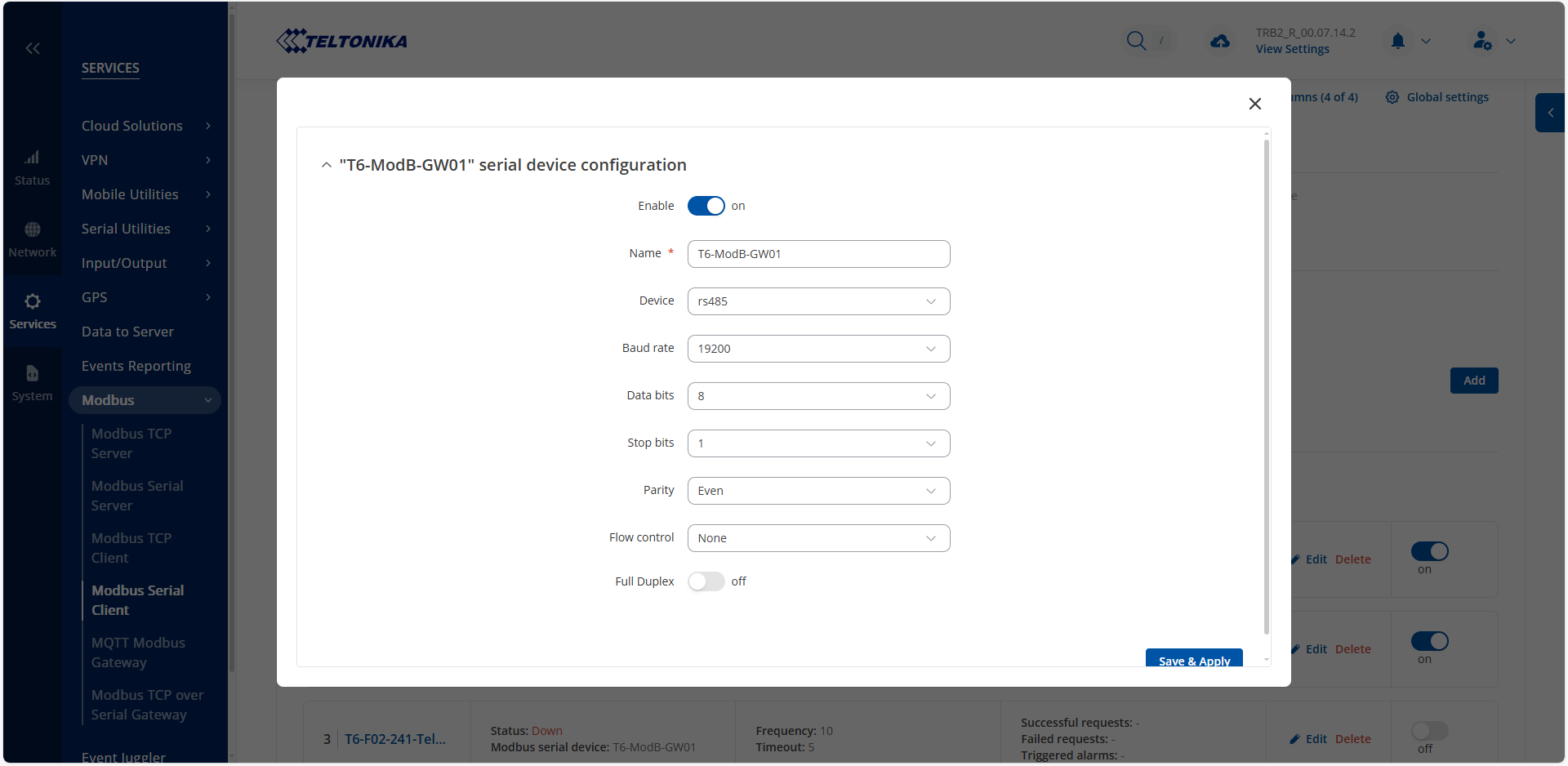
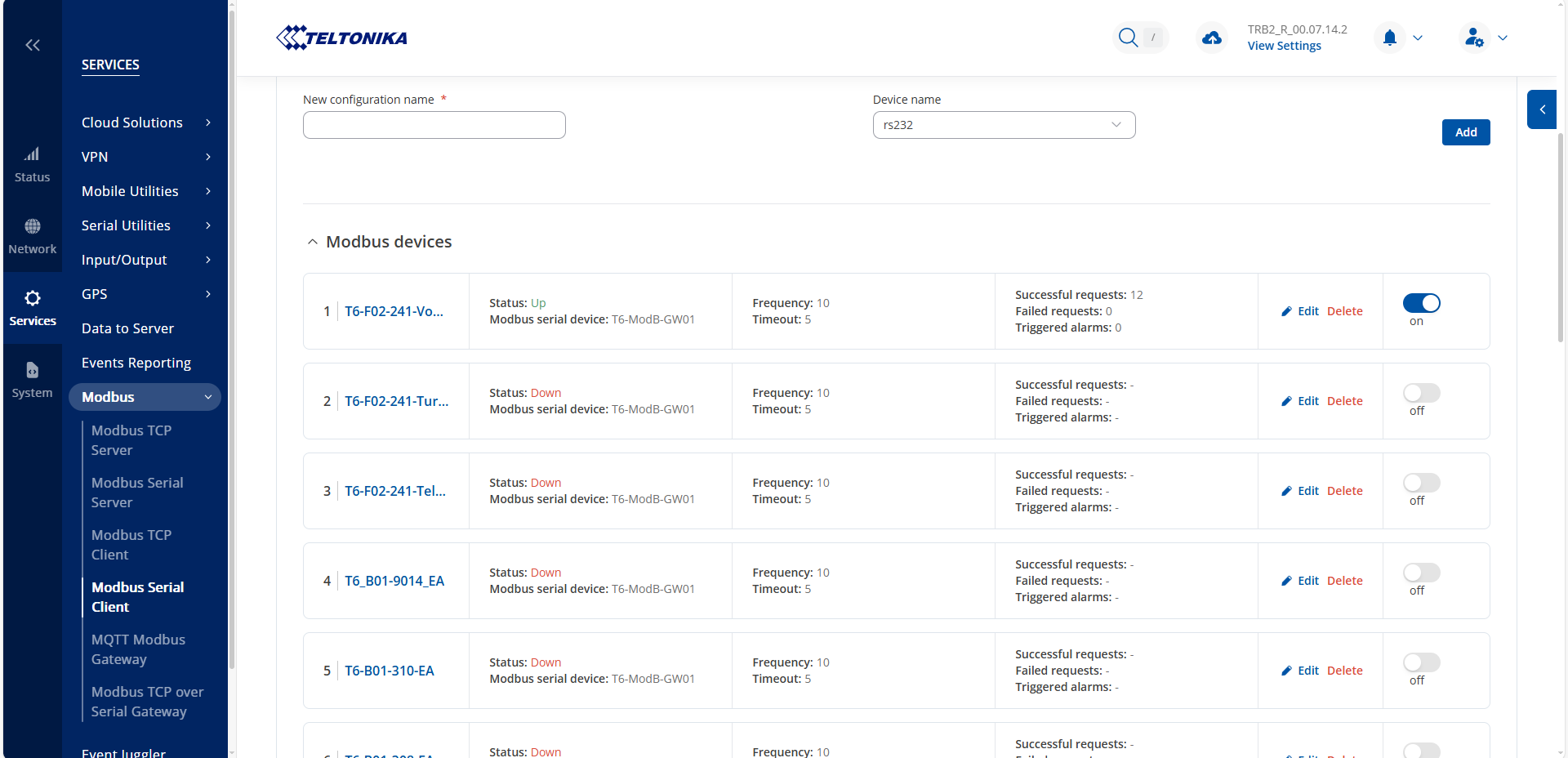
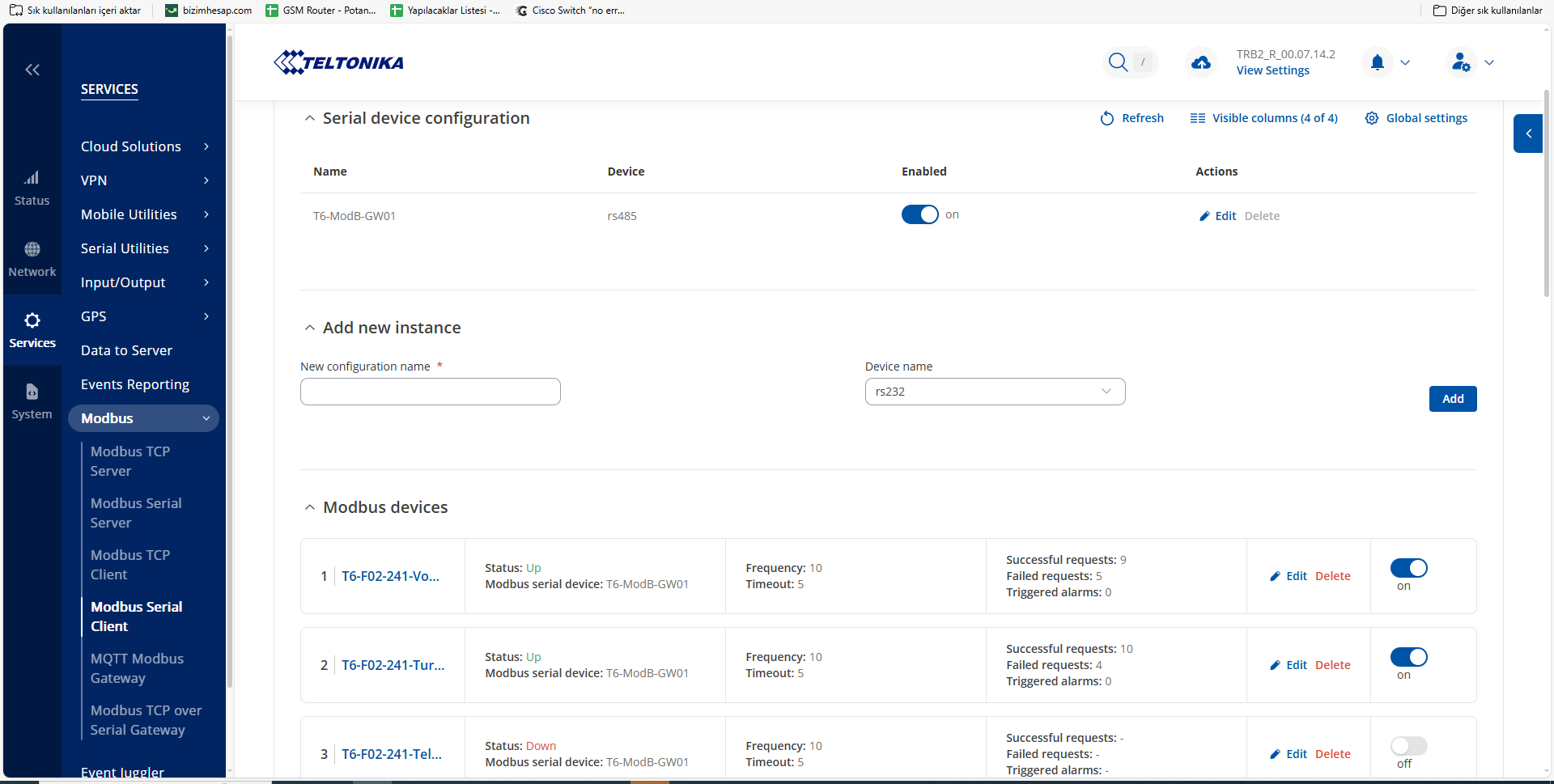
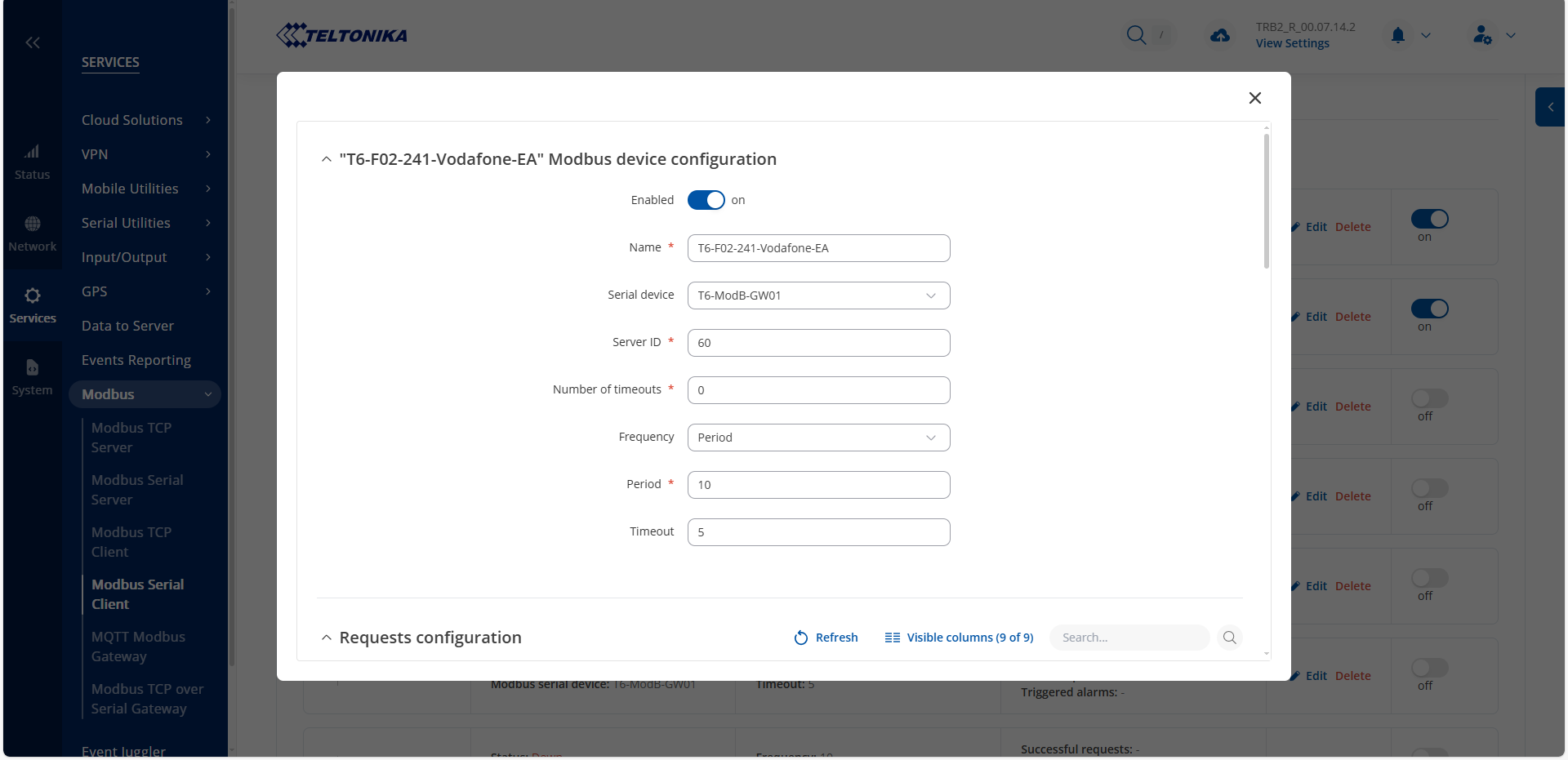
In the Modbus serial client configuration, if one analyzer is active, we can read without losing data, but when two analyzers are active, performance decreases. In the configuration, we receive data from one analyzer at 12 register addresses. You can see the screenshots below. For example, when this number increases to 18 analyzers, performance drops significantly.
How many analyzers and how much data can we get into a TRB245? Is there any extra configuration we need to do?
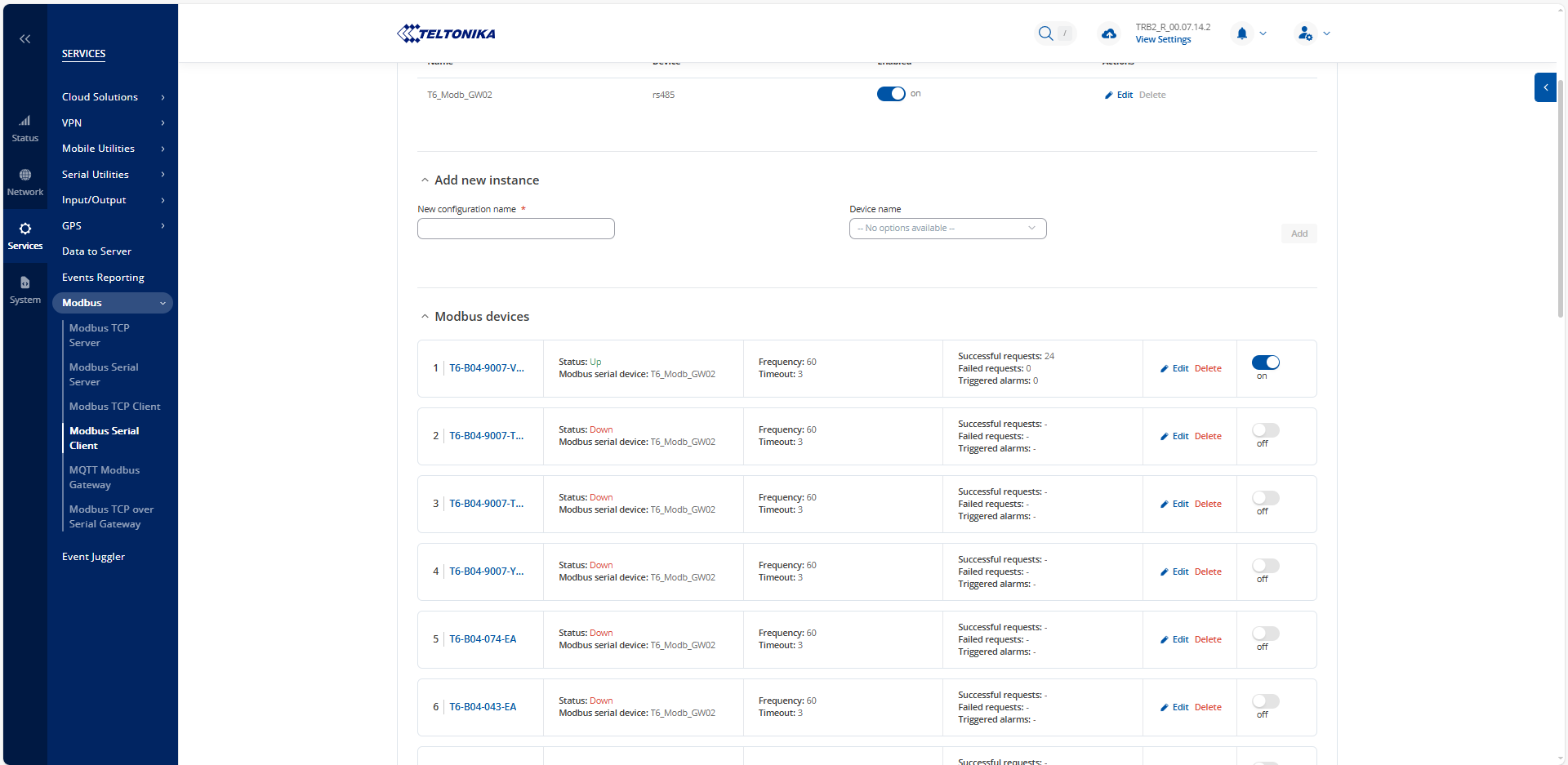
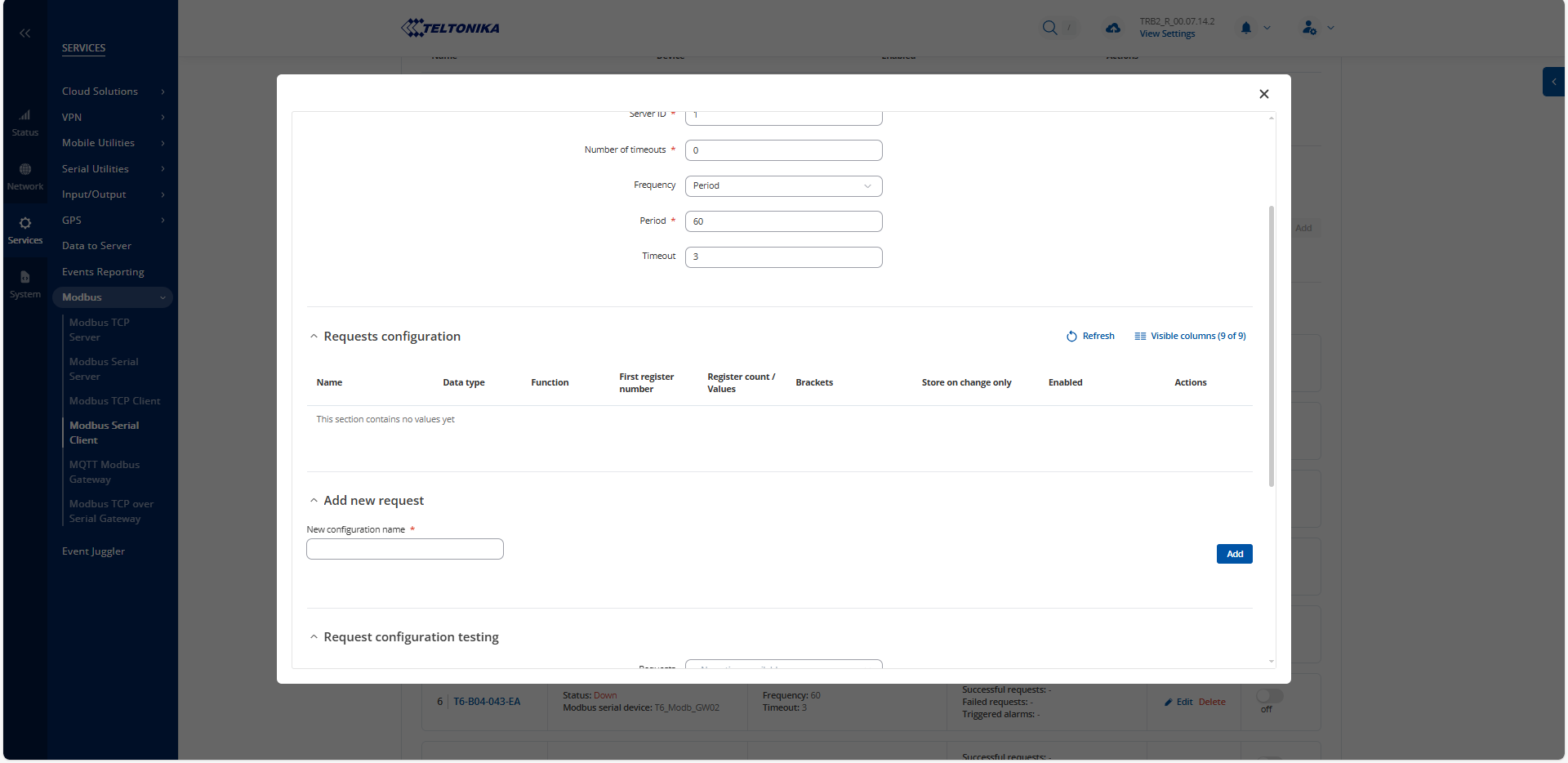
Another problem is that 23 analyzers are connected to a TRB245 and as you can see below, although the register addresses have been added, they do not appear on the interface but continue to read. What causes this?
Thank you for the detailed description of the issue.
As a first step, I kindly ask you to update your device to firmware version7.14.3.
When performing the update, please follow the instructions provided here: Important Note About Firmware Update.
After the update, please let me know if the issue persists so we can proceed further.
There is no change in the problems we are experiencing. How many modbus devices can be connected to TRB245? How many register addresses can be read from the connected modbus devices?
I have sent you a form to fill out. Once it’s completed, I will contact you privately regarding this issue. Please use “14166” ticket ID for reference.
We fixed the reading performance problem I mentioned in the first item of the first e-mail I sent.
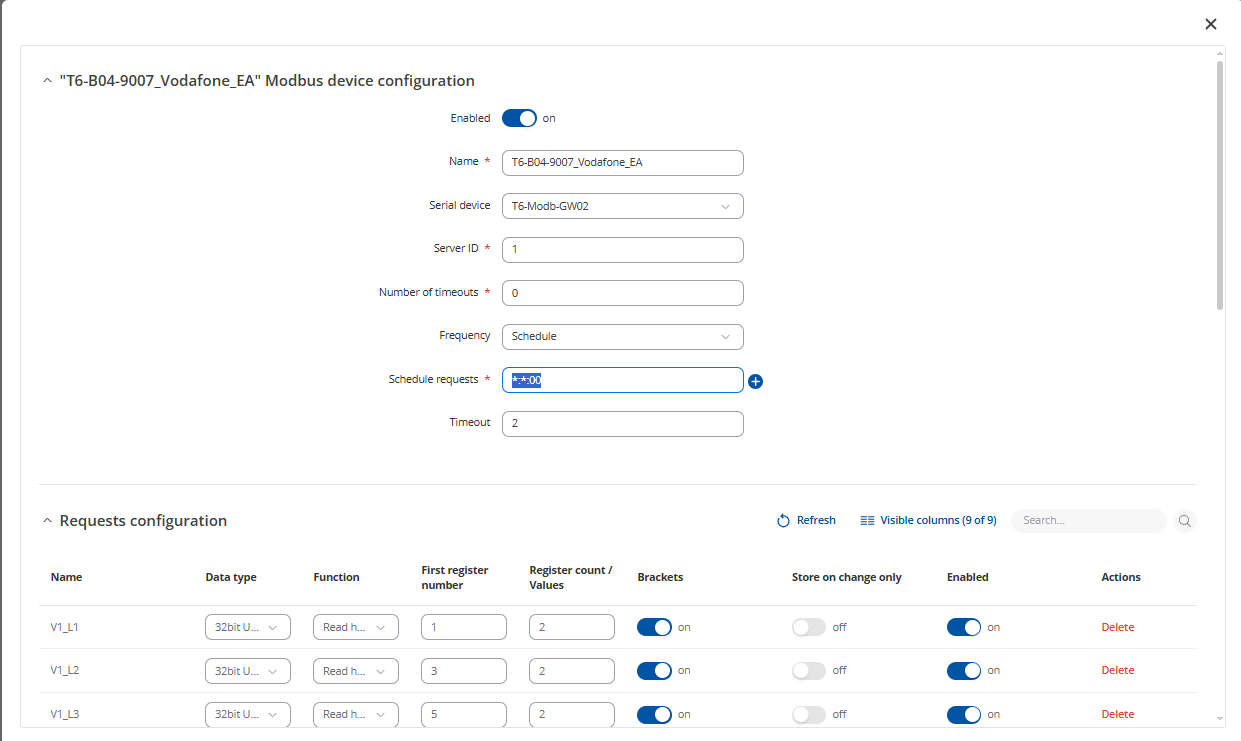
The reason for the problem is that TRB245 tries to send the query to all devices at the same time. When it tries to read 18 analyzers, there is naturally a decrease in performance. To fix this, when we set a schedule instead of reading the slave devices at certain periods, it started reading the attached devices in order, no data loss occurred. The schedule was adjusted by incrementing two seconds from bottom to top. You can see below.
Thank you for confirming that the reading issue has been resolved, and for sharing the solution.
Could you please confirm whether you are still experiencing the issue where register addresses are added but do not appear in the interface, even though they continue to be read?
Hello again,
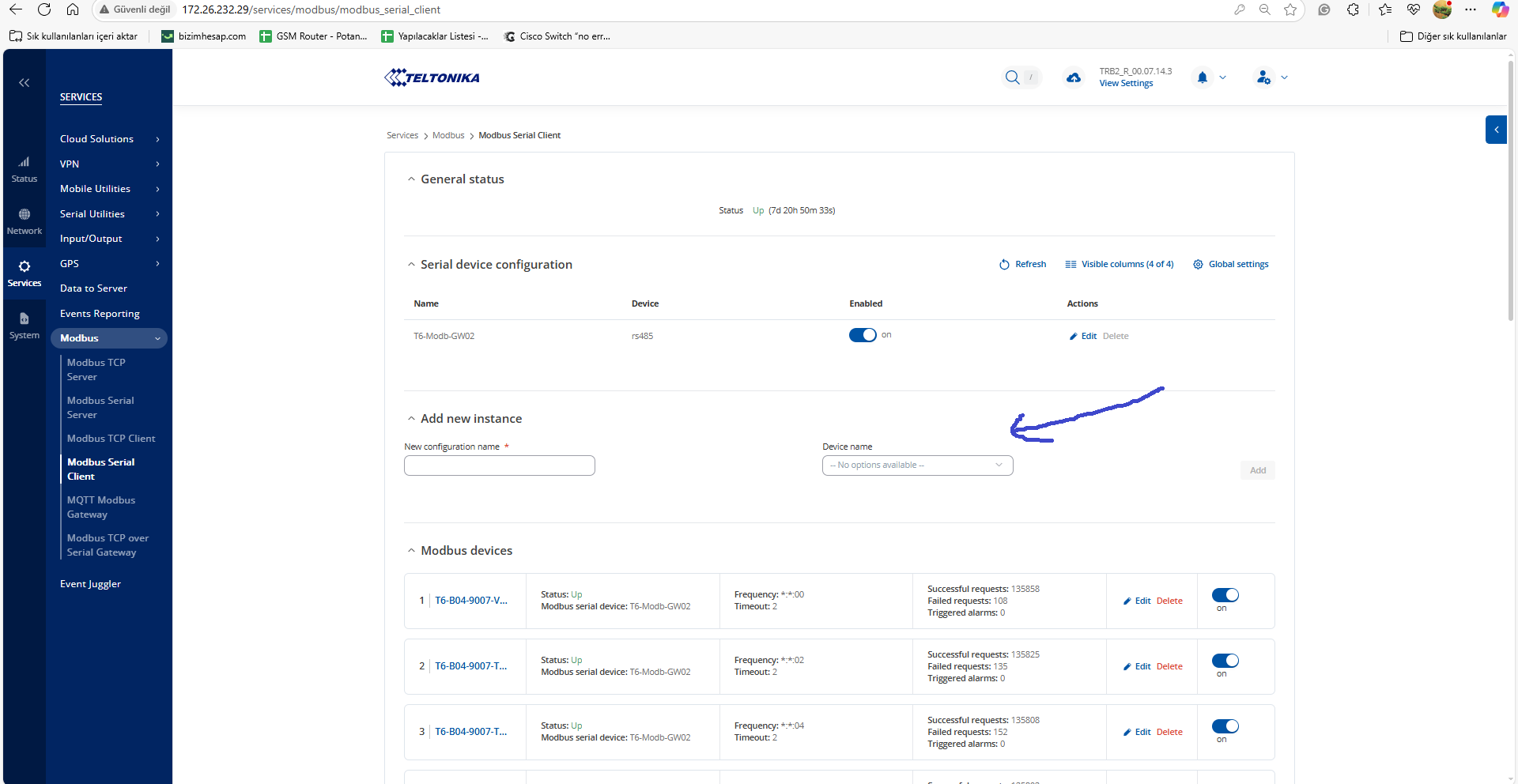
I just noticed this situation; the device path disappears where I showed with the arrow below. It seems like it can’t find the device but it continues to read.
Thank you for the additional information. I have sent you a form to fill out—once it’s completed, I will contact you privately regarding this issue. Please use Ticket ID “14166” as a reference.