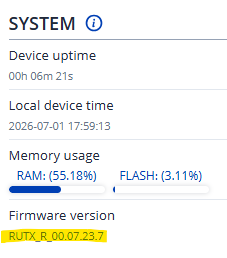
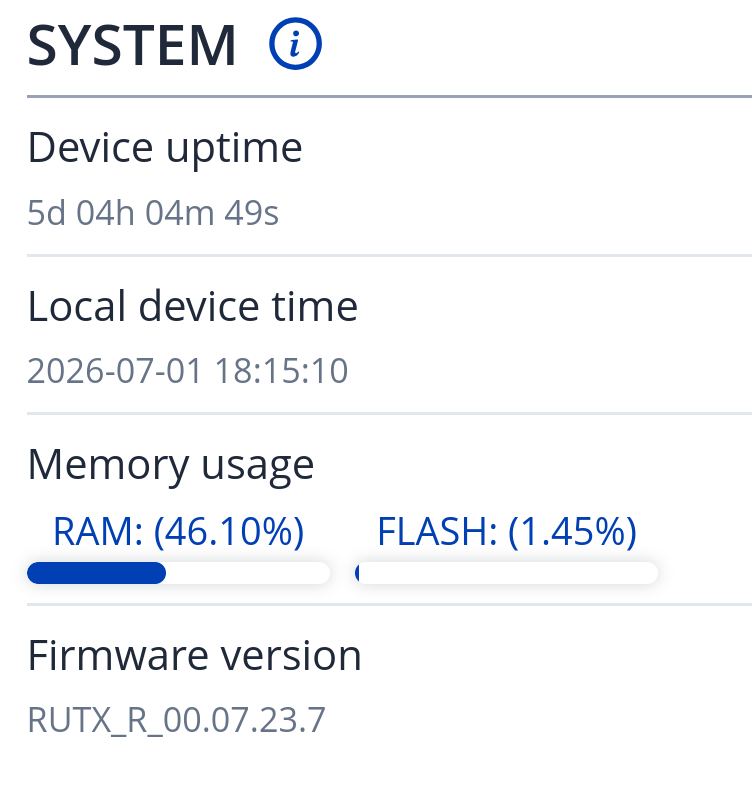
It segfaults and no configuration can do anything about it. It’s pretty obvious this is a software regression given it segfaults, if software was operating normally it would not segfault but just report what the problem is.
I’m expierincing exactly the same on RUTX50 with firmware RUTX_R_00.07.22.3 while the CLI used to work just fine earlier with this version. I know I’m running on older firmware but was satisfied with functionality so why “fix if it aint broken?”.
Thanks for taking the time to reply but, sorry, there is always someone on this forum with this exact advise. Sadly it seldom solves anything and if you are out of luck you run into some new bug. But ok, to an extend you are right; I should upgrade because not a single company gives support if not up-to date. Next reply is often to reset to factory default and start over. This is my second Teltonika router and it is always the same song. If in the end it still doesn’t work, and if you are lucky, support will ask for logs and the waiting game starts…
Its mostly me. I tell everyone exact same thing because it always works unless its a real hardware issue. And that is extremely rare.
No. It doesnt matter if you flash the latest version or the older one. Its the process that matters.
Its how its done. No vendor can give you magic solution right away. Teltonika routers are complex devices and you need to rule out many things before you actually start troubleshooting. I understand frustration. I had my share of hair pulling with some other vendors. Believe me.
Getting to version 07.23.7 by updating from web gui is not the same as flashing 07.23.7 from boot loader mode. This is the part that many people fail to understand and they always reply with “but im already running latest stable firmware”. The point is, it doesnt matter. Reflashing from boot loader mode with exact same version solves many problems.
The need to reflash via bootloader is in my opinion a really bad bug.
But I will keep silent now because it is not my topic and I don’t have a real need for a working CLI because I mostly use SSH (PuTTY) anyway and that is working fine, even via ZeroTier VPN remotely.
I agree. But for people that dont want to wait and go through a long back and forth support process, and they need quick solution, this method helps. It helped me when i bought my device. Instead of starting new thread, i used forum search. Someone mentioned flashing from boot loader mode, i did it, and i never had issues since then. Quick easy fix.
There’s no way to properly flash the device with latest firmware from SSH/UI without using bootloader mode?
I have a tool that factory resets a device (calls “firstboot” over SSH), wait for it to come back up, then runs “sysupgrade -n /tmp/firmware.bin”.
From what you’re telling me this is still not enough and I should tell the operator to put it in boot loader mode, then automatize the firmware upgrade through the bootloader web interface?
I guess there’s no way to tell it “reboot in bootloader mode”.
This has to be done locally because once device is in boot loader mode, there are no DHCP services running on it. It has a manually assigned IP address and you need to set your client IP address manually as well. Once you do that, you access special web interface that only has browse button that allows you to select firmware BIN file and start the flashing process. All of this can not be done remotely. You need local access to the device and the client that performs the flashing process. See here for more details.
I think TRB500 doesnt have boot loader mode. Its only on RUT9xx, RUT2xx and RUTXxx devices. Someone correct me if im wrong. For devices that do have it, its always static ip 192.168.1.1 which is hard coded in boot loader and completely independent on what you have set in your device manually.
Via what IP/interface are you accessing the WebUI? (Public/private/VPN/RMS)
Are you able to use SSH to access the CLI?
If you are using a public IP to access the WebUI, have you tried a private one and vice versa?
We will do our best to investigate this issue, and for that, we need as much information as we can gather to find the root cause.
For anyone else experiencing the same issue, please feel free to answer the above-provided questions to help us diagnose this matter accurately.
Lastly, we were able to recreate the issue on our side; however, it was resolved by using bootloader mode. If possible, please do so on your devices as well and let us know if it helps.
@anon13159616 thank you for confirmation that flashing from boot loader mode solves the issue. My questions is, are there any plans on your side to make firmware update process more reliable ?
I can confirm the same bug on a CAP700 (ALTOS), firmware CAP7_R_00.07.24 — uhttpd dies with a segmentation fault on every CLI session continuation request (session creation itself succeeds), which the browser reports as “Session closed”. So the issue is not RUTX-specific. Full diagnosis with a deterministic curl reproducer and crash signature here: CAP700 (ALTOS) WebUI CLI "Session closed"-uhttpd segfault on session continuation (same bug as RUTX50 CLI Broken)