I have a new RUTX11 running firmware RUTX_R_00.07.21 and the speedtest seems to have several issues. The first and most obvious is that when launching it (System / Maintenance / Speed Test), it reports “Cannot retrieve server list”.
Trying it via a SSH session does the same thing:
admin@RUTX11:~$ speedtest
This speedtest can use up a lot of internet data. Do you want to continue?(y/n) y
Finding closest server..
Error: Could not get the server list.
Service is provisioned and otherwise working on both the WAN port and the cellular interface (SIM 1; no SIM installed in SIM 2).
In case it is trying to find a nearby speedtest server from GPS, I do have an accurate GPS fix and my location is shown on the device’s map.
Looking into this in detail, it appears that the RUTX11 firmware thinks there’s an invalid server certificate on speedtest dot net (2 link per post rule) - If I try to fetch the list the same way the /usr/bin/speedtest script does, I get:
If I manually download the file and put it in /tmp/serverlist.json (making sure to “chown speedtest:speedtest serverlist.json” and “chmod 666 serverlist.json” after), I end up with a fully-populated list of potential speedtest servers and can perform a speed test. So it looks like there’s a certificate management problem in the RUTX11. Note that I have my own SSL certificate and private key installed, but those are working find and should have no relevance for connecting to external sites.
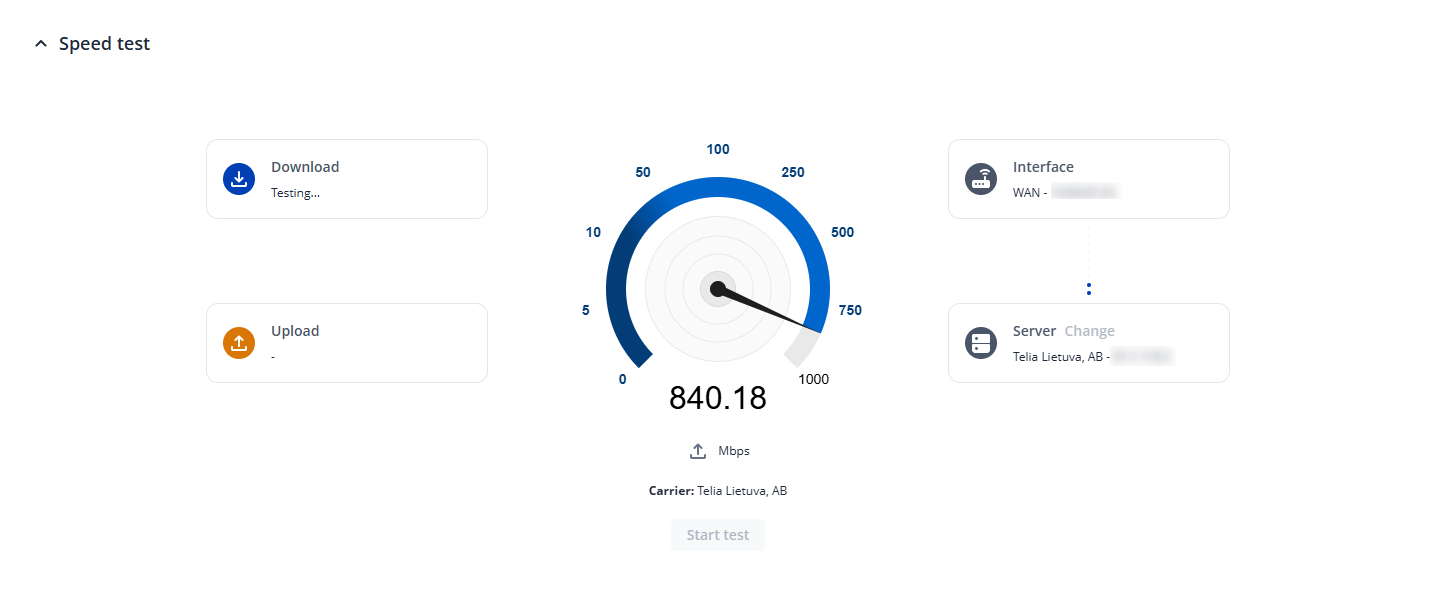
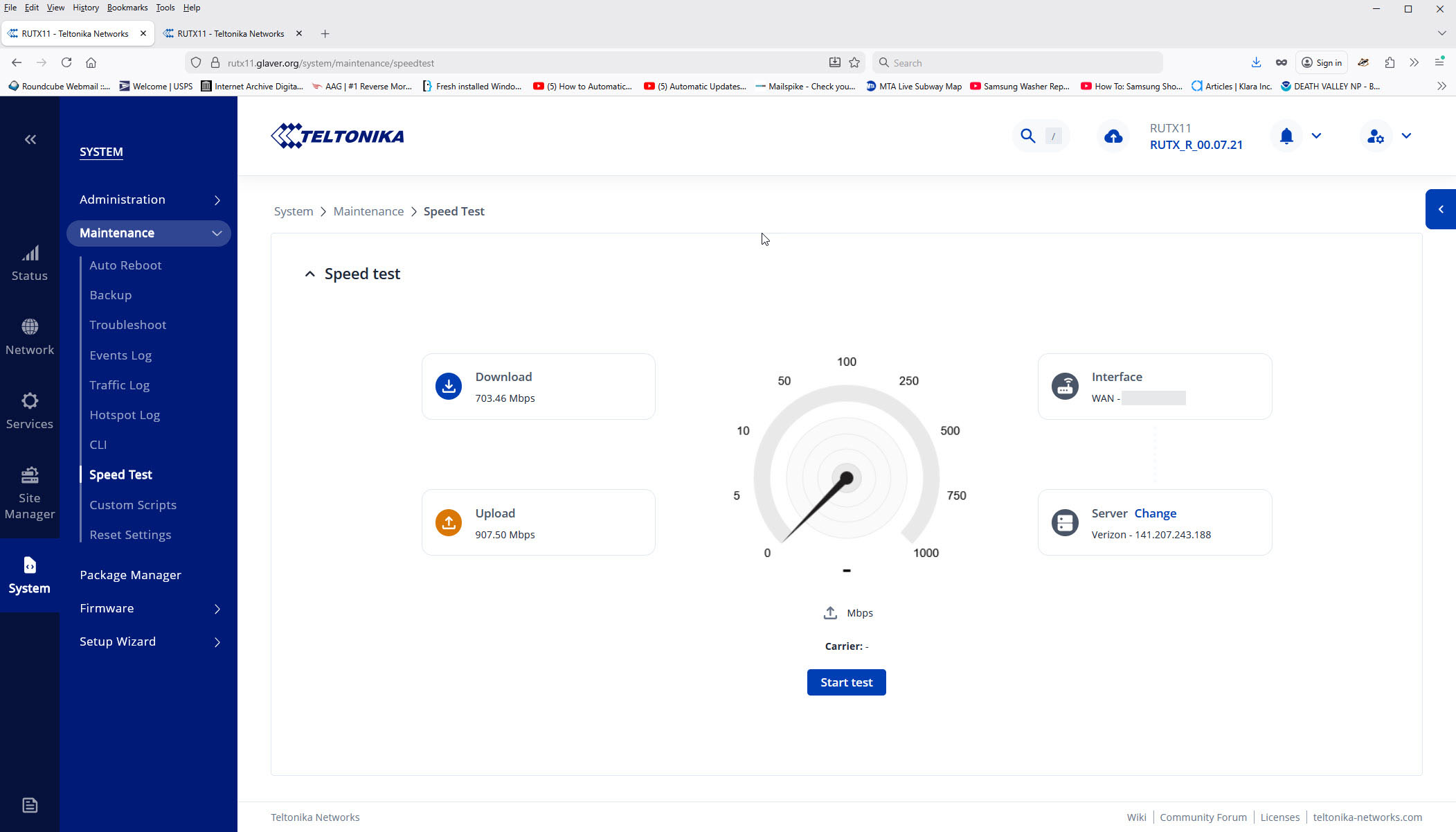
The second issue is that the speed test page only offers to let me perform a speed test on the WAN interface and not on the cellular interface (I think - the page says “Interface: WAN” on the right, but under the speed dial it says “Carrier: -”.
I can see that you’re logged in with the username “admin” instead of “root” - could you please login with the correct username (the password is the same as the WebUI) password and retry?
The web UI claims my password is incorrect for root, despite being able to login via ssh. In fact, Administration / User Settings / System Users does not show a “root” user at all.
Also, as I demonstrated in my original post, the issue appears to be a certificate management problem with the speedest.net server certificate.
This also does not address the issue of how to perform a speedtest on mobile (vs. the only option, “WAN”, nor why the text below the gauge says “Carrier:-”
You misunderstood, when logging into the SSH you should use the username root, not when logging into the WebUI.
For WebUI, the username is always going to be admin
For SSH/CLI, the username is always going to be root
Passwords for both of these are identical.
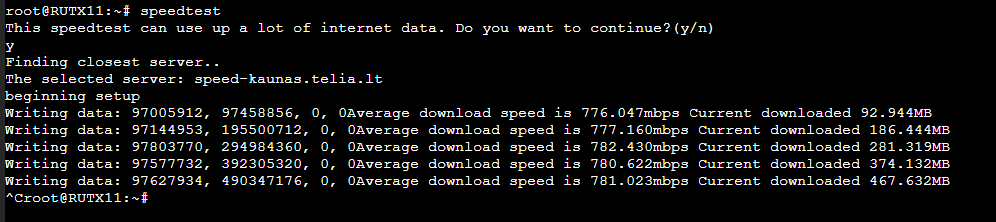
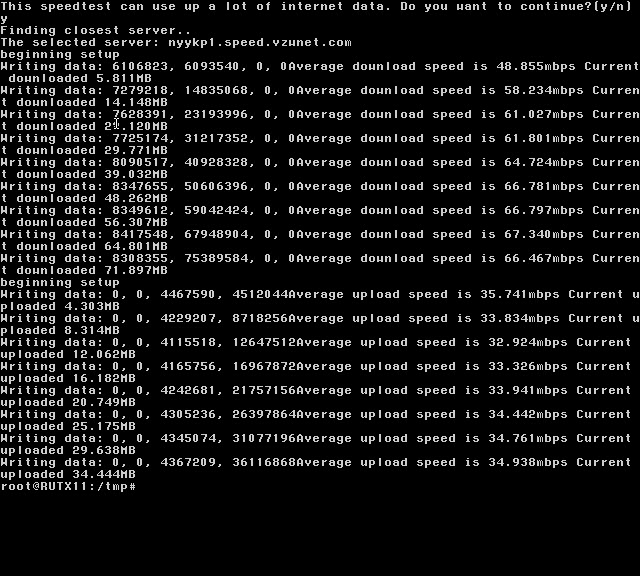
Now, regarding your tests with the speedtest, you’re not exactly doing one as you’re just downloading a file from the speedtest website. Instead, you should use the speedtest package we provide under the System → Package Manager and use the command speedtest in the SSH, or alternatively, use the Speedtest section under System → Maintenance → Speedtest:
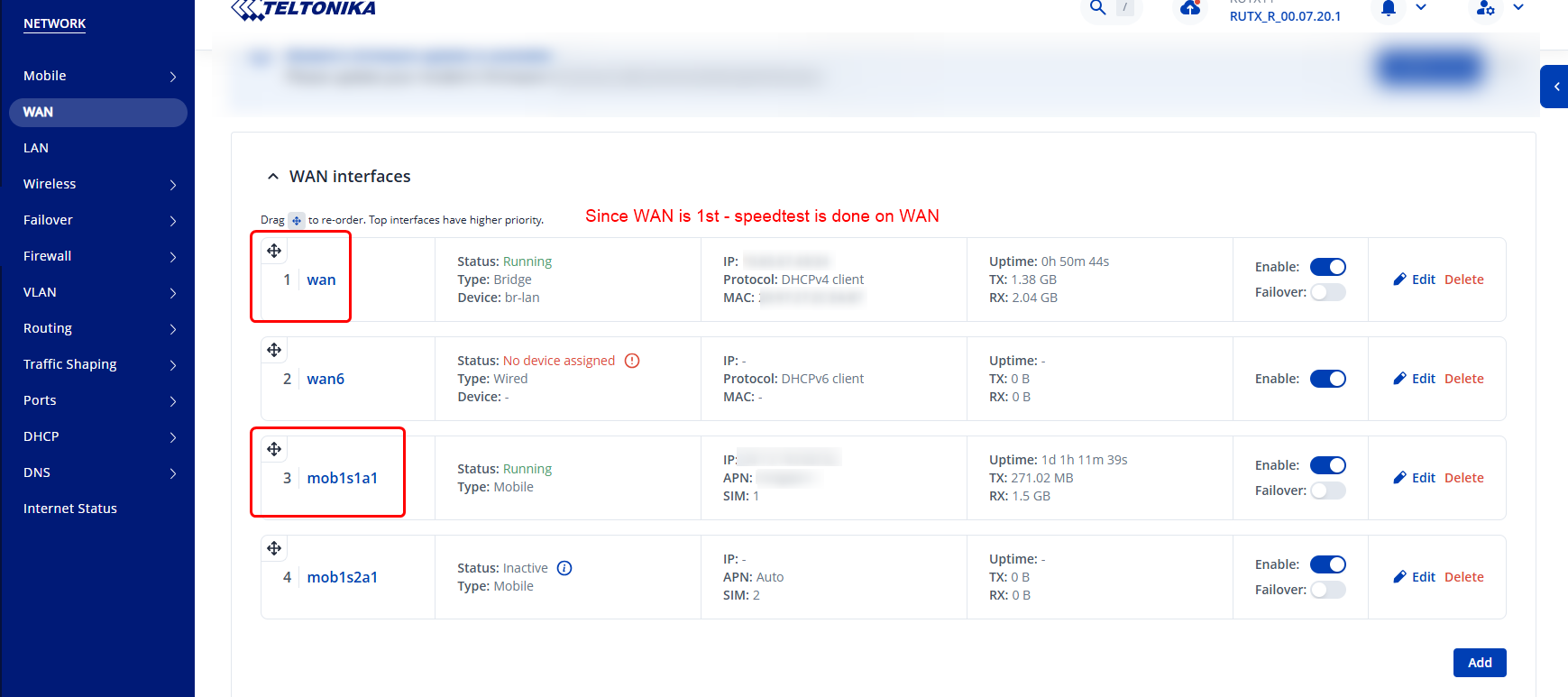
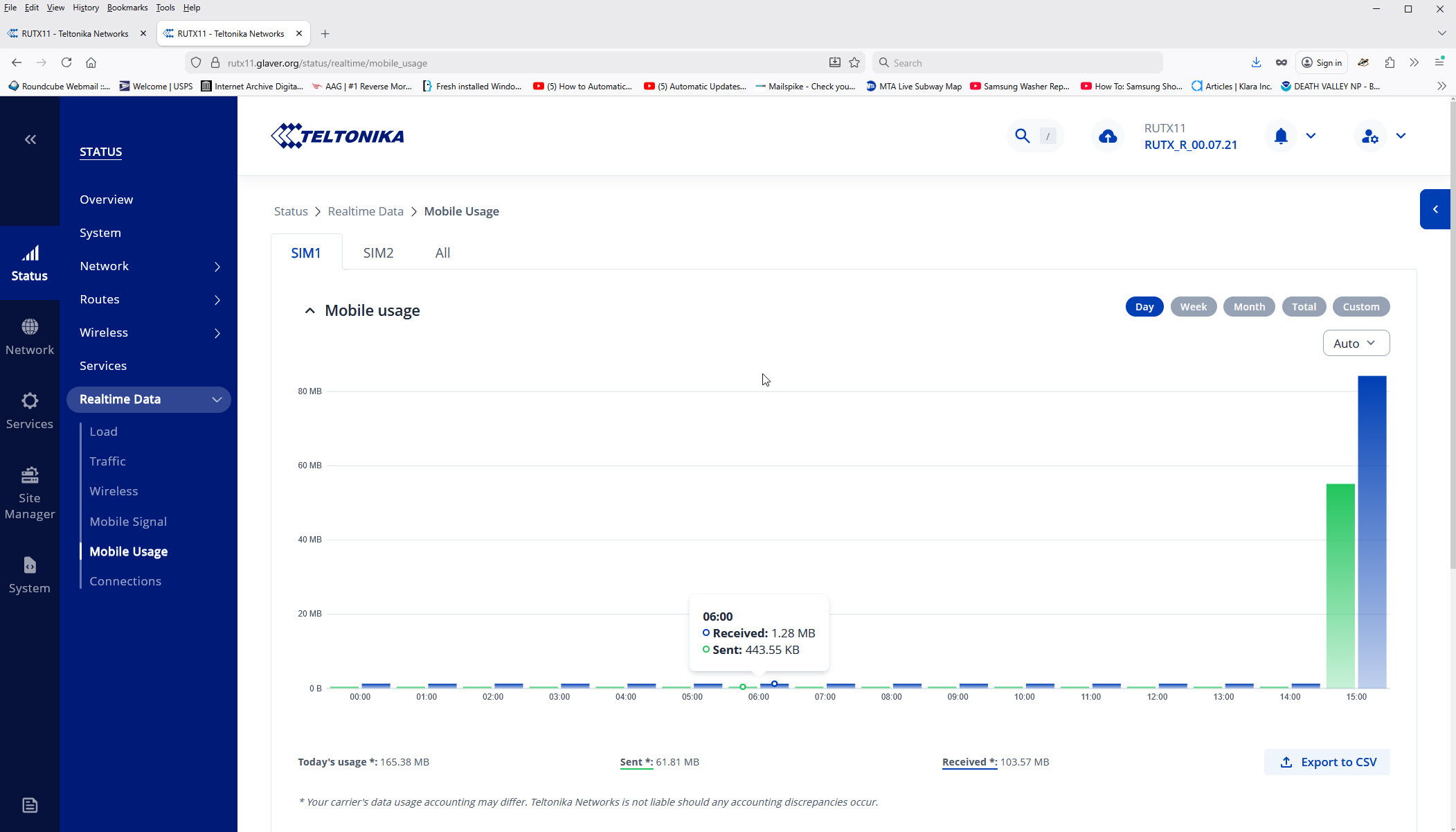
So, we have a bug where the CLI is testing using mobile data and the web UI is testing using the WAN network port.
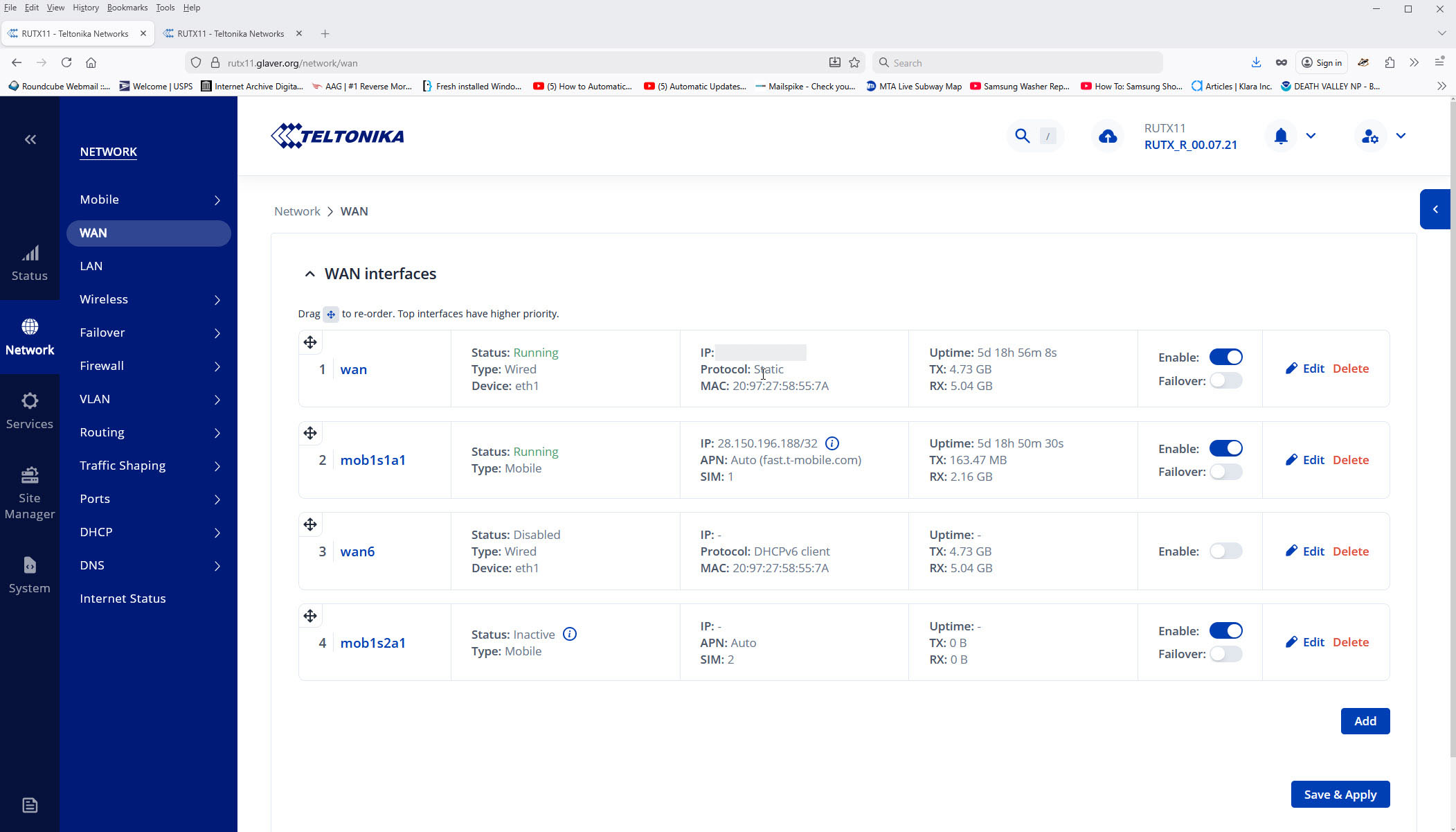
I would also suggest an enhancement so that both the CLI and the WEB UI allow a choice of testing on any of the enabled interfaces (WAN, Mobile SIM 1, WAN IPv6, and Mobile SIM 2 in my case).
As far as the original “Cannot retrieve server list” issue, that seems to have fixed itself. Perhaps the speedtest host the RUTX11 fetches the server list from had a temporary certificate issue.
I would change the title of this topic to something like “CLI and web UI speedtest using different interfaces”, but I don’t seem to be able to do that.
Just chiming in - I see you have IPv6 address assigned to your mobile interface as well, and most applications prefer IPv6 over IPv4. If you don’t have IPv6 on wired wan, I’d suggest changing your PDP type on mobile to IPv4 only to avoid confusion, as even if mobile interface has a higher metric (lower priority), it’s IPv6 prefix will still be preferred over wired wan IPv4
I disabled it in the PDP as you suggested. I also changed Network / Internet Status / Configuration to not try to ping an IPv6 address. Hopefully that’s the correct change.
My local ISP (Verizon FiOS) does not support IPv6. It has been “coming soon” for at least five years.
However, I’d like to reiterate that the speedtest (both GUI and CLI) should allow the user to select the WAN, SIM 0 or SIM 1 mobile networks as choices. Just because the mobile failover check passes its ping test doesn’t mean it has the capacity to carry the needed traffic, which speedtest could check.