I purchased an RUTM51 along with a High Gain 4 Way MiMo Antenna to replace the ZTE router I use on my narrowboat. It promised faster more reliable performance, however that has not been the case.
The service is constantly dropping out and buffering, sometimes it will recover on it’s own, other times I have to reboot the router to restore service. I am using the same Three SIM card that I had in the ZTE router. I was recommended to try an EE SIM which I have done and it makes no difference.
When it fails I usually, not always, get an error in the event log “IPV4 is failing”. Sometime this is followed by “IPV4 is restored”, other times I have to reboot the router.
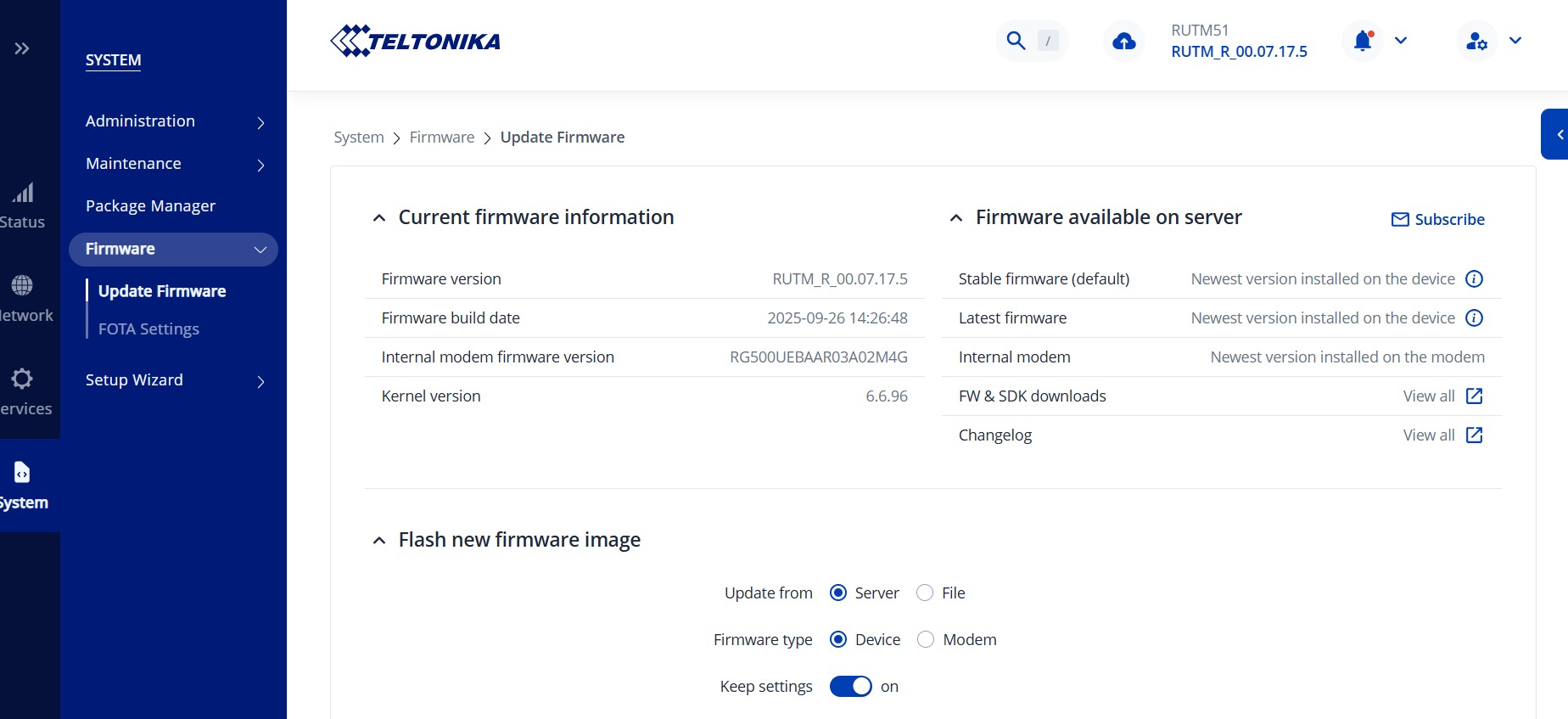
The RUTM51 is running the latest firmware, upgraded only a few days ago.
Worryingly looking at some other posts on here I see I am not the only one experiencing problems with this router.
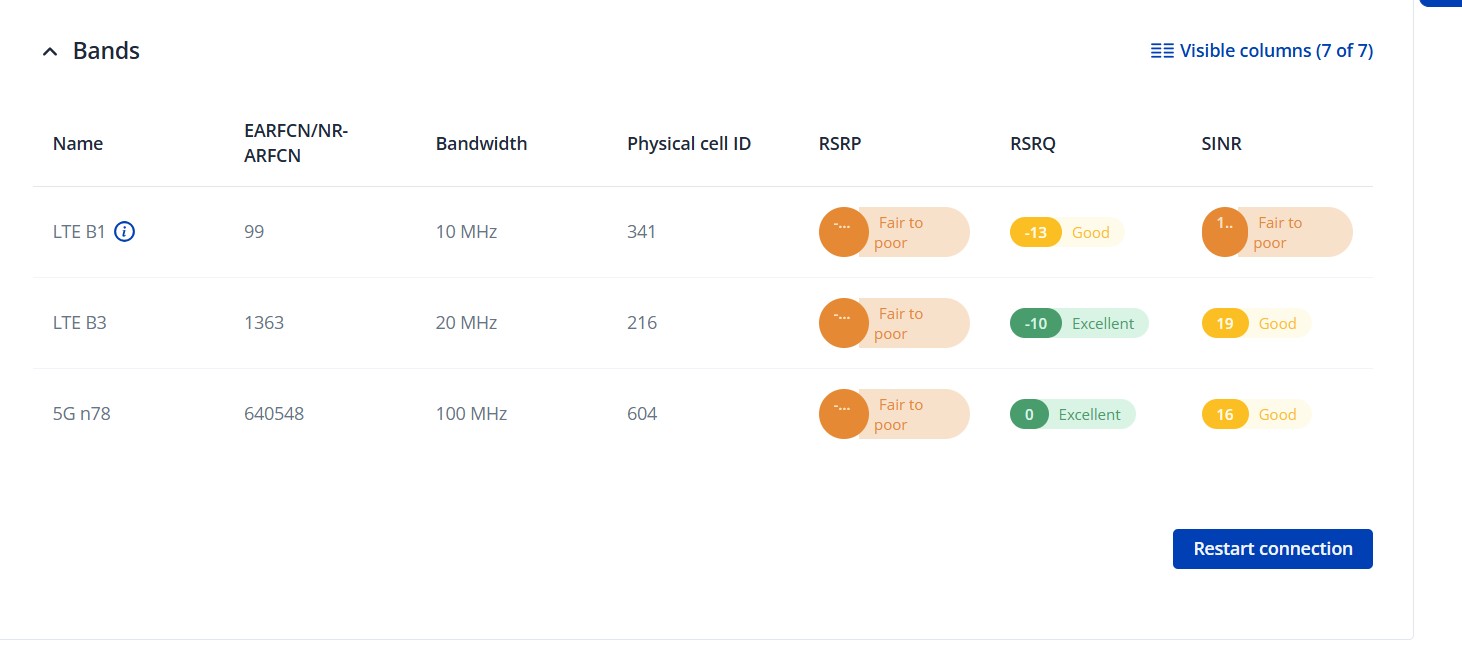
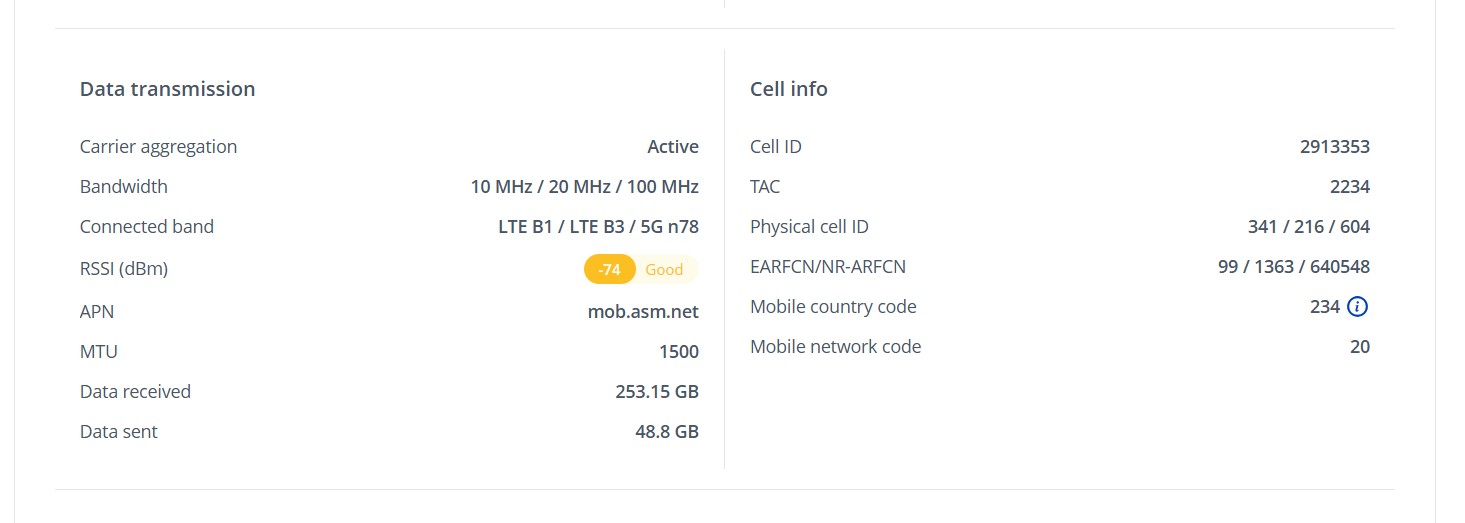
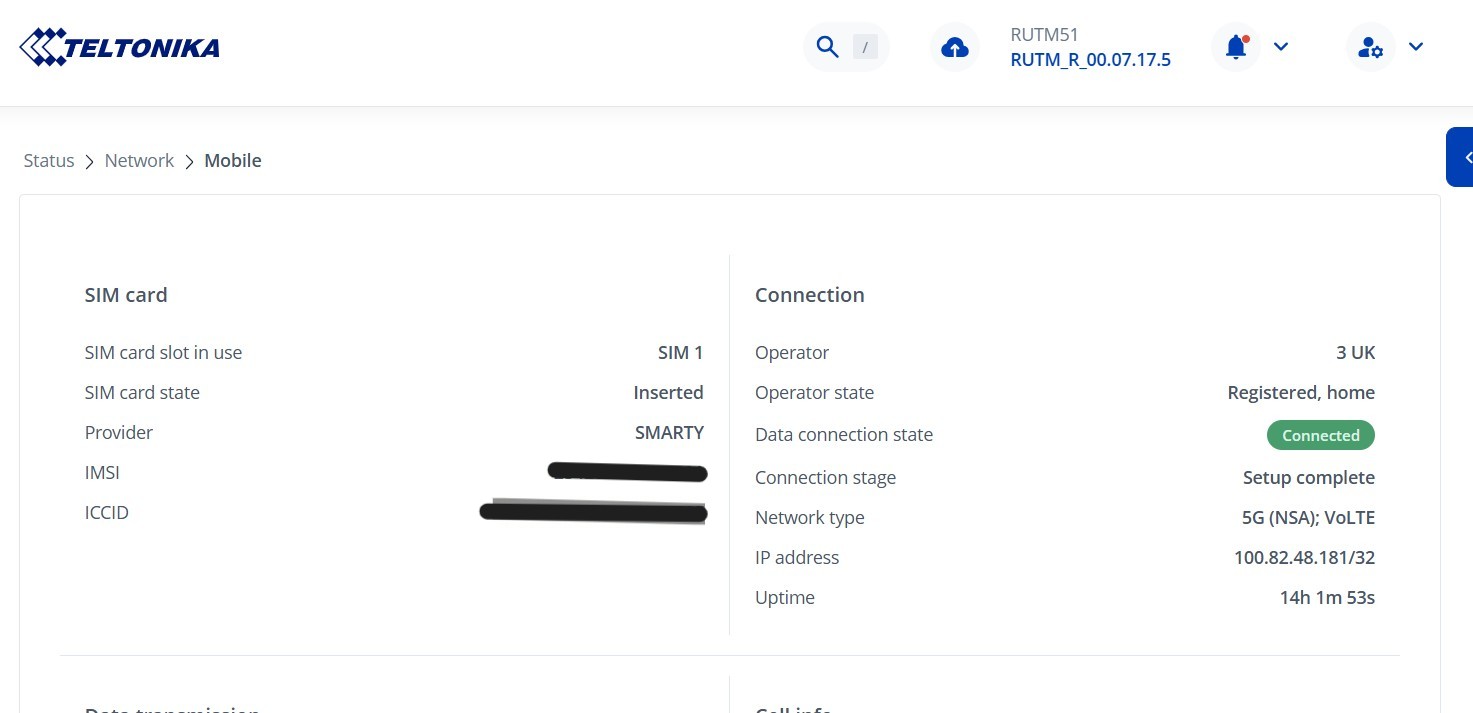
While the issue is present & during normal, and operational times, what signal strengths are you getting? These can be viewed in the device WebUI, under Status → Network → Mobile: RUTM51 Network - Teltonika Networks Wiki
If you’re getting “Poor” signal strengths, speed drops & disconnections are very much bound to happen. The reasons for this can vary depending on the use case, environment, antennas, provider & configuration. I would suggest looking into Band Locking as an option to try locking onto specific bands (just go through them 1 by 1 to see if one of them gives you good results): Band Lock - Teltonika Networks Wiki
Other than that, as mentioned, it is also use case & location dependent, so could you possibly clarify these conditions for your device as well?
As you’ve mentioned this as well, could you kindly tell me what exact firmware version you upgraded to?
The firmware I am running is 7.17.5 see attached screenshot.
I appreciate there will be times when I will get a poor signal level and the service will not be as reliable as I would like it to be. But, I am comparing this to my old ZTE Mifi which had no external antenna and just sat in the boat window. In the same locations I was getting a much better reception than I am now with the RUTM51 with its large external antenna. I did try locking it the band to 4G only on a couple of occasions which did seem to improve the service a little.
I can try the locking the bands but, will this be location specific ? If it is then this is not really practical as the boat is in a different location every day.
Your ZTE MiFi might have automatically connected to a “cleaner” LTE/5G band.
Each area (even within a few hundred meters) can have different tower bands and load conditions. The “best” band changes as you move. You can, however, lock onto multiple bands instead of just 1.
We may try to upgrade your modem firmware (not device firmware), but that’ll require you to set up a wired internet connection to the device since during the process, mobile & wifi will be shut off completely, which could cause the device to brick. If that’s possible, let me know, and I’ll send you a form to fill out so we can continue the conversation in private.
I can try locking to the best bands, if you think that will work for me.
I am also quite happy to try the upgraded modem firmware, especially if you think that will be the best solution. Setting up a wired connection is not a problem. Is this something you have to do remotely, or can I do it myself ? Please send me the form to complete, if you are happy to do this.
I’m more than happy to do it remotely, since we don’t recommend clients doing it themselves (to avoid any possible issues). If you’re able to setup a wired internet connection for your device - great. I’ve sent you the form to fill out, you’ll receive it in your email inbox that you’ve registered your forum account on. In the “ticket ID” field simply fill out the ID of this thread, which is 16031