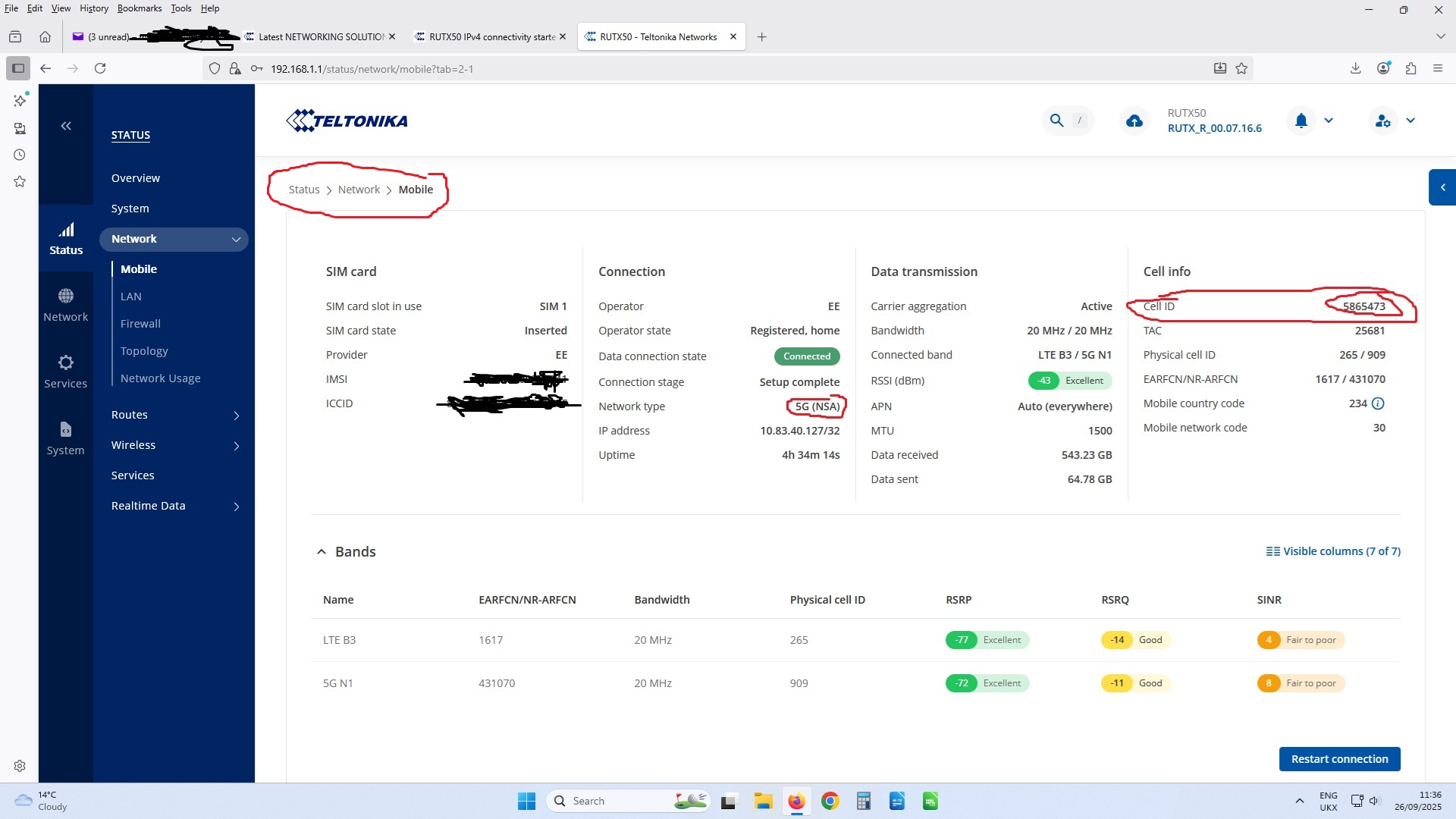
My RUTX50 is now on fw RUTX_R_00.07.16.6 & the modem on RG501QEUAAR12A11M4G
Antenna connection is ok (Poynting XPOL-24) and nothing has changed.
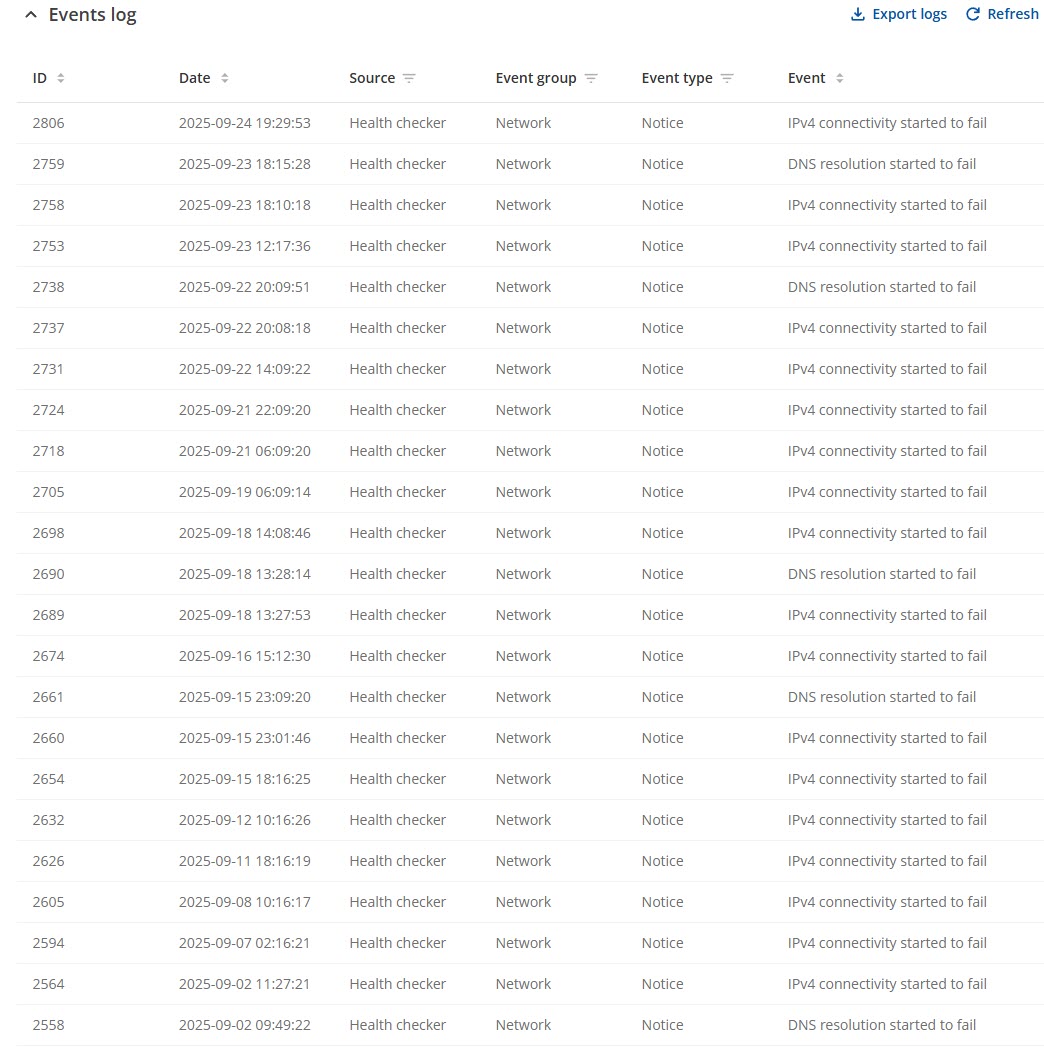
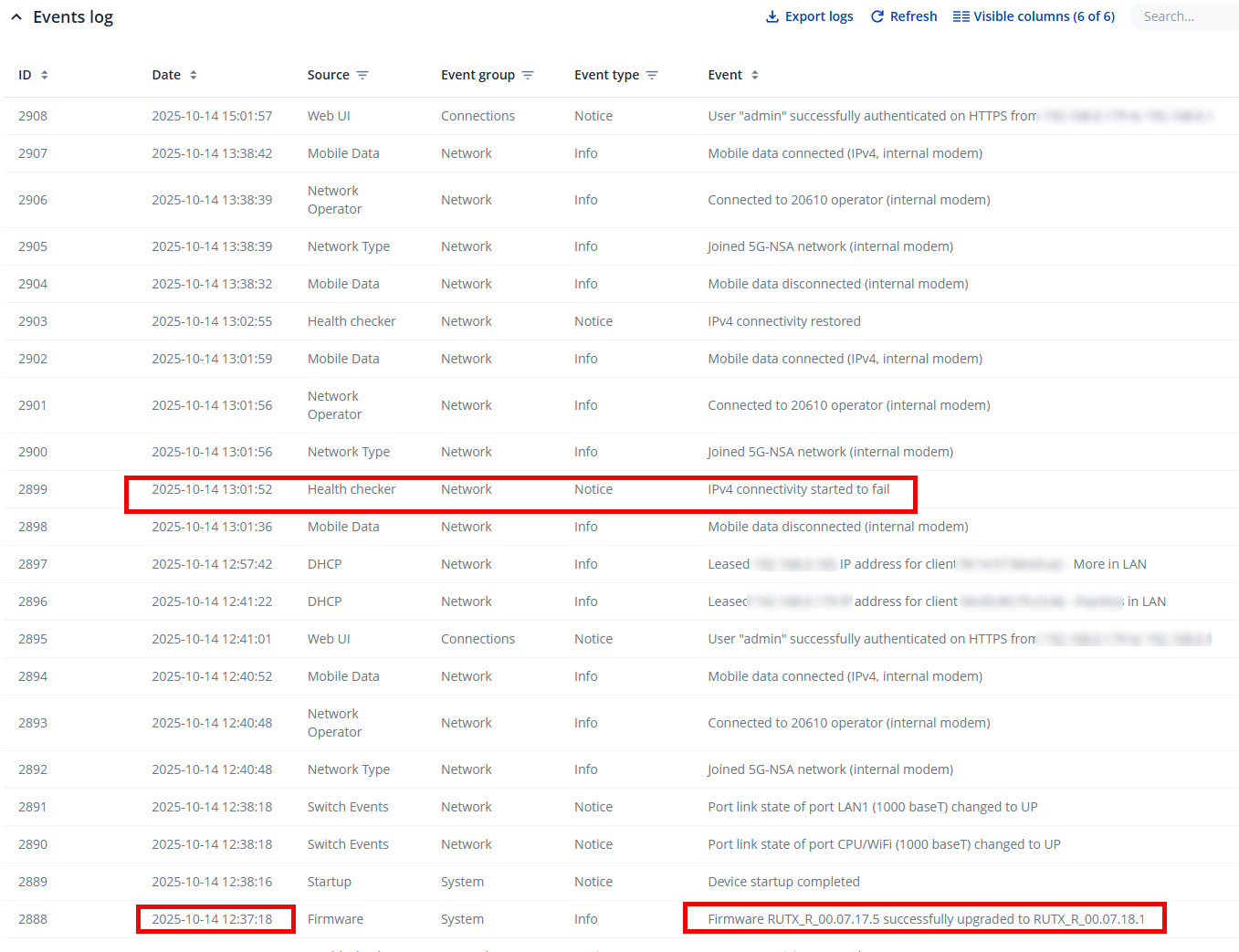
”IPV4 connectivity started to fail” & “DNS resolution started to fail“ shows up in the event logs ever since march 18th 2025. I upgraded from RUTX_R_00.07.11.3 to RUTX_R_00.07.13.1 on march 17th. My logs go back until december 2024 so this makes me wonder if that 7.13.1 fw introduced the issue. This is very annoying as all connectivity is gone.
Let me know if you need anything else to help.
There was an issue in one of the older firmware versions, which falsely showed such messages all the time. Then I updated the firmware to a newer version - the issue disappeared.
Maybe you just updated to 07.16.6 recently? Or maybe the update was done by keeping the previous settings? That might have just “moved” this issue to your newer firmware.
I don’t care in a sense about the messages but they seem to explain why I frequently have no internet… up until fw 7.11.3 I had no issues and internet was always available…
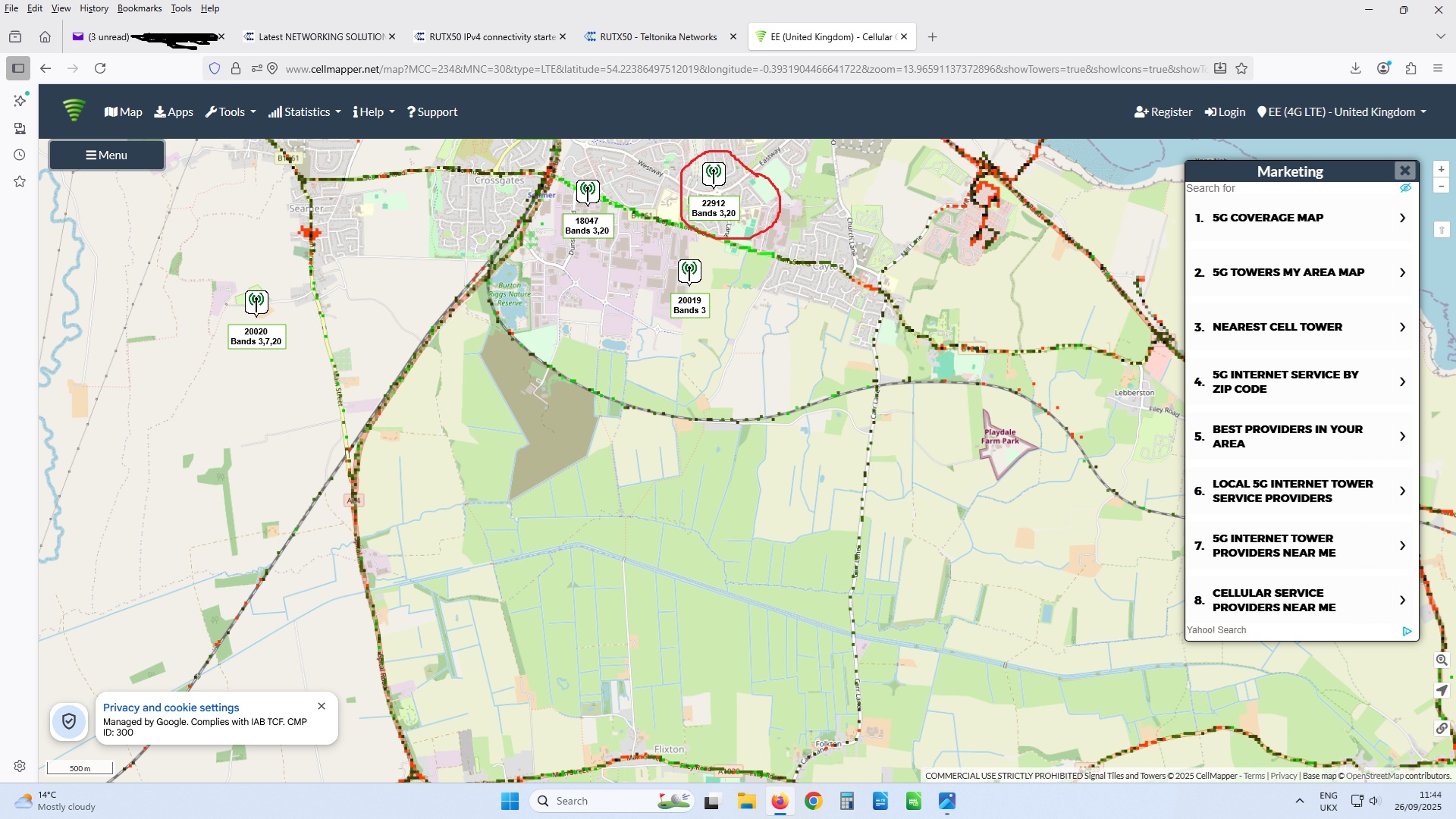
The main times I see this, is when you have a poor or unstable connection to the cell tower. In the past I have solved by replacing our standard XPOL-1-5G with an XPOL-24. It is important that this points to the correct tower for you provider’s service ….. the nearest tower, is not necessarily the one that provides the service.
There is a caveat to the above statement, where sometimes a tower further away can provide a better signal, due to local geography and the cell configuration on the tower.
You can also see this message if running all traffic through a vpn and the tunnel starts to fail.
No doubt there are other circumstances but these are the two most common ones, I have experienced.
Thx but I doubt this would be the case; I am sure I am pointing to the correct tower. Never had the issue up until that firmware upgrade yet as the modem reinstates internet connection it is not always something one experiences as I’m not constantly using the internet.
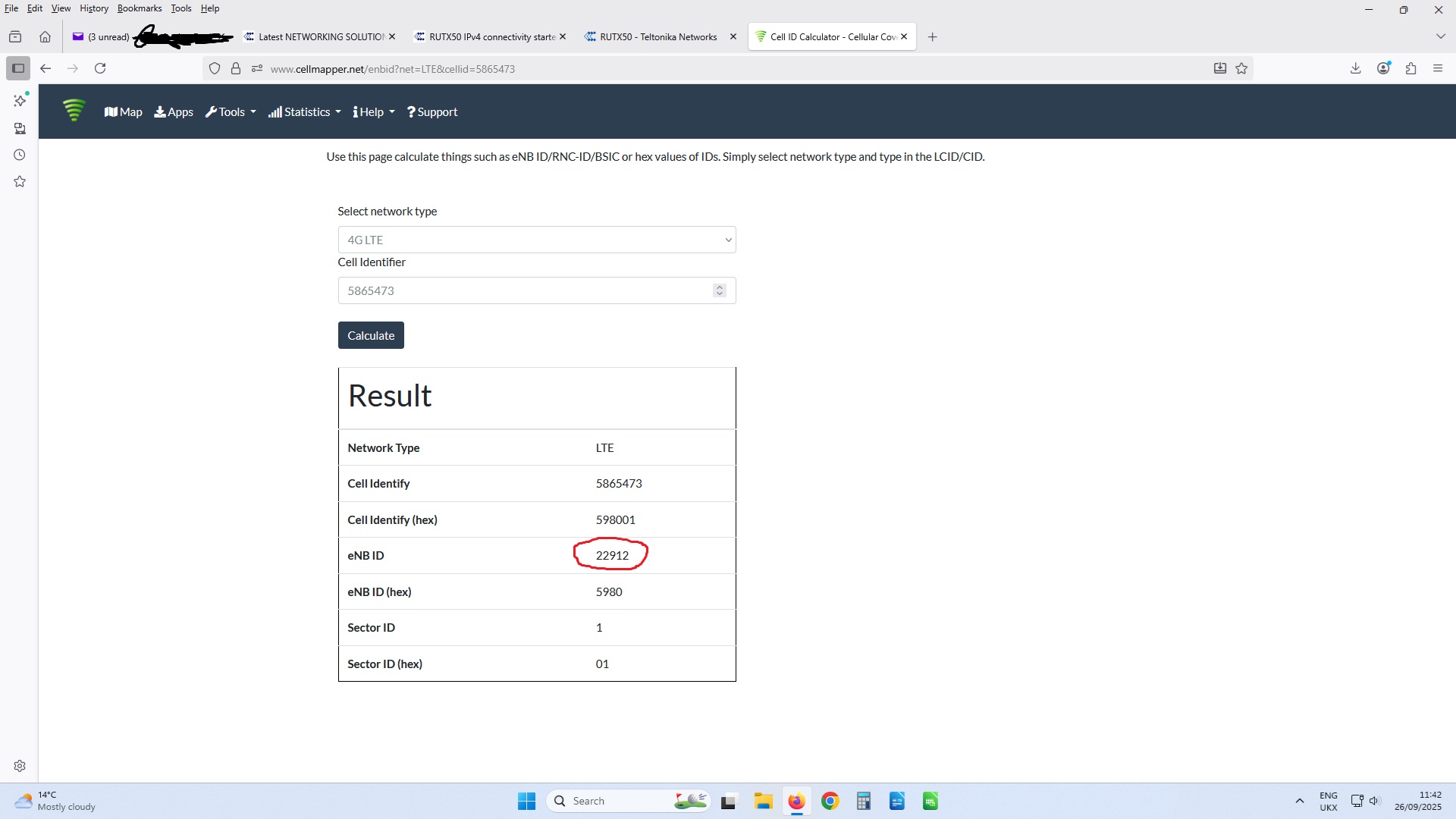
Find the mast you are connected to. How far away are you? Imagine a straight line from your antenna to the mast, what’s in the way including your own building(s), other buildings trees, hills, pylons etc etc. Cellmapper.net
Disable the Internet Status feature under Network. I dislike how it spams the Event Logs despite a solid and consistent cellular connection 90% of the time.
Hmmm but my internet connection does drop… and the default action is rebooting the unit if ping fails (I have now amended that to restart mobile connection
For Ping/Reboot I use the ‘Reboot Modem’ option (rather than reboot device), which achieves what I want, quicker. I know it doesn’t really address your primary issue but just thought I’d throw it into the mix.
Hello Marija, Don’t know what to think of it; after changing the ping auto reboot option to restart the mobile connection rather than rebooting the unit the IPV4 starting to fail messages have disappeared in the logs yet I now see that the mobile connection is being restarted quite a few times. Maybe I can share logs & config dump with you via PM ?
To troubleshoot the issue further, we will need a troubleshoot file from your device. Please note that this file may include sensitive information and should not be posted on public forums.
I have sent a form to the email address registered with the community forum. Once you complete and submit the form, I will contact you privately to proceed. For reference, please use Ticket ID: “15694”.
Yes I have; per the instructions I upgraded to 7.18.1 and will keep you posted; if the issue still occurs I’d like to downgrade to 07.11.3 because up to that firmware level I had no issue. Is it possible to downgrade ? I never did that. Thank you