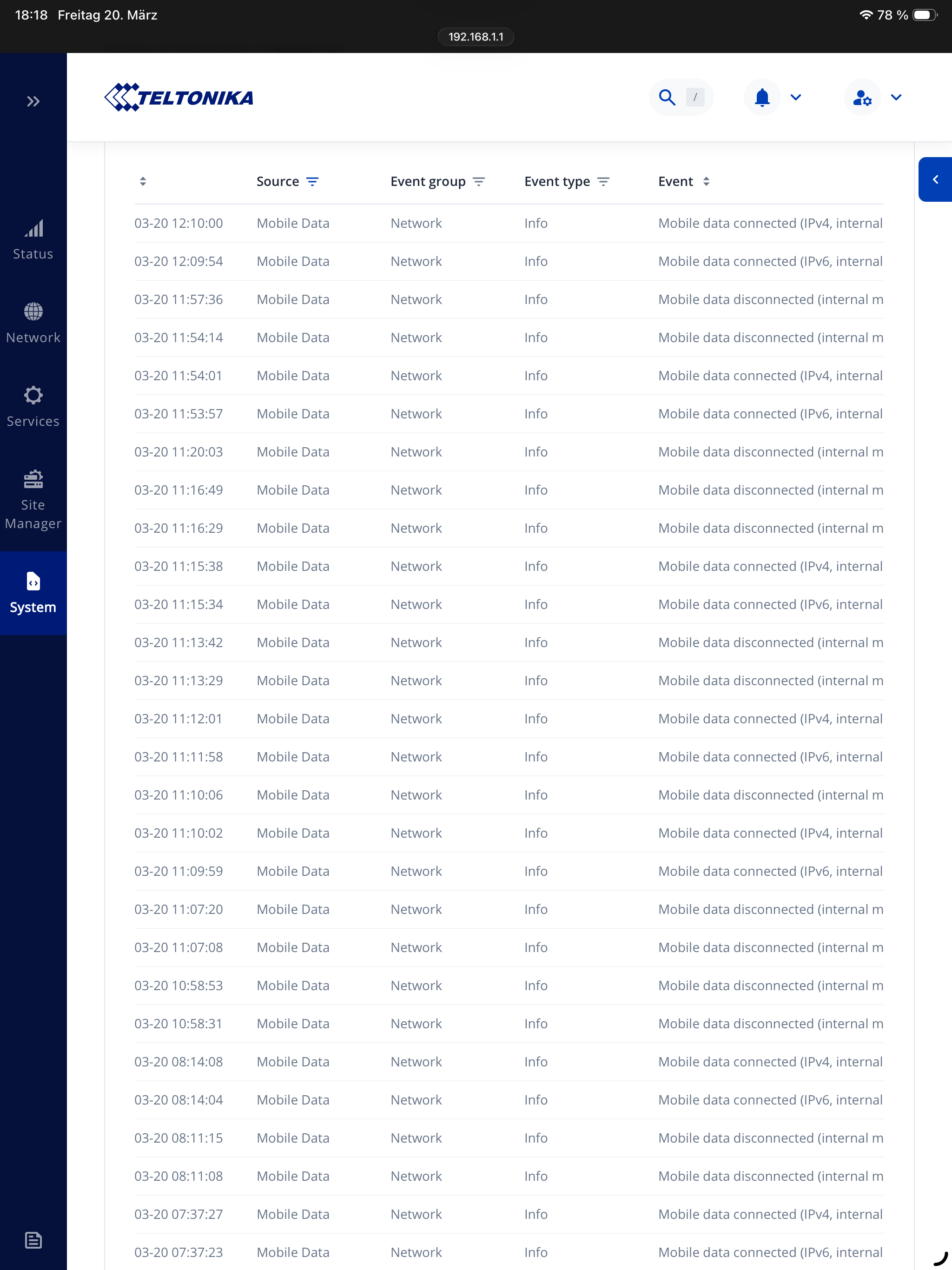
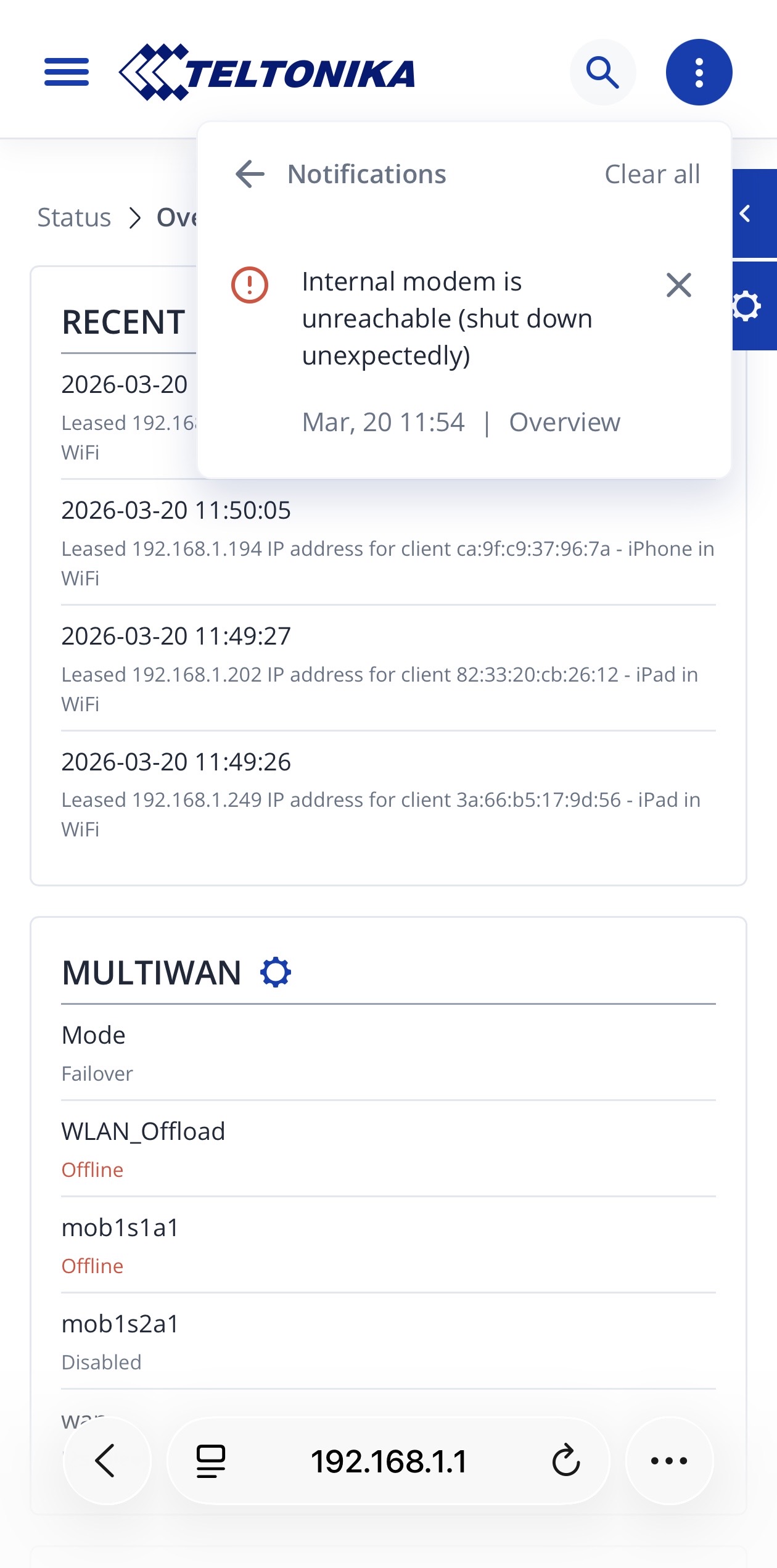
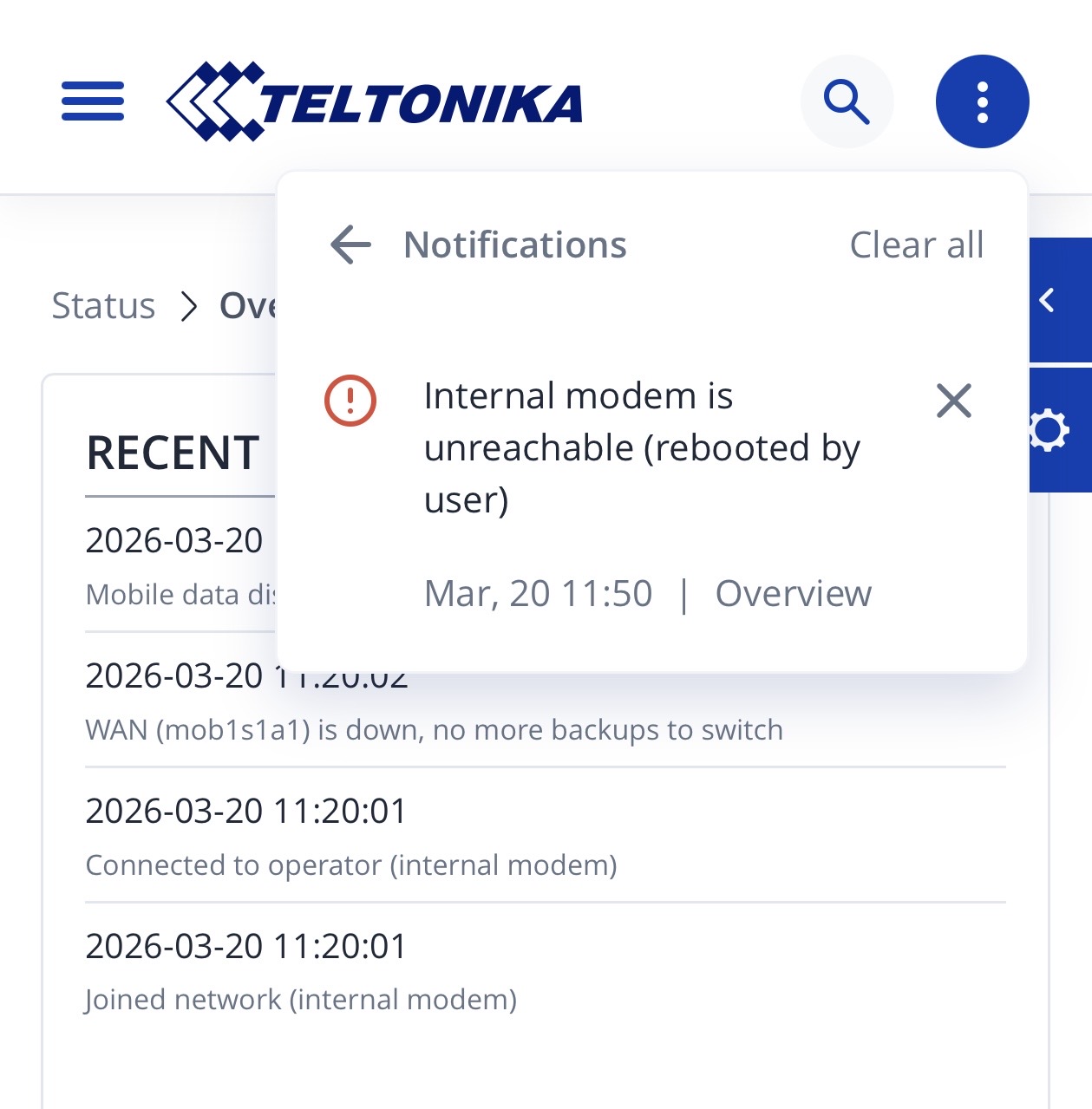
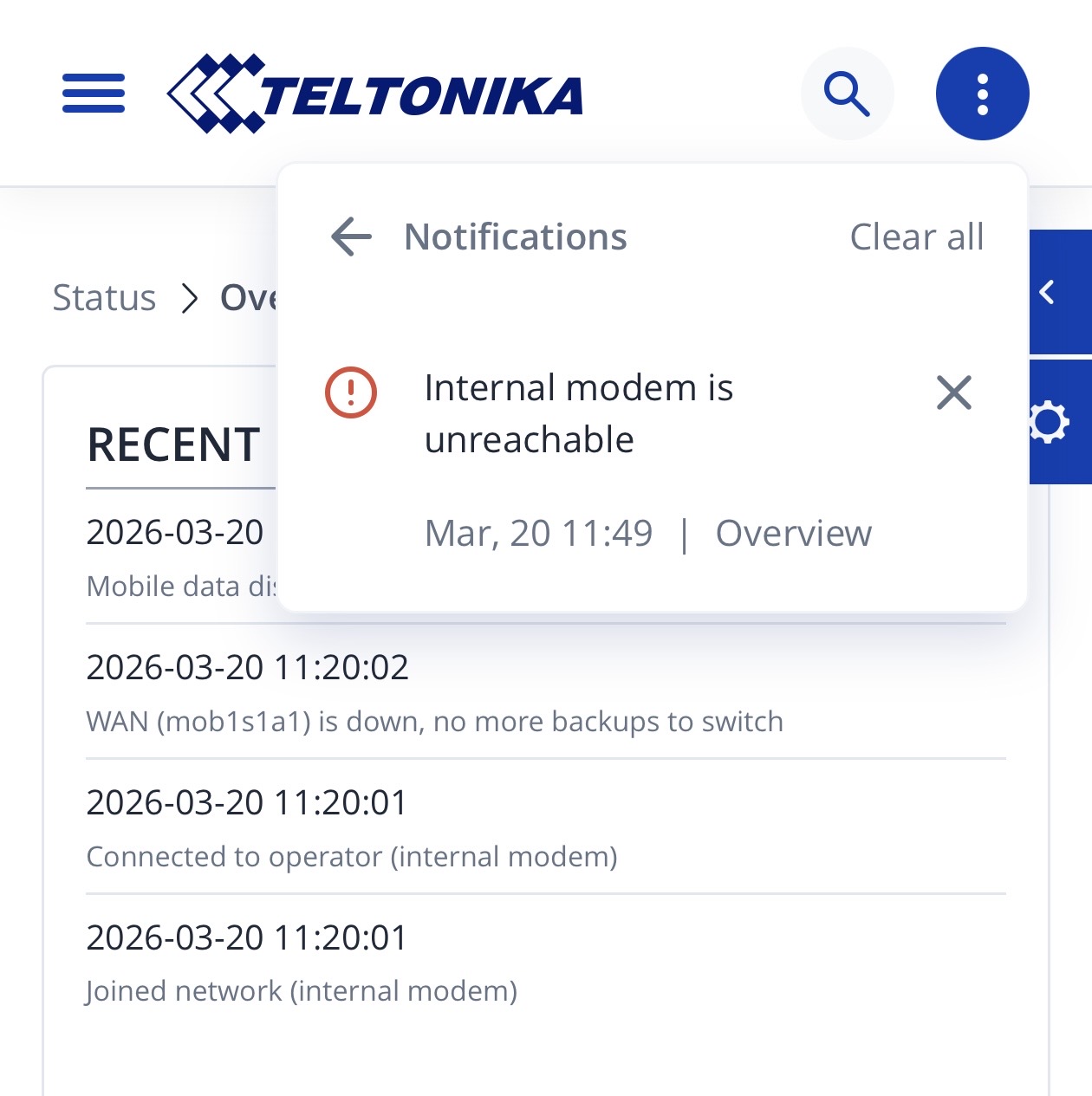
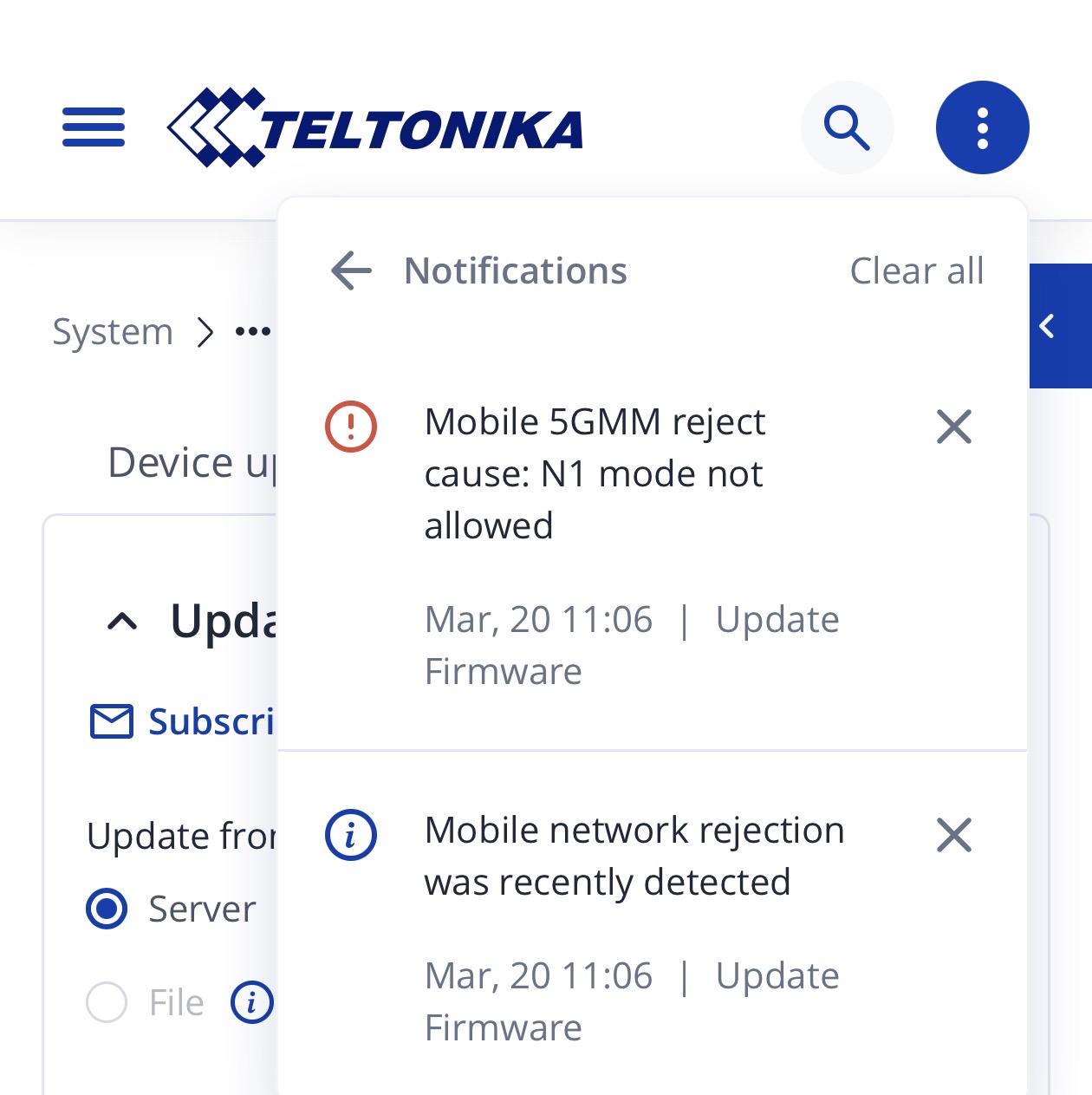
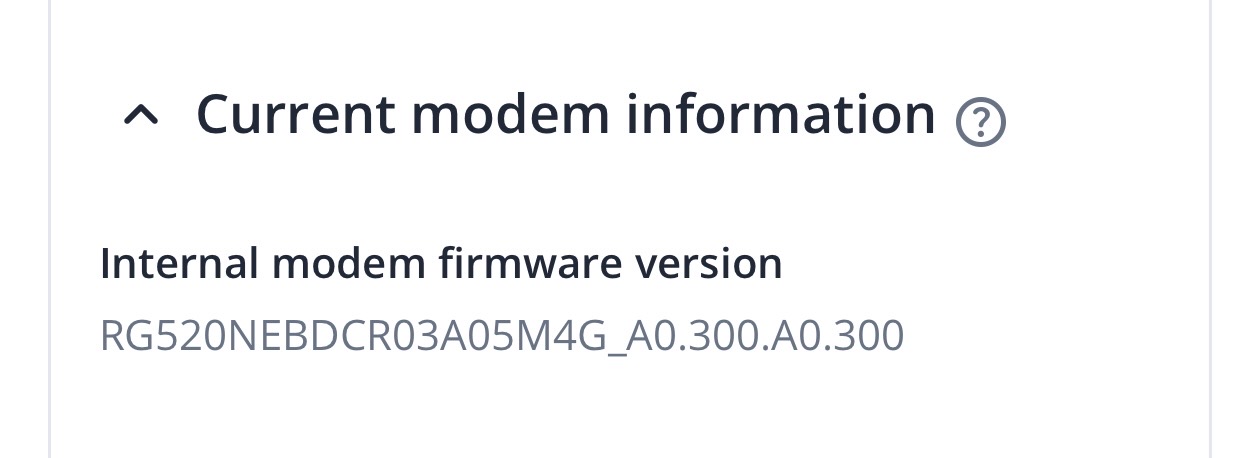
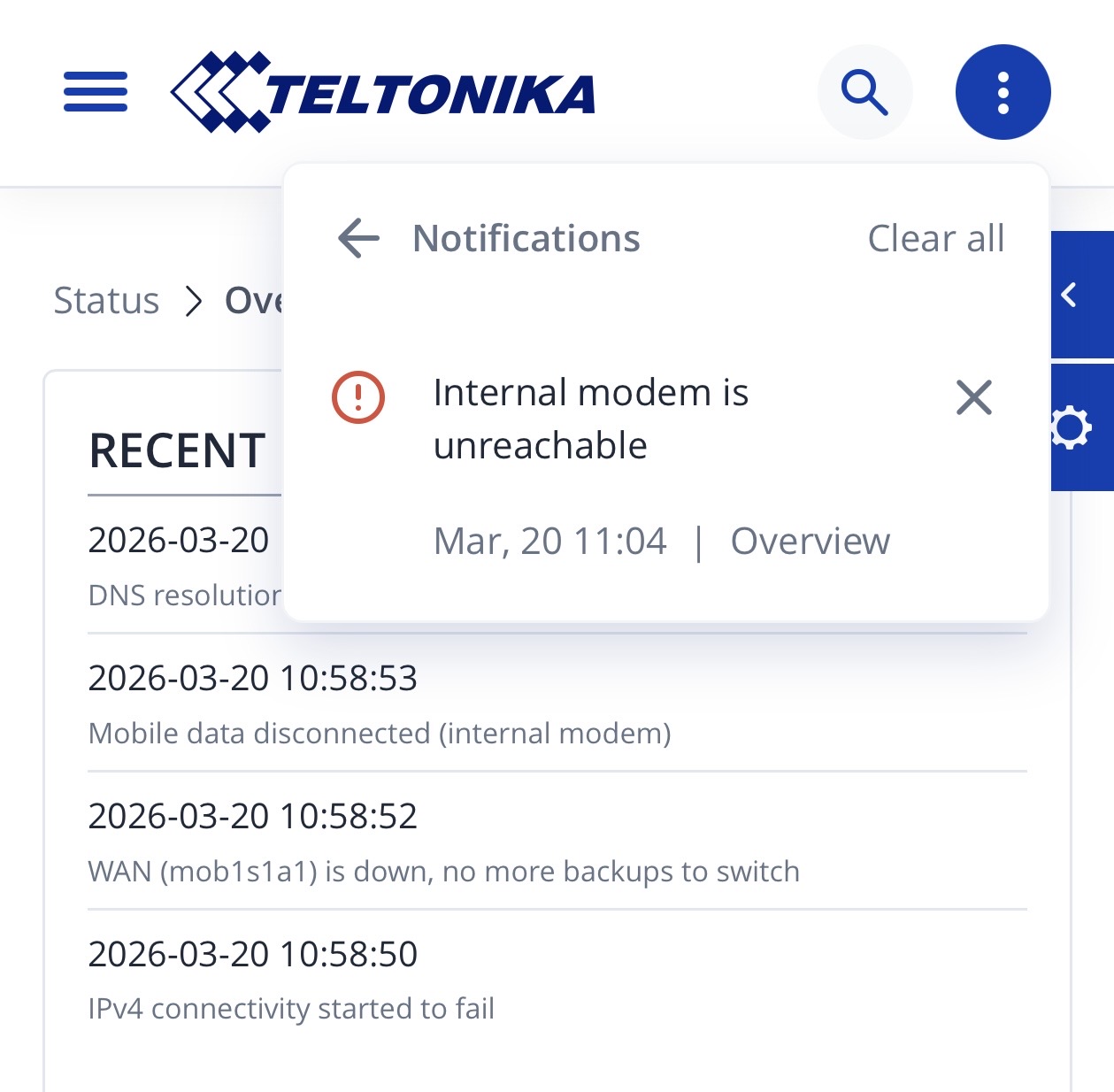
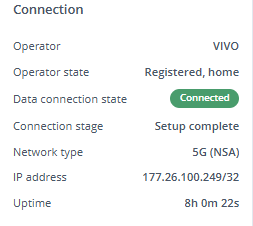
I updated the internal modem firmware from RG520NEBDCR03A04M4G_01.200.01.200 to RG520NEBDCR03A05M4G_A0.300.A0.300, but the issue persists. The modem repeatedly connects and disconnects after a few minutes.
Steps already performed (no improvement):
Factory reset
Installed the latest available router firmware
Switched SIM slots
Reconfigured APN settings
I also analyzed the system logs using Claude Code. The logs indicate a recurring loop related to the modem driver. Based on this, I suspect a modem firmware issue and believe an updated firmware version is required.
For troubleshooting purposes, we will require more sensitive information from your end, such as the troubleshoot file, which may contain passwords, public IP addresses, serial numbers, and such. To avoid leaking this information, we have sent you a form to fill out, which you will receive in your e-mail inbox that you have registered your account with in the forums. In the Ticket ID field of the form, please enter the ID of this thread, which is 18440.
For troubleshooting purposes, we will require more sensitive information from your end, such as the troubleshoot file, which may contain passwords, public IP addresses, serial numbers, and such. To avoid leaking this information, we have sent you a form to fill out, which you will receive in your e-mail inbox that you have registered your account with in the forums. In the Ticket ID field of the form, please enter the ID of this thread, which is 18440-1.
For troubleshooting purposes, we will require more sensitive information from your end, such as the troubleshoot file, which may contain passwords, public IP addresses, serial numbers, and such. To avoid leaking this information, we have sent you a form to fill out, which you will receive in your e-mail inbox that you have registered your account with in the forums. In the Ticket ID field of the form, please enter the ID of this thread, which is 18440-2.
I have the same router, and I also have exactly the same issue after the modem update. Looking through the forum topics, this seems to be a common issue.
For troubleshooting purposes, we will require more sensitive information from your end, such as the troubleshoot file, which may contain passwords, public IP addresses, serial numbers, and such. To avoid leaking this information, we have sent you a form to fill out, which you will receive in your e-mail inbox that you have registered your account with in the forums. In the Ticket ID field of the form, please enter the ID of this thread, which is 18440-3.
I have received an update from our R&D team. Please let me know if you still require assistance so we can arrange a remote session to help resolve the issue you are experiencing.
I tested the new device firmware, but it’s indeed still unstable in 5G mode. I hope that the new modem firmware will be released soon as well and we can enjoy proper 5G connectivity again.
Our C50 also indicates that the 5G connection is up, but the wifi clients don’t get internet access as long as 5G is enabled. When we switch off 5G (and only have a 4G mobile connection) all is fine though. No 5G speeds obviously.