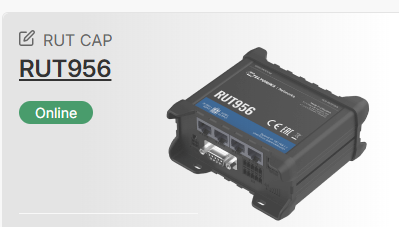
You may receive the “Not activated” message since you may not have enough resources in your company. These resources are either Credits or Management packs, which are used to establish communication between the RMS server & the device itself. Without them, this will not be possible. You can review the following Wiki page for troubleshooting steps on offline/not activated devices to narrow down the possible issue: https://wiki.teltonika-networks.com/view/Why_is_my_device_offline_/_not_activated_on_RMS
Other than that, I’m also interested in what kind of status you’re getting on the WebUI. Could you please check Services → Cloud Solutions → RMS and scroll all the way down to where it says “Status”? Could you tell me what you see?
i was just being impatient!! because communications was setup from the device, we do not need to go via SIM provider VPN or reverse tunnel? this is what was confusing me ( I an not a network engineer :-))
thanks for your response, let’s see if I can SSH in to the RUT or access the admin page….
To answer your question short and simple - to access the device itself, it is not required for you to have a VPN tunnel or anything like that, since RMS allows you to press “Device WebUI” or “Device CLI” under the Management → Devices section.