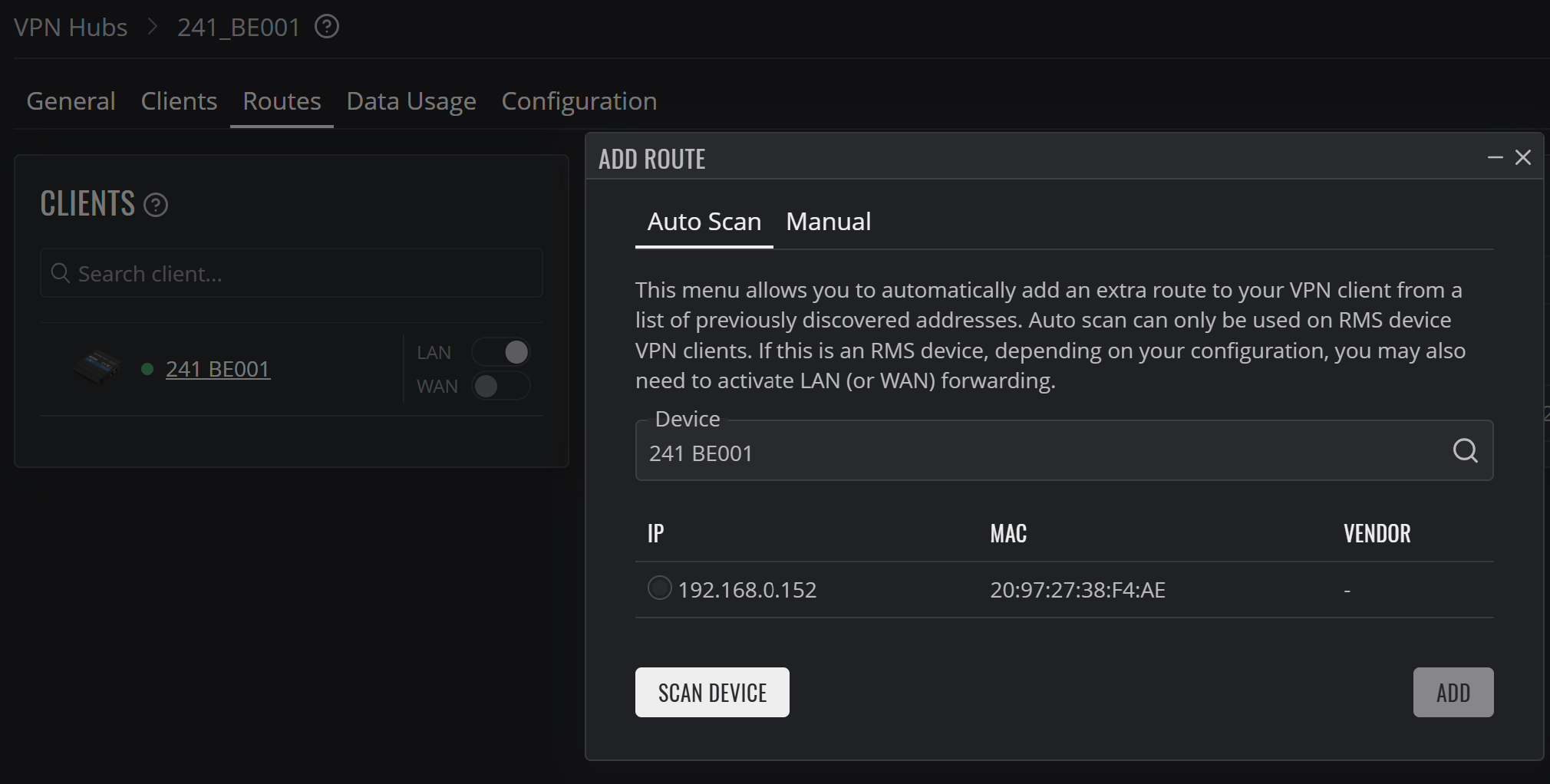
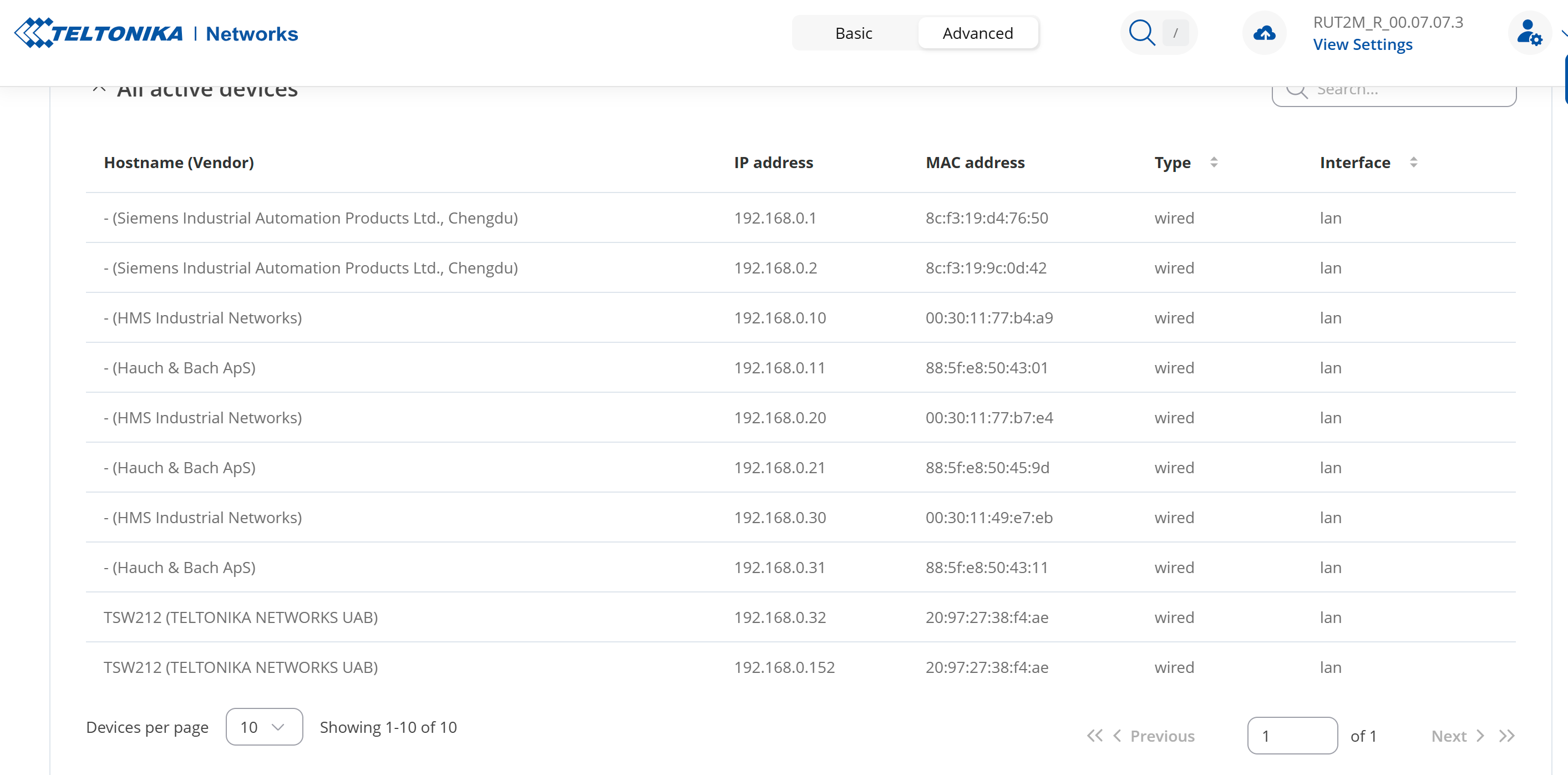
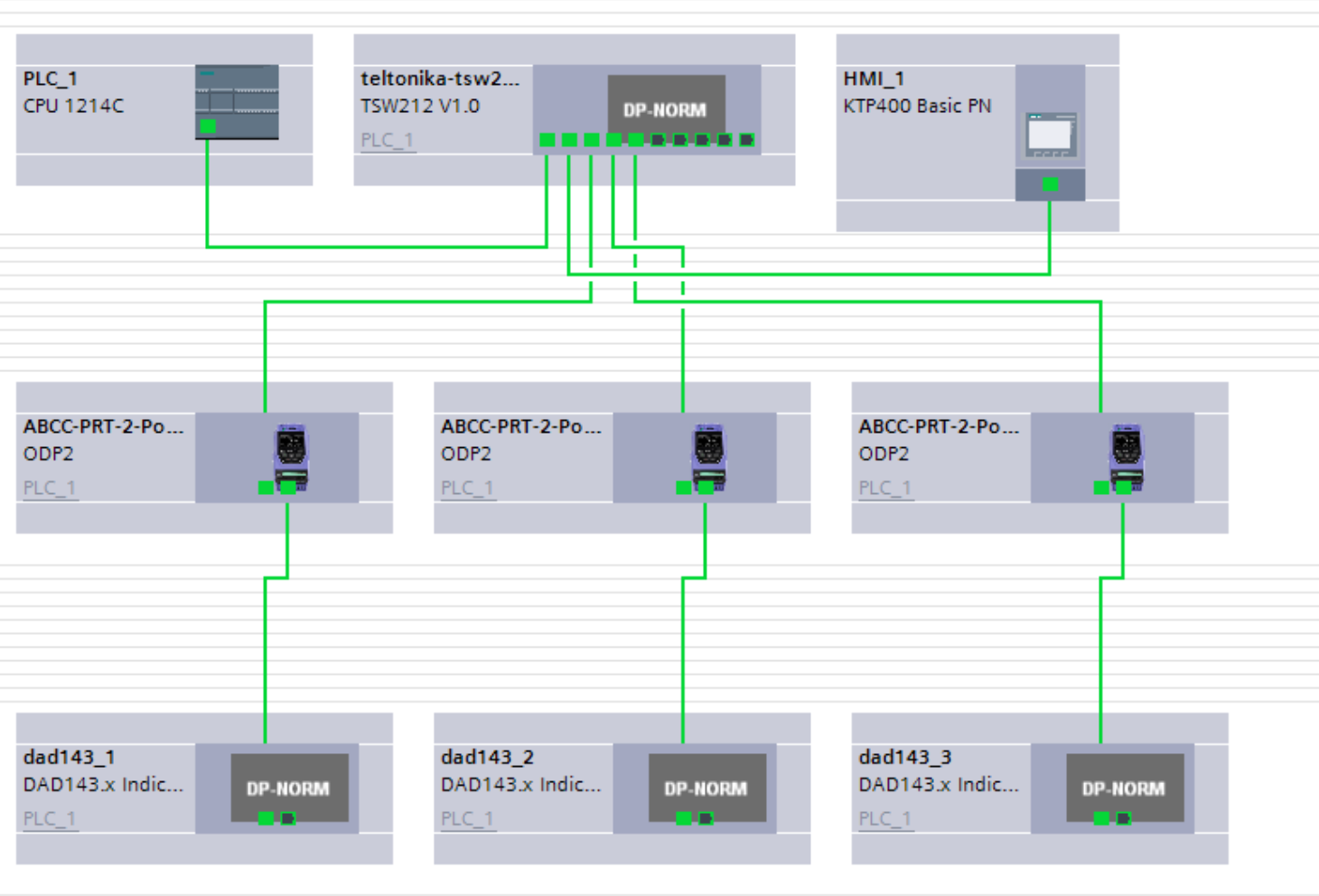
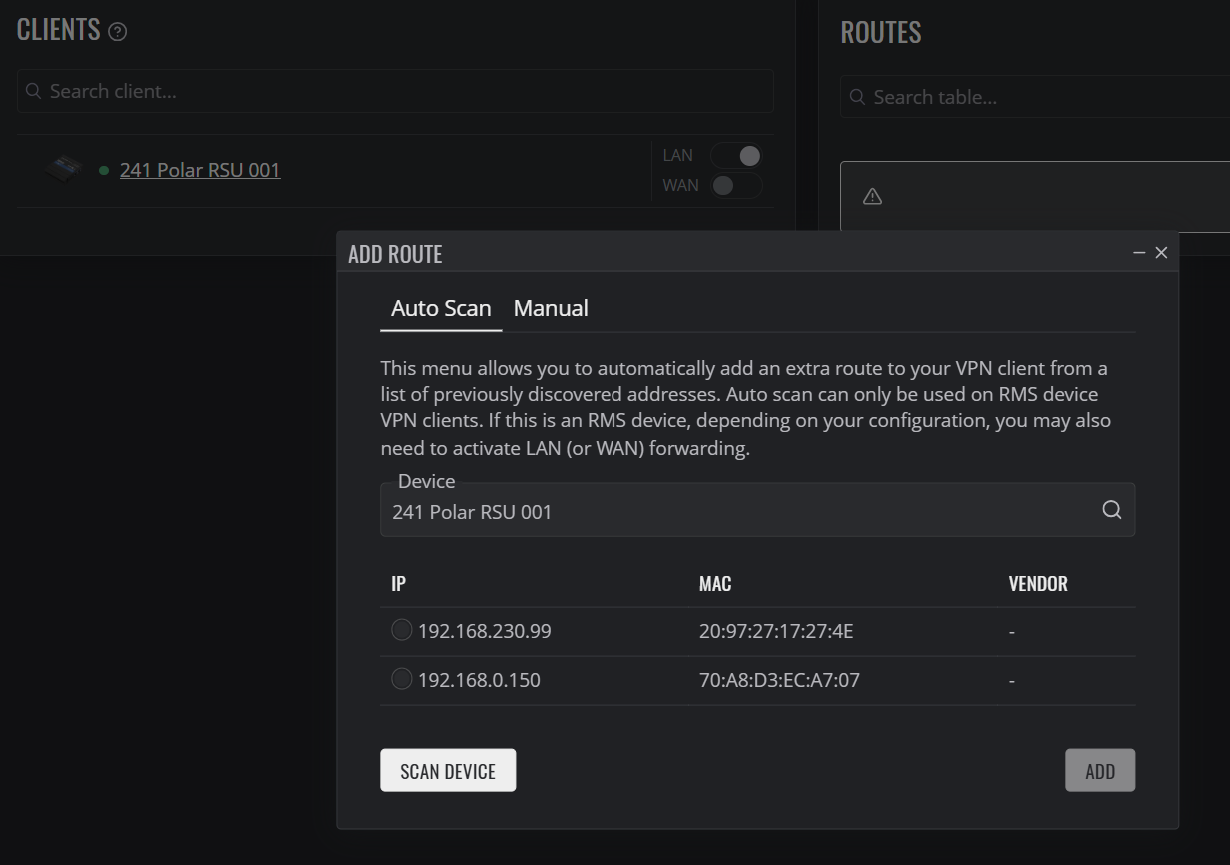
However this gets better. If you look on the following picture you can see uniform addresses 192.168.0.XXX. Although I don’t understand why it is picking up 2 addresses for 1 TSW212.
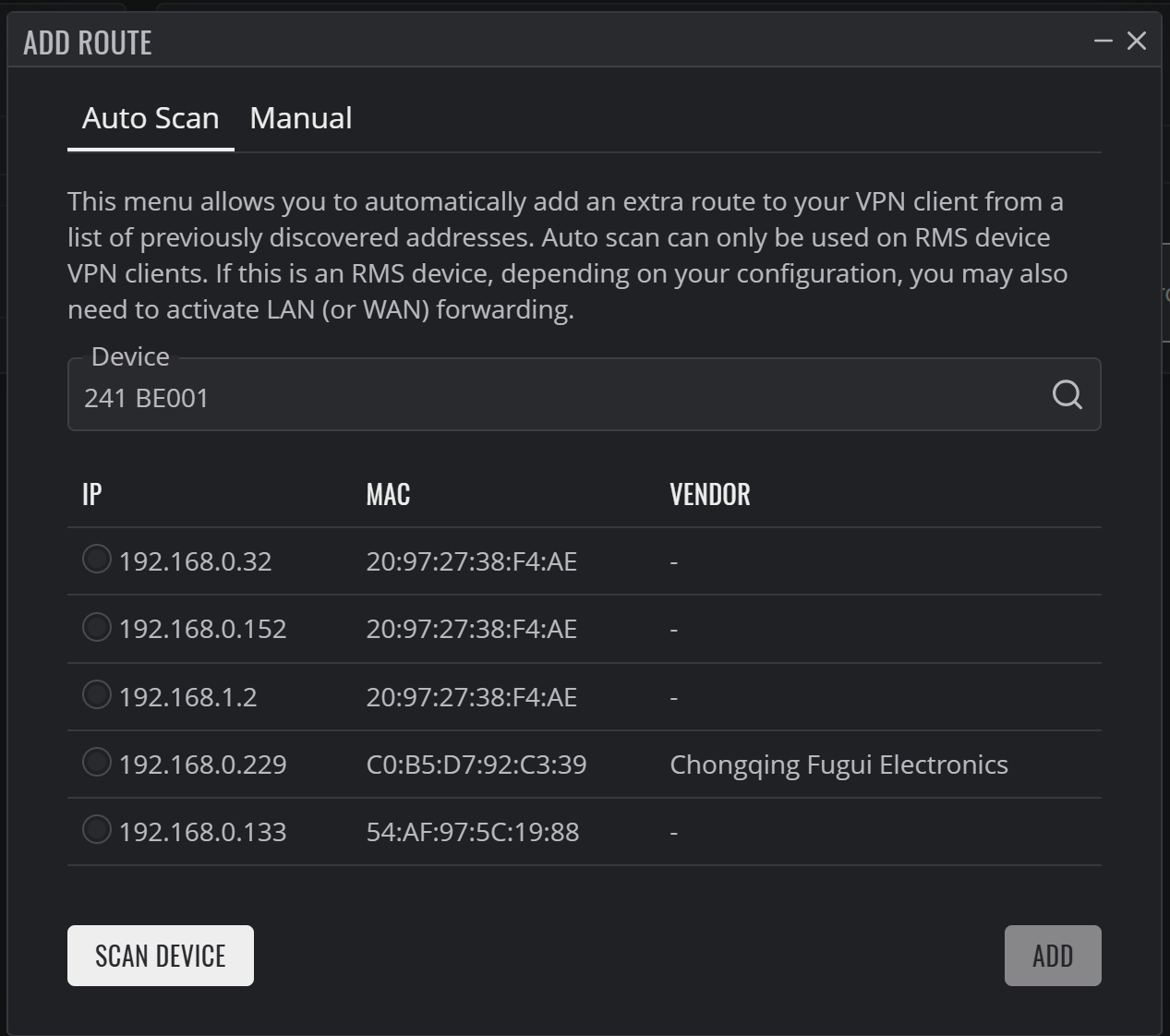
Scanning the routes gives me the following picture. Again only picking up the TSW212 although twice. This is picking up devices which are 100% not connected to the RUT241.
Can you please confirm whether the default gateway on your PLC is set to the IP address of your RUT241? Set the default gateway on PLC to point to your RUT241 and try pinging it.
If it still doesn’t work, you may manually add a route to your PLC by going into the RMS VPN Hub route settings and entering the IP address. As an alternative, you can add the complete subnet, for instance 192.168.0.1/24.
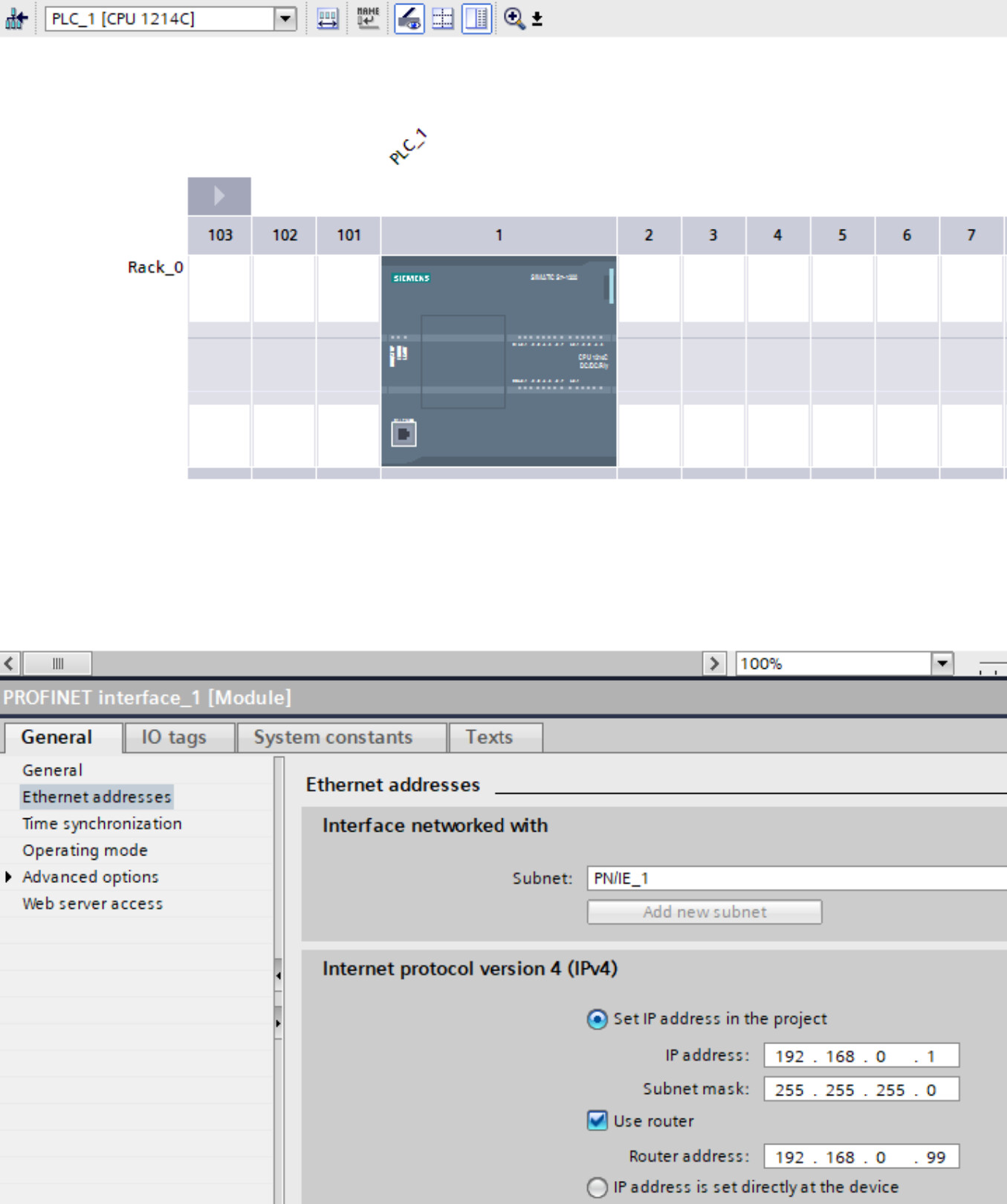
Yes to both was for yes it has the capability and yes it is set to the RUT241. The RUT address is 192.168.0.99 and I have set the router (or gateway) to 192.168.0.99 in the PLC. I can ping both devices from my laptop.
I have tried to manually add the PLC address and it doesn’t work.
The Siemens PLC can not ping other devices on the network. My laptop can ping all devices when I am connected to the RUT241 wifi and the RUT241 can ping the Siemens PLC but I cannot ping when remote. I have tried to manually add the PLC to the RUT241 as auto does not work and the connection is not possible.
Please excuse my ignorance but what do you mean by OCS? Is this the screen below?
It was a typo from my side, sorry. I was trying to write “PLC”.
I still don’t understand why cant you ping RUT241 from the PLC? Is there some sort of firewall that blocks incoming/outgoing traffic?
You can add a route to your device only by specifying its IP address and a netmask of 255.255.255.255.
Please follow below link and try to configure.
If you still cannot ping it, could you also check the firewall zone settings in Network → Firewall → General settings? The RMS VPN zone should have input/output/forward set to accept. Also, make sure masquerading is enabled.
I googled regarding your PLC and found some useful links. I think the PLC that you’re using has dedicated port for port forwarding…
If you google “YOUR_PLC’S_NAME remote access” you will see some configurations that needs to be done on our PLC. I can not share the links from other forums here.
And also, as I indicated earlier I don’t have much knowledge regarding your PLC but I found really helpful links, I recommend you to check also!
So I googled it. One of the first things which appears is the teltonika video to setup connection to a Siemens PLC which isn’t very helpful.
After searching some more it look like the Siemens PLC wants to use ports 443 and 80. Searching some more I found that the teltonika wants to use 443 and 80.
The PLC IP address is 192.168.0.1/24 gateway 192.168.0.99. These are the only settings I am finding anywhere for the Siemens PLC.
The RUT241 is 192.168.0.99
This is going nowhere fast and is becoming a big problem.
The video link that I shared to you was related with the RMS VPN Hub. I am sorry as it wasn’t helpful.
And also, I checked the datasheet of your Siemens PLC and found that this specific PLC is using port 102 for port forwarding. Is there any change for you to check deeply regarding your PLC? Because this issue is not related with the RUT241, I don’t think if something is wrong with your router, it seems that, some other configurations needs to be done from PLC end.
You can find detailed information regarding port forwarding from here.
I don’t want to mislead you regarding the situation, however I just want to indicate that you need to adjust the configuration from PLC side also. I don’t know what needs to be done other than setting default gateway as I am not working for PLC manufacturer company. You need to check manuals.
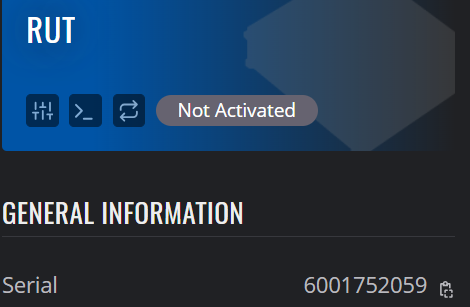
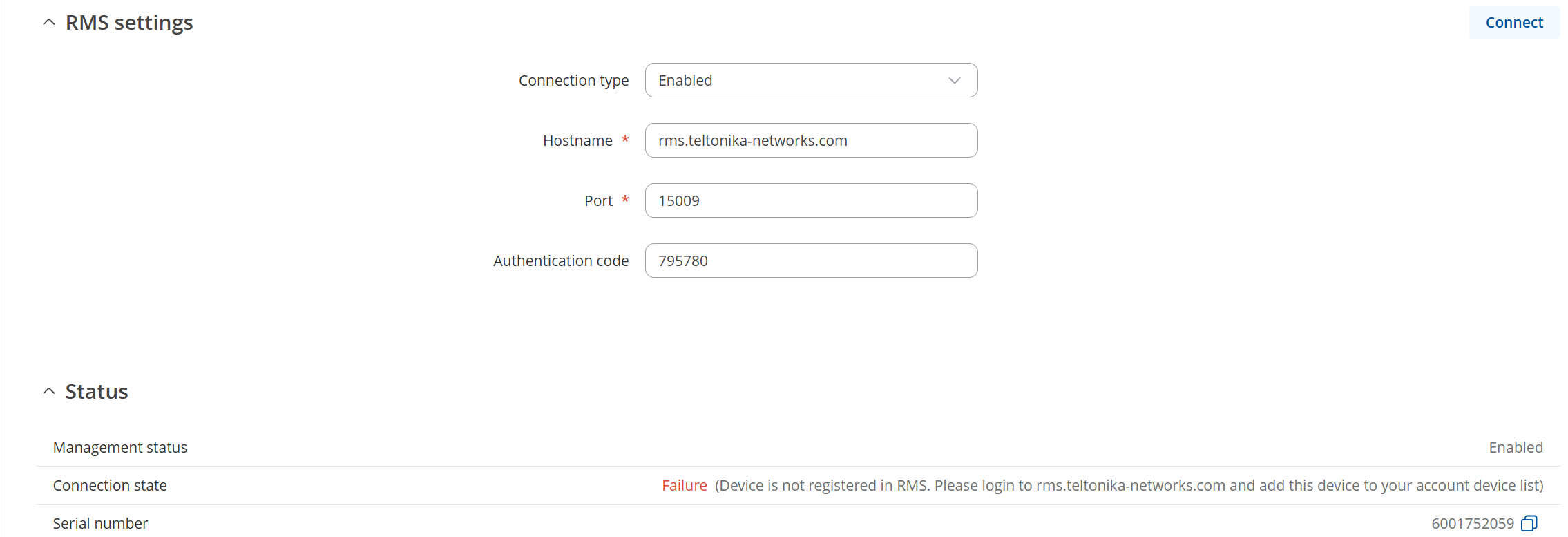
I haven’t shown the MAC because I don’t think that would be a good idea to post all of the details on the internet. However I know the settings are correct as I used the copy buttons on the RUT RMS screen, I did not manually enter the details.
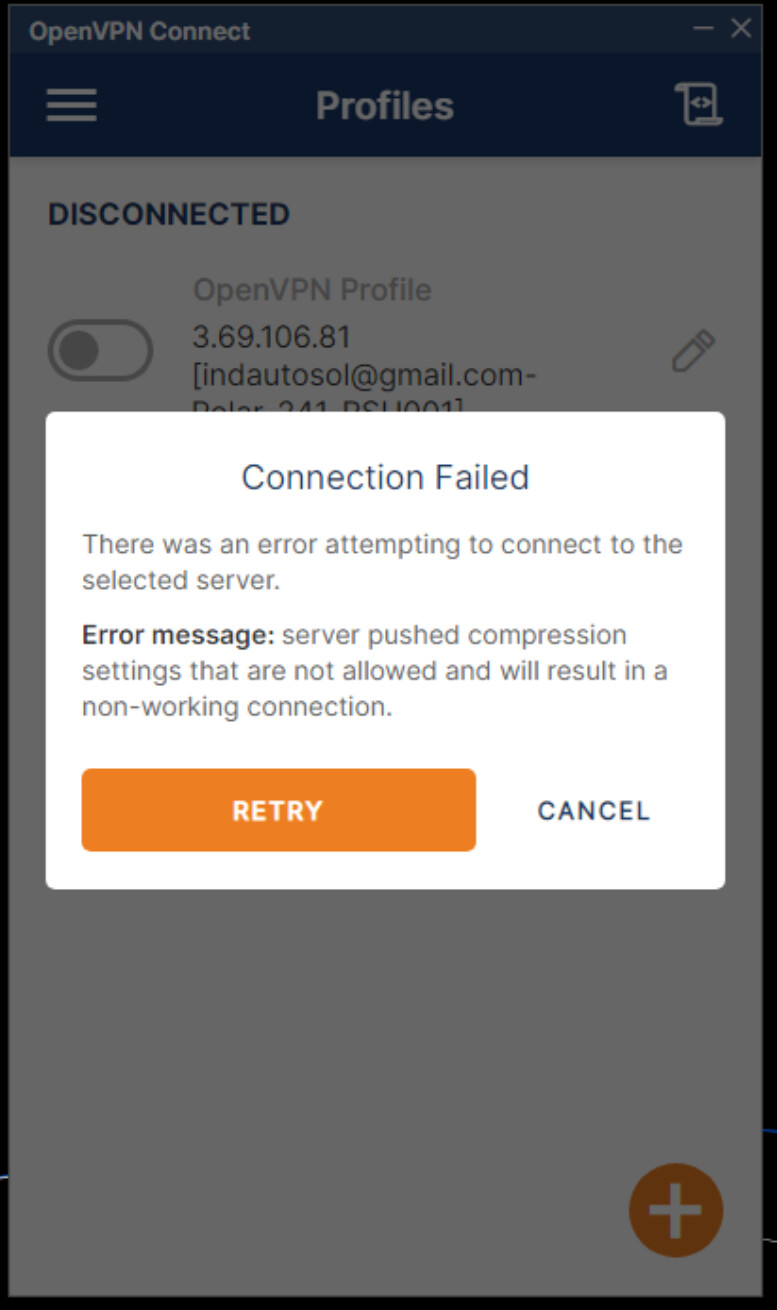
Should have mentioned that I deleted from RMS as it didn’t want to reconnect to the original RMS entry.