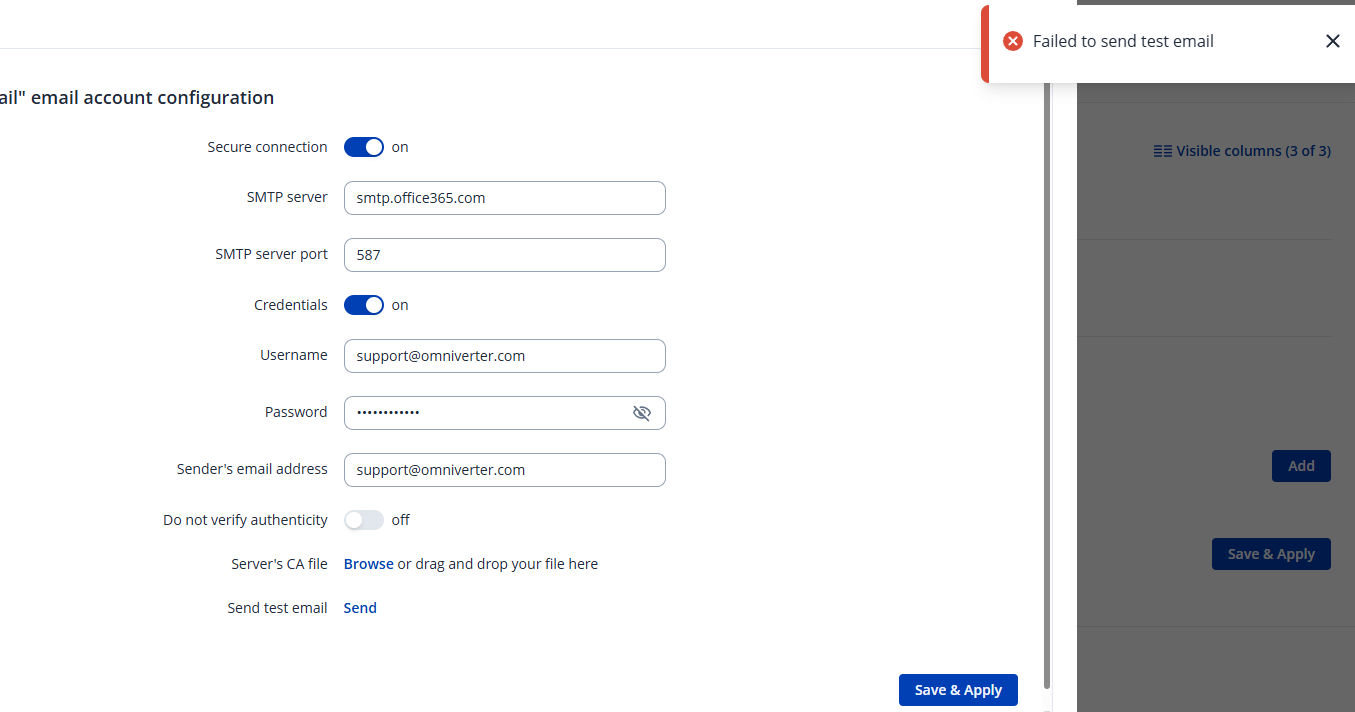
To help identify why the RUT241 can’t send test emails via your Exchange/Office 365 SMTP setup, could you answer the following:
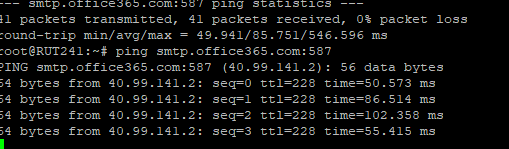
Have you verified SMTP connectivity from the RUT241 to smtp.office365.com:587 (e.g., via ping or telnet/connection test from the router)?
Is Authenticated SMTP enabled for the user account in Microsoft 365, and if MFA is enabled, are you using an app-specific password?
After saving the email settings, did you wait for them to be applied before clicking Send Test Email? Sometimes modifications must be saved and reopened.
Do the router logs show any specific error when attempting to send the test email (e.g., authentication failure, connection timeout)?
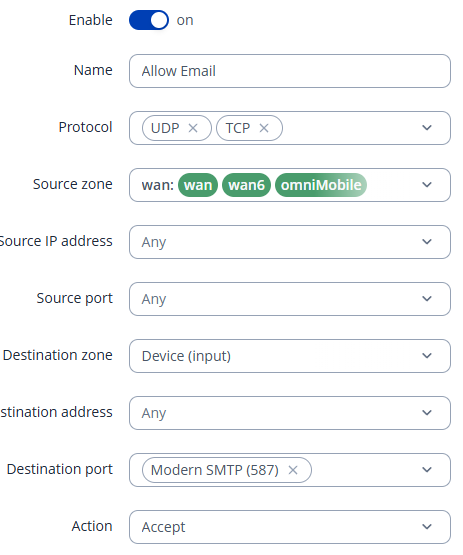
Does your L2TP/IPsec VPN or firewall block outbound SMTP traffic, or require specific rules for SMTP over TLS (port 587)?
Have you tried other SMTP settings (e.g., SSL on port 465 or unencrypted on port 25) just to test connectivity?
Can you confirm that the sender email account settings (username and from address) exactly match what the Exchange SMTP server expects?
Have you tested with a different email service (e.g., a personal SMTP account) to confirm if the problem is specific to Exchange?
I’m just going to jump in here as i did this with a RUTX11 with an o365 setup and got stuck for a week. It came down to the fact that the email account we were being asked to used required MFA. The error is not very apparent. This is a setting in AZURE that you can turn off for that specific user. (You can also do some other crazy things if your concerned about security. e.g. make sure your using an obsurdly long password and you can in Azure lock the use of the account login to a MAC or IP of the Tetonika device). Granted for all of this you need admin access on the Azure side.
I mention this only as I got stuck on this, and only after i installed thunderbird on another laptop and setup the email address and SMTP server did I notice that this was the problem.