Hello,
Thanks for reaching out to us!
Please go to the Network > Wireless > SSIDs section from the WebUI, and then please click “Scan”
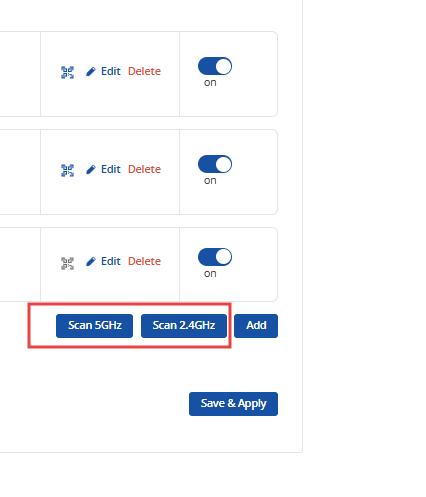
Additionally, you will be presented with a list of all nearby SSIDs.
After choosing your preferred network, you must write down the SSID password.
And your device will be using Wi-Fi as a ‘WAN’. You can also distribute the connectivity over the LAN ports by default.
Let me know if any further help is needed.
Regards,
Caner