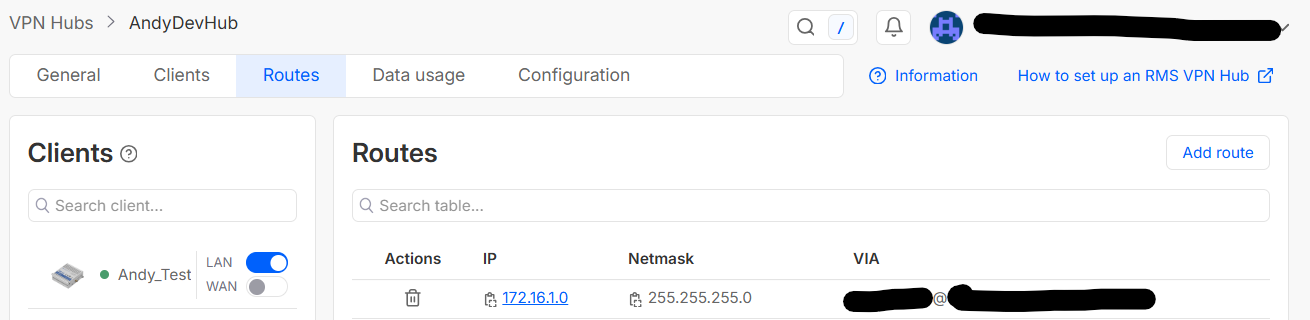
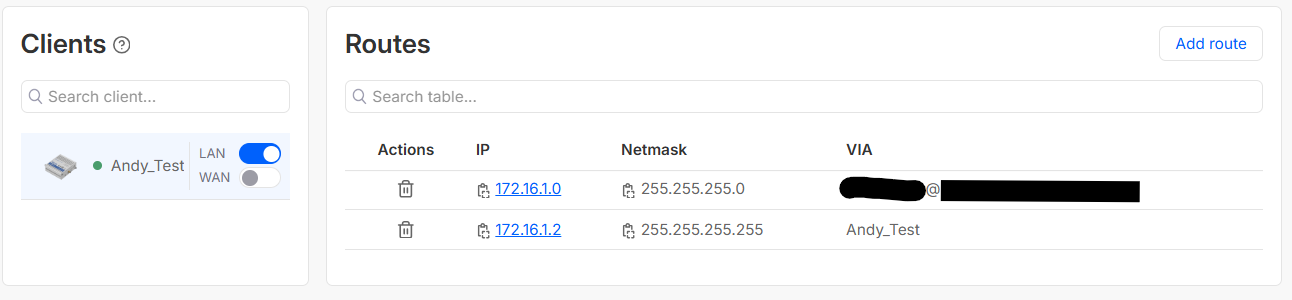
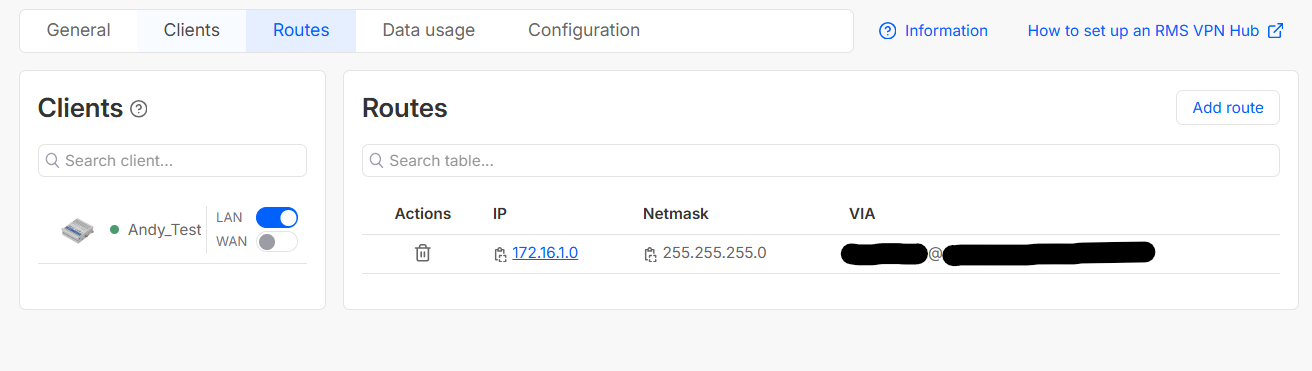
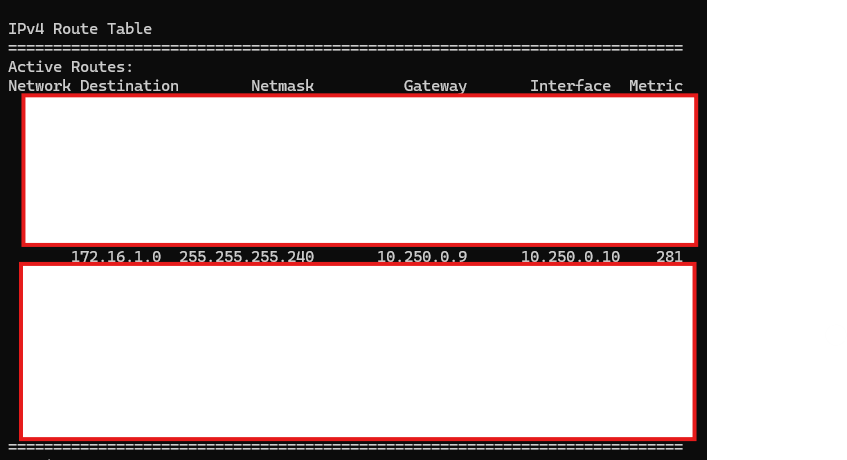
When I use routes for the device within my VPN, this works perfectly. However adding a route for each device means the VPN needs to be restarted which breaks the connection for all other devices on the VPN.
Instead I would like to have one route which allows my VPN user to talk to all devices on the VPN, like below.
I have tried this approach and there is no 172.16… route pushed to the OpenVPN Client and
route print -4
does not show a 172.16 route
Even when I add a 172.16 route manually into my OpenVPN Client on Windows 11 I still cannot talk to the device.
As soon as I add the below entry and restart the VPN, everything works perfectly, but I do not want to add a route for each device for the reasons mentioned above.
Can I please get some help to try and troubleshoot this?
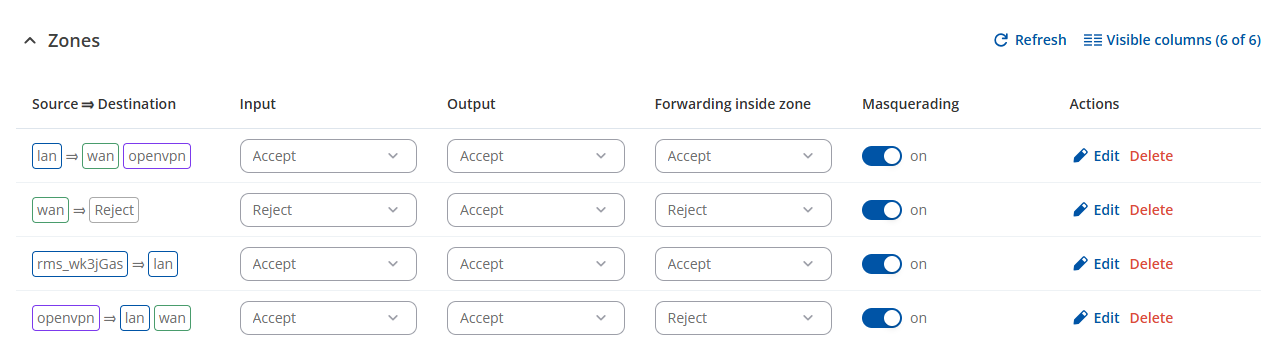
Could you please confirm whether you have tried enabling masquerading on the LAN zone under Network → Firewall → Zones settings as described in the thread here:
Thank you for the update. In this case, to troubleshoot this matter effectively and schedule a remote assistance session, we’ll need to continue this process privately, because sensitive/publicly unshareable information, such as the troubleshoot file, public IP addresses, serial numbers, etc., needs to be collected.
You should find a support request form in the inbox of the email address you used for your forum registration. Kindly fill out the form, and please reference Ticket ID: 15802 when submitting it. Once the form is completed, we’ll contact you directly via email to investigate the issue in detail and help work towards a solution.
I completed the form yesterday and am keen to see if I can get some assistance today please. Unfortunately since making the change requested I am unable to connect as the LAN side DHCP is not working correctly and serving incorrect IPs. Therefore my project is stalled.
The support team have been talking with me privately. They have said that it is not possible using RMS VPN to deliver this solution.
To recap, I don’t want to have to setup a new route for every gateway device added to the VPN. To do this requires a VPN Reboot which could cause a production outage for hundreds of devices.
Instead I’m looking to have one route for each VPN user, so I can set these up at the beginning. These VPN users would be able to communicate with any other clients added to the VPN at any point.
You had suggested using masquerading on the LAN zone but this did not resolve it.
Can you please look again and make any alternative suggestions?
If this is not possible with RMS VPN can you suggest how other customers achieve this at scale because I’m sure there is a live solution somewhere!