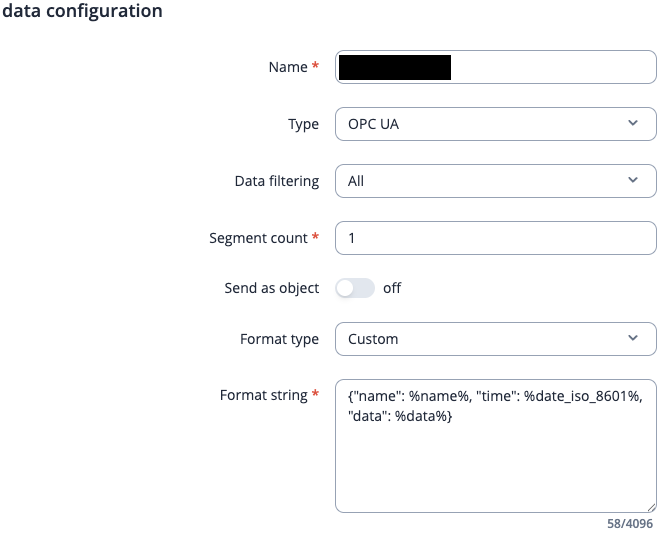
I’ve configured an OPC UA client and two value groups on my RUTM08. It collects process data from PLCs in our LAN. The test responses read something like {“temperature”: 25, “humidity”: 56}. I’d like to push that data via HTTP (POST) request to an API endpoint. However, all the formatting from the value groups is lost, when I set up a Data to Server input like so: {“name”: %name%, “time”: %date_iso_8601%, “data”: %data%}. The payload becomes: {“Parameter_Collection”:{“name”: Device_A, “time”: 2026-02-02T16:37:08+0100, “data”: 2556}}. In addition, the second value group (Device_B) isn’t even included. And if I try and add a second input source, I cannot select OPC UA anymore.
Hello,
Could you please send us images of your configuration. Could you also specify what firmware version you are currently running on your RUTM08?
Please also make sure to blur out any sensitive details such as passwords & IP addresses (public ones).
Thank you,
M.
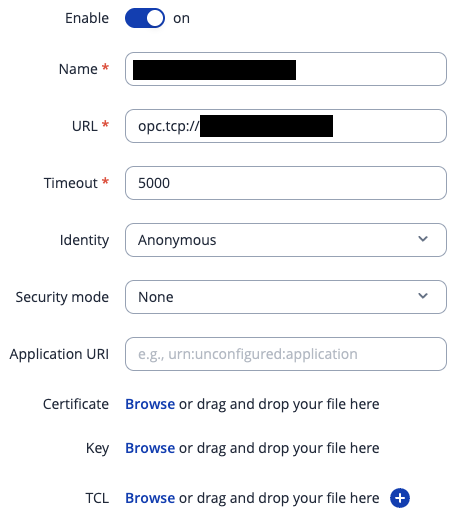
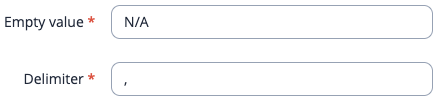
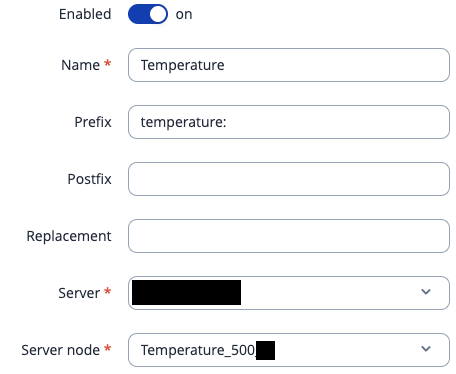
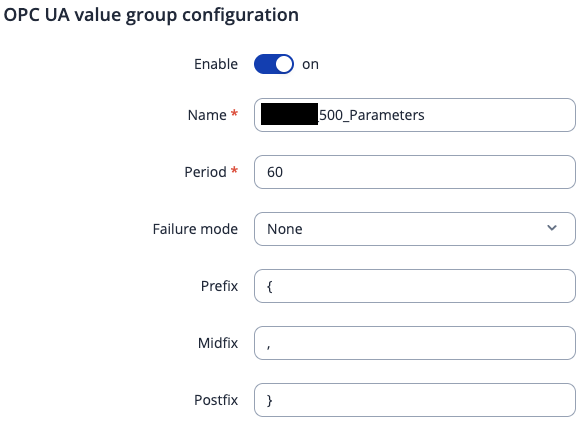
Certainly. So, the devices are all operating within the same subnet. The currently installed firmware version is RUTM_R_00.07.19.4. I can connect to the OPC UA server and collect all the node values without any problem. I can also push data over HTTP. It’s just that the formatting I define in the value groups, with prefixes and such, is not preserved and the second value group is not forwarded, regardless of whether is set Data filtering to All or give the respective names.Here are a few screenshots:



Hello,
To resolve the issue with Device B missing, you will have to create 2 separate Data to Server collections with their own respective data inputs:
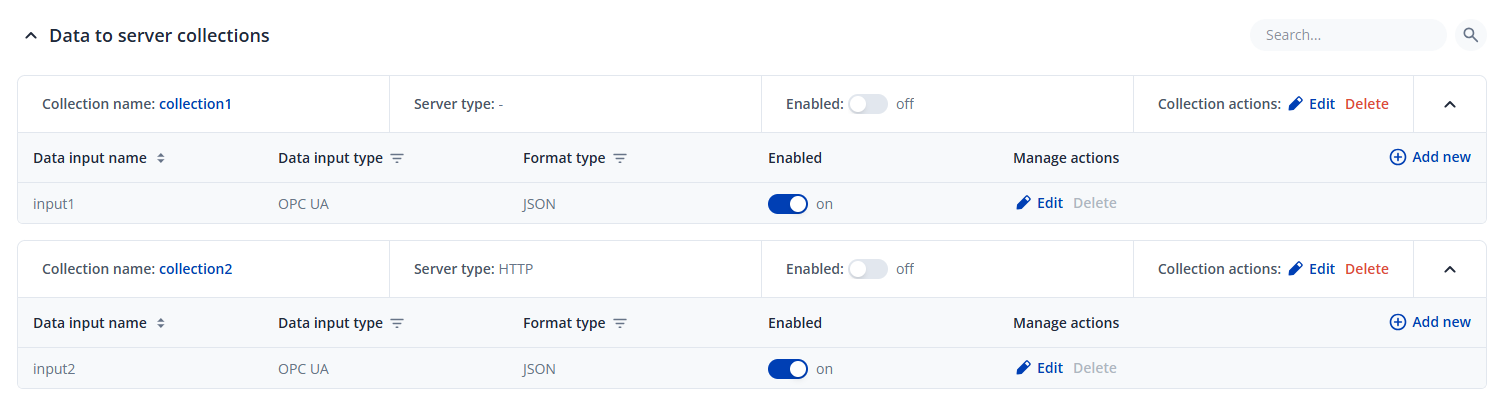
As for the formatting, could you please refer to this reply and see if this helps with the way the data is being retrieved? Flattening data - #6 by Matas
The entire scenario in the topic where the reply is is a little different, but when it comes to formatting, it should answer your question as well I believe.
Regards,
M.
Unfortunately, this doesn’t solve anything. If I enable a second OPC UA collection, it only ever sends the first one. Secondly, the referenced thread doesn’t illustrate how to include the prefixes from node configuration, only how to remove the outer object key..
Hello,
I’ve just tested this and was able to replicate the issue. I’ll reach out to our R&D to suggest a feature where a user should be able to add multiple OPC UA sources (in your case, Device_A and Device_B). As for the formatting, I’ll clarify on that as well.
Regards,
M.
Brilliant, thanks a lot! I look forward to your solutions.
Dear Matas
All issues were resolved with the latest firmware update.
Thank you for your time!
Best,
gH2AX
1 Like
Thanks for letting us know!
Regards,
M.
This topic was automatically closed after 60 days. New replies are no longer allowed.