Hi
I have followed the guide here
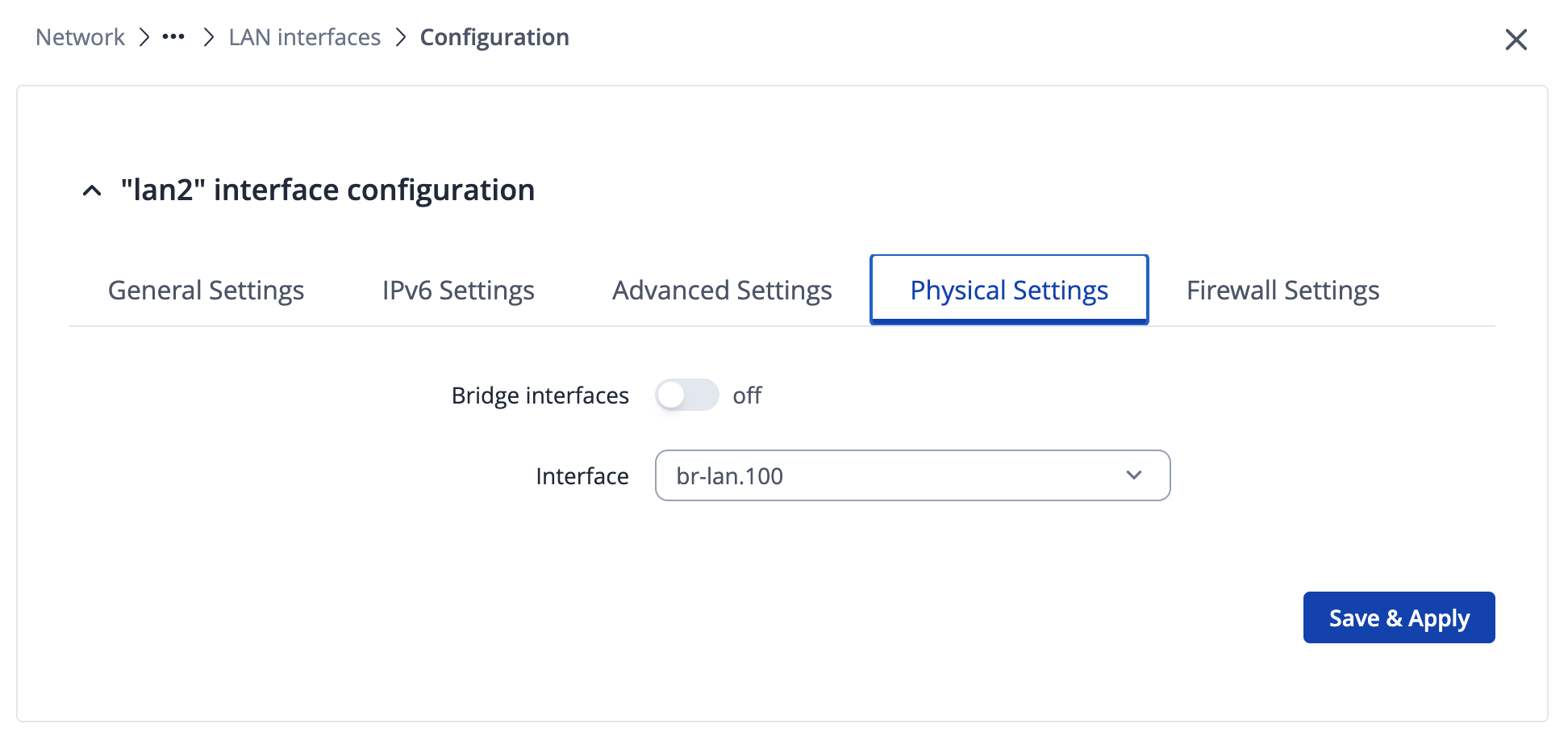
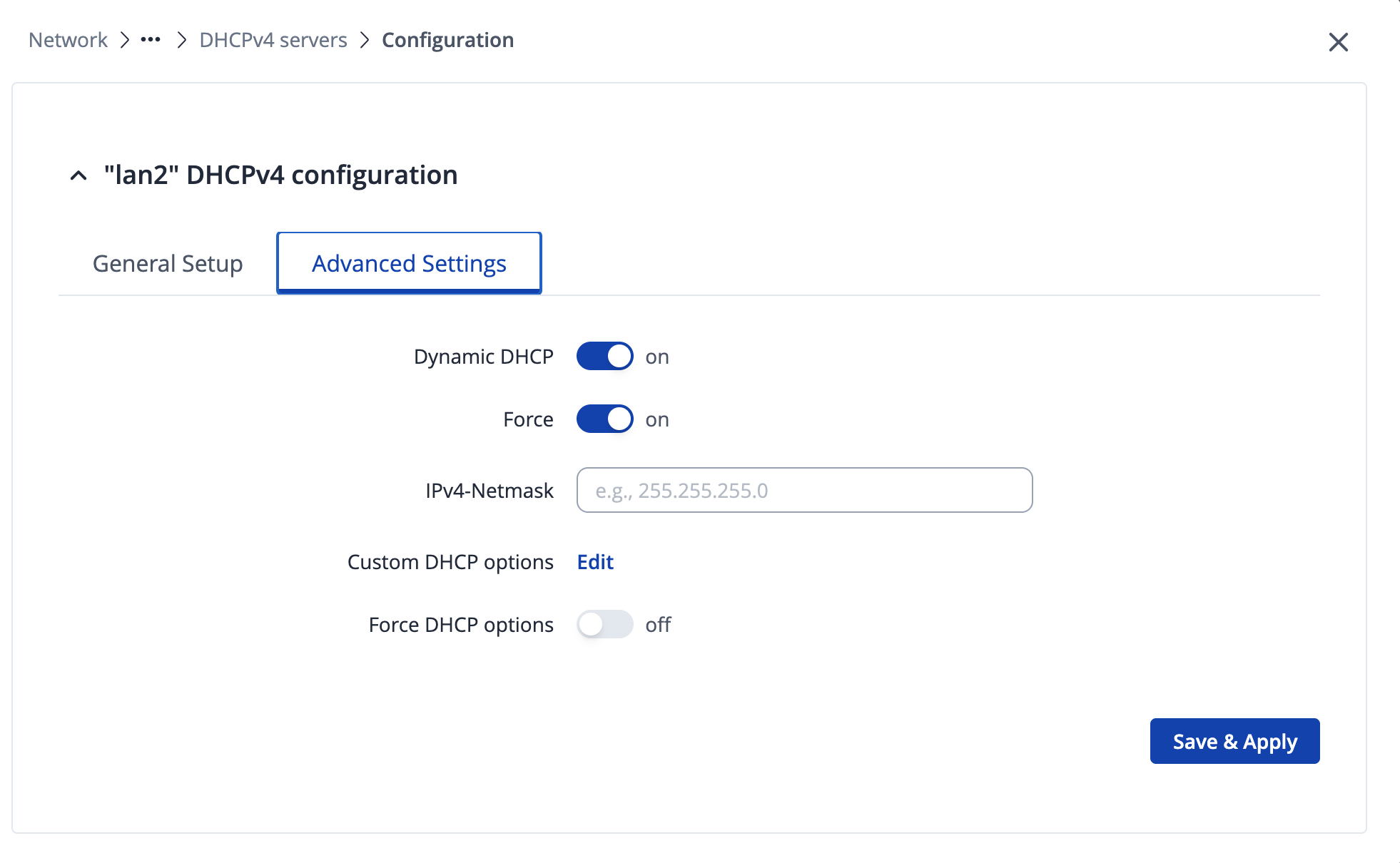
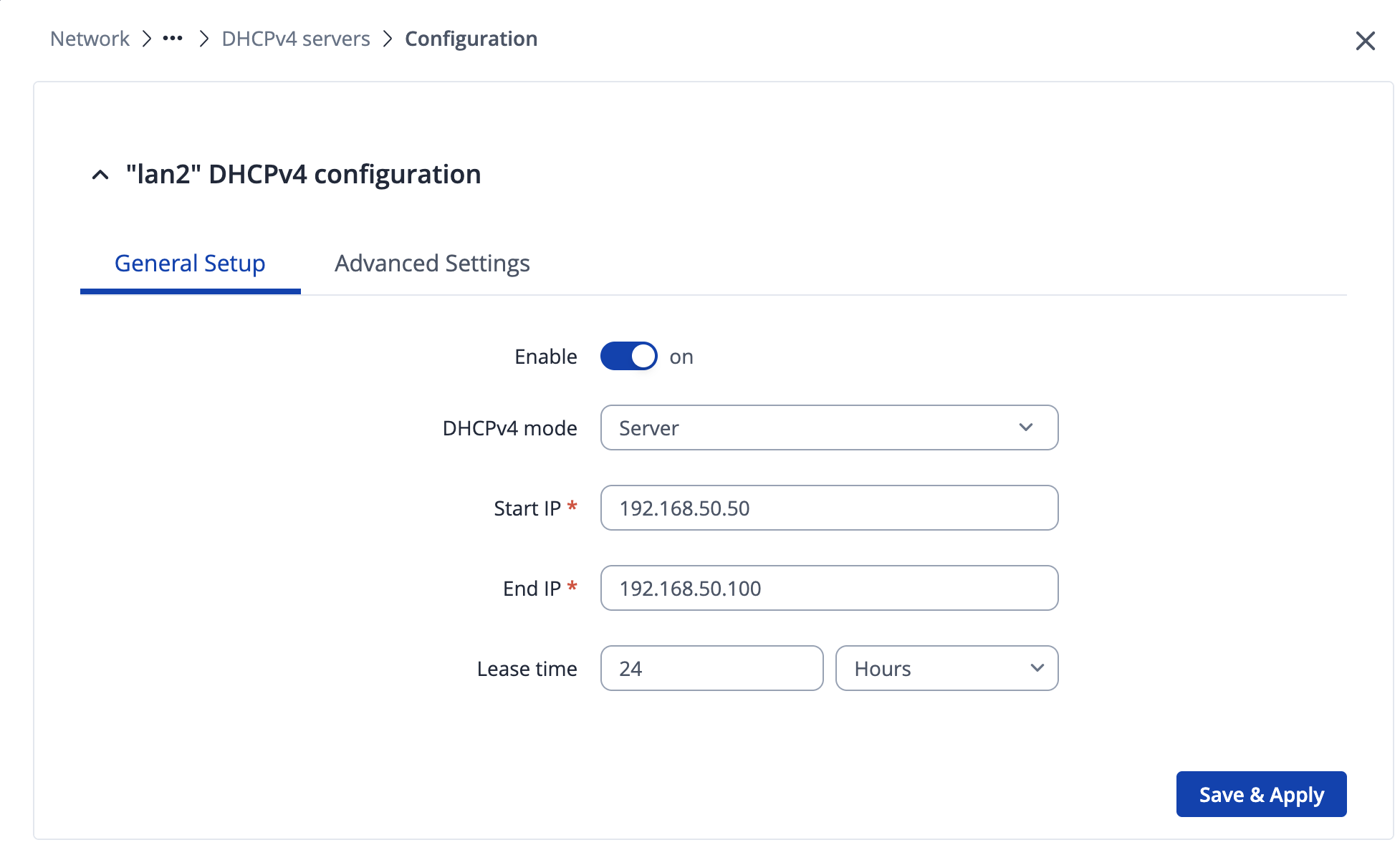
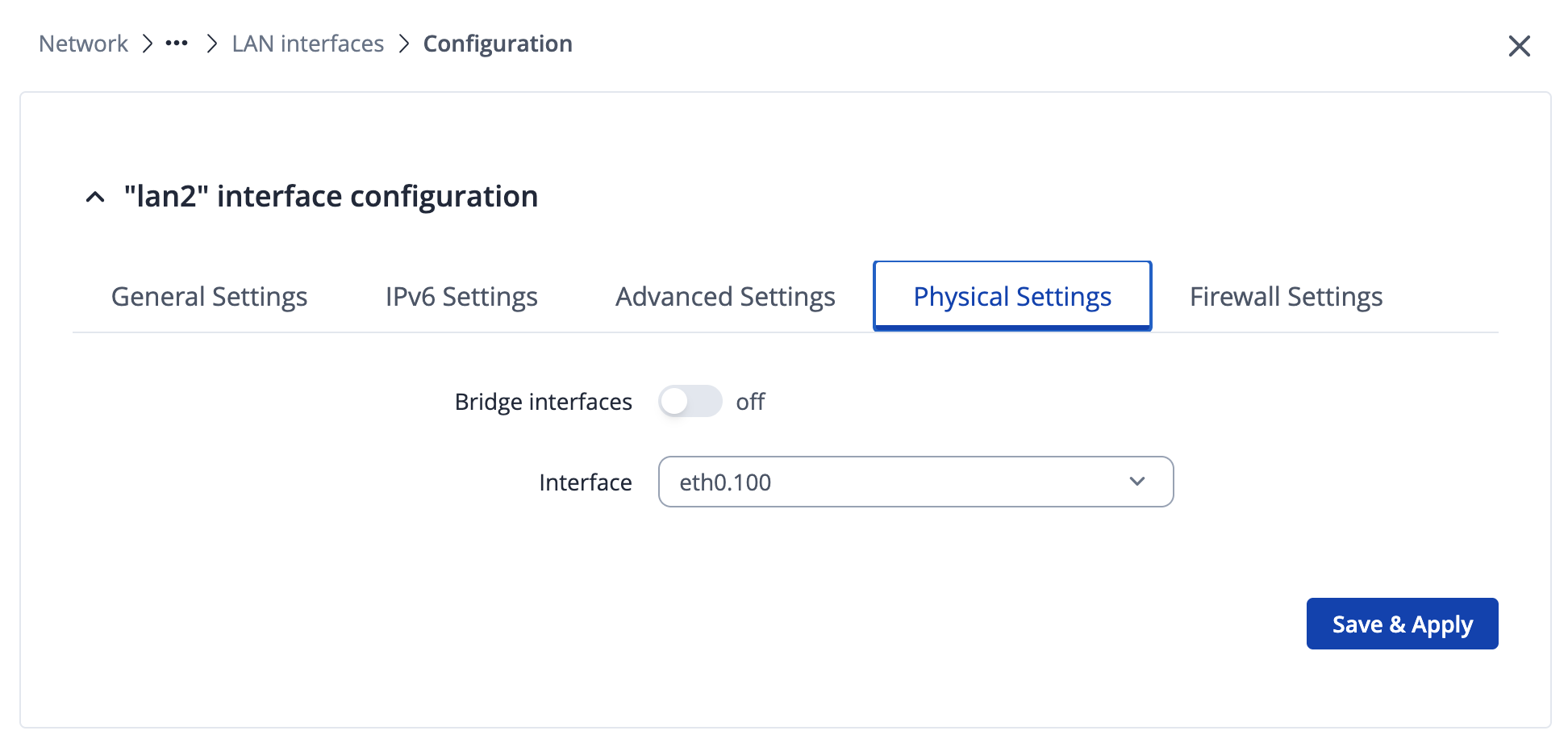
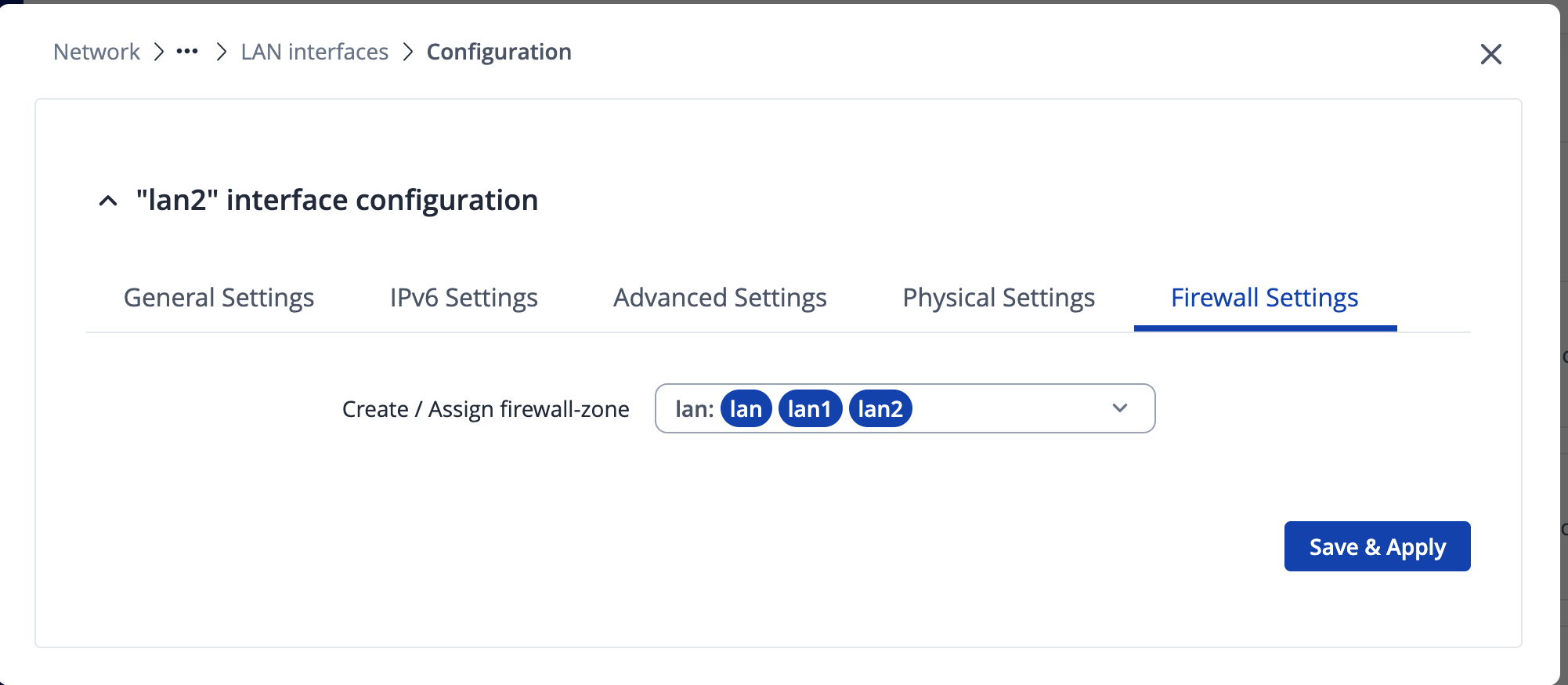
See attached screen shots - for my set up - however if i plug into lan port 2 - i am not gettting a dhcp assigned address ?
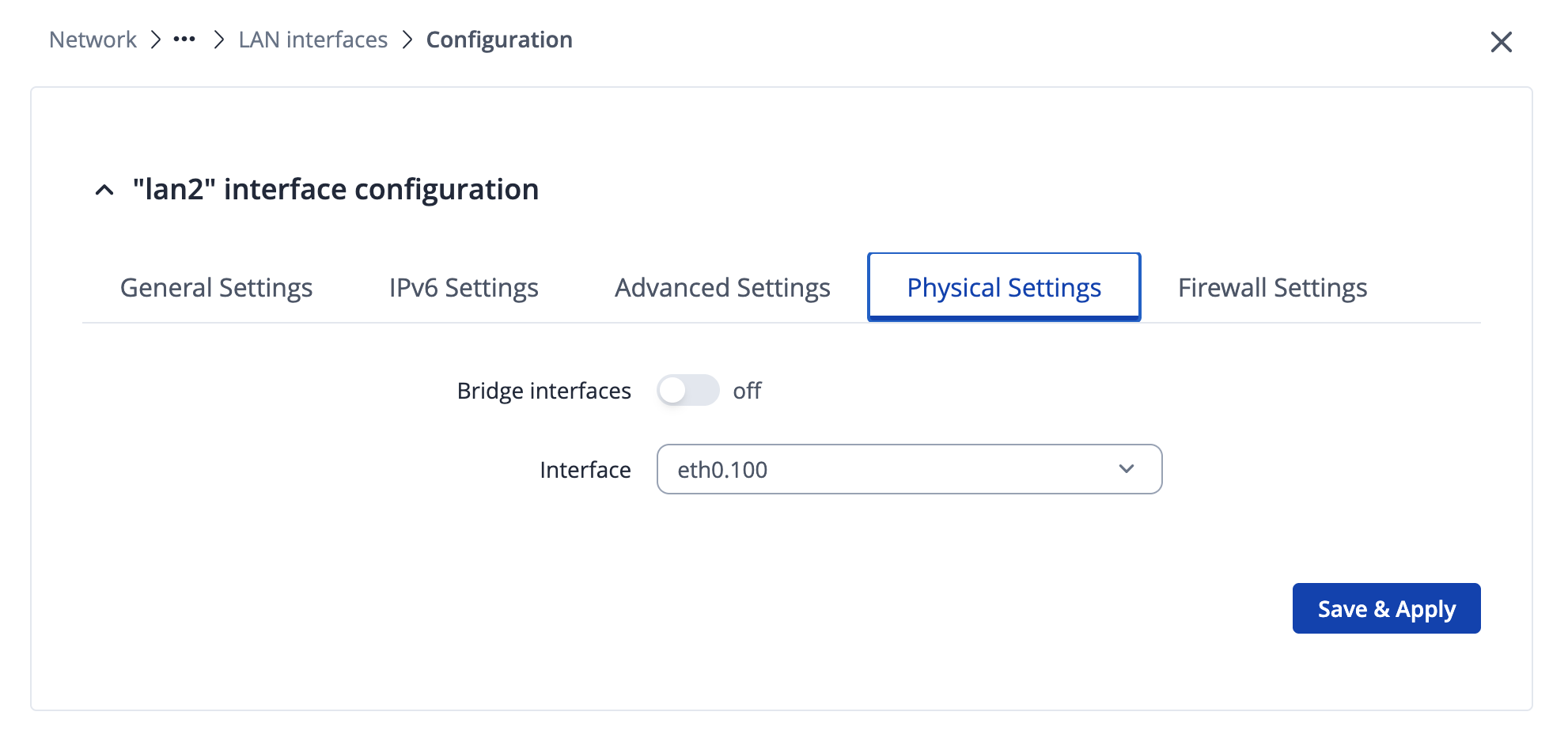
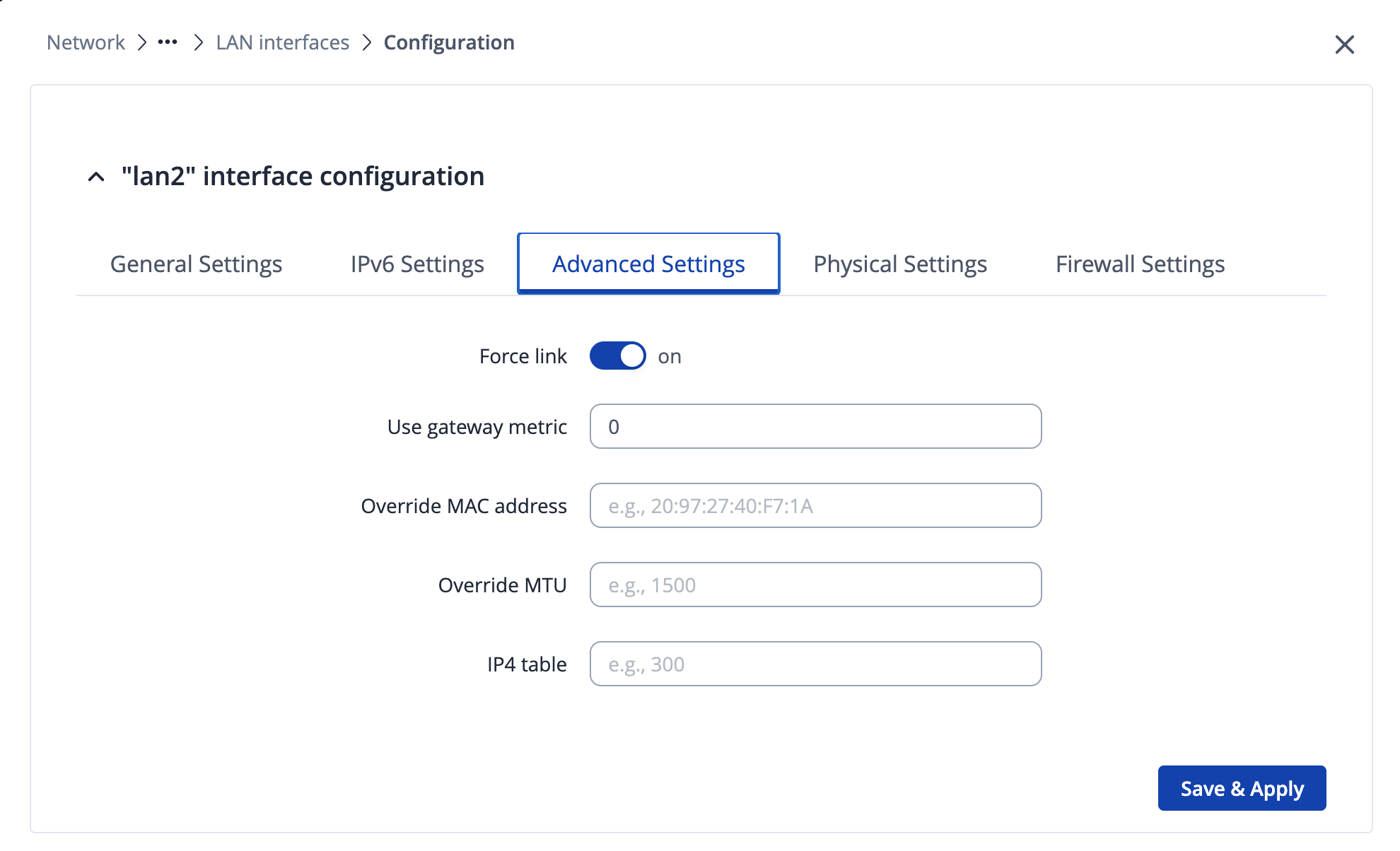
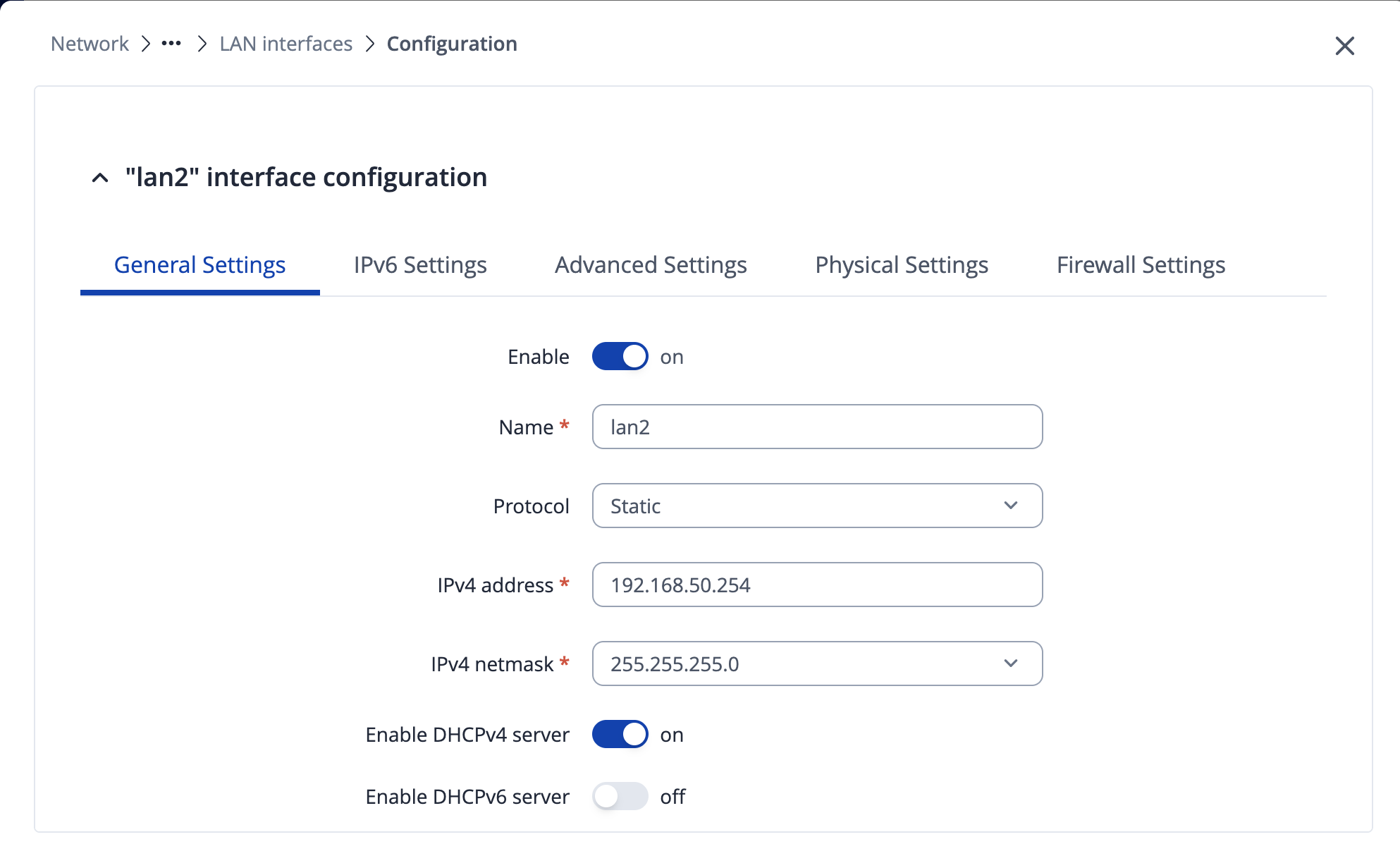
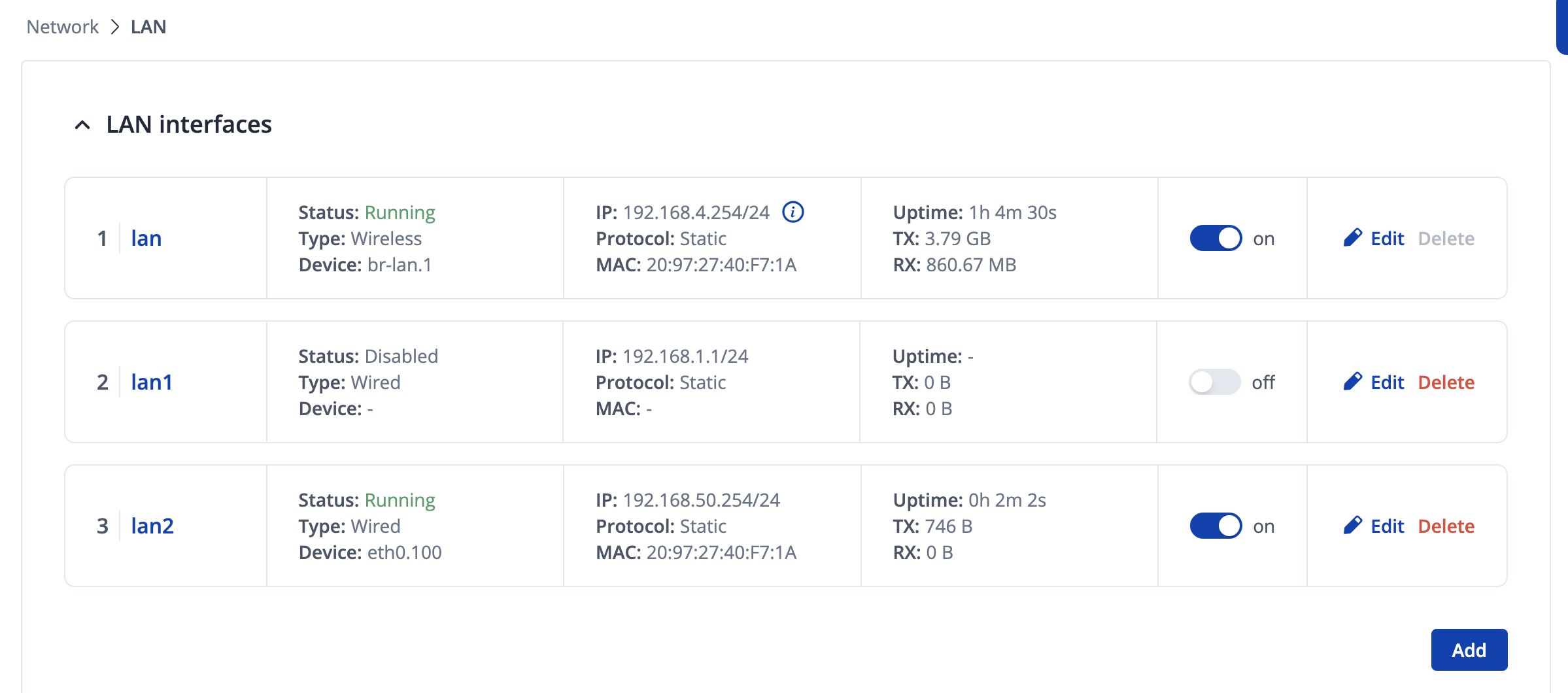
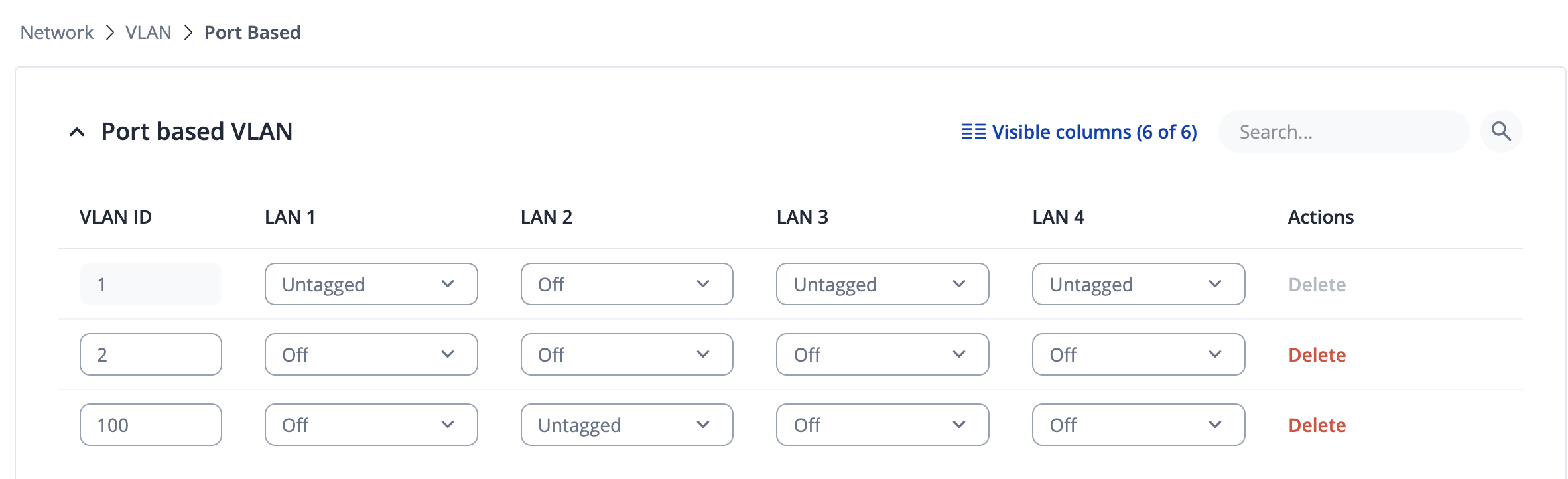
All help appreciated as i cant see why its not working…..
Hi
I have followed the guide here
See attached screen shots - for my set up - however if i plug into lan port 2 - i am not gettting a dhcp assigned address ?
All help appreciated as i cant see why its not working…..
Hi, @Canoe
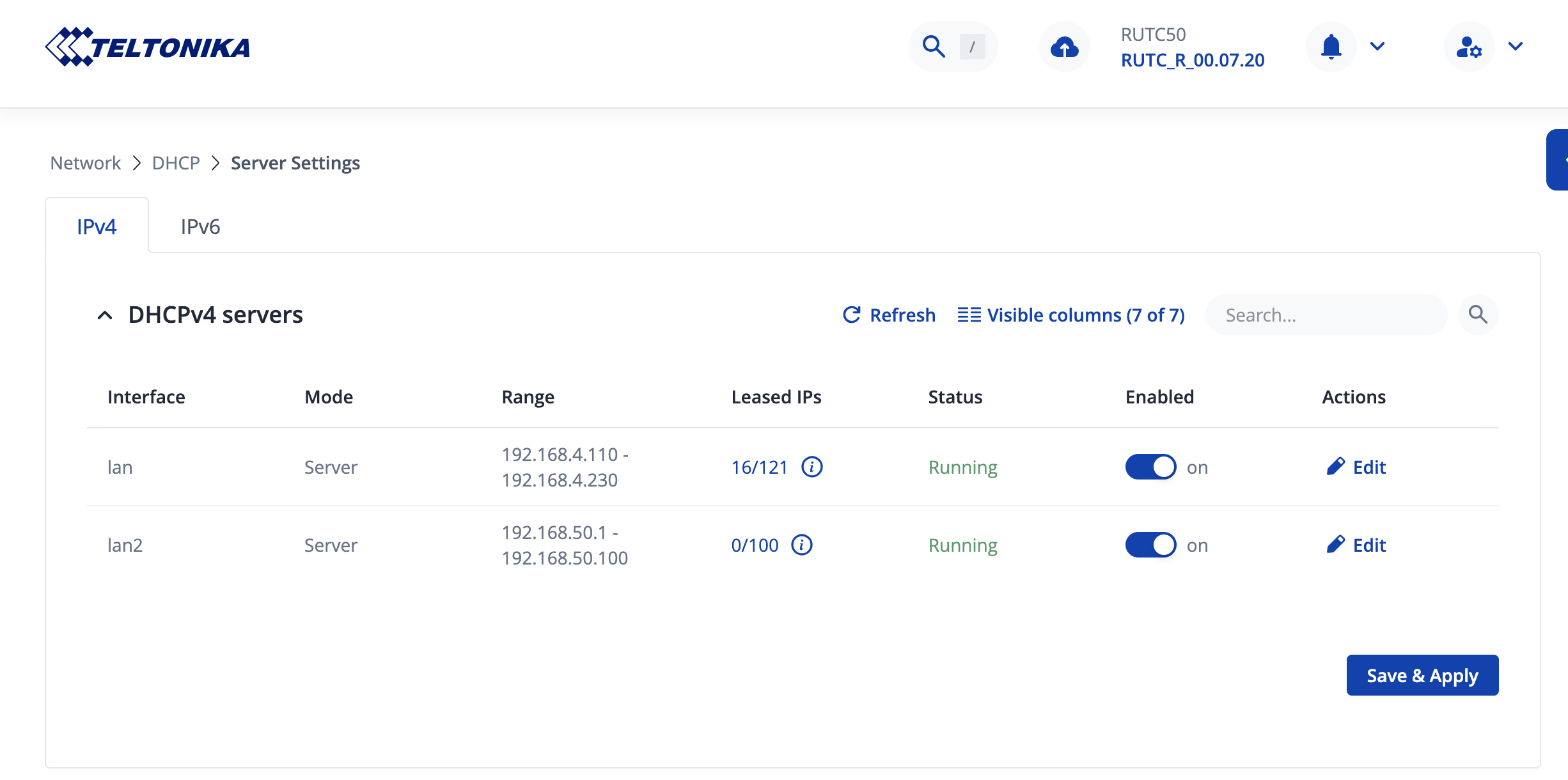
Please… can you share Network > dhcp > Server Settings ?
However if i change in lan > physical settings eth0.100 to br-lan.100 it appears to work - which obviously isnt the same as the teltonika guide ?
Hi…
Here… I have a RUTX12… Not RUTC50…
I am check at my device… and I use eth0.20 and eth0.30… no issues.
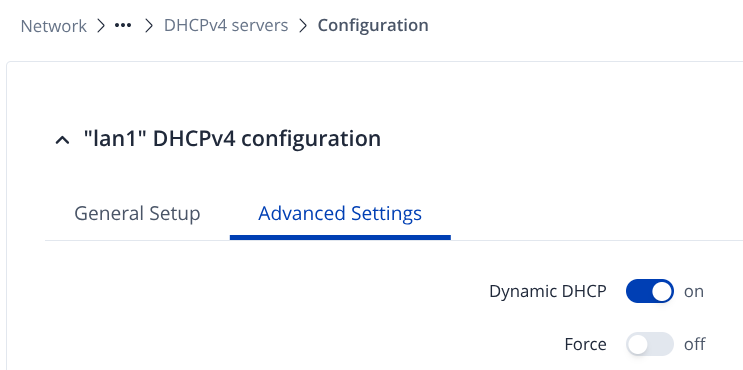
Have you try to force the dhcp server for the eth0.100 interface?
Hi…
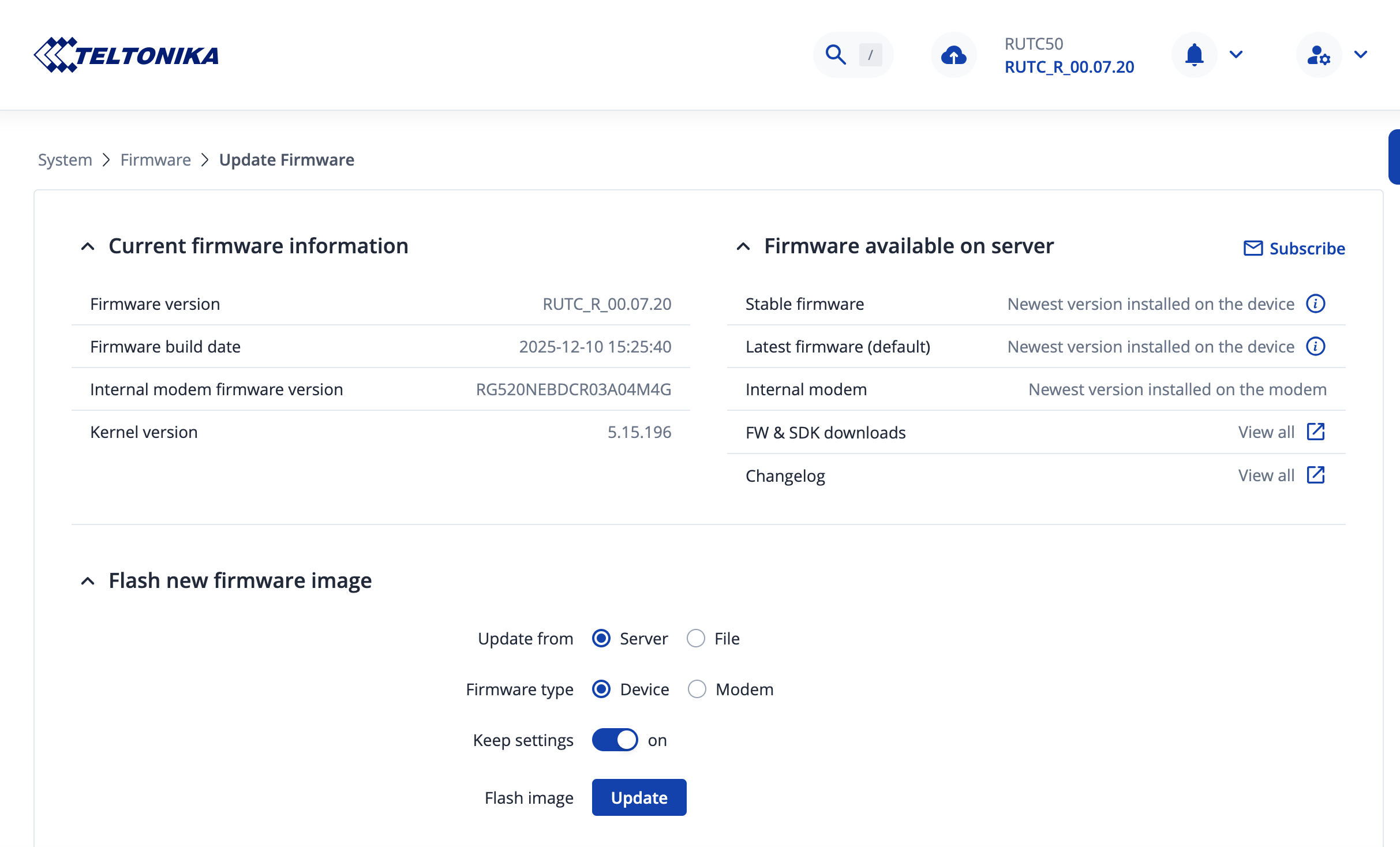
Is this working, before the version 7.20?
Dont know, only tried it with v7.2
Greetings, @Canoe,
Thank you for reaching out.
I attempted to replicate the issue you described, but I was unable to do so. I configured the VLANs according to the guide you provided and successfully received a DHCP lease on VLAN2 (eth0.100) without bridging it. The firmware version used was 07.20.
Could you please clarify whether there are any additional firewall or traffic rules that might interfere with or override this configuration?
I look forward to your reply.
Warm regards,
V.
Just the standard teltonika firewall rules - not changed any of them from default
Hello,
Thank you for your message.
The IP address you are receiving (169.254.14.68) indicates that no DHCP lease was obtained from the router. To help us investigate this further, could you please provide a network scheme or topology? Additionally, if possible, try testing the connection with a different end device.
This information will allow us to continue troubleshooting more effectively.
Warm regards,
V.
Nothing i connect to it with gets a dhcp lease (ip address) when in physical settings its set to eth0.100
When set to br0-lan.100 - i get a dhcp address
Lan is the home network - always been set up since i got the rutc50 - Wireless and Wired
Lan 2 is a new vlan set up from your guide - but doesnt give an ip with eth0.100 set up
Nothing special at all
Hello,
For troubleshooting purposes, we will require more sensitive information from your end, such as the troubleshoot file, which may contain passwords, public IP addresses, serial numbers, and such. To avoid leaking this information, we have sent you a form to fill out, which you will receive in your e-mail inbox that you have registered your account with in the forums. In the Ticket ID field of the form, please enter the ID of this thread, which is 17090.
Thank you,
V.
Thanks - I have submitted the support form
Any Joy Yet ?
Greetings, @Canoe ,
I hope this message finds you well,
Could you please check you email inbox? I sent you further instructions. Please let me know if you received an email.
Best wishes,
V.
This topic was automatically closed after 60 days. New replies are no longer allowed.