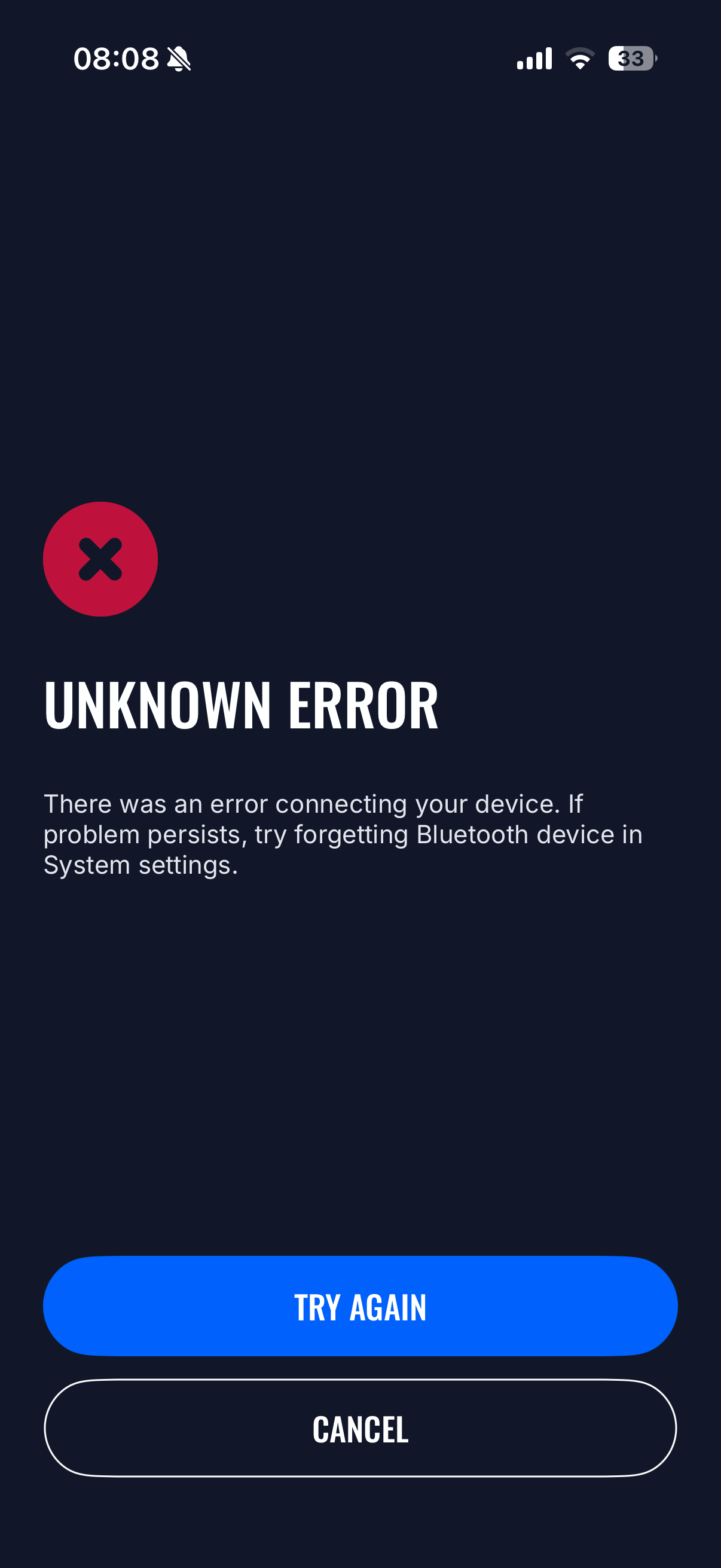
Hi, I’am having issue connecting to the app. I have EVC2-802062. I forget Bluetooth device as instructed in the error message, but it does not help. I need to Turn OFF AC isolator/breaker (grid side) wait for couple of minutes and turn it ON. Then I do the pairing again and it connects to the app successfully. BUT unfortunately after 1 day or even less it does not work anymore. It gives me same Unknown Error again. I can repeat same steps, but the outcome is same - after 1 day or less it stops working and I see same error. How can this be fixed?
I did not use any other device to connect. Only installer used his device to do initial setup.
Could you please share the data log file from the station? I have attached a picture showing how to find this log using our application.
Also, what phone are you using?
If the issue happens only with an iPhone, please check your iCloud settings, as iCloud may automatically save connection credentials. When the phone attempts to connect to the charger, it may try to establish a new connection and fail.
We recommend temporarily disabling iCloud sync for the application, as well as the key/storage saving feature, to help identify what is causing the issue. If there no option for only application, you can attempt disabling general setting for workflow.
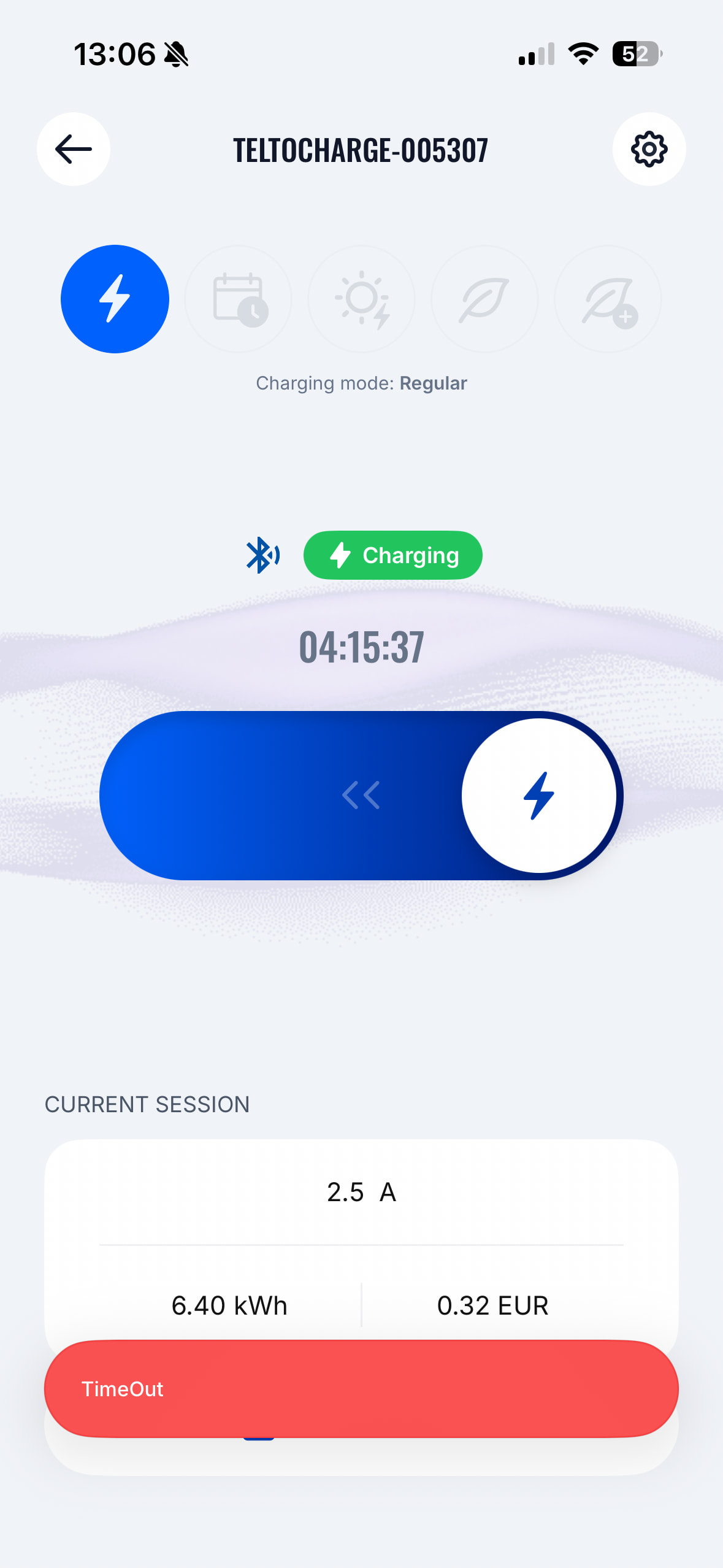
Same here. Tied about cloud or other you proposed, not helped. Also started to get red timeout message every time i start the app. Also as you can see that it is charging, but not giwing correct numbers - after some
Understood. I will forward this inquiry to our application developer.
I will need a few details for our developers to investigate.
What is the current version of the application?
What is the firmware version of the EVC station you are trying to connect to?
What is the phone model and OS version?
Maybe it possible to download troubleshooting file from the station? The option should be settings → diagnostics as it would give us some more insights.
Also, please reach out to us support.energy@teltonika.lt this way we would be able to come back to you as soon as possible when we get an update.
Inquiry with your provided information is created for our application developer. We are currently working to find the solution as soon as possible. Thank you for your patience.
My understanding is that this error indicates a mismatch between the Bluetooth bonding/pairing information stored on the charger and the iPhone. The phone appears to believe it is paired with the charger, while the charger no longer recognizes the pairing information.
Could you please explain what could cause this behavior?
Specifically, could you confirm:
Whether the charger stores BLE pairing/bonding information.
Whether CBErrorDomain Code 14 is consistent with corrupted or missing bonding data on the charger.
Whether there is a procedure to clear/reset Bluetooth bonding information on the charger side.
Whether any known firmware or application issues could cause the charger to lose pairing information.
Additional observations:
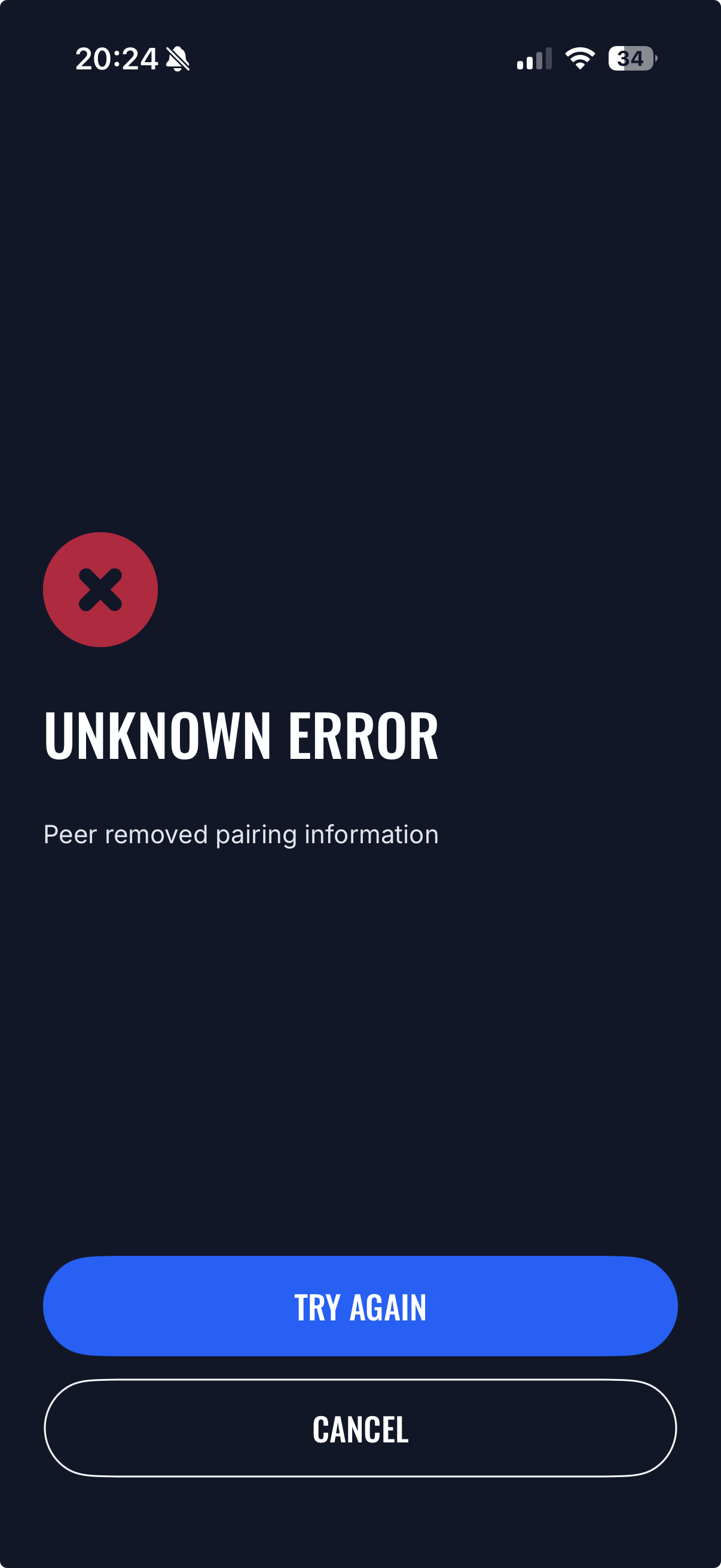
It appears that after a recent app update, the application started displaying a more specific error message: “Unknown Error - Peer removed pairing information”.
However, the message does not explain the cause or provide any recovery steps.
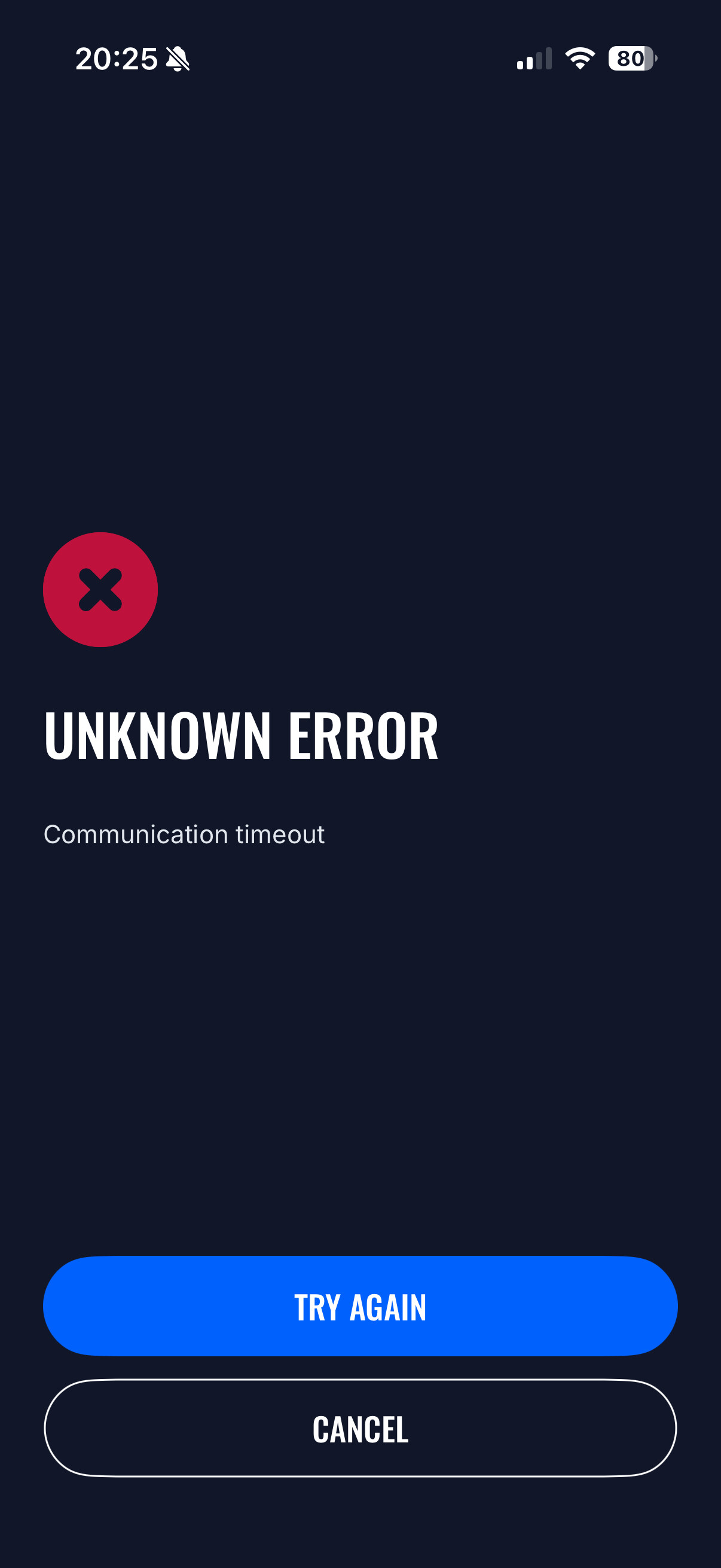
After manually removing (“Forget This Device”) the charger from iPhone Bluetooth settings and attempting to pair again, I consistently receive a different error: “Communication timeout”.
What is particularly concerning is that this morning I switched OFF the AC isolator/breaker supplying the charger, waited, and powered it back ON. After the charger rebooted, I was able to pair successfully and the application worked normally again.
However, by the evening the exact same issue returned:
Bluetooth connection failed.
“Peer removed pairing information” appeared again.
Re-pairing resulted in “Communication timeout”.
This strongly suggests that something on the charger side is losing or invalidating Bluetooth pairing information over time.
Environment:
iOS app version: 1.16.2
Device: iPhone 17
Charger firmware: v2.2.6
Issue reproduced multiple times
At this point I am spending a significant amount of time repeatedly recovering Bluetooth connectivity, and the issue appears to be recurring rather than a one-time pairing problem.
Could you please investigate whether this is a known issue and advise on a permanent fix?