unable to connect to the router when connected via ethernet cable typing ip address in edge search
hi.
The device is using the default ip address 192.168.1.1 ?
Do you have your computer connect it at lan… and the wan of the device is connected to something?
my pc is connected to lan , is the device i need connected to wan ???
jon
yes device is default address
no…
I just want to be sure… the wan of your device if OFF… because… sometimes… another devices is providing the same ip address of the Teltonika.
and…
it is 192.168.1.1 / 24 (255.255.255.0) correct?
What device are you using?
It have wifi?
Have you try to reset to factory default configuration… and looking at the label under the device… do all configurations from scratch?
i guess its off its a fixed ip.
rut200 i dont know the configurations that why im trying to get in to it to see how its done
okay…
Look at under the rut200.
Can you see the label under it?
It have..
user: admin
password: I don’t know
wifi SSID: I don’t know
WiFi passwd: I don’t know.
Password, WiFi SSID and WiFi password are clear? Can you see everything clear?
sample.
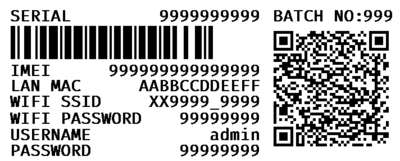
Only do a factory default reset… with all informations very clean!
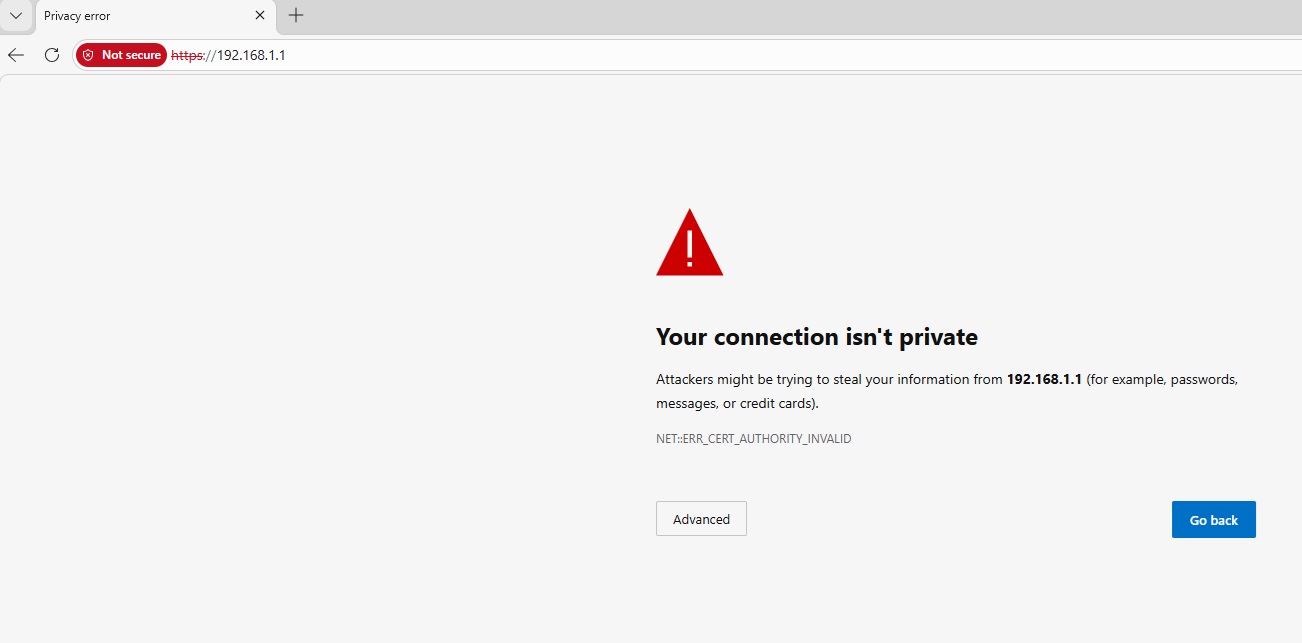
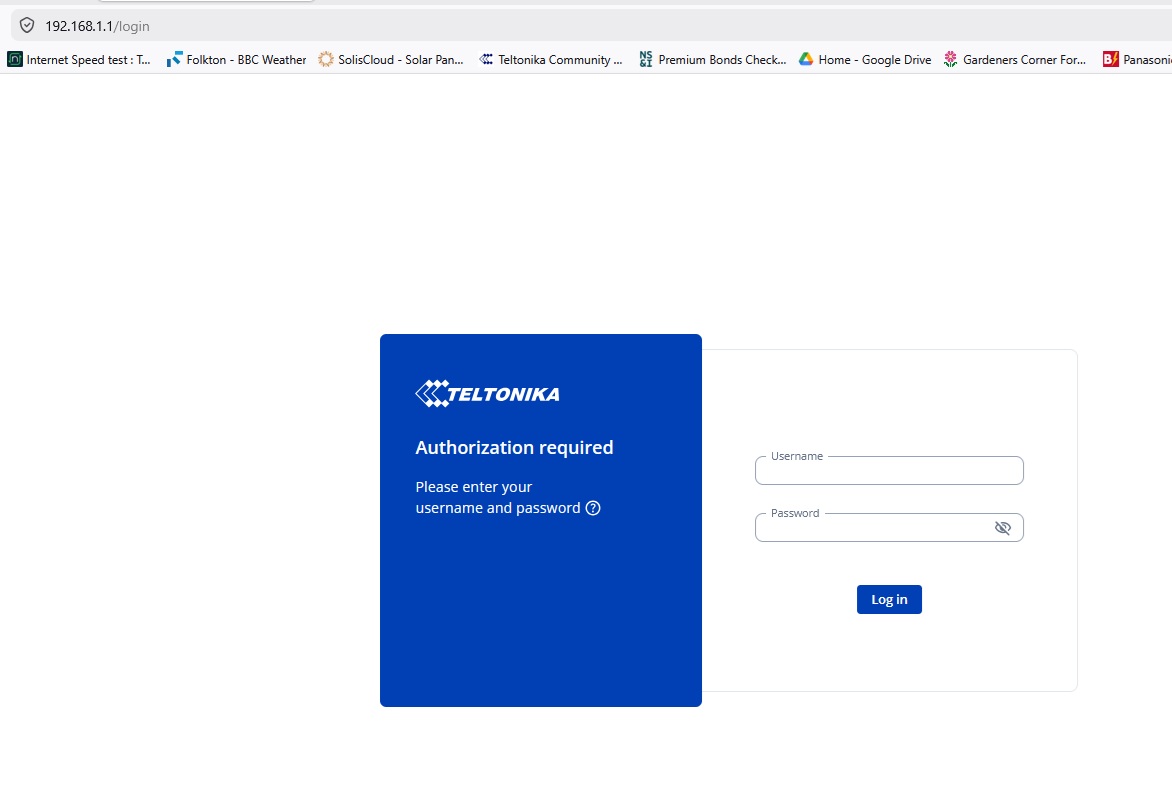
With an ethernet cable between what i’ll assume is a laptop and the router with WiFi on the laptop temporarily disabled and having typed http://192.168.1.1 or / and https://192.168.1.1 in your browsers address bar what do you see on the screen? Do you get an onscreen message at all?
Hello @jon1,
Please let me know if your issue has been resolved or if you still need assistance.
If you still need help, please provide a screenshot of what you see when you access 192.168.1.1 through your browser.
Best regards,