I’ve just fitted a TRB142 (to replace the factory 3G module that’s about to be turned off in my area) to send SMS alarms for a remote site.
I have the TRB142 in full control mode and connect via the HMI RS232 port. I’m struggling to get enough info from Red Lion help pages to know exactly which settings should be on or off etc for the various drivers I have available. And not being familiar with AT commands isn’t helping!
The HMI just sits in an “ Initialising” state. It euros usually show “Idle & Signal strength” when using the factory 3G module.
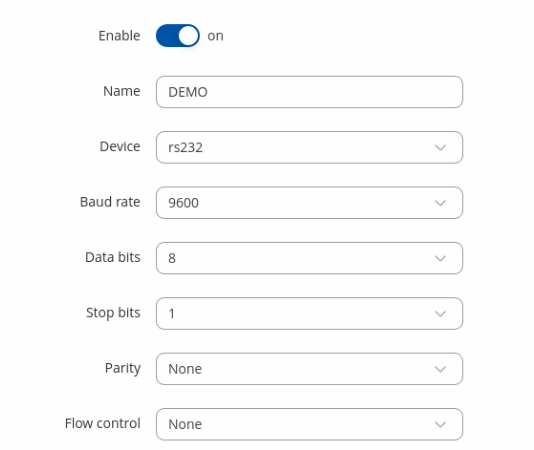
Yes the settings match in both units - I have tried various speeds but always change it in both units.
The cable is a DB9 RS232 serial male to female that I’ve cut one end off and terminated a RJ12 plug (to suit Red Lion HMI) to make a “Null Modem Cross Over” cable. I’ve triple checked the pin-out and confirmed with multi meter.
Just for the sake of trying, I reversed the TX & RX wires at the RJ12 end today (to make a straight through cable) and it appears to be communicating according to the TRB142 webUI - I can now see TX & RX data accumulating and the timer is refreshing every couple of seconds. But still not able to send a SMS yet as the HMI can’t initialise.
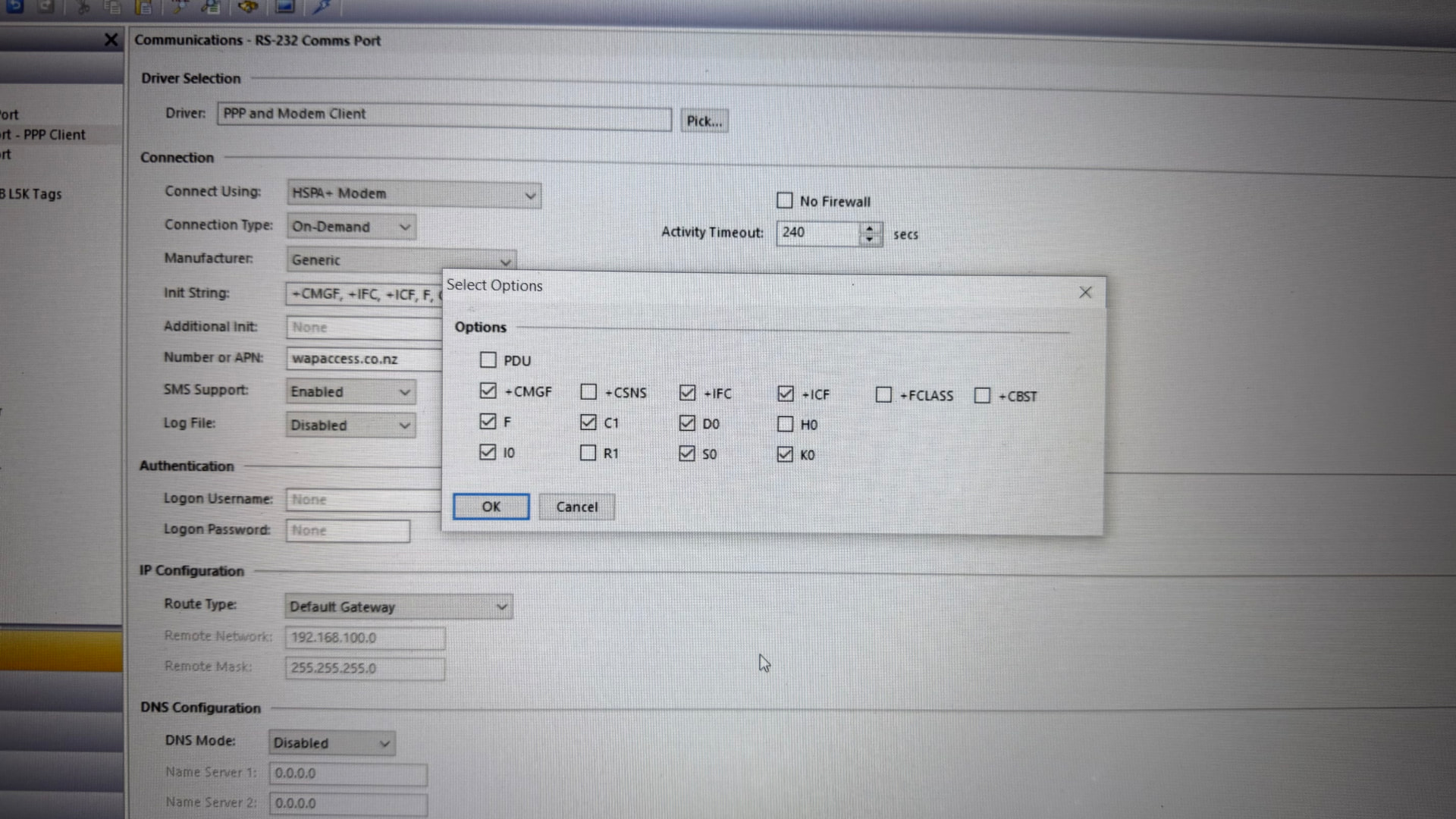
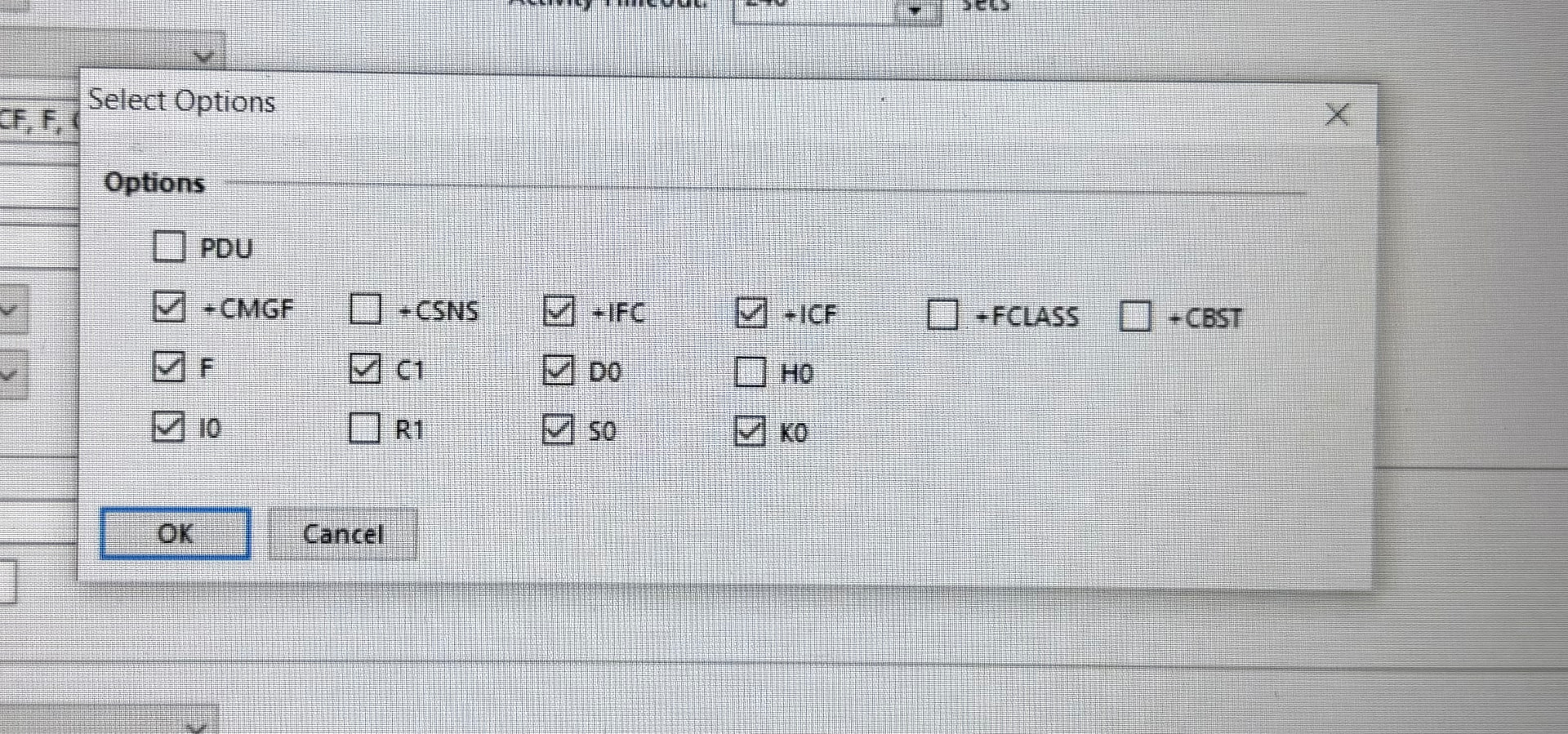
Now I think it’s a matter of getting the HMI initialising strings sorted. I have a bunch of default strings I can turn on/off (see attached photo) and I can write any additional strings required as well.
Are you able to provide a list of the required commands to send outgoing SMS only? - no incoming required.