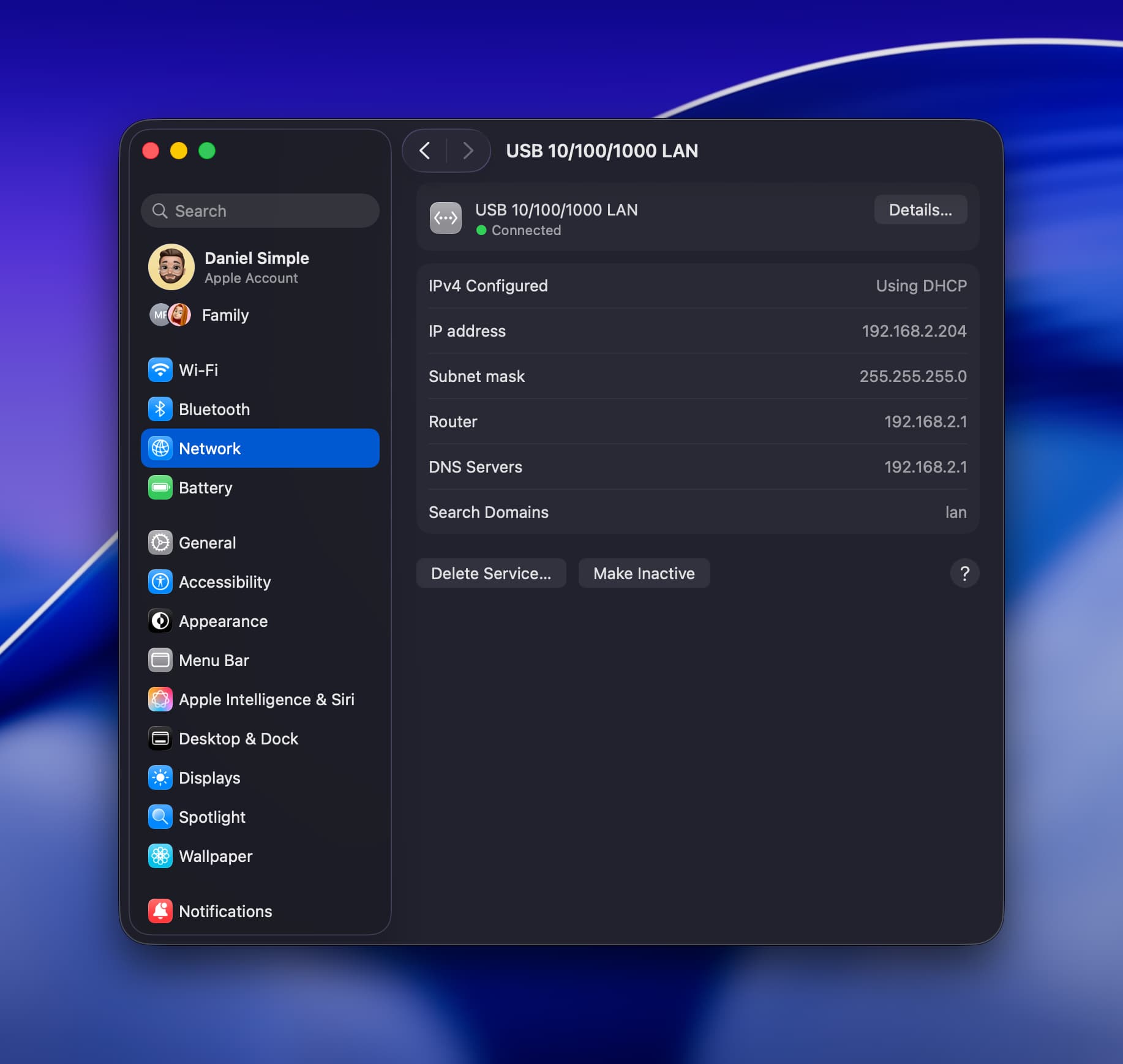
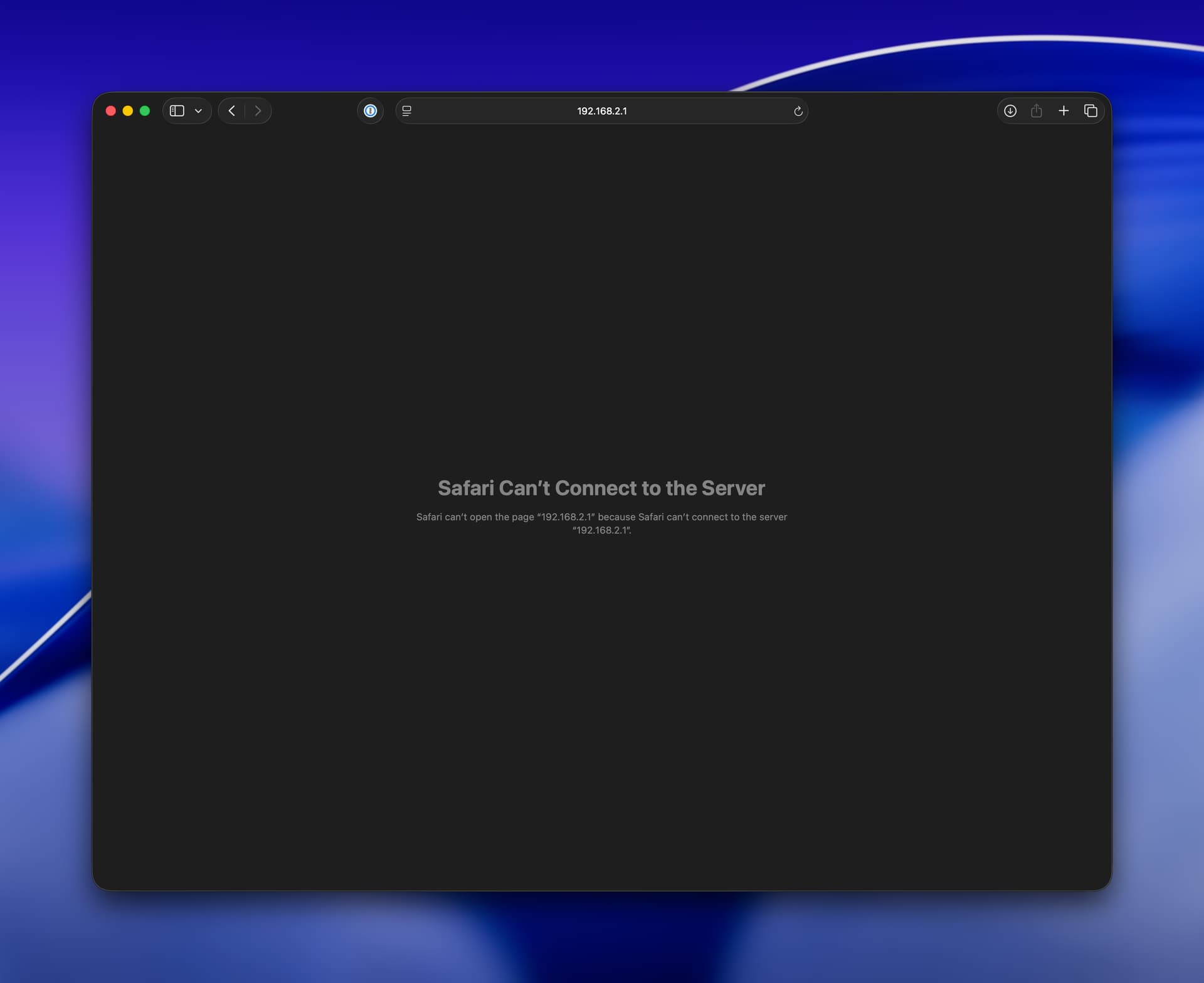
Hello, I’ve tried everything I could to be able to setup my new TRB140 and was not able to. I tried it on mac and on iPhone, with ethernet cable. I’ve reset it with short reset and long reset. Just in very few cases, I was able to see login page trying to use url with https://192.168.2.1/login but not at all with 192.168.2.1 but was not able to login because always would say wrong credentials. But at some point, it would stop working and if I refresh the page, would not be able to actually load it again.
So to be honest, I don’t know what else to do. Is there any tutorial you have for mac or iPhone? I also tried connecting with USB or without. Tried all ways as if would be a room escape, but was not able to make it . Thanks!
On Mac open Terminal and enter ping 192.168.2.1 , if it can reach than try to connect to router using SSH, enter ssh root@192.168.2.1 and enter password, if it’s successfully connects then I would recommend to firstboot device or upload newest FW to device and using sysupgrade update it.
Good morning, I tried to connect with SSH with no luck. It says:
ssh: connect to host 192.168.2.1 port 22: Connection refused
I checked with a net analyzer which ports are open, and I only get:
53, 443 and 8080.
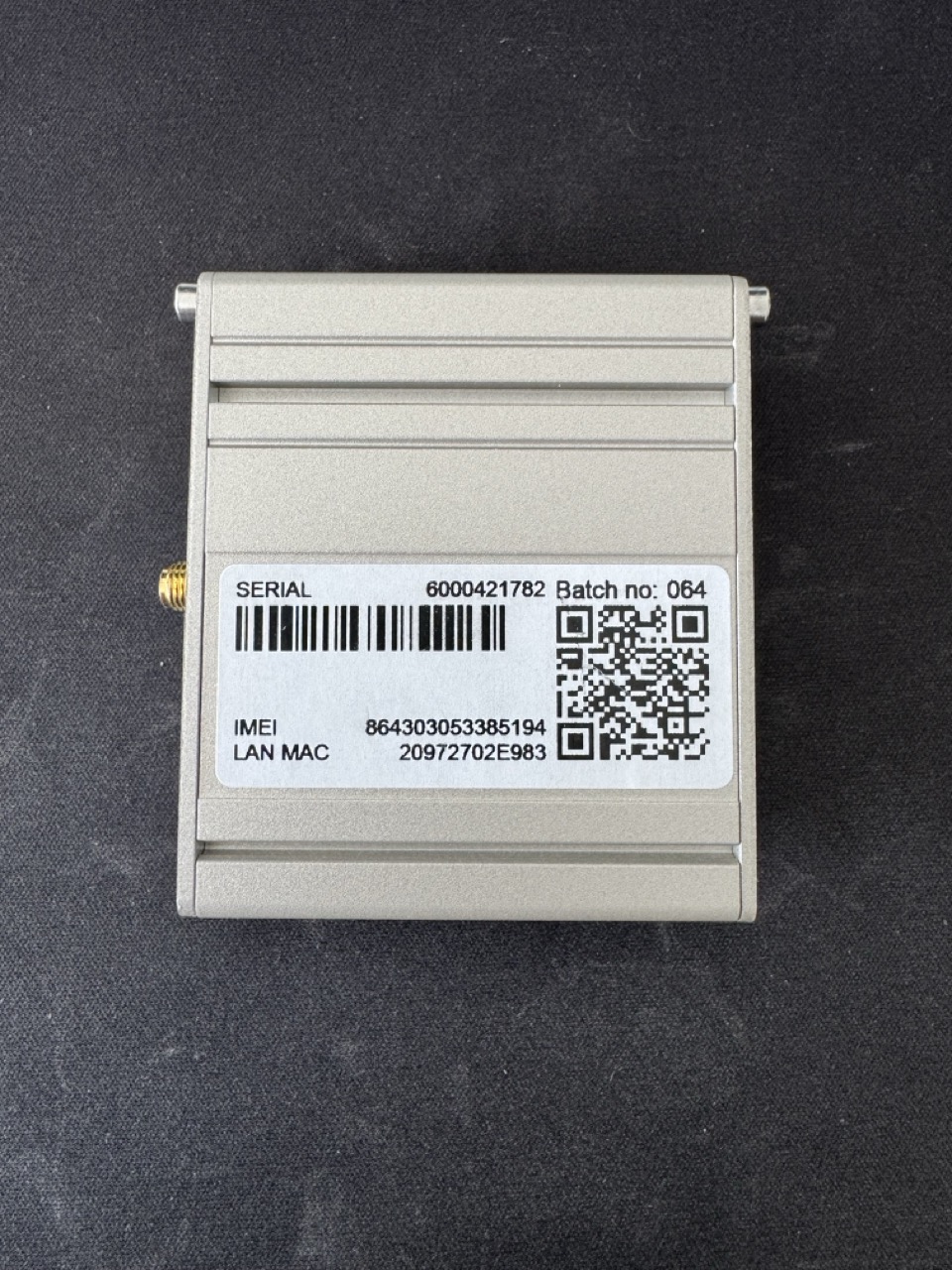
That’s why I was not able to open 80 by default and needed to use https or 192.168.2.1:8080. Now I can access the login screen, but I cannot get in any way the password. The device doesn’t have any sticker with the password, I reset it 3 times already for more than 12 seconds and password is not admin01. My batch is 064, not sure if you can help with that information.
We’d like to inform you about updates related to the issue where the label gets damaged, resulting in the device being locked and the password not being saved anywhere.
We have new products coming soon that will feature improved mounting options to avoid using velcro or similar stickers, which often lead to these situations. Until devices with anodized aluminum cases are available—allowing us to engrave key information—we plan to use higher-quality stickers to reduce the chances of this happening.
We understand that these situations can be frustrating and cause inconvenience. It’s important to highlight that we don’t retain credentials for extended periods due to the strict security standards we follow. While this may be inconvenient when the label is damaged, maintaining security is a top priority. Unfortunately, “safe” and “convenient” don’t always align, but we’re working to find the right balance and improve where possible.
As per standard procedure, if the default password is lost and access to the device is no longer possible, the correct step is to initiate an RMA process through the distributor. This ensures the issue is resolved securely and in line with our internal policies.
Additionally, when purchasing devices directly from us, there’s an option to receive a file containing device details, including passwords, at the time of purchase.
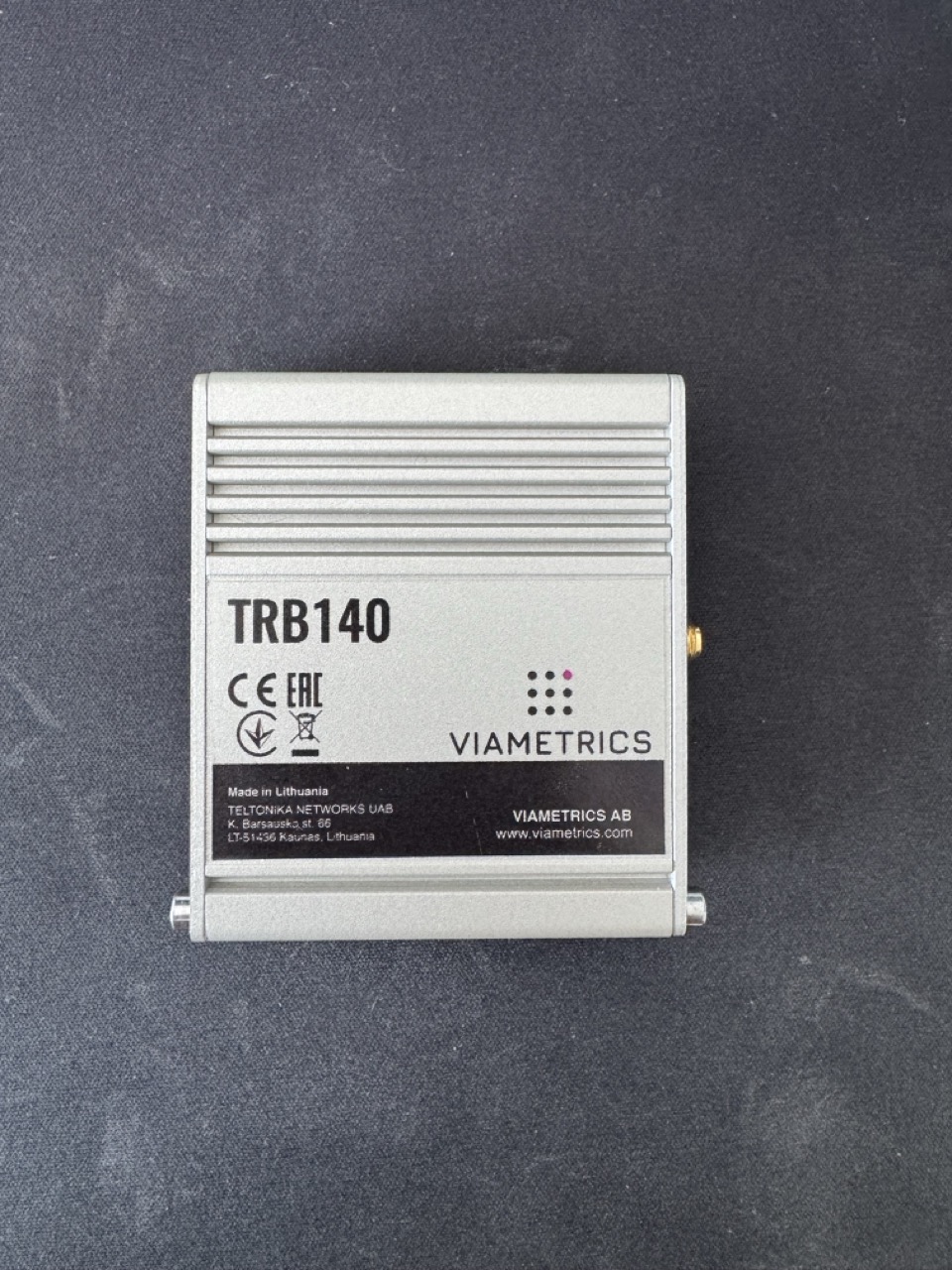
Hey Marija, I opened the box and there’s no one that the password is there. I’ve not used any velcro or tape, I’m attaching photos so you can see. I bought it from someone, so I don’t have any specific “distributor” to do an RMA. So what should I do? ChatGPT was suggesting to reach out to support that you would have the default password, but if you don’t, then the product itself is useless, not very positive as a brand or environmental friendly.
As I can see, this is a custom device designed for a specific company. Most likely, they chose not to include the password on the device sticker. For the password, you should contact the person or company you purchased the device from. Unfortunately, we are unable to assist in this case.
 . Thanks!