Our 4 year old RUTX11 failed and we have 3.5 years of RMS credits remaining - I would like to transfer them to the new device. (Although, at the moment, despite an excellent 4g connection, RMS Connection State is reported as “Connecting” in the new device RMS status.)
Hello,
Regarding your RUTX11, could you please clarify what you mean by “failed”? Does it not boot up anymore, or are there other issues?
Regarding the new device you are trying to connect to RMS, please log in to its WebUI, navigate to System → Cloud Solutions → RMS, and try pressing the Connect button manually. If the device still does not connect, please let me know what is shown next to Connection state.
Best regards,
By “failed” I mean, all of a sudden, only the power light comes on. The 3g/4g data connection never works (and no LEDs ever do anything meaningful) and the web interface only very occasionally comes up. The replacement works fine.
It’s disappointing (it’s had an easy life, albeit powered off for 6 hrs a day) - I hoped for better quality, but I’ve replaced it with identical Teltonika kit due to familiarity
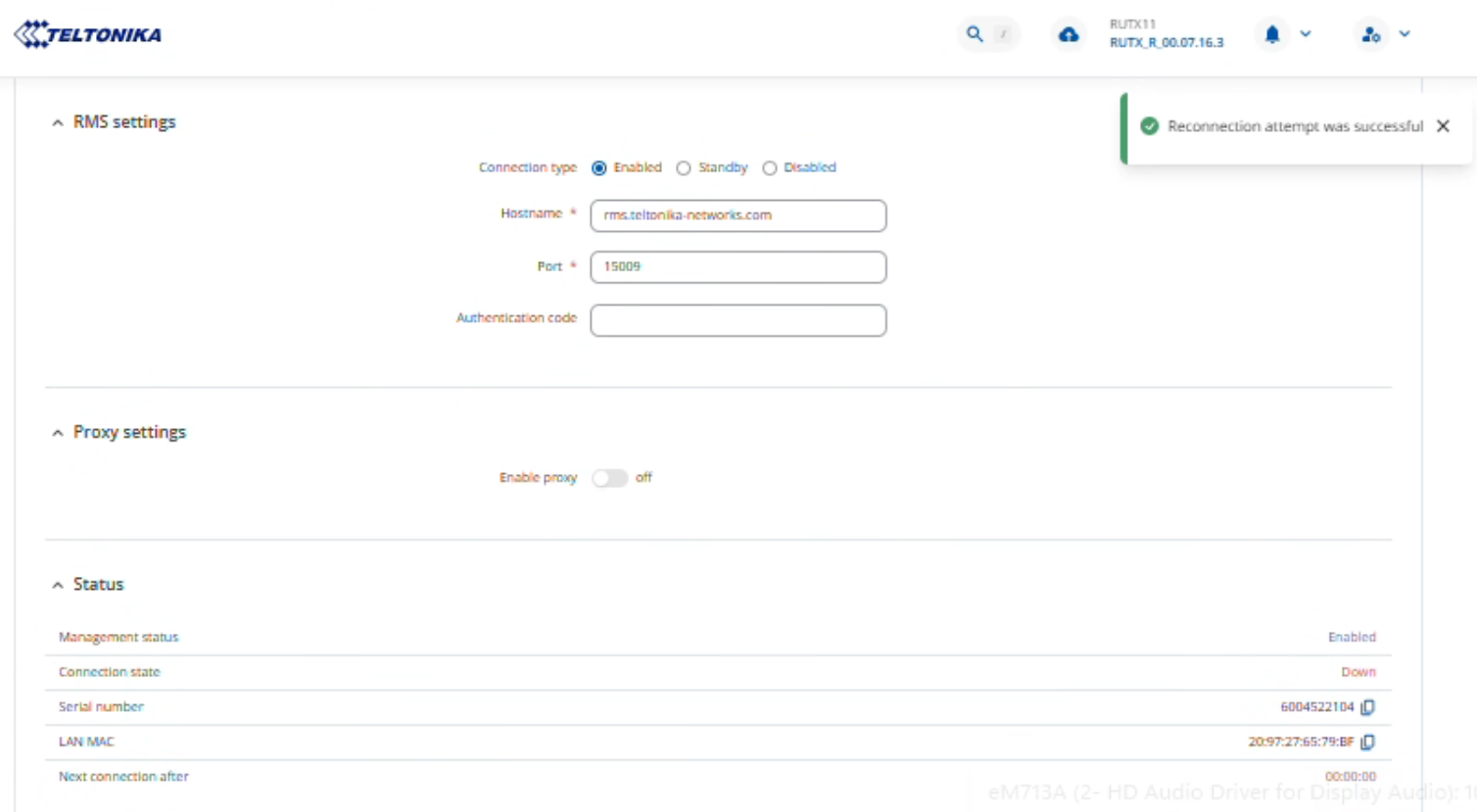
Clicking Reconnect (I see no Connect) it says “Reconnect attempt was successful” in a popup.
“Connection State” in Status says “Down” then stays at “Connecting”
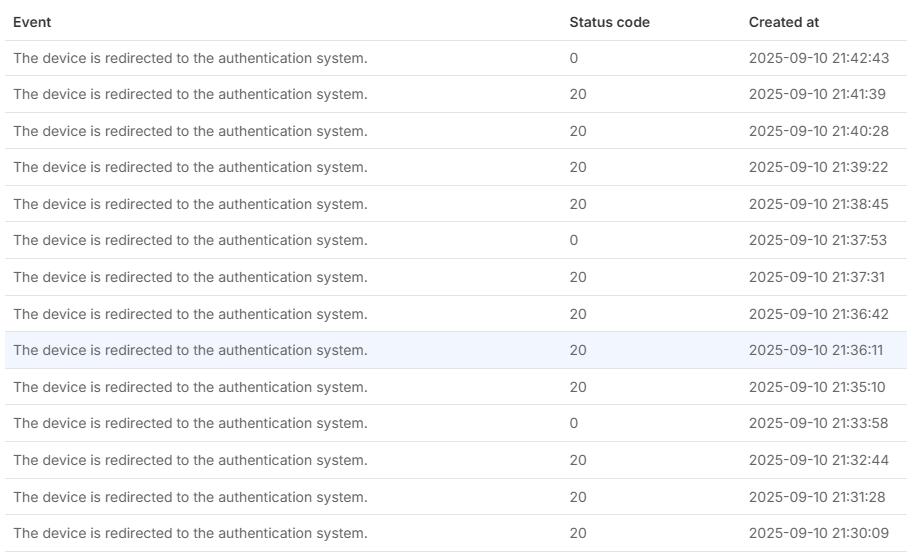
Any update?
Hello,
Could you please try the steps outlined on our wiki page here: Why is my device offline / not activated on RMS? - Teltonika Networks Wiki
Additionally, could you please check whether the devices can access the required ports by running the following commands:
telnet 18.196.62.30 15009
telnet 18.196.62.30 15010
telnet 18.196.62.30 15011

telnet 3.69.112.66 15009
telnet 3.69.112.66 15010
telnet 3.69.112.66 15011
If Telnet is not installed on your devices, you can install it via CLI(Command Line Interfaces RutOS - Teltonika Networks Wiki) by executing:
opkg update
opkg install telnet
Please let me know the results.
When device will connect to RMS, we will proceed with RMS resources transfering.
Best regards,
The numeric addresses you suggested that I test did not work.
The PDP type of the WAN mob1s1a1 interface was set to (the default) of “IPv4/IPv6” - internet status reported IPv4 was “offline”. If I change PDP type to “IPv4”, the numeric addresses work and so does RMS monitoring. But obviously IPv6 is now “offline” - is that an issue with the ISP - EE?
I suggest this goes in the troubleshooting guide…
Hello,
Could you please check with your operator whether your SIM card supports both IPv4 and IPv6, or only IPv4?
Best regards,
The previous modem was configured for IPv4 only and worked satisfactorily.
Now that RMS is working on the new modem, could the credit please be transferred?
Hello,
I will need some sensitive information regarding your devices. For this reason, I have sent a form to the email address you used to register on the community forum. Once you complete it, I will contact you privately. When filling out the form, please use the ticket ID “15456”.
Best regards,
The credits have been successfully transferred from the non-working device to the new one.
Best regards,
This topic was automatically closed after 60 days. New replies are no longer allowed.