Hello guys,
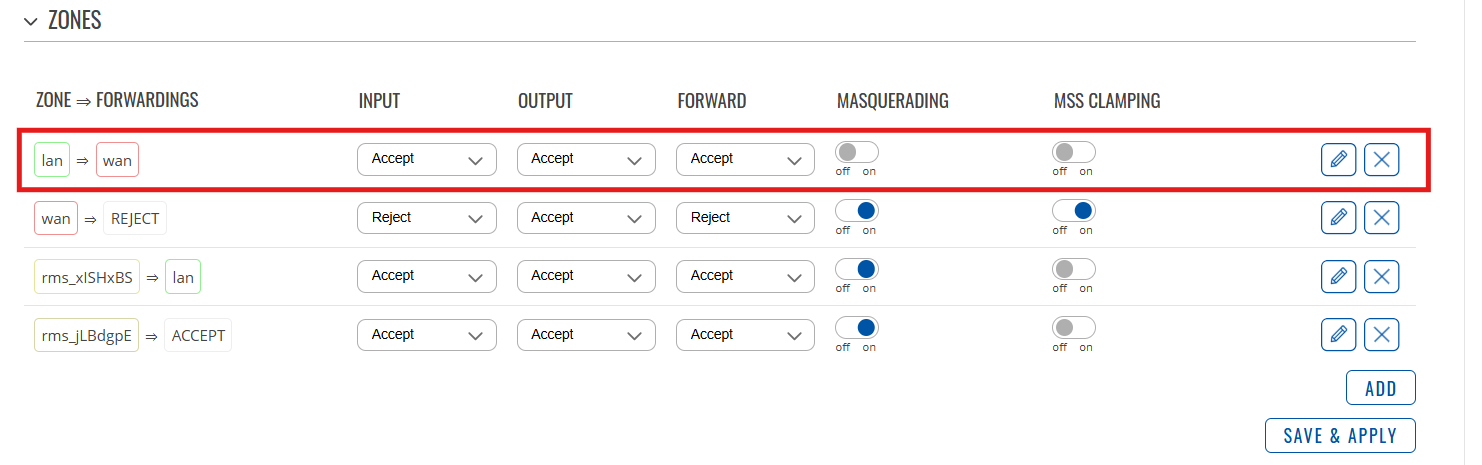
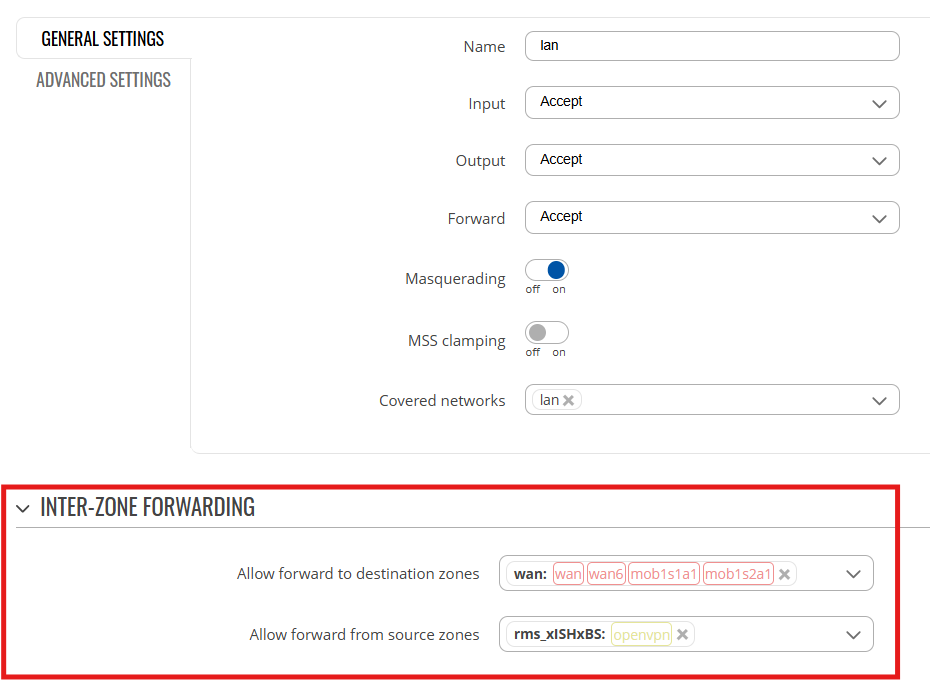
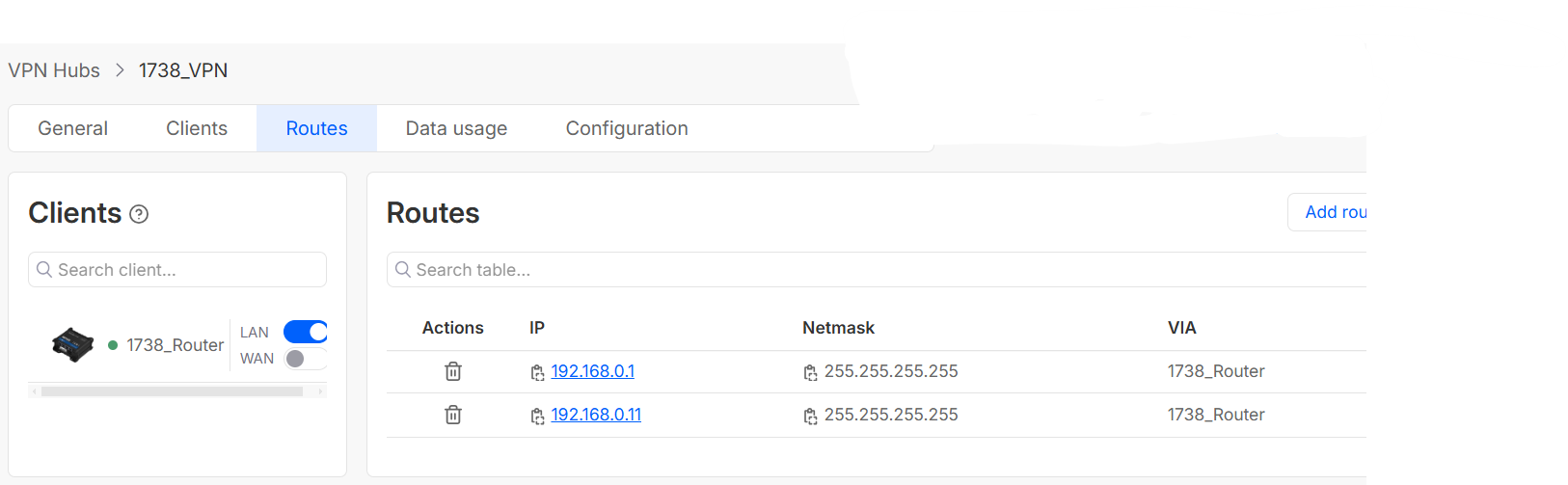
I followed a YouTube guide and managed to set up a VPN hub in Teltonika RMS. I changed the LAN IP of the RUT956 (192.168.0.10) to match the same range as the Siemens PLC (192.168.0.1). Then, I added routes for both the PLC and a Cognex scanner.
After that, I downloaded the VPN configuration and imported it into the OpenVPN Connect software. The connection was successful — I can ping both the router LAN IP and the PLC IP without issues. However, I cannot ping the Cognex scanner.
The main problem is that when I try to connect to the PLC using TIA Portal, the software cannot detect any accessible devices.
Is there any extra configuration I might be missing, or something else I need to do in order to access the PLC properly? Any help would be greatly appreciated.
Thanks in advance!
@ siemens_guy, i saw your problem and i think it´s similar to mine, can you tell me how did you resolve your problem?