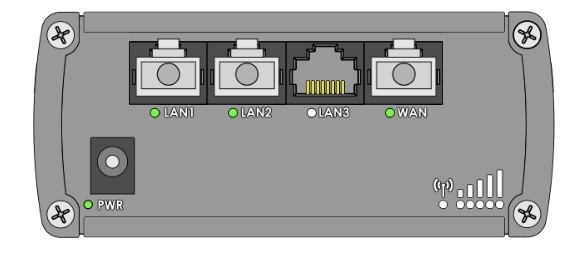
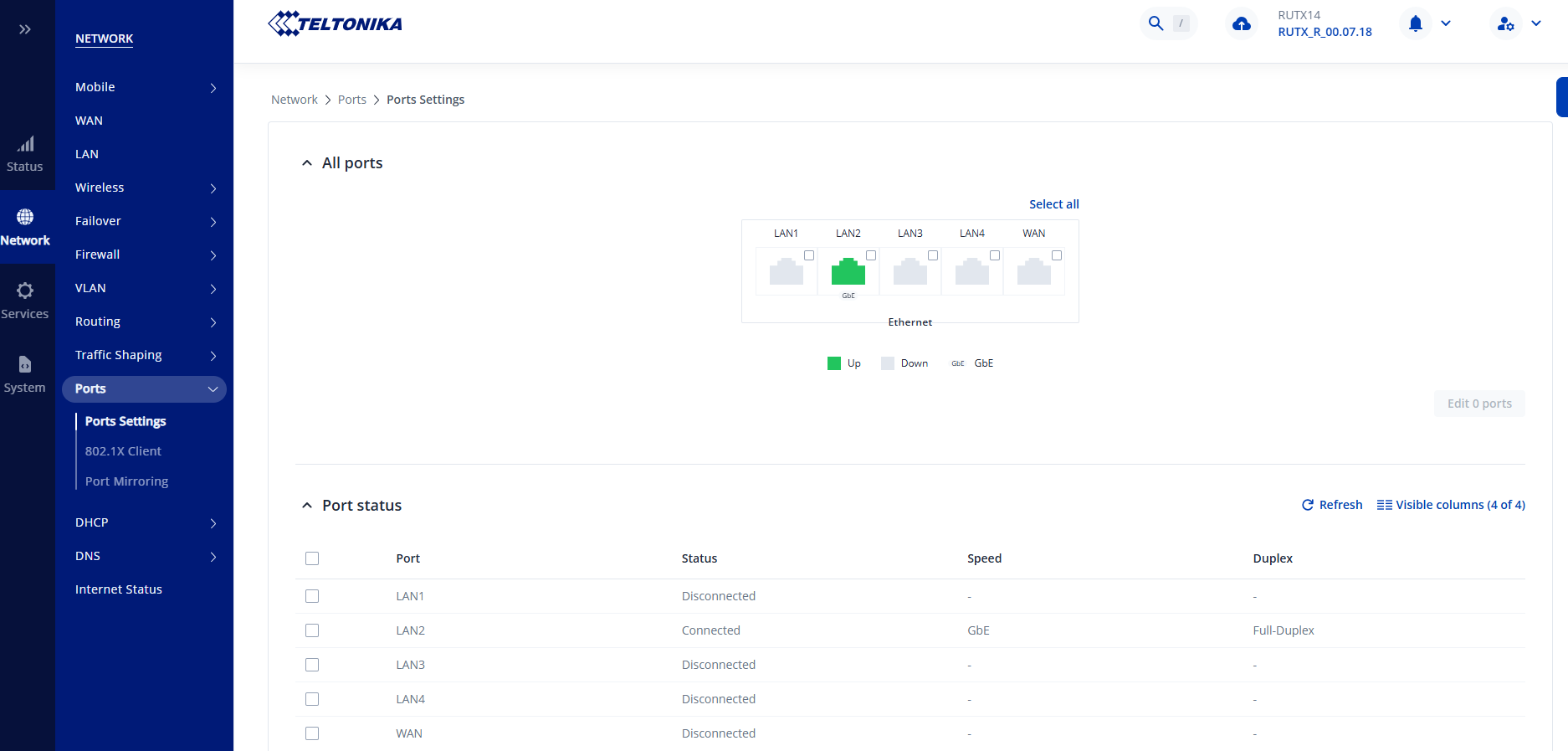
On the legacy WebUI for RUT9xx there is a useful graphic that simply shows which physical ports are in use. This is useful for diagnosing connection problems. I can’t find the same in the ‘new’ UI. Does it exist? Or even a text version?
In this example, there IS something connected to LAN3 but there is an issue with the device so there is no active connection.
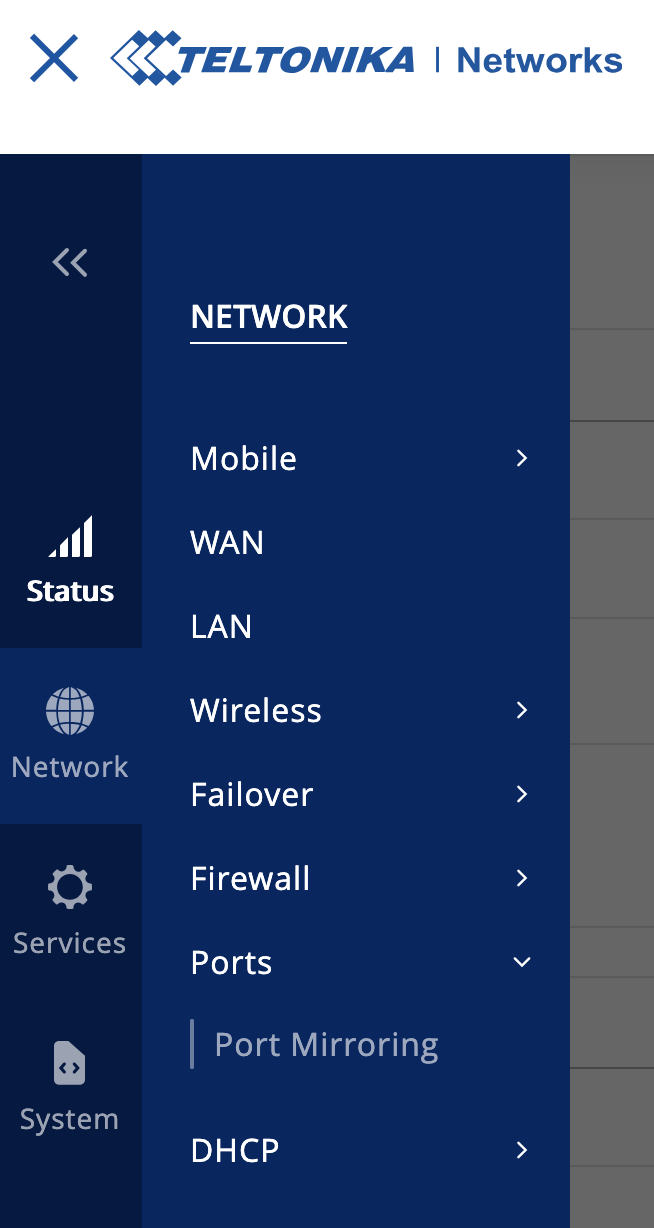
Thank you for your quick reply. When was this included in the firmware revision? I can see on a device running 7.03.3 that the Ports option is not showing under Network, neither is the DHCP option. Of course, I will update the FW on each device as possible.
The Ports settings feature was added in the firmware version 00.07.07. Unfortunately, the RUT950 does not support this version, as it is now an End-of-Life (EOL) device and no further firmware updates are being released for it.
If you require this functionality, we recommend considering one of our current models, such as the RUT951 or RUT956, which support the latest firmware and features.
Please let us know if you’d like assistance selecting a suitable replacement.
We have been using RUT951 in newer projects but to remove the feature from an existing model after a firmware update when it was available previously is an annoyance!