Send Modbus-MQTT data (TRB255)

Hi, I have a TRB255 with firmware TRB2_R_00.07.14.4. I have a Modbus device and I want to send its data via MQTT to my Mosquitto broker. I’ve attached screenshots because I can’t get it to send data. Can you help me?

Best Regards!

In Modbus TCP Server, I set:

Port: 502
Device ID: 1
etc.

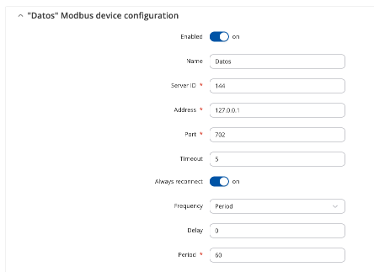
In modbus TCP client: create a device “Data”
name: Data
Server ID: 144
Address: 127.0.0.1
port: 702
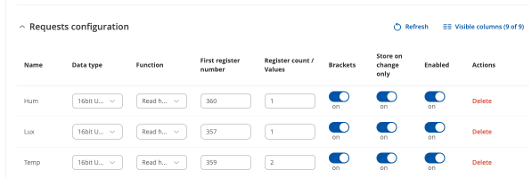
Request configuration:
Hum -16 bits - Read holding reg 3 - 360- 1
Lux -16 bits - Read holding reg 3- 357 - 1
Temp - 16 bits - Read holding reg 3- 359 - 1

On modbus TCP over serial Gateway:
Create “Ecowitt”

Data to Server:
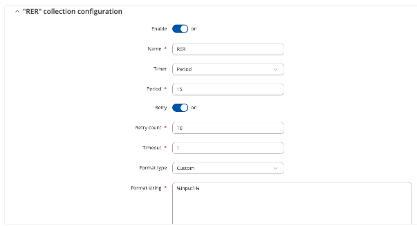
a) Data to server collections:
name: “RER”
timer: “Period”
period: “15”
Format type: “custom”
Format string: “%input1” ??? (I don’t know what’s going on here)

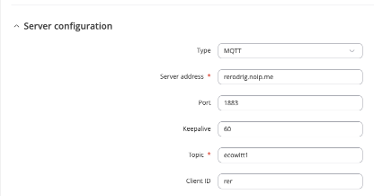
b) Server configuration I put:
Type: “MQTT”
Server address: xxxx
Port: 1883
Topic: “ecowitt1”
etc

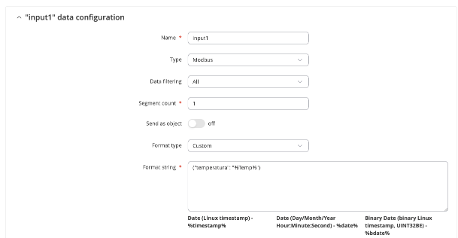
“input1” data configuration
name: “input1”
type: “modbus”
Format Type: (“temperature”: “%Temp%”} (I don’t know what goes here)

Greetings,

I am currently reviewing your provided information and will get back to you as soon as possible.

Regards,
M.

Hello,

Images are a bit too small to properly see everything, but that’s okay.

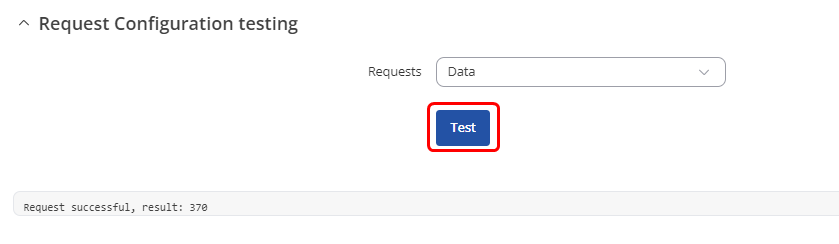
Regarding the address & port you’ve set in your Modbus device configuration, the address is supposed to be the IP address of the Modbus TCP Server device, same goes for the port - please ensure that these are correct. You can also click on “Test” under the “Requests configuration” section:

See if you get a successful request, or whether it fails. Let me know what you see.

You may also find these Wiki examples useful to double-check your configs:

  1. Modbus TCP Client config example: Modbus TCP Client configuration example - Teltonika Networks Wiki
  2. Explanations for Data to server settings can be found here as well: TRB255 Data to Server - Teltonika Networks Wiki

Regards,
M.

Hello, I have a similar request. I want to send modbus data to our MQTT Broker.

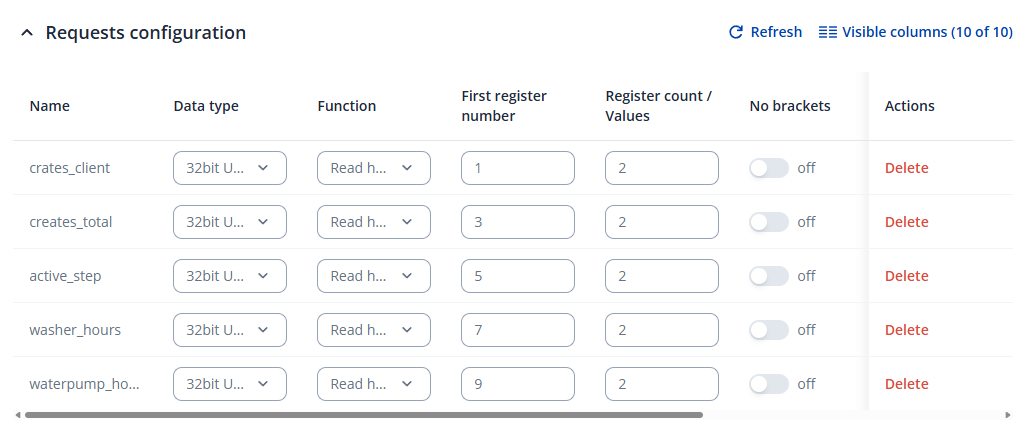
I’m able to configure the Modbus TCP Client to request data from my modbus device. I have configured 5 request configurations and I’m able to receive the data from the register.

Now I want to send this data to our MQTT broker using Data to Server.

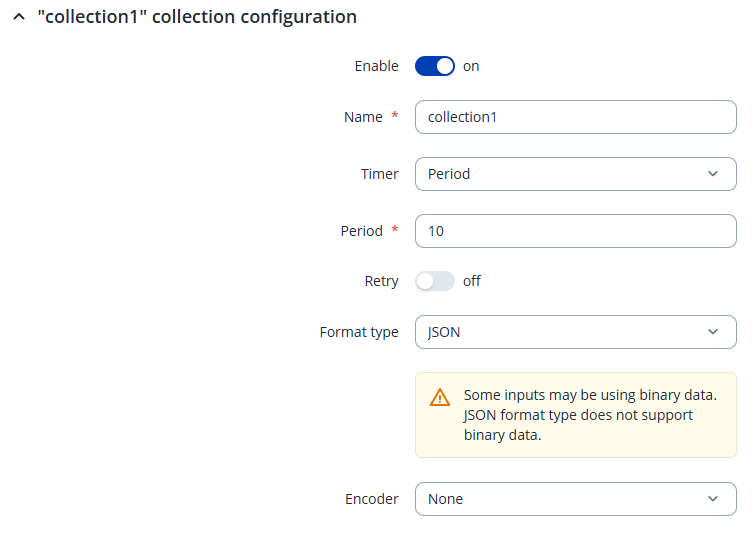
I created a collection:

And configured the MQTT broker.

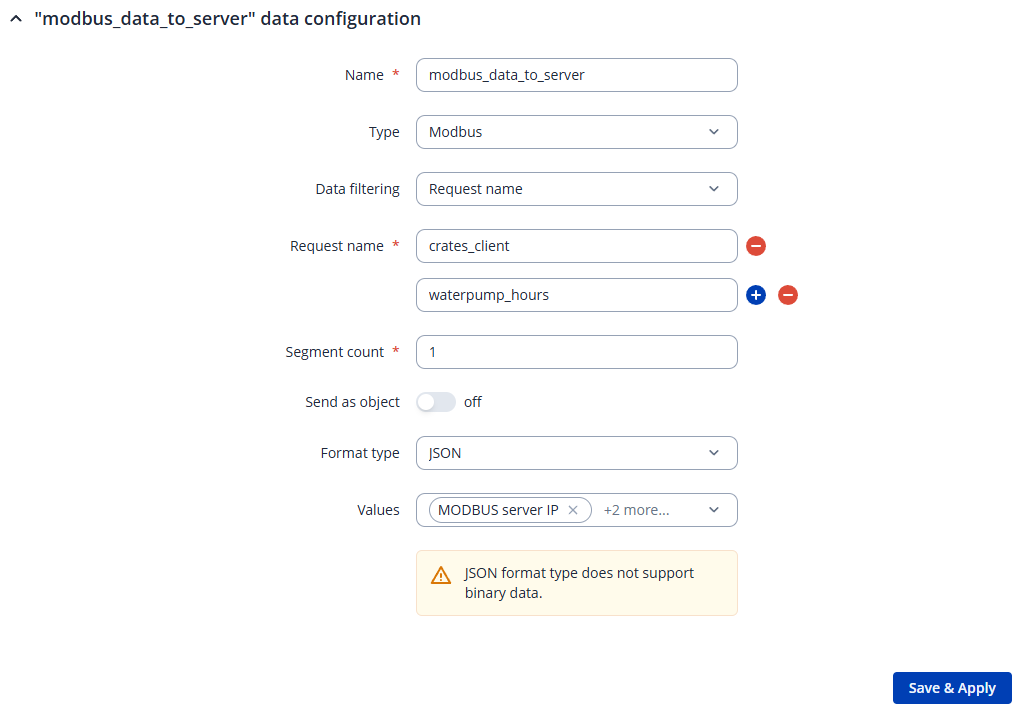
Then I added a data section:

With the following configuration:

I wound expect that I see a MQTT message every 10 seconds with the 2 register values, but I don’t see anything on my MQTT broker.

What am I missing?

PS: I’m using a RUT241 (but that shouldn’t matter I assume)

I found the issue!

In the Modbus TCP Client configuration screen there is an enable switch when you scroll to the right. When I turned it on the data was being requested and I could send it with Data to Server.
It also got me when i was setting up a PLC too! they should stop hiding that little enable button

This topic was automatically closed after 60 days. New replies are no longer allowed.