Good afternoon, is there any available up to date instructions fo how to populate the RUTX50 with either wiregaurd or open VPN. I need to set up a dedicated IP address… im currently using a surfshark vpn account.
will this work?
pete
Good afternoon, is there any available up to date instructions fo how to populate the RUTX50 with either wiregaurd or open VPN. I need to set up a dedicated IP address… im currently using a surfshark vpn account.
will this work?
pete
Greetings,
Currently we do not have a configuration example on how to setup Surfshark VPN on our routers, because we haven’t tested it ourselves and can’t promise that it will work properly.
However, there are some things I can recommend you to try, Surfshark has these instructions on how to set up Surfshark using OpenVPN on a router from another manufacturer.
Have a look through these instructions and then follow our own configuration example on OpenVPN
OpenVPN configuration examples - Teltonika Networks Wiki
Best Regards,
Justinas
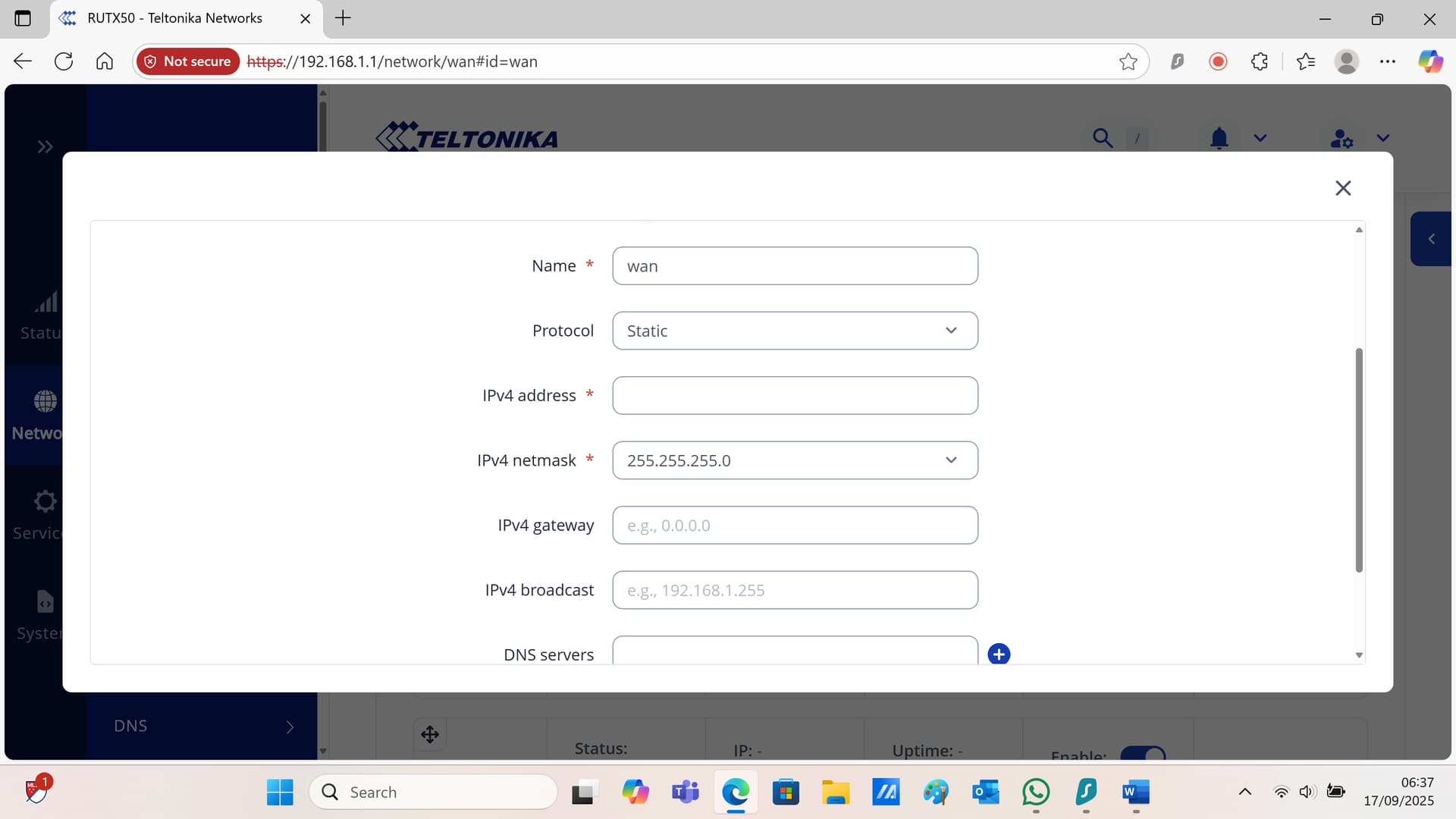
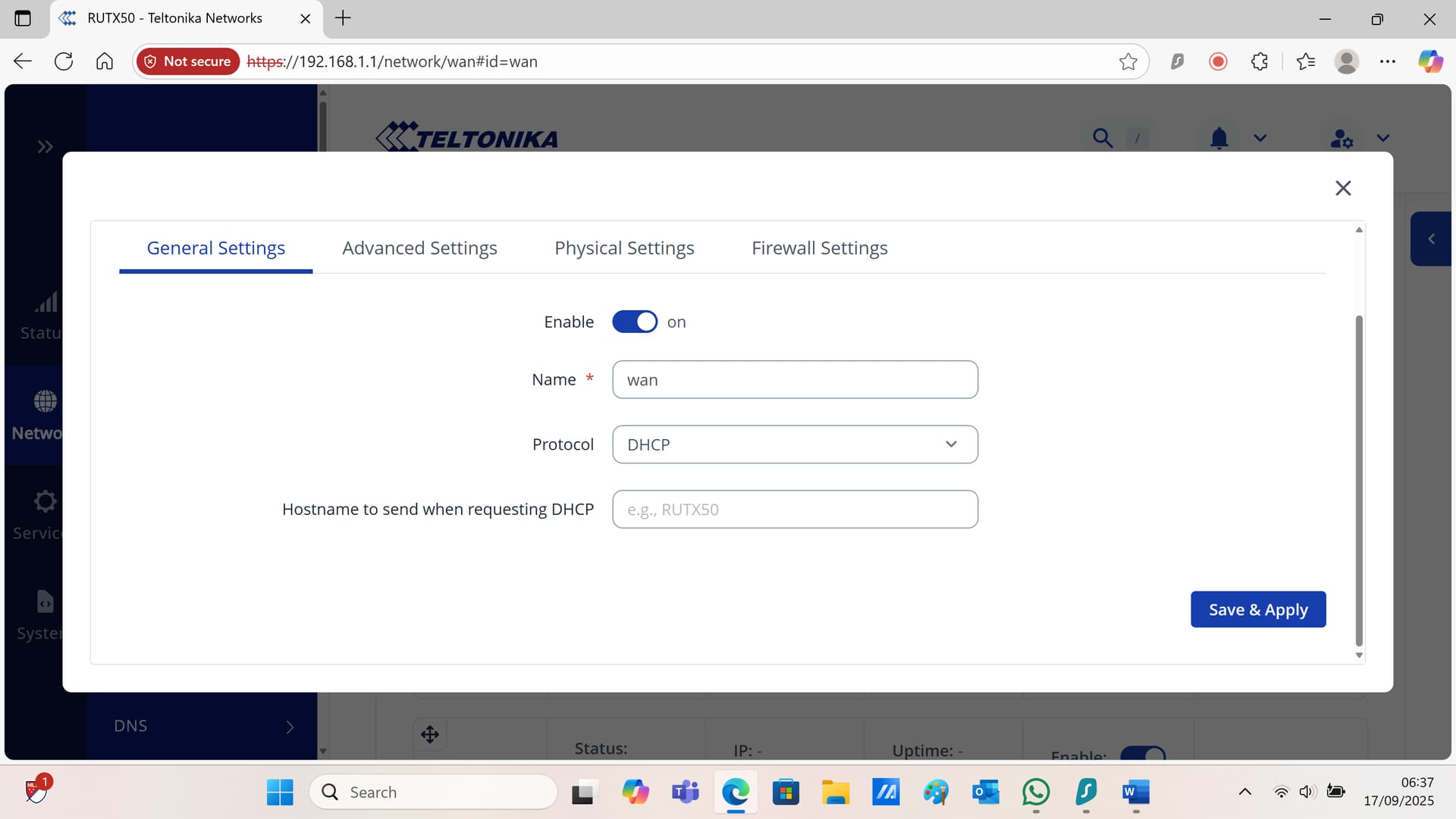
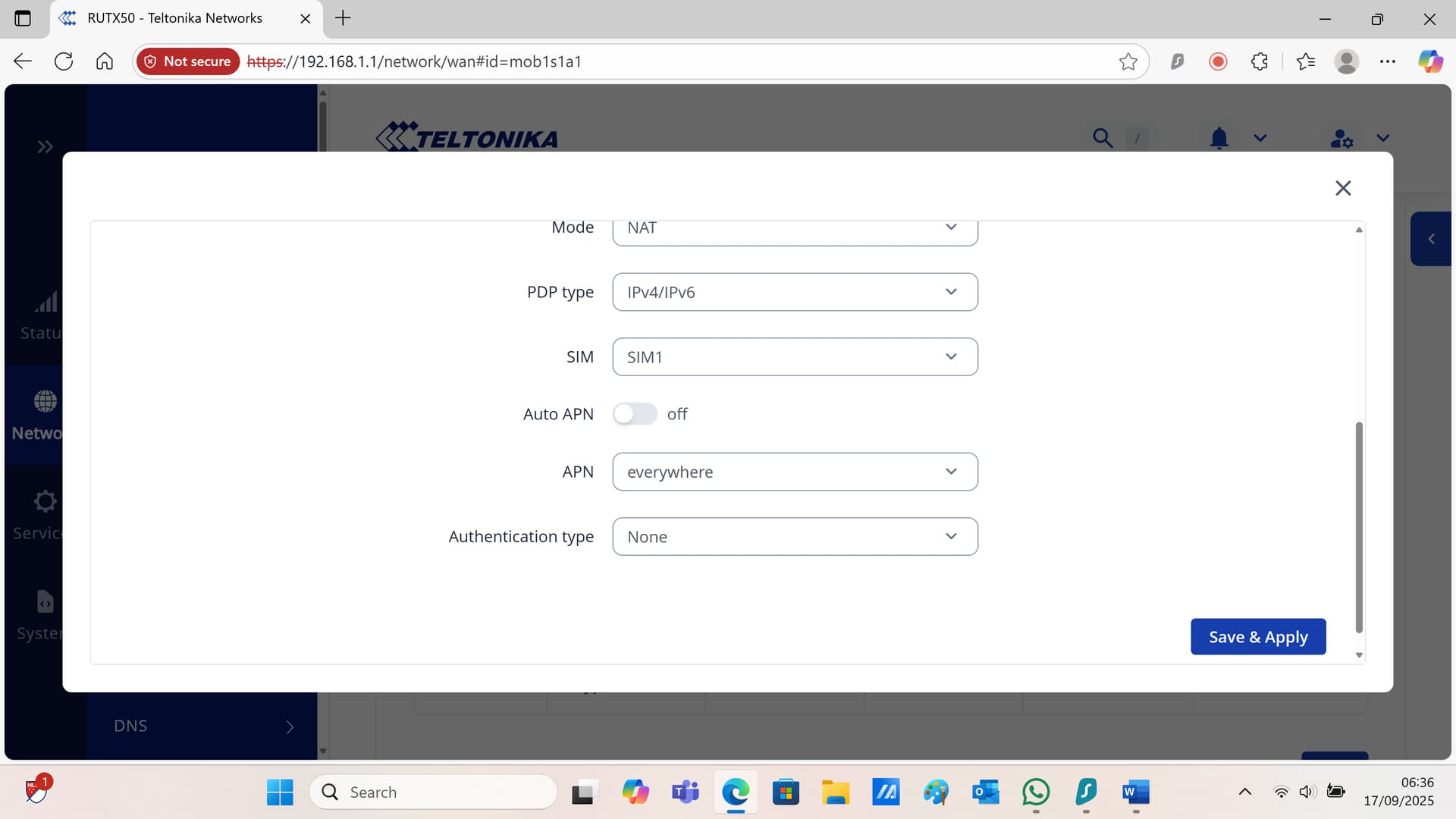
Hi theres various differences in configuaration pages but slowly getting there! in the APN config i dont seem to getting the option of choose APn when auto apn turned off?? do i need to configure the WAN atttached screen shots. Also i think the wiregaurd seems to be the better option?
Greetings,
Yes WireGuard should work as well, it may be easier to configure, we have an example of it on our wiki, just follow it as closely as possible
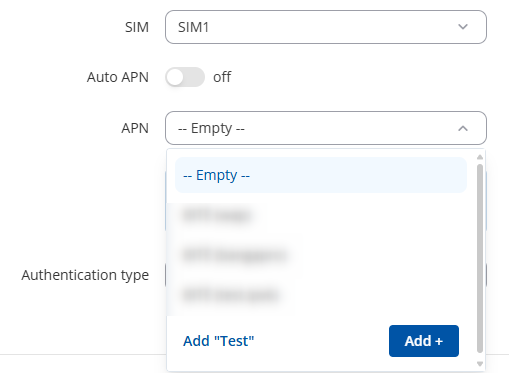
Regarding the APN here is how you can change it, press Add new and then you can type the APN and press Add
But could you clarify why do you need the APN changed, are you not getting any internet connection? Since it is not connected to the WireGuard setup in any way.
Best Regards,
Justinas
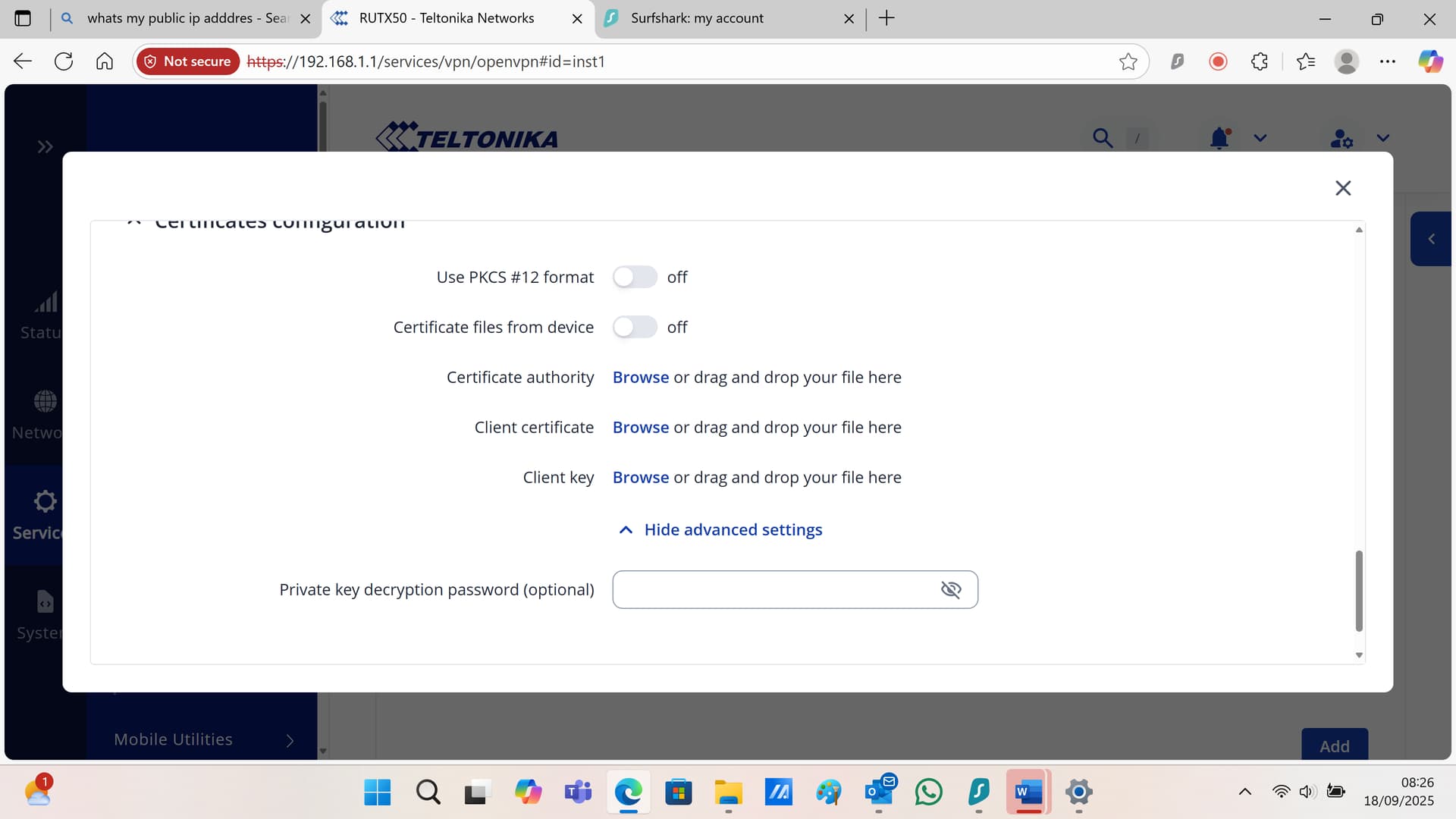
good morning… still trying things… think im getting somewhere now… how can i save the certificates to allow me to copy into the openvpn on rutx50 ( attached)??
also to what do these refer to?
Certificate authority
Browse or drag and drop your file here
Client certificate
Browse or drag and drop your file here
Client key
Browse or drag and drop your file here
good morning… some progress with Wiregaurd…. ive managed to get the “vpn dedicated” public ip address set up… However, when i type in the address on the laptop im using it goes straight into the cctv port forward… on a separate laptop it doesnt?? so assume ive not got something enabled???
additionally my public IP address is still the “EE” one and not the dedicated one
Greetings,
Could you please clarify what exactly isn’t working and what do you want to achieve? Because now it is a bit confusing how everything should be set up.
Best Regards,
Justinas
HI ok here goes…
I have rutx50 with EE sim… as this sim has a “shared” public ip address i want to use a “fixed / dedicated” IP address from a VPN provider, in this case Surfshark. I have various panels for CCTV / Potato store etc that require remote logins. so i need to tell the router to use the new IP fixed ip. ie 166.90.200.10:80 etc … i think ive got the wirgaurd and port forward set up? just need to tell the router to use this new IP address. hope that makes sense?
Hello,
For troubleshooting purposes, we will require more sensitive information from your end, such as the current configuration, which may contain keys, public IP addresses and such. To avoid leaking this information, we have sent you a form to fill out, which you will receive in your e-mail inbox that you have registered your account with in the forums. In the Ticket ID field of the form, please enter the ID of this thread, which is 15551.
Thank you,
Justinas
This topic was automatically closed after 60 days. New replies are no longer allowed.