Hi,
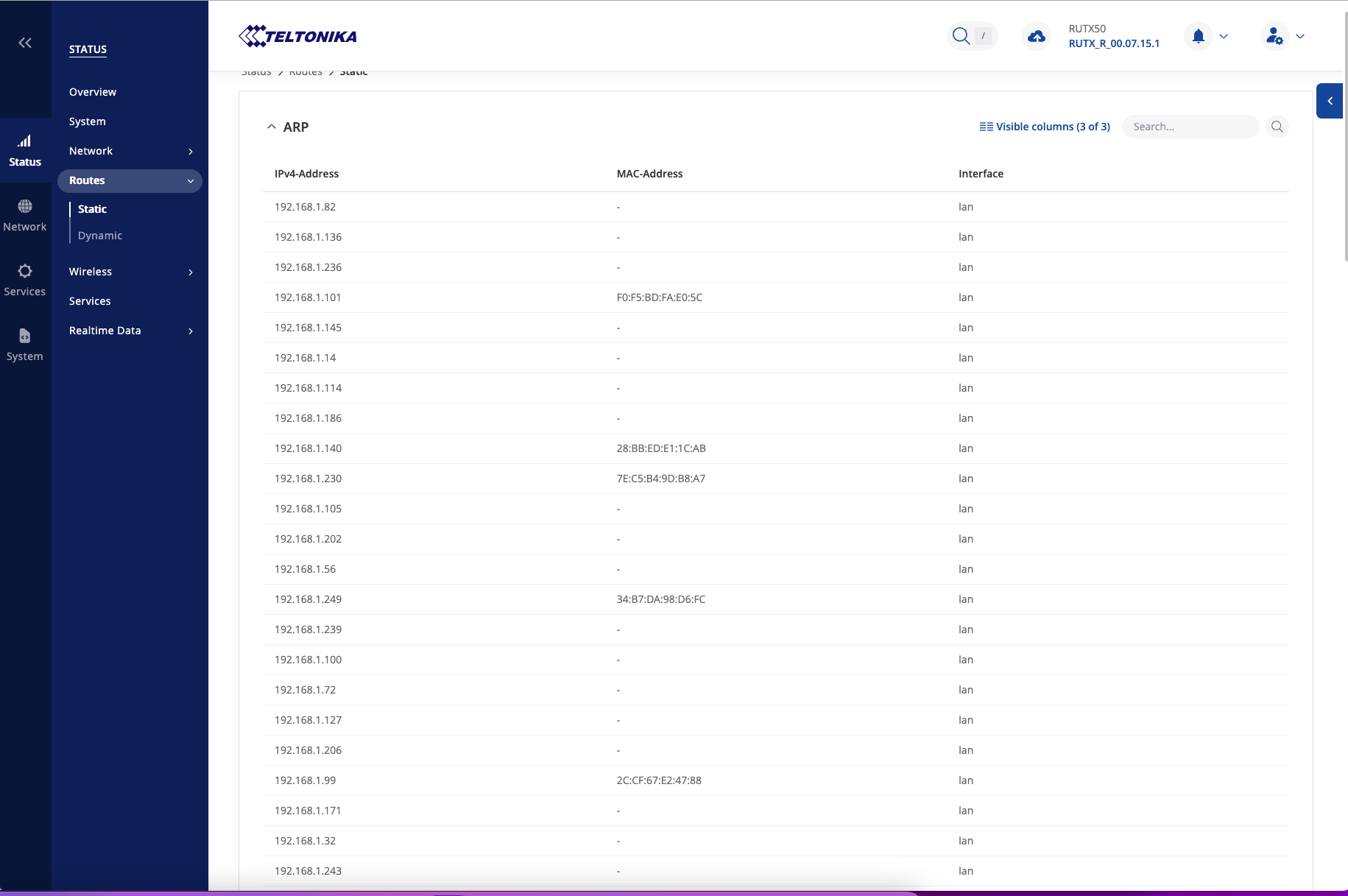
my RUTX50 has static IP adresses for my 62 Shelly devices. But ocassionally it drops them all. Other devices from other vendors are not affected. What can I do to prevent this?
Hello,
I’d like to inquire more about the Shelly devices and your configuration overall. Are these Shelly devices running in DHCP mode, i.e., are they receiving the IP addresses and other information from our RUTX50?
You mention that it “occasionally” drops them all. How often is this? I have a feeling that since by default, the leases are for 12hours, these 12 hours pass by, and then the drop happens. The setting can be configured under Network → DHCP → Server Settings → Edit → “Lease time”.
Regards,
M.
Hi Matas,
thanks for your reply. I have given nearly all of my devices fixed IP adresses inside the single device and inside the RUTX50.
I changed the lease time to infinit. I will see if this will solve the problem, which i only have since 2 weeks.
Regards Hannes
Hi,
problem still occurs again. Most of the MAC-Adresses are gone. After a reboot of the router they are back. But this is not a stable system. What can I do?
Hello,
Since your devices have fixed IP addresses, the DHCP lease time will make no difference then, that option is specifically for devices that get an IP address from, say, our device via DHCP.
Since I’d like to view the logs, I’ve sent you a form to fill out so we can continue our conversation in private, to avoid accidentally leaking any sensitive information. In the Ticket ID field, simply enter the thread’s number, which is 14374.
Thank you,
M.
Done! Filled out the form on Hubspot.
Sent troubleshoot file and now?
Hello there,
Any communication will be done through e-mails from here on out. Kindly refer to any instructions I provide there. Some issues may take quicker, some may take longer to analyze.
Regards,
M.