Hello everyone,
I have a Teltonika rutx50, where i am trying to setup VPN between that and my firewall.
Context:
Teltonika router has a simcard, so it uses a carrier network to connect to the internet. My firewall has a static public IP.
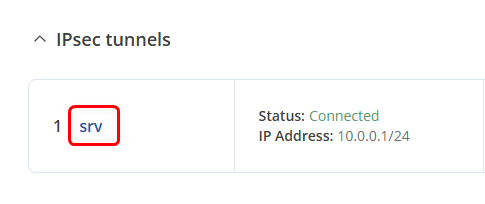
I’ve set up an IPsec route-based VPN. The GUI shows it’s connected, but no traffic is passing through.
On Teltonika router i’ve configured:
- Remote endpoint(Firewall)
- Local and Remote Identifiers
- Selected “route based”
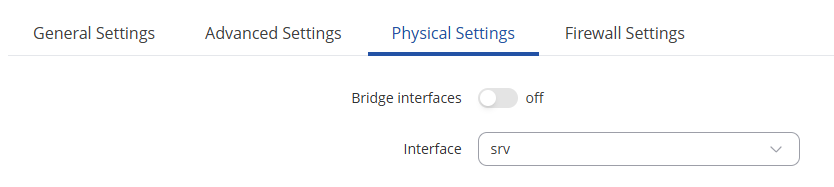
- Set XFRM interface
- Configured IKEv2 - and for Phase 1 and Phase 2:
- Encryption
- Authentication
- Hashing
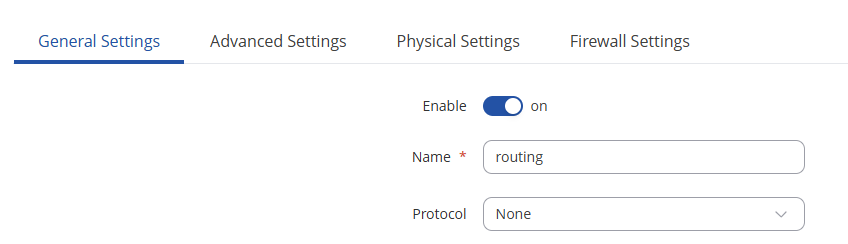
- Set static routes for the to remote subnet.
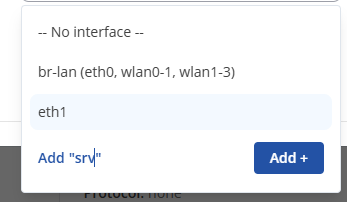
Not sure if this is how it’s supposed to work, but when I try to set up a static route, I can only select the WAN and LAN interfaces. Should the VTI (XFRM) interface appear in that list as well?
Anybody have an idea of what i am missing, or a link to where i can find some documentation for route based VPNs?
Any help would be greatly appreciated.