I just got brand new RUTX50 and was trying to set it up. First I had trouble getting the SIM1 card PIN working, so I disabled PIN from the SIM as I had similar issues with RUT950.
Now the SIM1 is detected, signal is received and modem initializes and it says Registered (home), signal information is there. To be sure I forced the connection to “4G only” (didn’t work with 5G auto any better, but I now 4G/LTE works better in this area). I set manually the interface to use IPv4 only and also set the APN to the expected as it seemed to vary randomly for some reason (there are 3 APNs on the operator Elisa Finland). I have yet to test with my other mobile subscription (Telia Finland). However the same SIMs work fine with iPhones in the same physical location.
For now I’ve used only the provided antennas, I was hoping to get the basic setup done like this and then move the modem to the correct installation place with the external yagi antennas that are now used with RUT950.
Yet the “connection state” never gets to “connected” green and stays “disconnected” and no IP is assigned. Stays like that for a while until WebUI starts to display "“Status cannot be retrieved since the modem is unreachable” or “Interface can’t be edited because modem is blocked or disabled” and 3G/4G/5G leds flash in union.
I got it to switch to green once for about 10 seconds just by removing the SIM card and reinserting while the modem was powered. IP was received but then it just went suddenly to “Status cannot be retrieved since the modem is unreachable” and the 3G/4G/5G leds started to flash.
The flashing continues for a while and then the 4G connection is opened, but the connection state just stays in the “disconnected” state.
What I did I updated the firmware. Not sure if it helped a bit or not, but the problem still exits.
Original firmware:
RUTX_R_00.07.10.2
Now:
-
Firmware version RUTX_R_00.07.15.2 -
Firmware build date 2025-06-25 16:11:49 -
Internal modem firmware version RG501QEUAAR12A10M4G_04.200.04.200 -
Kernel version 6.6.87
I read from another thread that lsusb should be run. Here one try:
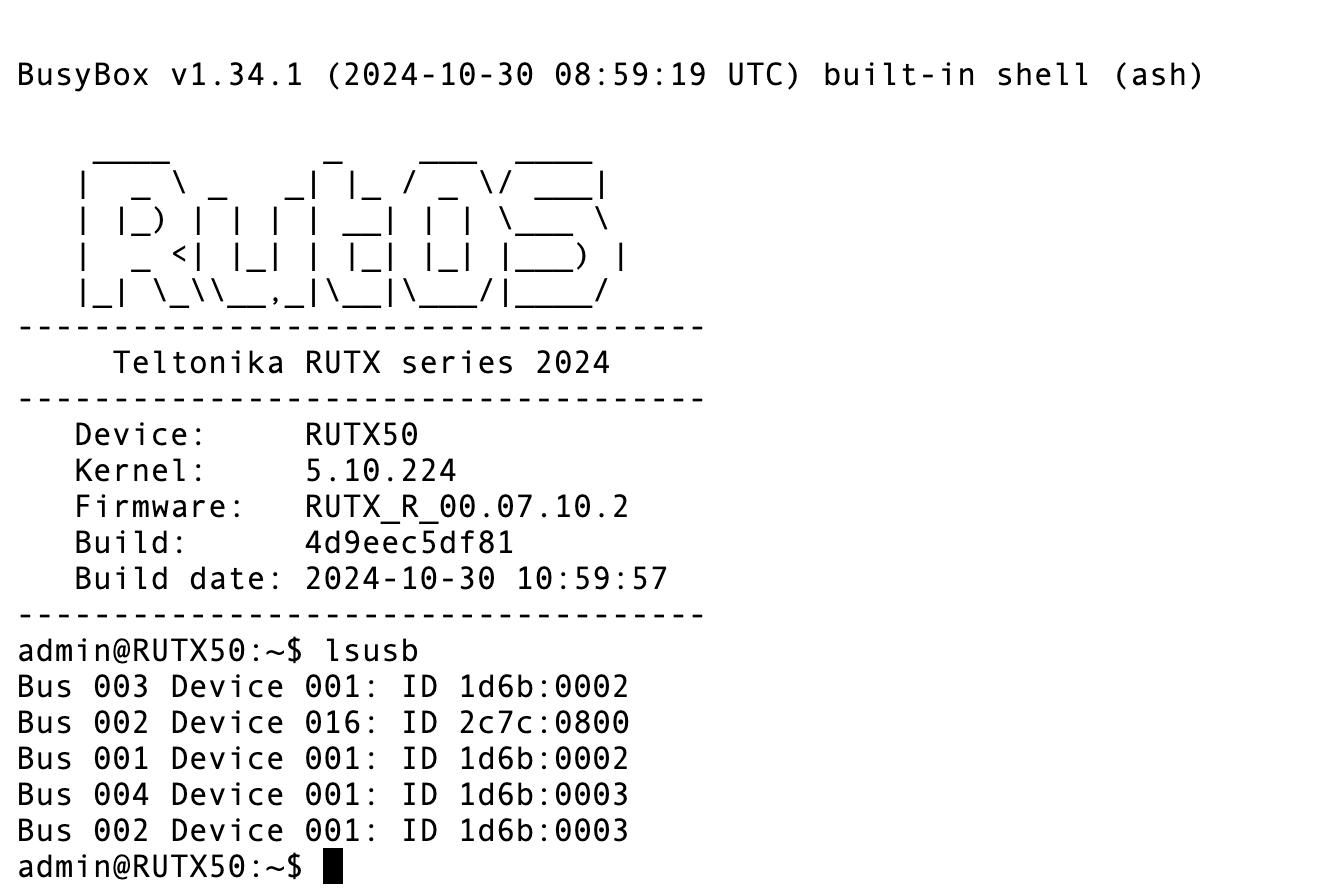
Maybe I need to run also when the flashing situation is happening.
Also the WebUI gave this error once, on page “Network - WAN - mob1s1a1” error “Wireless device is not present”.
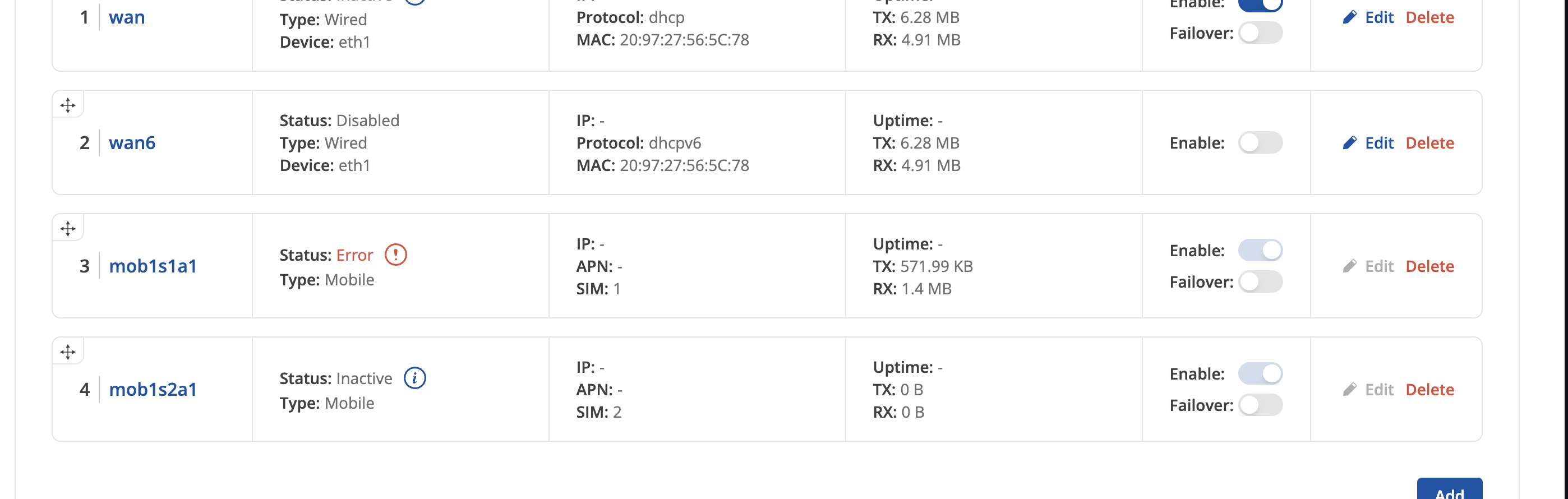
I will try this a bit more today, but I didn’t have this sort of problems with RUT950 and that is still working fine, but the device is a bit under powered for current usage and it stops responding to SYN requests or something after the total active TCP/UDP connection count goes past 1500-2000+ and causes other issues. I verified from the operator (Telia Finland in use there) that there should be no limitations on their side as it is business subscription.