Hello guys,
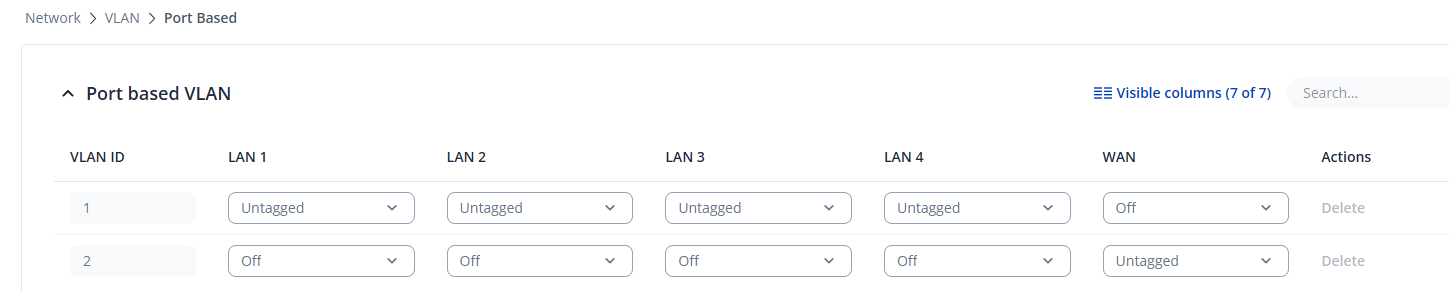
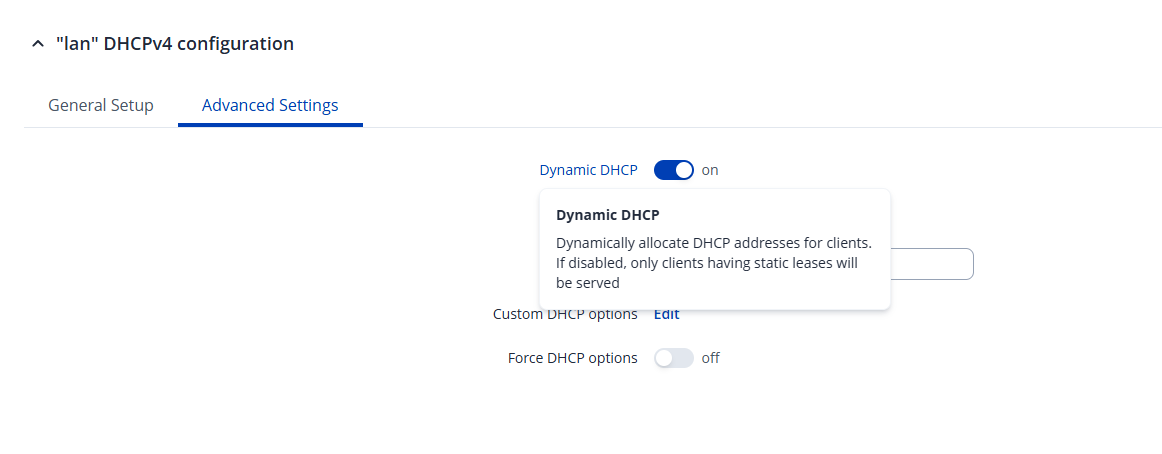
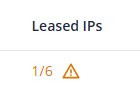
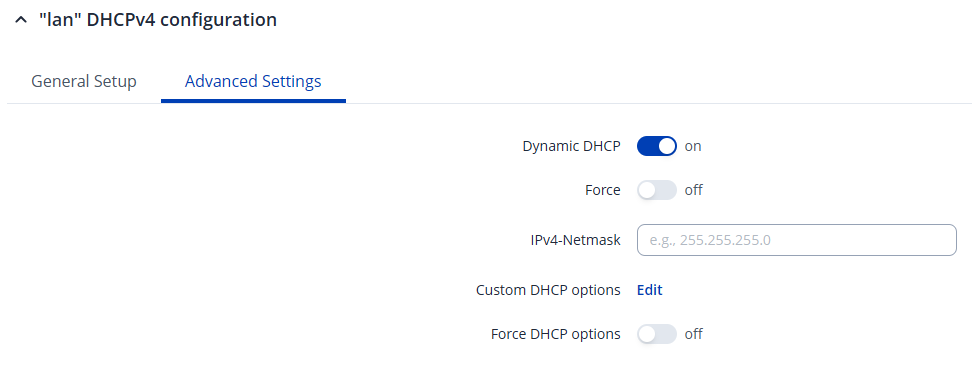
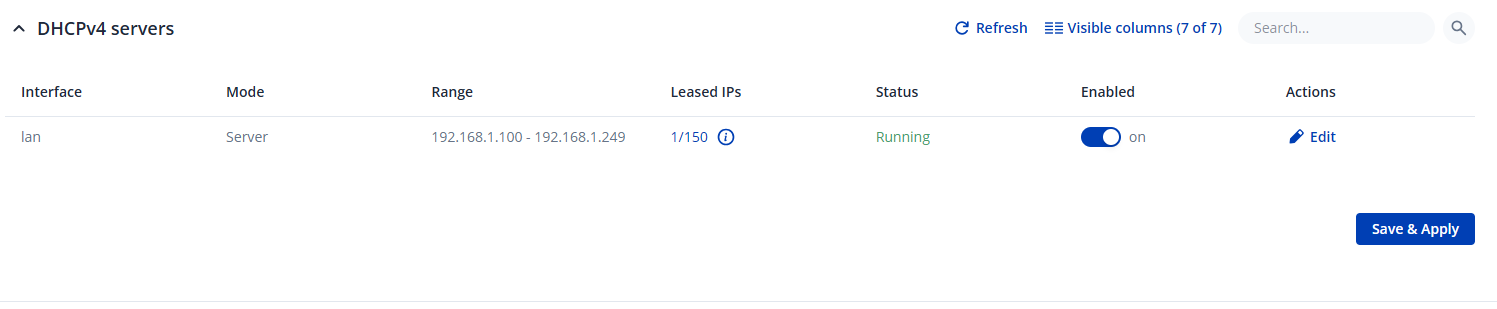
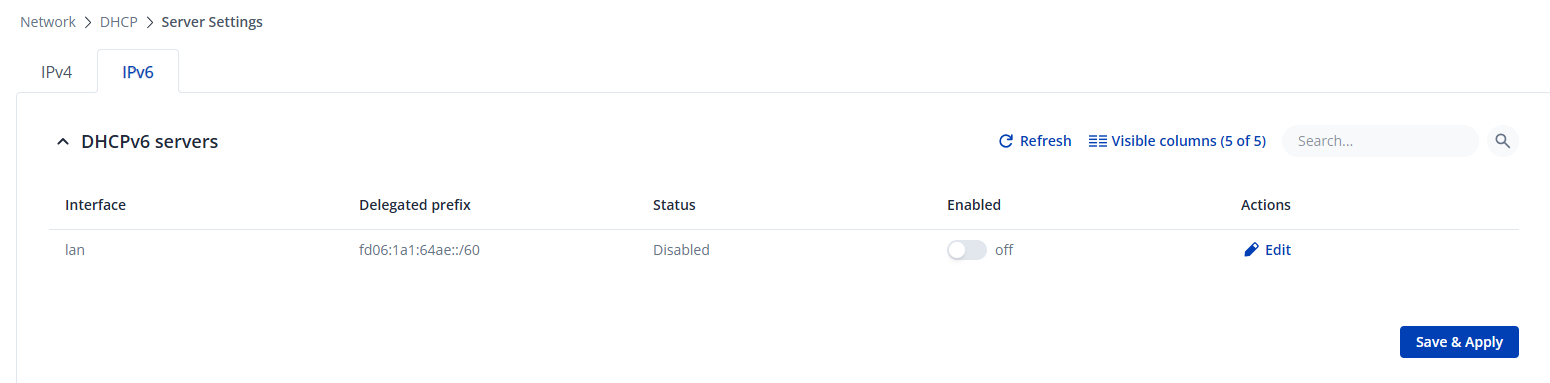
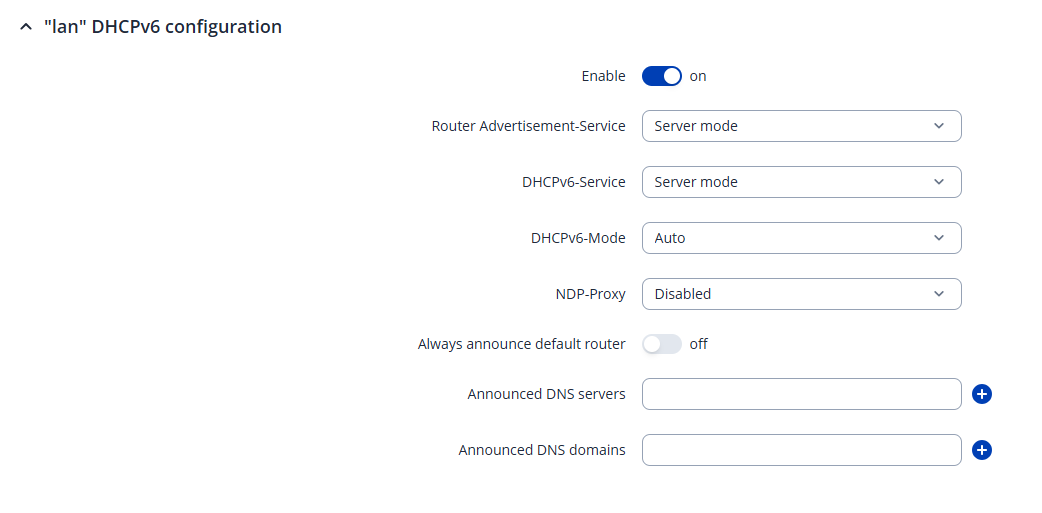
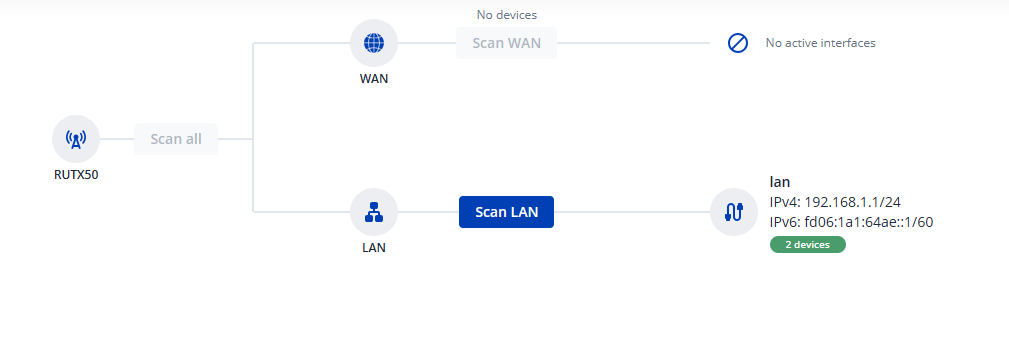
sorry to bother you, but I have a problem with one router RUTX50. I’ve already setup RUT271 with a switch behind it, and everything works perfect, so I thought that it will be easy as well RUTX50, but it didn’t. What is the problem. The casual problem - someone sometime configured the router and at first it worked without any problem with one device connected to port LAN1. As usual, the router is on remote location and the access is done only per remote access. Yesterday, a new device was attached to port LAN2 but it doesn’t get any IPv4 address. DHCP server is ok

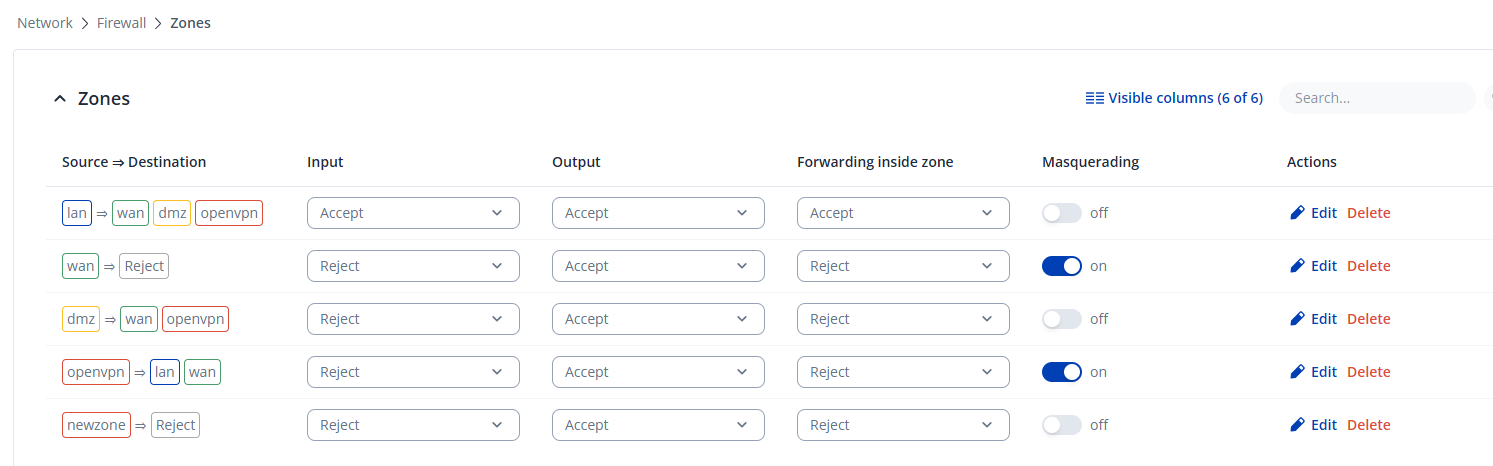
but the guy who did the initial configuration for some reasons set as well DMZ and set it to the IP of the device1 on port LAN1, which most likely was with the idea that only device will be there in use.
The DMZ is now deactivated but still the device2 on LAN2 doesn’t get an IP.

The router RUTX50 currently is only with mobile connection over vodafone. There isn’t backup connection over WAN and WLAN (WiFi) is turned off.
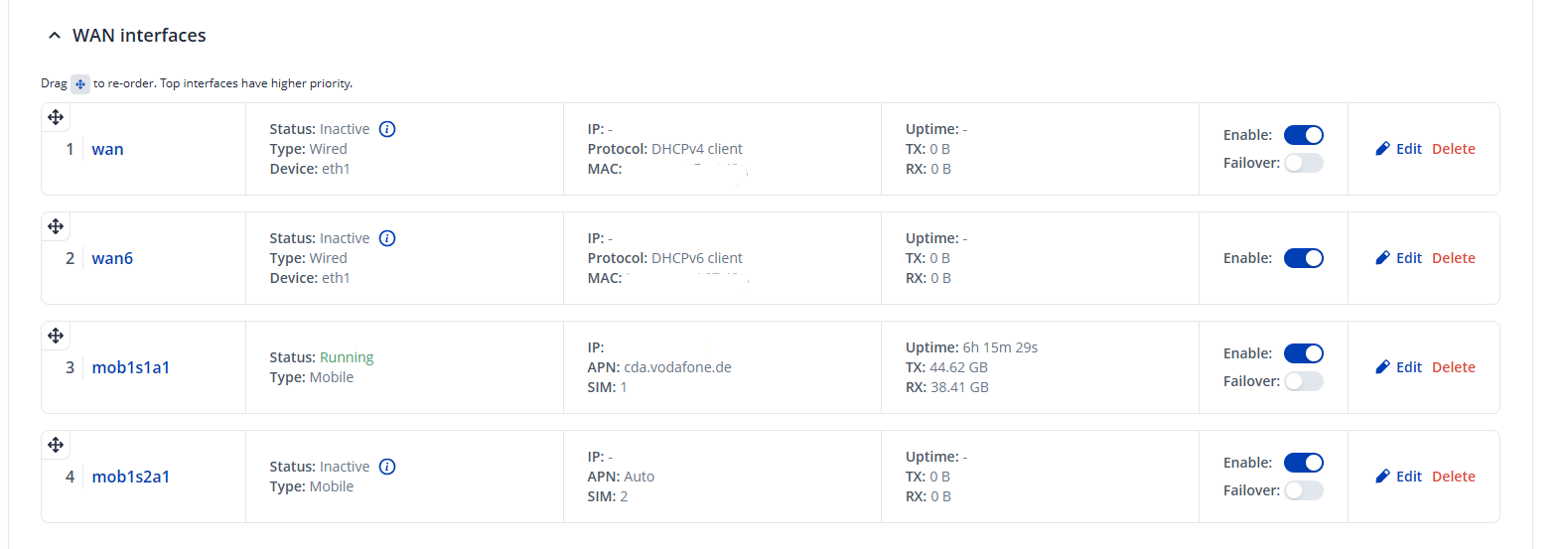
I erase the IP address of the vodafone connection in the screenshot.
I’m running out of ideas what is the problem and why the device doesn’t get an IP address.
The mobile connection is NAT and not Bridge.
Does someone have an idea what else I could check about this?
Thanks in advance