I am a beginner / non-technical home user (not a professional installer), so I may not know which technical details are important. I would really appreciate it if you could guide me step by step and tell me which logs / screenshots / settings information I should share.
Issue
My RUTX50 cannot detect/find mobile signal, but in the same exact location, my Huawei B535-232 can receive signal and works.
This is confusing to me because the RUTX50 is technically a more advanced device, but it does not seem to find a signal at all.
What I have tried so far
Same location / same environment
Rebooted the RUTX50
Reinserted the SIM card
Checked that antennas are connected
Tried changing the router position slightly
The SIM works in Huawei B535-232
What I need from you (please guide me)
Since I am a beginner, please let me know:
What exact information should I provide?
Which page screenshots do you need from the RUTX50 WebUI?
Which logs should I export/share?
Which settings should I check first?
If you tell me the steps (for example: “open this menu and share this screenshot”), I can follow them and post the results.
Device / environment info
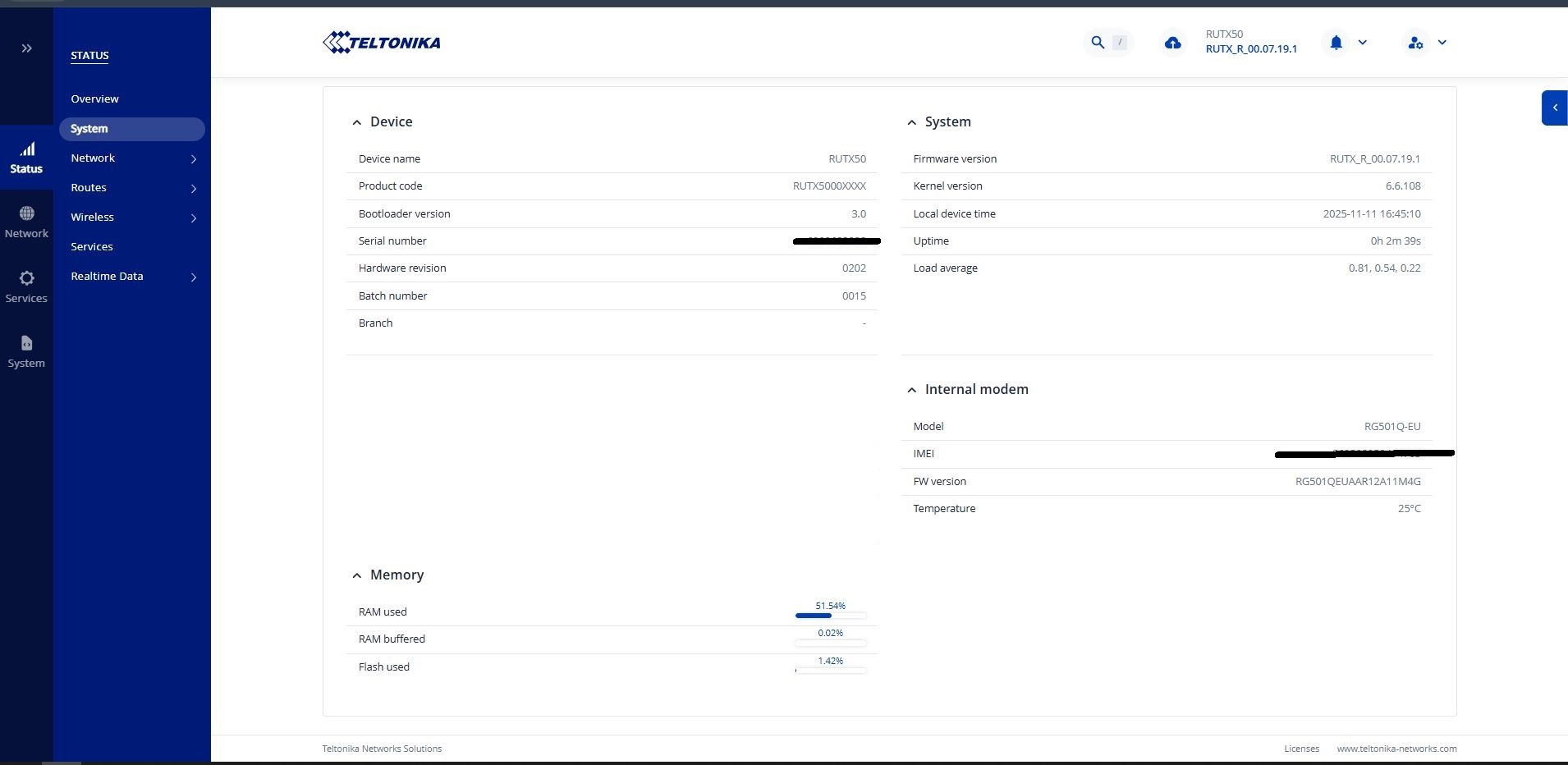
RUTX50 firmware version: [RUTX_R_00.07.19.1]
Country: [Turkey]
Mobile operator: [Vodafone]
SIM card tested in Huawei B535-232: Yes
Antennas used: [stock / external]
Factory reset done: [Yes]
I would appreciate beginner-friendly guidance. Thank you in advance for your help.
Could you please provide the following additional details:
The product code of your device (you can find it by navigating to Status → System under the Device section).
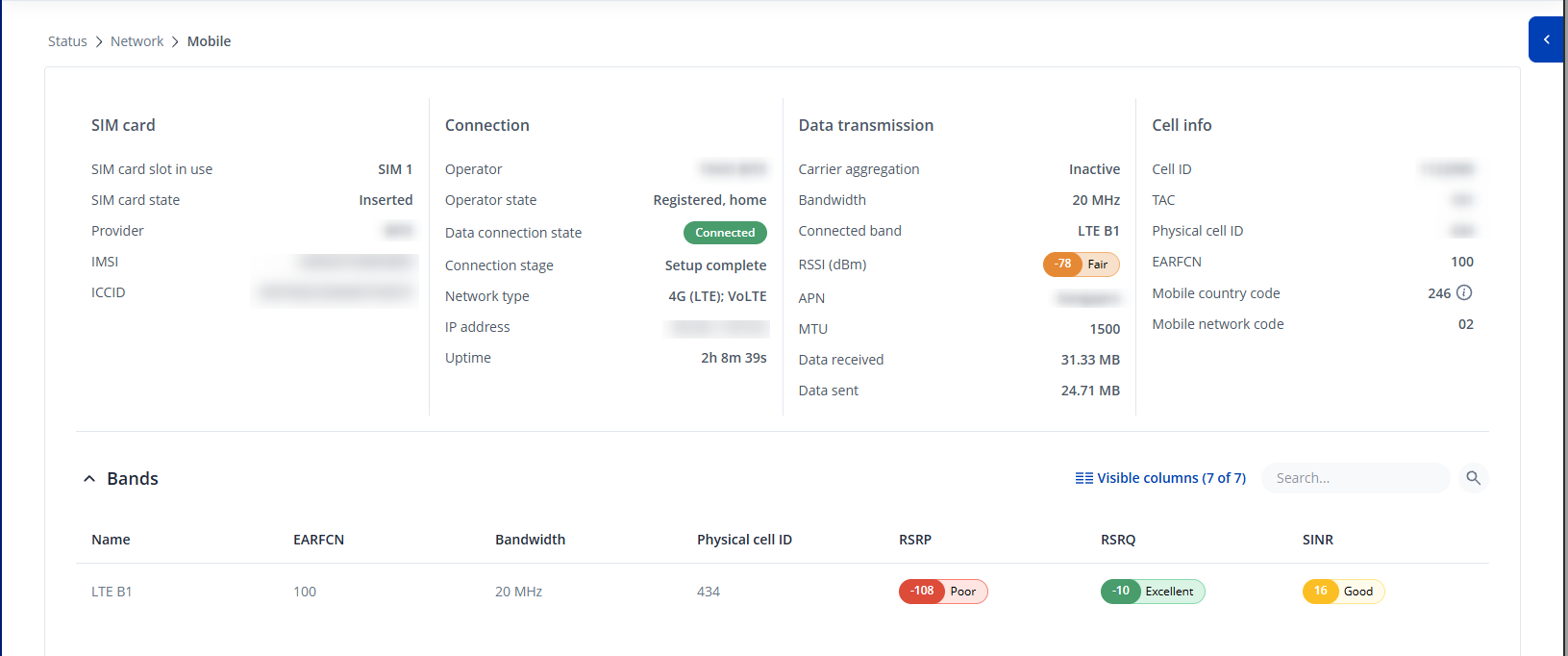
A screenshot of the Status → Network → Mobile page.
Please note that this is a public forum, so make sure to blur or remove any sensitive information from the screenshot, such as public IP address, IMSI, or other personal data.
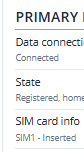
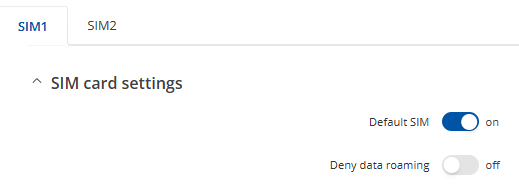
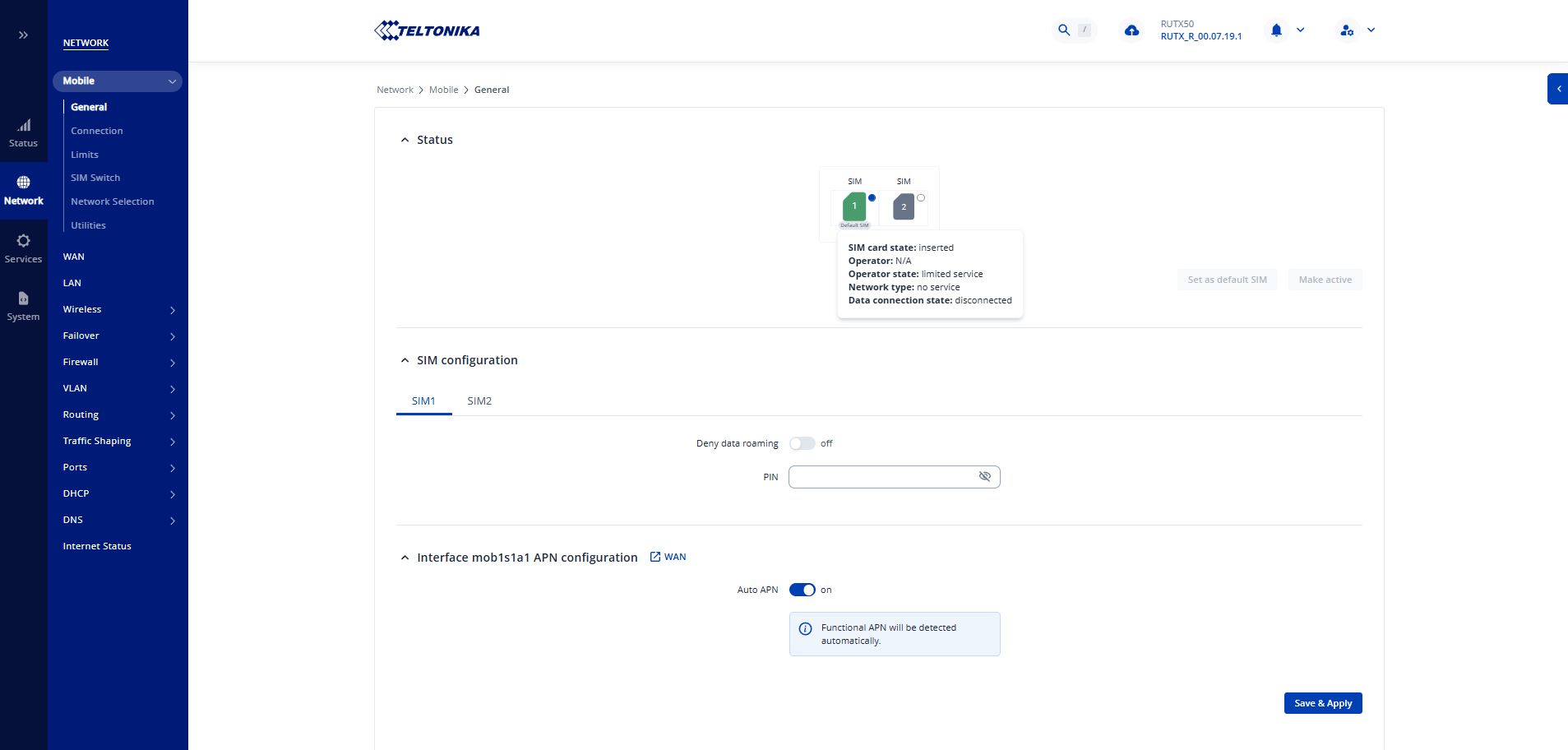
Based on the screenshots you provided, it appears that the SIM card is not currently connected to the ISP network. As @akwe-xavante mentioned earlier, it would be worth checking whether the SIM card requires a PIN code.
If a PIN code is required, you can enter it by navigating to Network → Mobile → General . In the SIM configuration section, you should find a field where the PIN code can be entered. After entering the PIN, click Save & Apply and allow the device a moment to reconnect to the network.
Please let me know if this resolves the issue or if the problem persists.
Yes, I may not be able to use it because it is protected by a PIN code without my knowledge, but I don’t have such a situation because there is no PIN code. I am currently actively using the SIM card in my personal phone as well. As I said, I used the same SIM card in the Router for about 1 year, and there is no PIN code. I haven’t been able to actively use the device for about 6 months. My phone has network coverage, the SIM card is active, and the SIM card works fine in another router, but no matter what I do, I can’t get a signal on the RUTX50. I can’t tell if the problem is software-related or hardware-related…
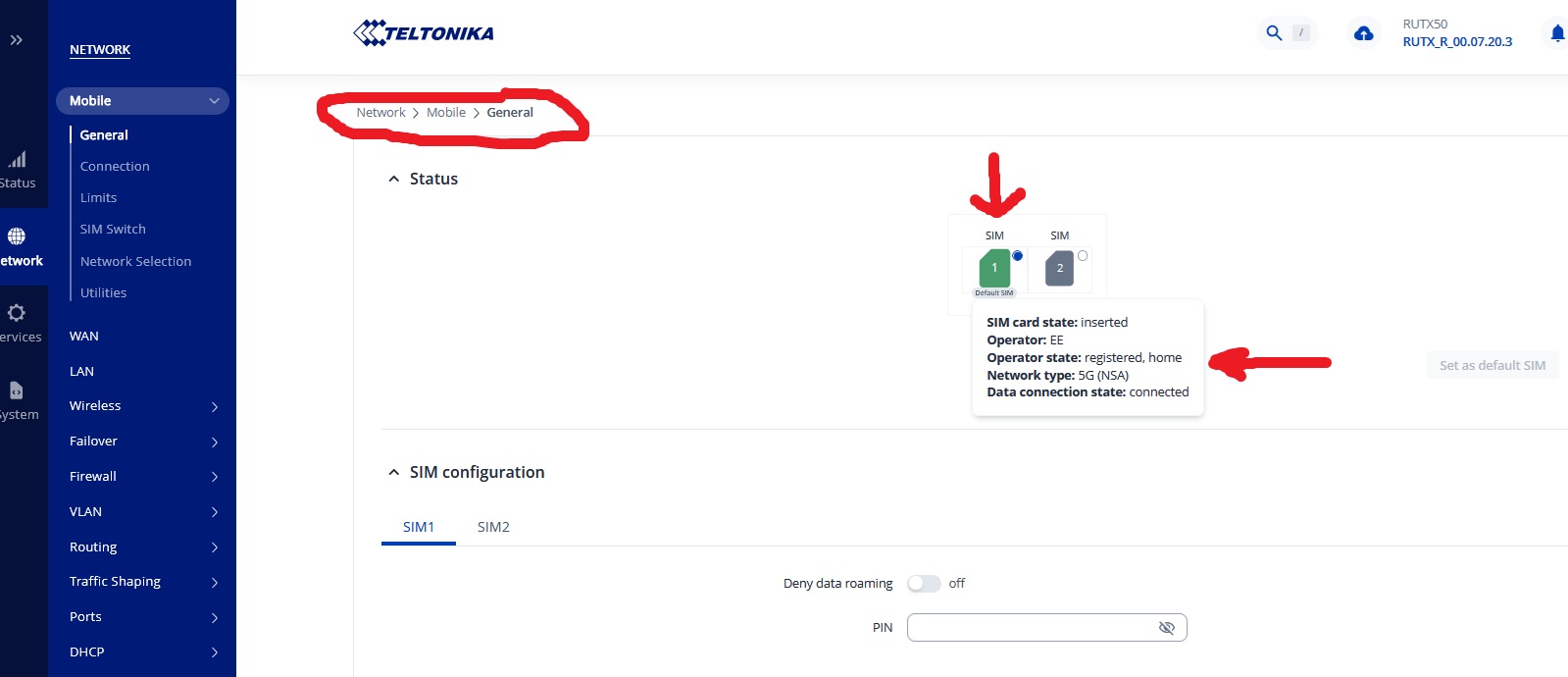
Your screenshots suggest that there is no SIM card installed at all, or it’s protected by a PIN code. So can i suggest another silly simple check…….. Is the SIM inserted correctly? Without taking my SIM out of my RUTX50 i can’t remember if it’s possible to get it in the wrong up and or the wrong way around.
Do you have another SIM that you can try?
You won’t get a signal until you can get the router to acknowledge the presence of a SIM card firstly, finding a signal comes afterwards.
Can you please try to disable auto APN in the Network->Mobile->General settings and from the drop-down menu select one of the available APNS. From doing some rersearch I can see that vodafone uses the APN internet. Once you select the APN make sure to click on “Save & Apply” and head to the Status->Network->Mobile page and restart your connection with a button on the bottom right corner.
If that still does not resolve the issue, you can testing it with a different SIM card for testing purposes.