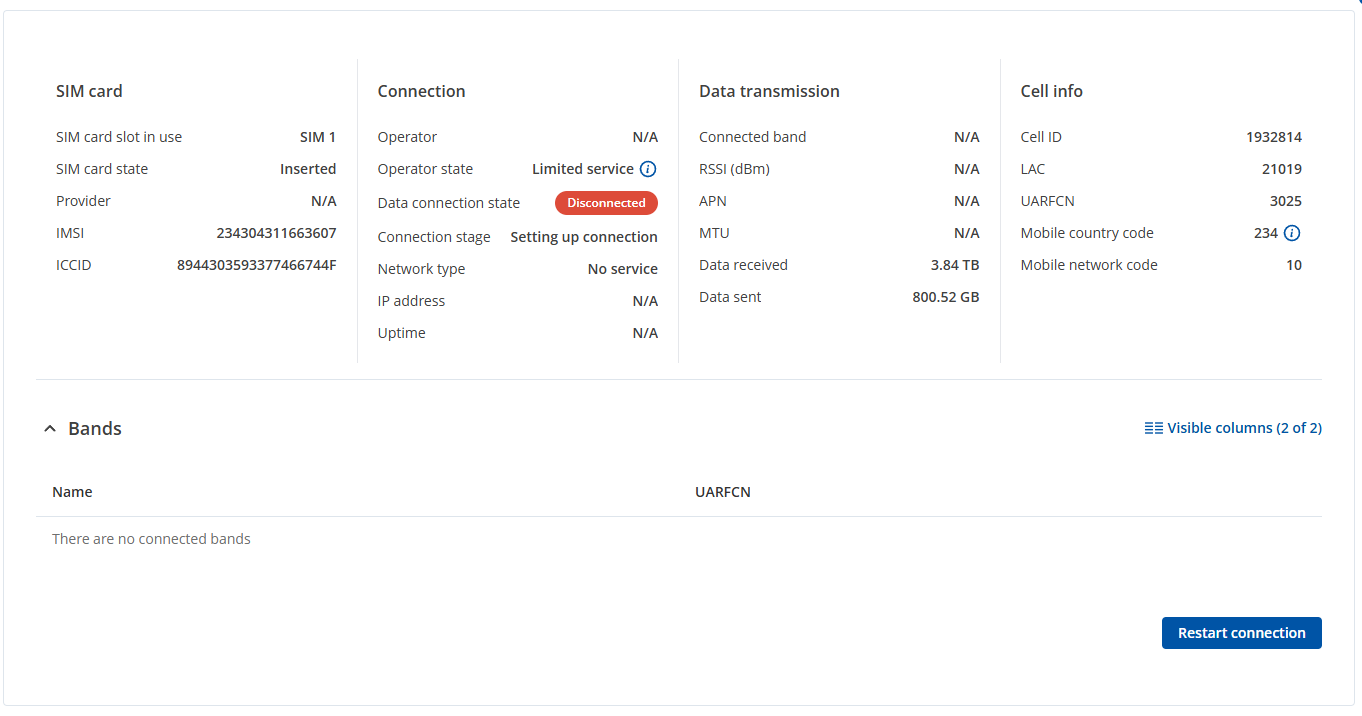
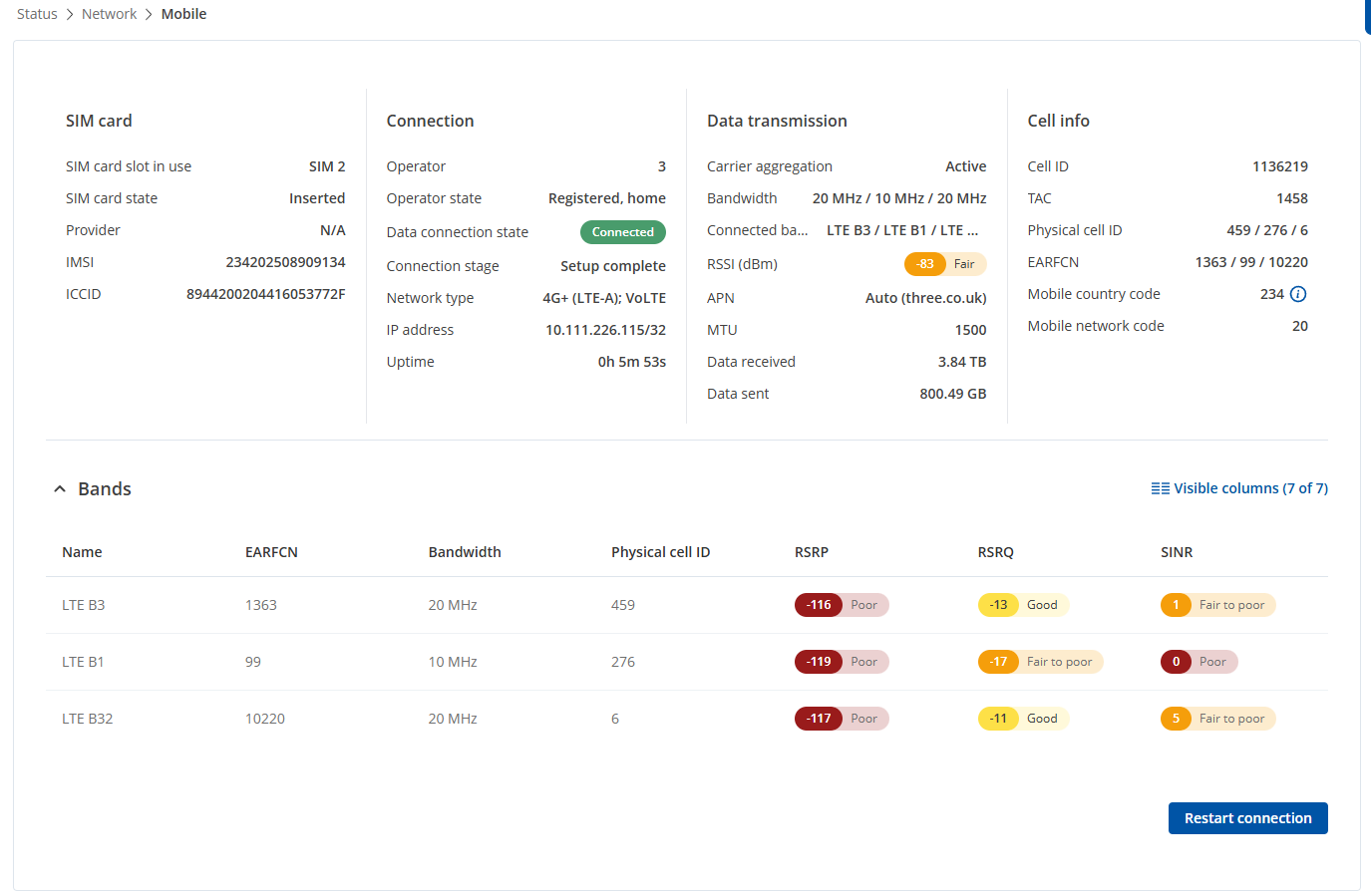
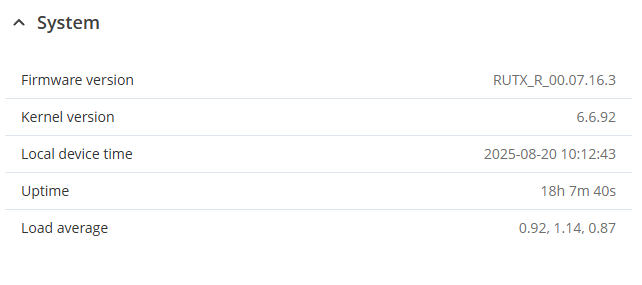
errors i get include
“Limited service is displayed when the modem is not registered on the network and is camping on an emergency cell”
“Mobile network rejection was recently detected”
“All available APNs were tried, unable to make connection to operator, try to enter custom APN or adjust mobile settings to make connection”
both auto apn and custom apn fail
Does anyone know the solution? A solution was never posted in the thread. Has anyone found a fix?
When the module cannot connect to the operator through the normal sequence, or there are restrictions on the SIM card itself, it may default to connecting to emergency services (similar to how phones can call emergency services without a connection to an operator).
To assist further, please try the following steps:
Check the signal strength:
In the WebUI, go to Status → Network → Mobile to view the signal strength. You can refer to the Mobile Signal Strength Recommendations for guidance on optimal signal levels.
Ensure antennas are correctly positioned:
Make sure all antennas are screwed in properly and positioned at a 90-degree angle.
Verify the IMEI status:
There is a chance the device’s IMEI could be blocked by the operator. Please confirm this with the operator.
Check PDP type:
Navigate to Network → WAN → <mobile_interface> → Edit in the WebUI. Under mobile interface settings, there are three PDP types:
IPv4
IPv4/IPv6
IPv6
Make sure the correct PDP type is selected according to your cellular provider’s network (they may assign IPv4, IPv6, or both types of IP addresses).
Test the SIM card in another device, such as a phone, to verify if it can connect to the operator normally.
Ensure that the SIM card is active and has an appropriate data plan.
@slope I’d start by testing the SIM in a phone to confirm it works, then check signal strength and PDP type in the WebUI. Also, verifying the IMEI with the operator can rule out a block.
Hello, I have confirmed the above all working properly. I have verified the IMEI status with Scancom/EE, they said there should be no issues with my sim card. I have tested the sim card in my phone which works just fine, data works well and i have no issues. I have tried changing the settings for IPv4, IPv6 and IPv4/IPv6 none of which work. I can confirm the Router does the switch fine with a different sim card and has no issue using an O2, as well as a Vodafone sim card. I am having the exact same problems as the people from those previous threads i linked earlier. I have been able to get the SIM to provide data through the router previously, but I have no idea how, it was a lot of “restarting connection” as well as restarting the router and randomly it would work, but that is super annoying and doesnt work most of the time.
For further troubleshooting, we will need to review a troubleshoot file from your device. Since this file contains sensitive information, I have sent you a form to fill out. Once it is completed, I will contact you privately regarding this matter. For the ticket ID, please use “15174”.