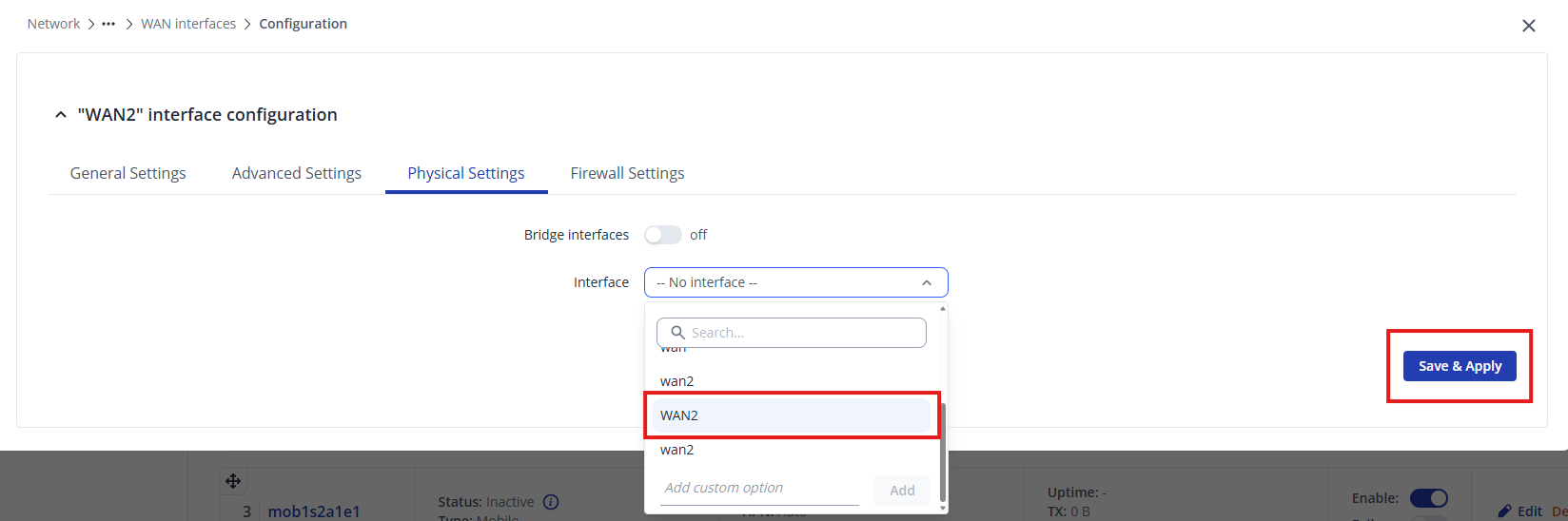
Hello,
I’m currently trying to set up a LAN Port as WAN. Therefore I followed the Wiki Entry (Link).
However I can’t get it to work.
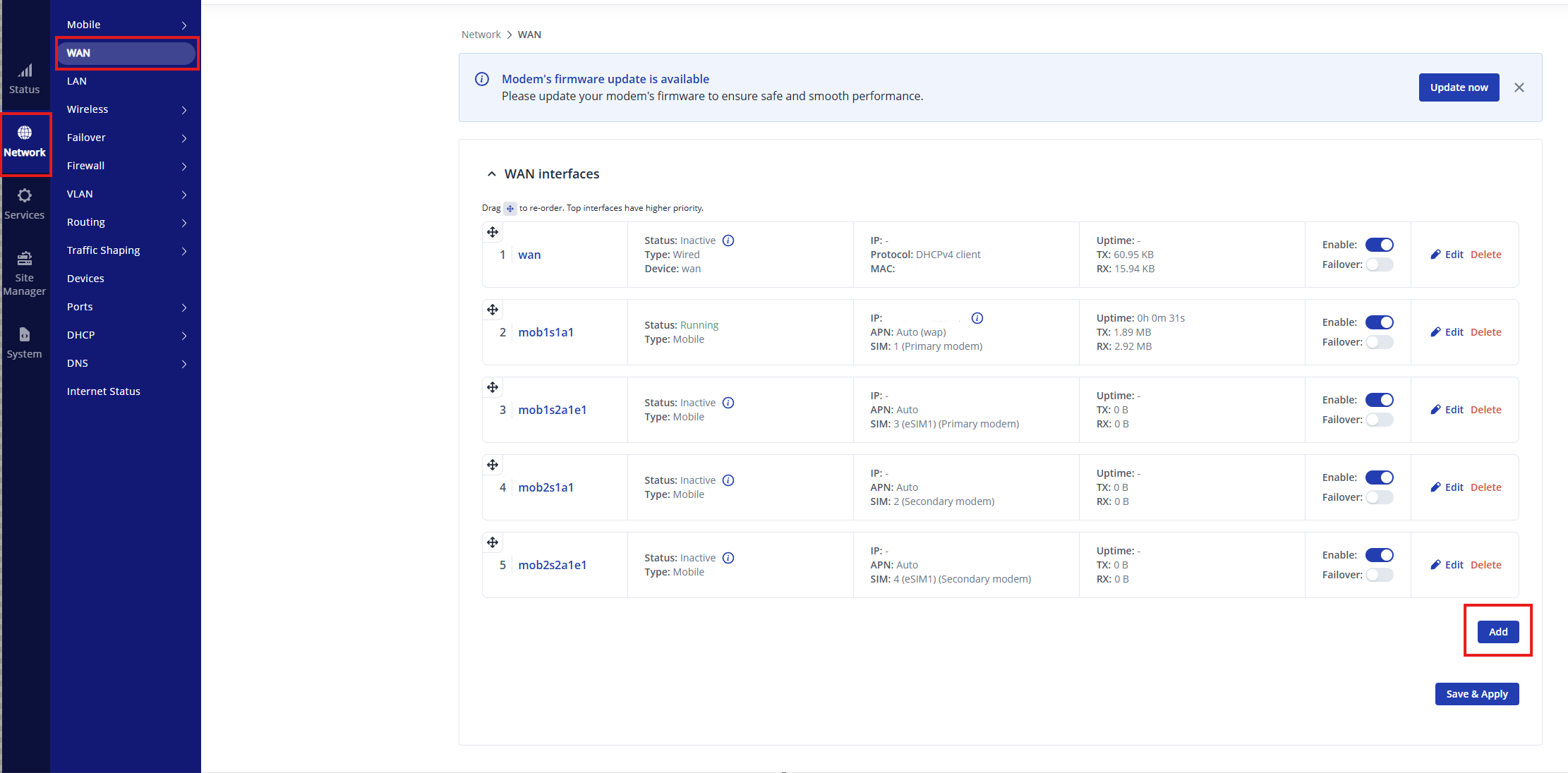
The main problem occurs in Step 2 of the wiki guide, adding new WAN-Interface.
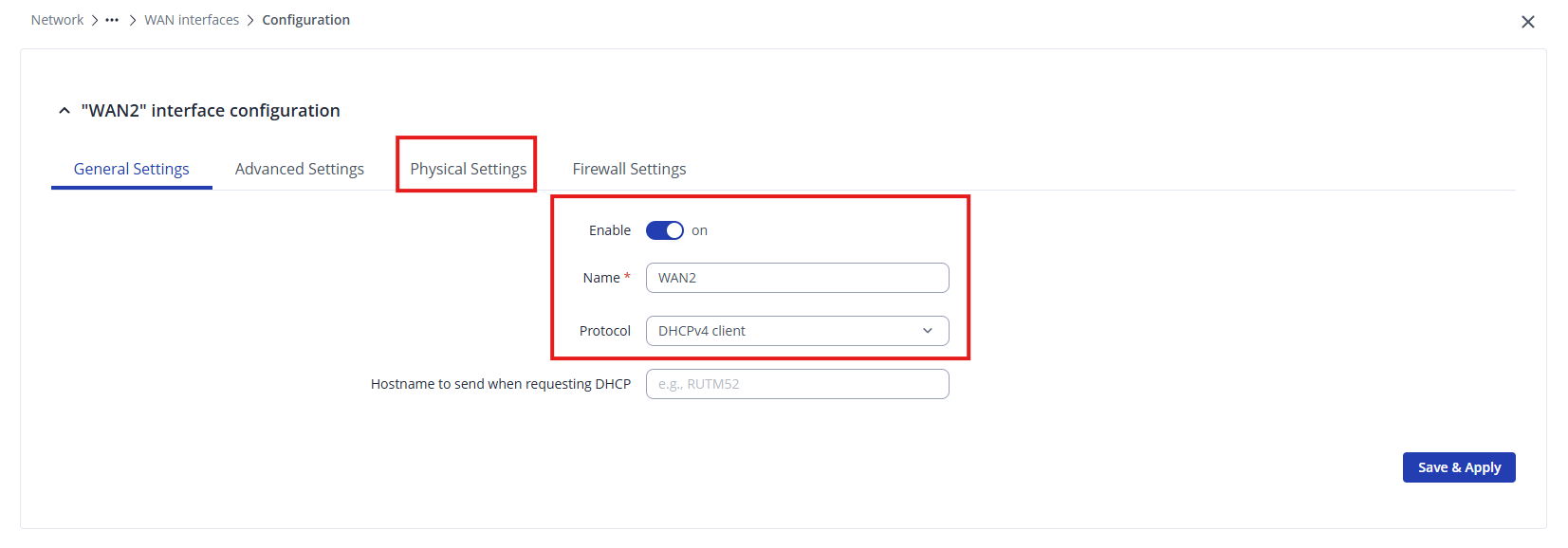
In the wiki, there is an interface option in the physical option tab called eth0.3, but this option does not exist on my device. When I try to select a physical interface, for example LAN1, I get the following error:
Physical interface “lan4” is already being used by port based vlan
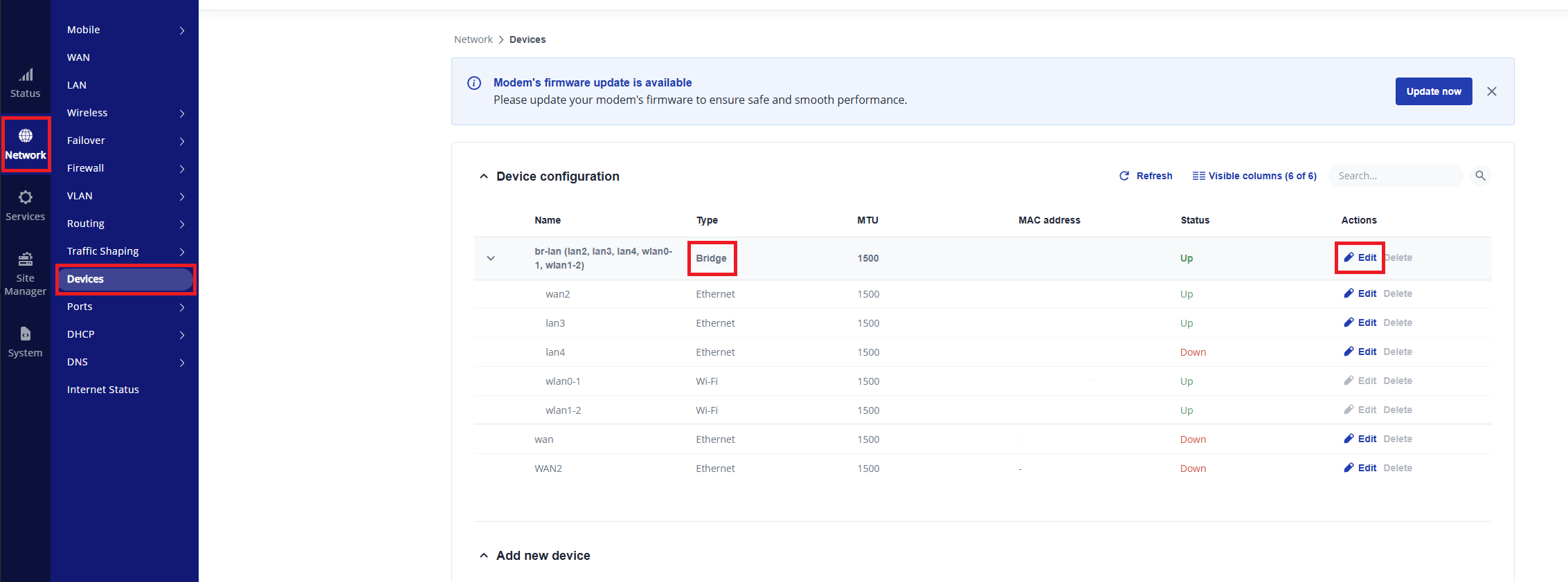
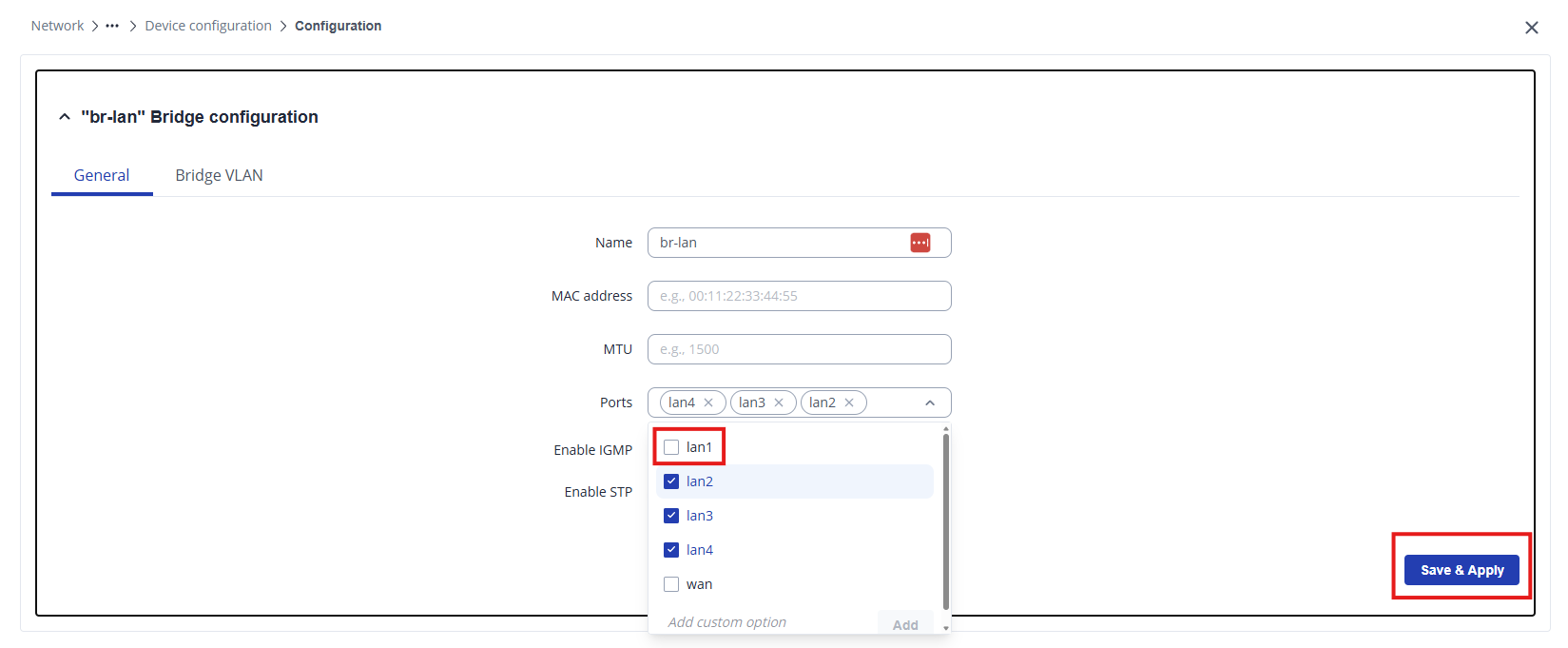
I can select br-lan.1, but, as far as I understand, this is a bridge that includes LAN1 to LAN4 as well as wireless interfaces. However, I only want to use LAN1 as WAN.
For testing purposes, I also tried selecting br-lan.1, but the interface gets stuck at:
Obtaining IP - Trying to find DHCPv4 server. If this is seen for a long time, check this device’s and DHCPv4 server logs.
Since the wiki article seems to be based on firmware version 07.13, and I am currently using 07.21.3, I am wondering whether the guide might be outdated or whether the VLAN/interface handling has changed in newer firmware versions.
Does anyone know how I can correctly assign only LAN1 port as WAN in this setup?
Thanks in advance.
What I have done:
- Created a port-based VLAN with ID2
- VLAN ID1 (The Standard one)
- LAN1 = Off
- LAN2 = Untagged
- LAN3 = Untagged
- LAN4 = Untagged
- VLAN ID2
- LAN1 = Untagged
- LAN2 = Off
- LAN3 = Off
- LAN4 = Off
- VLAN ID1 (The Standard one)
- New WAN Interface added
- General Settings
- Enable => On
- DHCPv4 client
- Physical Settings Interface Options:
- br-lan.1
- br-lan.2
- lan1
- lan2
- lan3
- lan4
- Io
- wan
- General Settings
Hardware / Software: RUTM52 (FW: RUTM_R_00.07.21.3)