First post on here. I come from a mechanical engineering background and have some basic networking knowledge but need a little help configuring my RUTM30 please.
RUTM is running failover and connected from lan port to wired UX wan port. Both are running dhcp and are in different locations.
I know I have a triple nat situation here as I am only using a mobile WAN connection which comes with the inevitable CGNAT.
I want to use the UX for dhcp but if I put the RUTM in bridge mode i will lose the ability to obtain a WiFi connection from the RUTM as there will be no dhcp server running. I would like to have the ability to connect wirelessly to the RUTM when I am in its vicinity but have only one dhcp server running.
can anybody help me get around this please? Do I have to bridge the RUTM WiFi to the WAN port on the UX? Could anybody give me some basic guidance.
Sorry if this seems very basic to some of you guys but I’m trying to learn!!
Could you please clarify if you need the Wi-Fi solely for local management (accessing the RUTM30 itself), or do you need client devices to have internet access when connected to it?
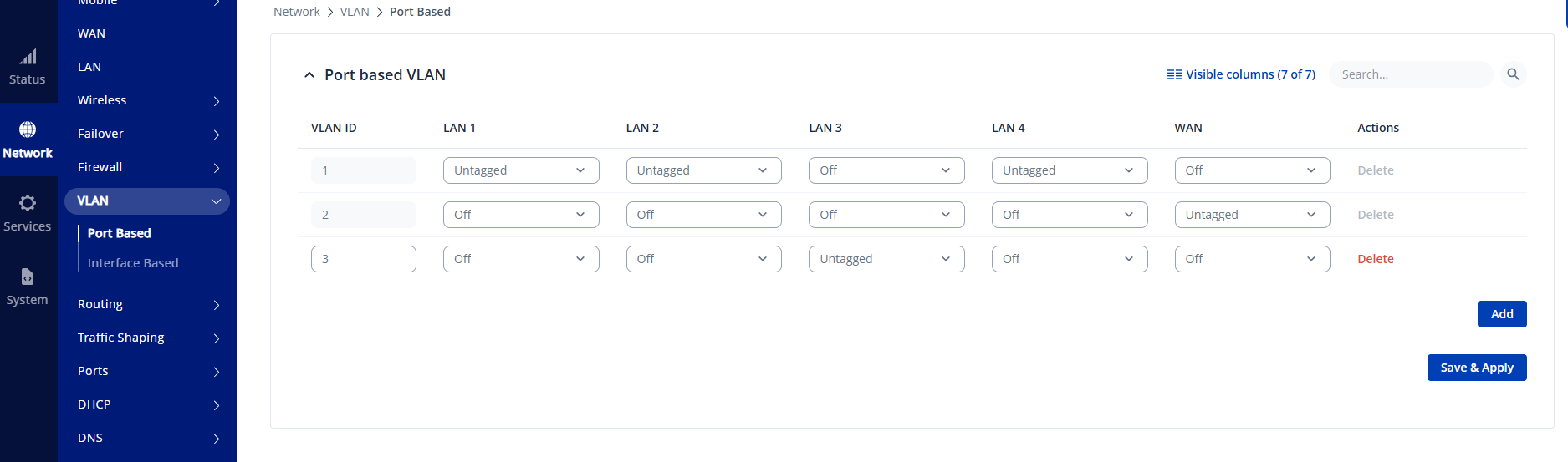
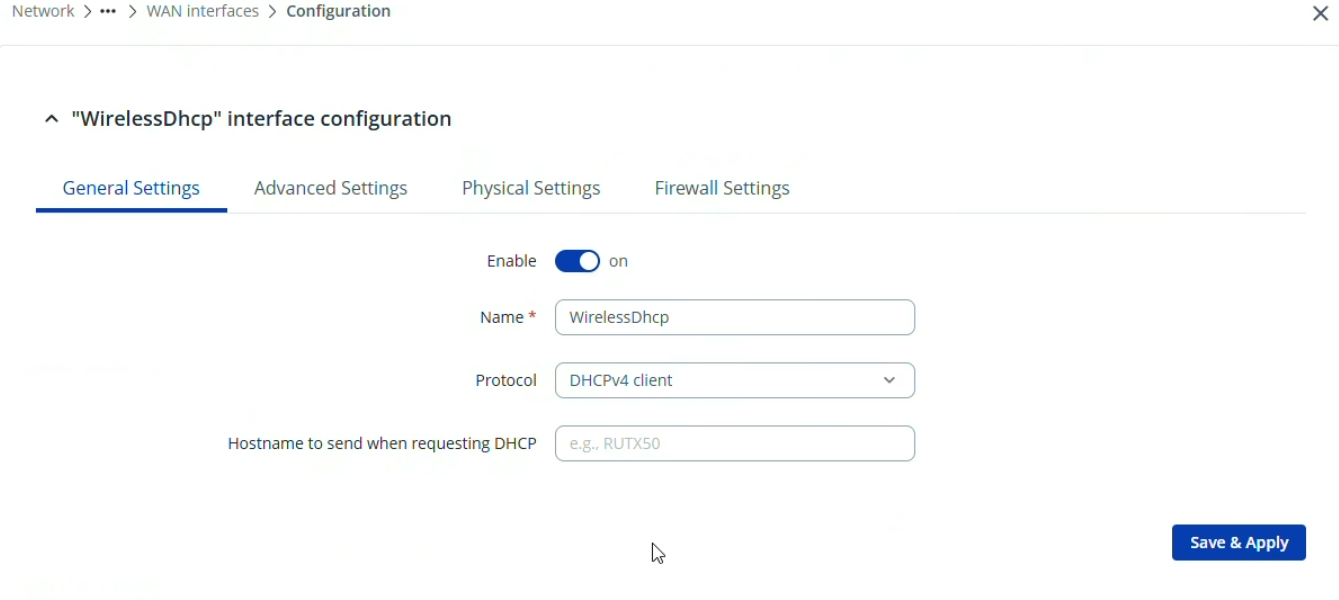
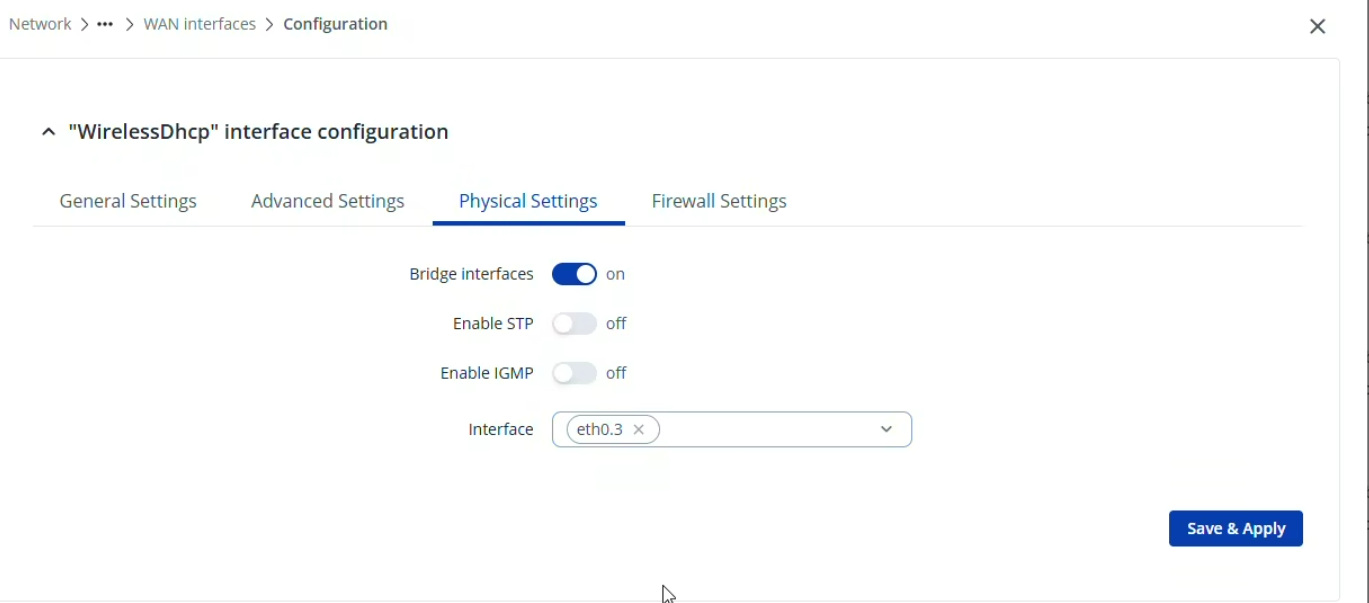
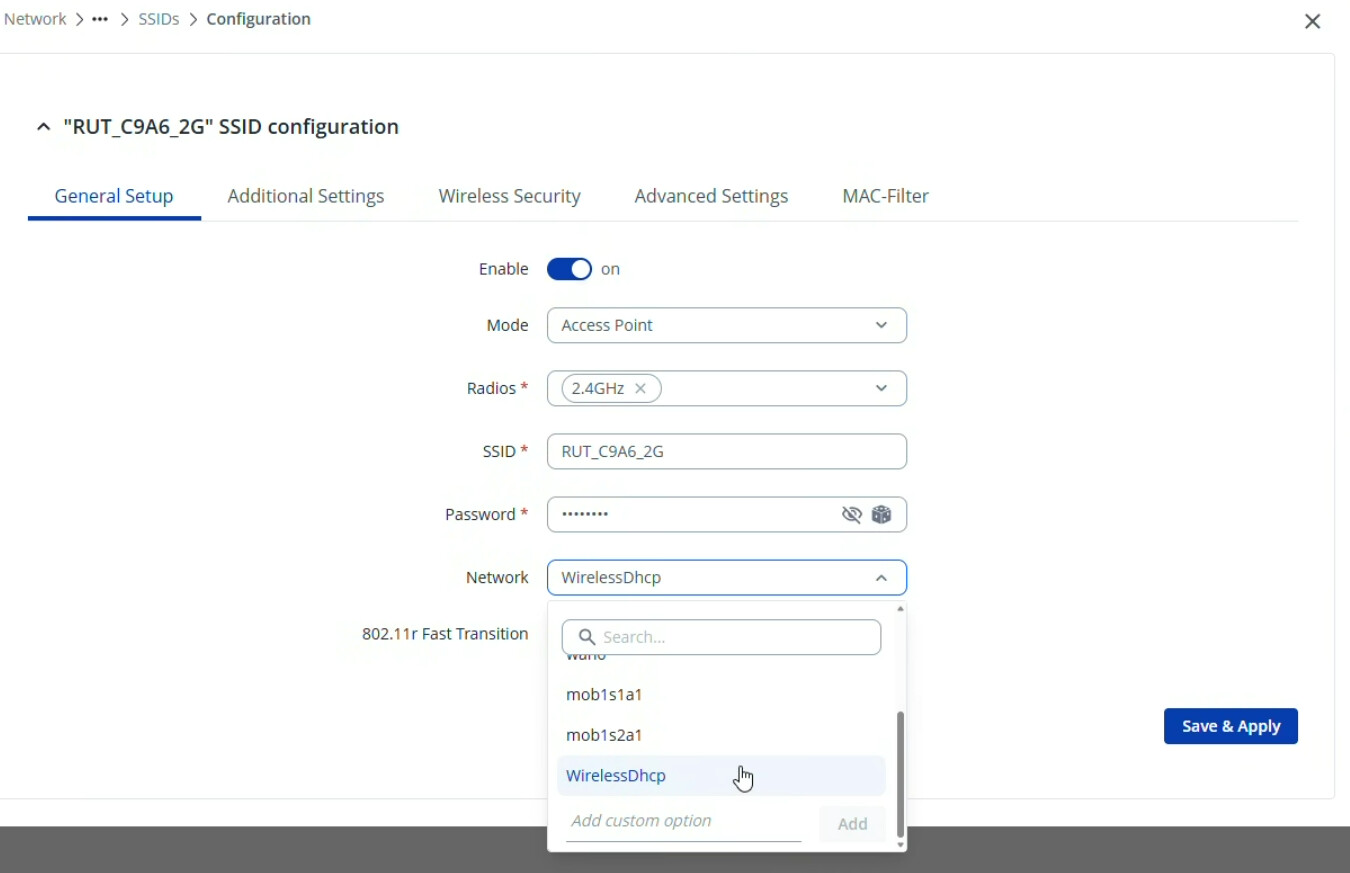
To achieve the desired configuration, you will need two physical connections between the devices. Please also ensure that the LAN subnets on the Ubiquiti and the RUTM30 do not overlap.
First, navigate to Network → WAN and change the mob1s1a1 interface mode to Passthrough , as shown below.