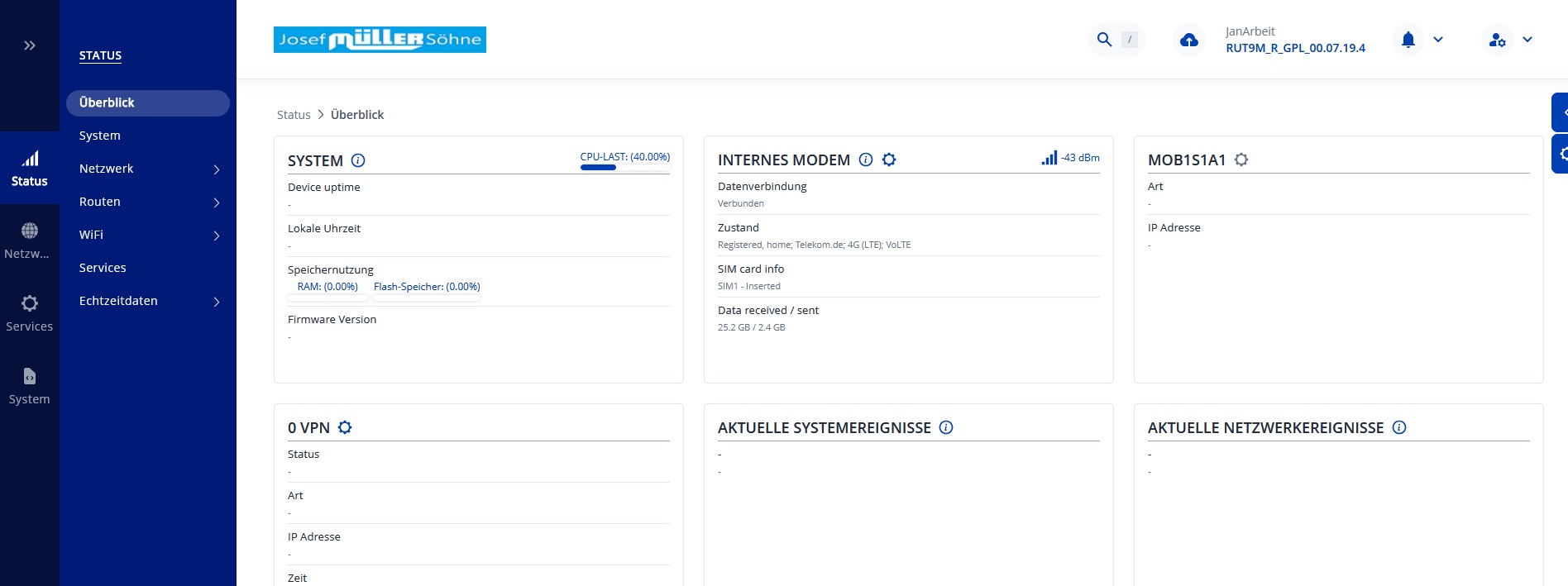
How can I change the logos?
The tlt-icons folder no longer exists in: rutos-ramips-rut9m-sdk/package/feeds/vuci/vuci-ui-core/bin/dist.
Where has it gone?
The dist folder no longer contains the data either. It is now located at: rutos-ramips-rut9m-sdk/package/feeds/vuci/vuci-ui-core/bin/vuci-ui-core/src/dist/www.
Unfortunately, the README file in the SDK also contains the old paths, so I am unable to find the files.
There, you will find the favicon.ico file and tlt_networks_logo.svg.gz. These two files need to be replaced with your custom icon and logo.
To modify the colour scheme, go to the brand directory located in the same structure. Inside, you will find the colors.css.gz file, which you can edit to apply your preferred colours.
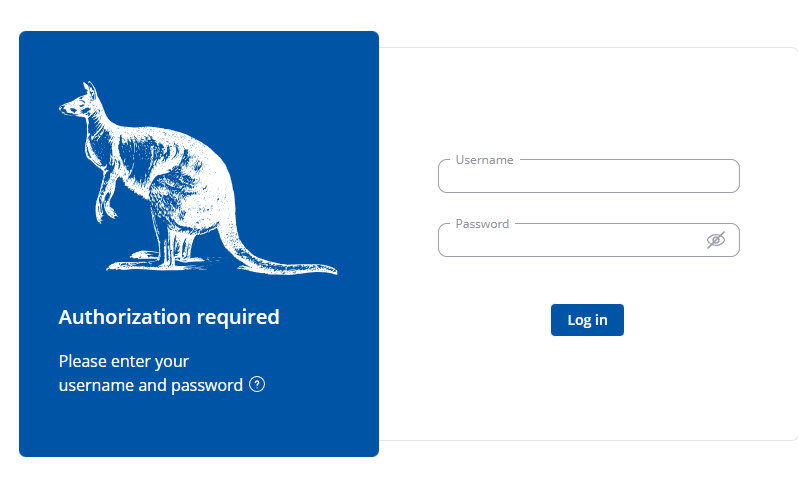
Looks to me like you missed something somewhere, as by using Inspect element on the specific logo that is in your case, white, I can see that the file name is indeed tlt_networks_logo.svg
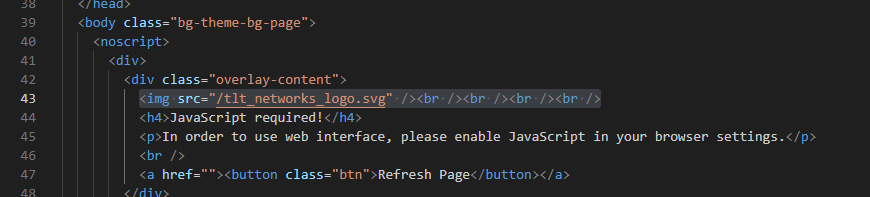
Perhaps you might’ve forgotten to edit the index.html file within the index.html.gz archive? I don’t believe there’s any other way to change that specific logo. If you changed the name of the actual file, you’ll have to edit the index.html. This is what I found within the file, ensure you’ve changed it:
Other than that, it may be the image format that you’re using, try different formats / sizes maybe? (unsure if it strictly is supposed to be .svg or a specific size, but still worth a shot) Perhaps a different browser as well?