TFSA
October 29, 2025, 5:03pm
1
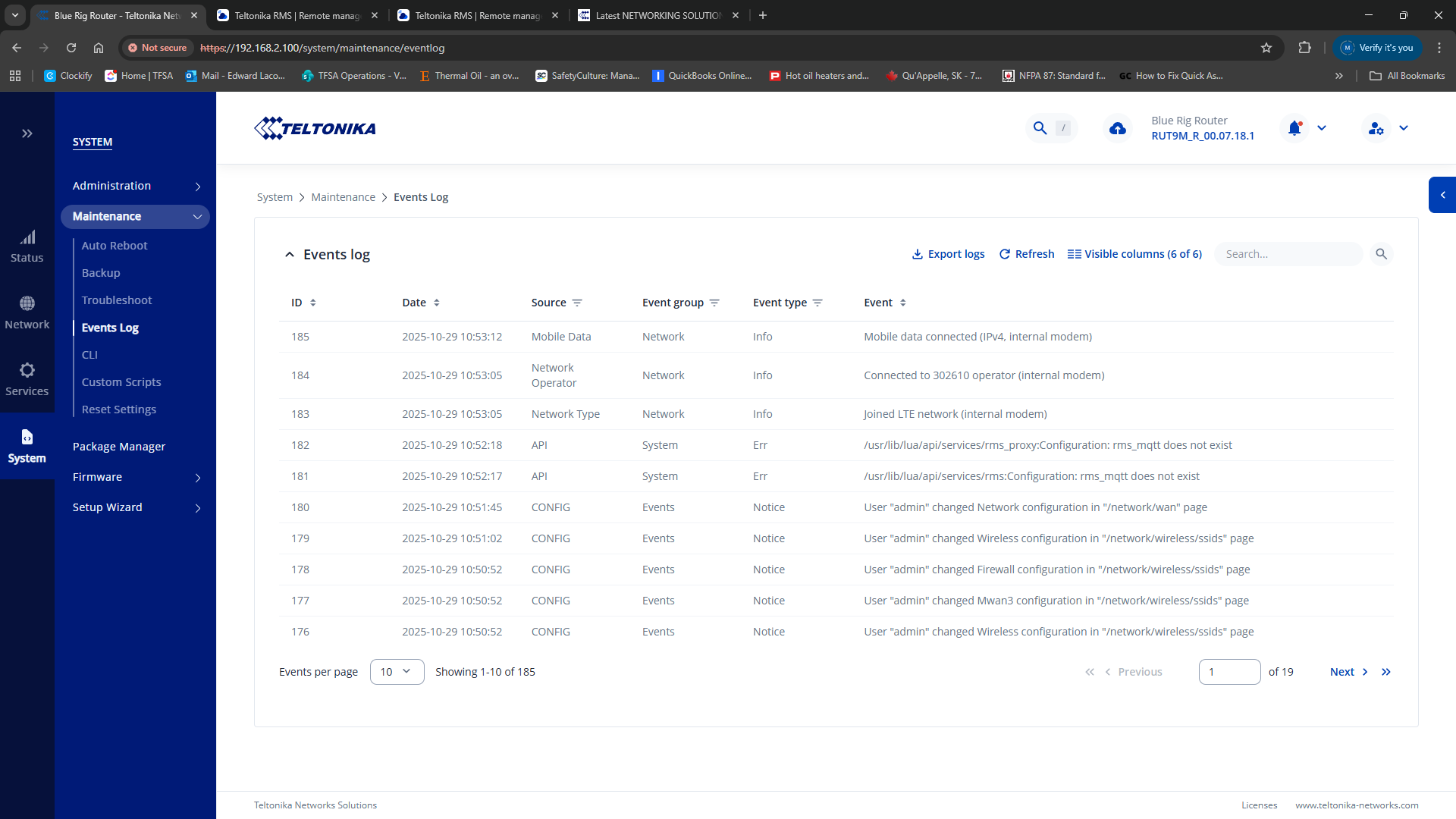
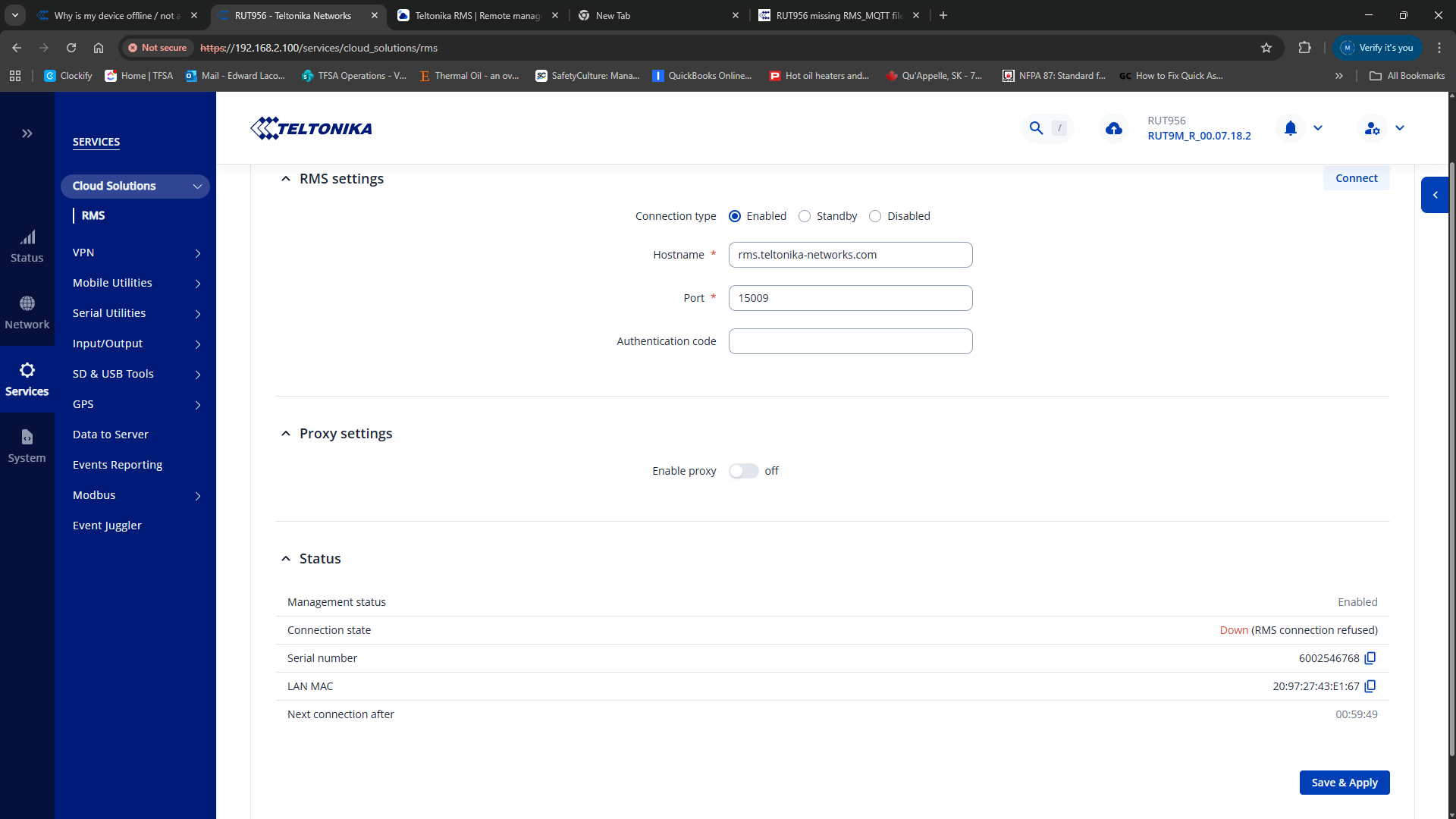
I have been trying to get our RUT956 to connect to the RMS system but it is being refused connection. I looked at the system logs and noted the following:
How or where can I get this file to replace the missing one to be able to connect to the RMS server??
Thanks
Marija
October 30, 2025, 12:43pm
3
Hello,
Could you please reboot the device and check if that resolves the issue?
If not, please try performing a factory reset using the instructions here: RUT956 Device Recovery Options - Teltonika Networks Wiki
Please note that a factory reset will erase all configurations. You can download a backup file beforehand by following these steps: RUT956 Maintenance - Teltonika Networks Wiki
Best regards,
TFSA
October 30, 2025, 3:00pm
4
Marija,
I have done both of those and the response is the same.
TFSA
October 30, 2025, 3:41pm
7
Latest attempt had these results:root@rms:~# openssl s_client -connect 18.196.62.30:15009 </dev/null
CONNECTED(00000003)
TFSA
October 30, 2025, 3:43pm
8
root@rms:~# openssl s_client -connect 18.196.62.30:15009 </dev/nullrms.teltonika-networks.com , O = Teltonika Networks, OU = Teltonika Networks RMS, emailAddress = support@teltonika-networks.com
Marija
November 12, 2025, 7:15am
9
Hello,
Apologies for the delayed response.
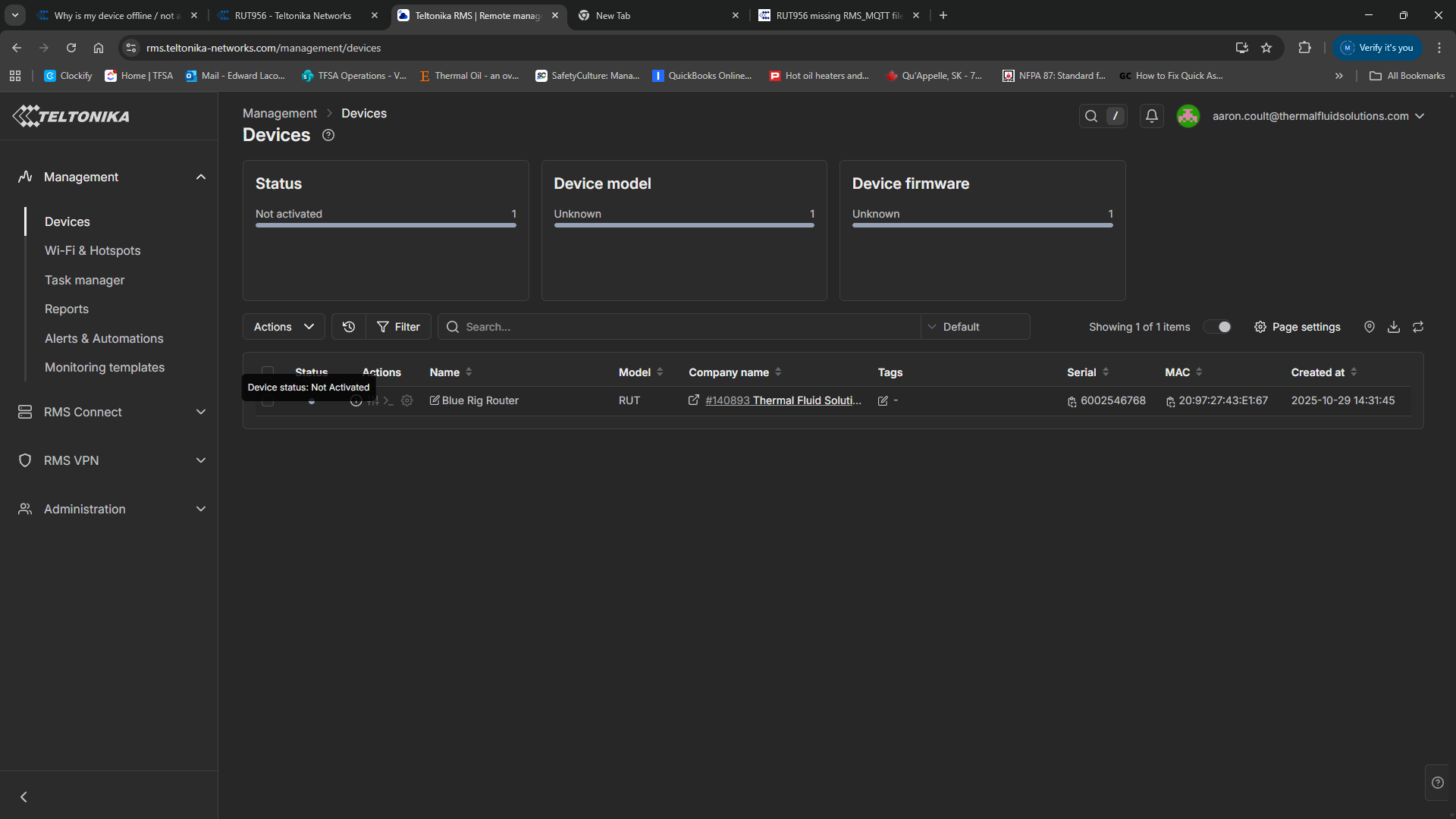
Could you please confirm whether you have already tried unregistering and re-registering the device on RMS?
Best regards,
system
December 28, 2025, 5:04pm
10
This topic was automatically closed after 60 days. New replies are no longer allowed.