On a RUT956, with firmware version RUT9M_R_00.07.24, I installed the Dynamic DNS extension from the official store and configured it. It work properly, then today I updated (with settings kept) to RUT9M_R_00.07.24.3 which was successful.
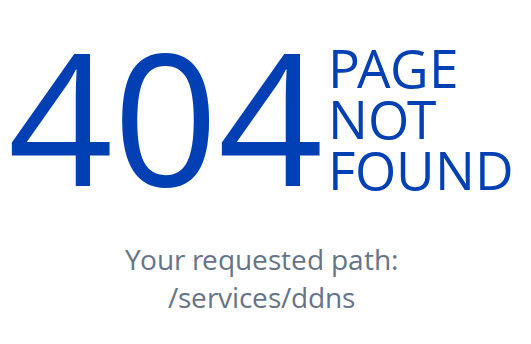
After the upgrade, I cannot reach the DynDNS config page anymore. The web UI shows that the service is still running and the package is still installed. But when I click on the DDNS link which supposed to take me to its settings page, I see a 404 error message.
Unfortunately, we were unable to reproduce the reported issue on our side.
As a first troubleshooting step, we recommend uninstalling and reinstalling the DDNS package to check whether this resolves the issue. Please note that your existing DDNS configuration will not be preserved, so you will need to configure the DDNS service again after reinstalling the package.
If the issue persists, we recommend reinstalling the RutOS firmware through the Bootloader menu. You can either reinstall the same firmware version currently installed on the device to check whether the issue remains, or install the previous firmware version you were using before the update.
For more information about the Bootloader menu and the available recovery options, please refer to the following Wiki article:
Note: Reinstalling the firmware through the Bootloader menu will reset the device to its factory settings, and all existing configurations will be lost.
Hope this helps. If you have any questions or require assistance with any of the steps, please let us know.
Thank you for trying to reproduce it. I reinstalled this package, and we will see what will happen during the next firmware upgrade. It’s possible that it was just a one-time hiccup.
Please let us know if the issue persists after the next firmware upgrade. If you continue to experience the same behavior, we will investigate the issue further and look into it in more detail.