Hi everyone,
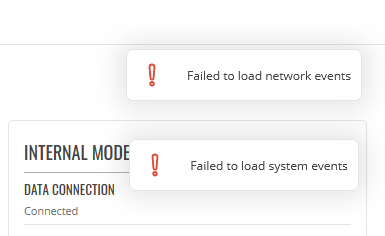
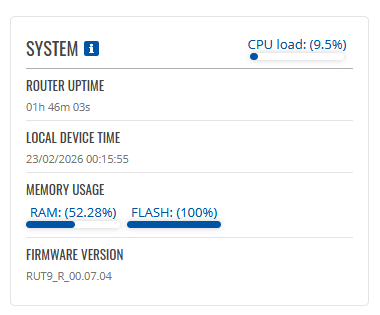
I am facing a critical issue with a RUT955 (Firmware RUT9_R_00.07.04, Kernel 5.4.229). My device is stuck in Read-Only mode because the JFFS2 partition is completely saturated.
The symptoms:
-
SSH Login Message: “Your JFFS2-partition seems full and overlayfs is mounted read-only.”
-
df -hshows/overlayat 97% to 100% usage (3.7MB / 3.7MB). -
Any configuration change is lost after reboot.
-
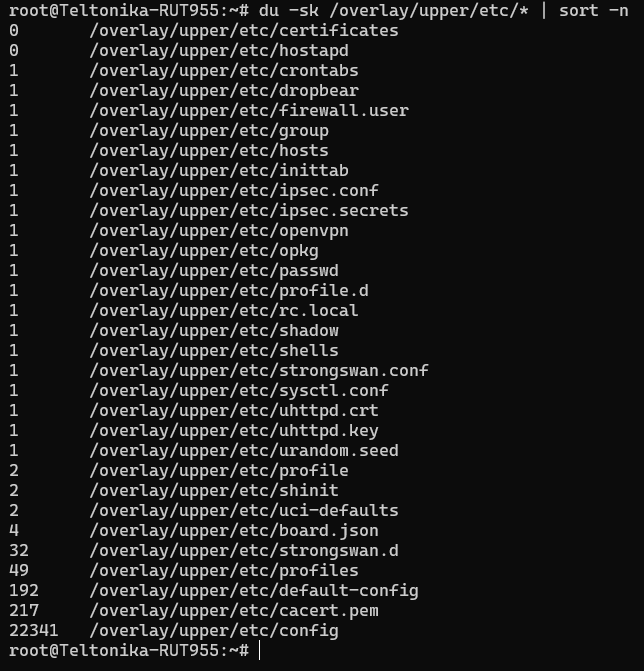
du -sk /overlay/upper/etc/configreports ~19MB, which is physically impossible for this partition, suggesting severe filesystem corruption or unlinked open files (ghost files).
What I have already tried (without success):
-
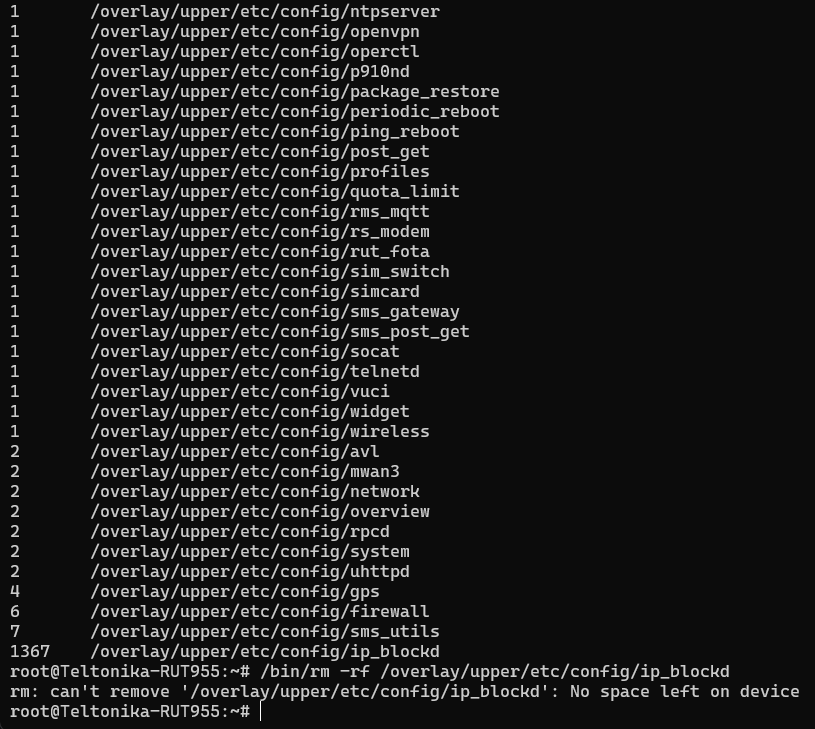
Manual deletion via SSH: Tried
rm -rf /overlay/upper/etc/config. It fails with: “rm: can’t remove […]: No space left on device” (JFFS2 cannot write the deletion marker). -
Firstboot command: Tried
firstboot -y. It completes but the partition remains full and read-only after reboot. -
Hard Reset: Physical reset button does not clear the configuration.
-
Bootloader Recovery Mode:
-
I can access the recovery page at
192.168.1.1/index.html. -
I tried flashing several firmware versions (07.06, 07.03, and even Legacy 06.09.5).
-
The flash process seems to complete, but after the reboot, the router returns exactly to the same state: 100% full, same old config, and Read-Only.
-
It seems the flash memory (MTD6) is hardware-locked or the Bootloader fails to format the JFFS2 partition during the upgrade.
Questions:
-
Is there a specific
.ubootoruboot.htmlprocedure to force a low-level format of the flash? -
Is this a known hardware failure where the NAND chip enters a permanent Read-Only state?
-
Any other CLI command to force-format the MTD6 partition?
Thanks for your help!