RUT955 all LEDs flashing simultaneously at startup

I’m able to reach http://192.168.1.1/index.html or http://192.168.1.1/uboot.html

I have no boot loader file to download a bootloader.

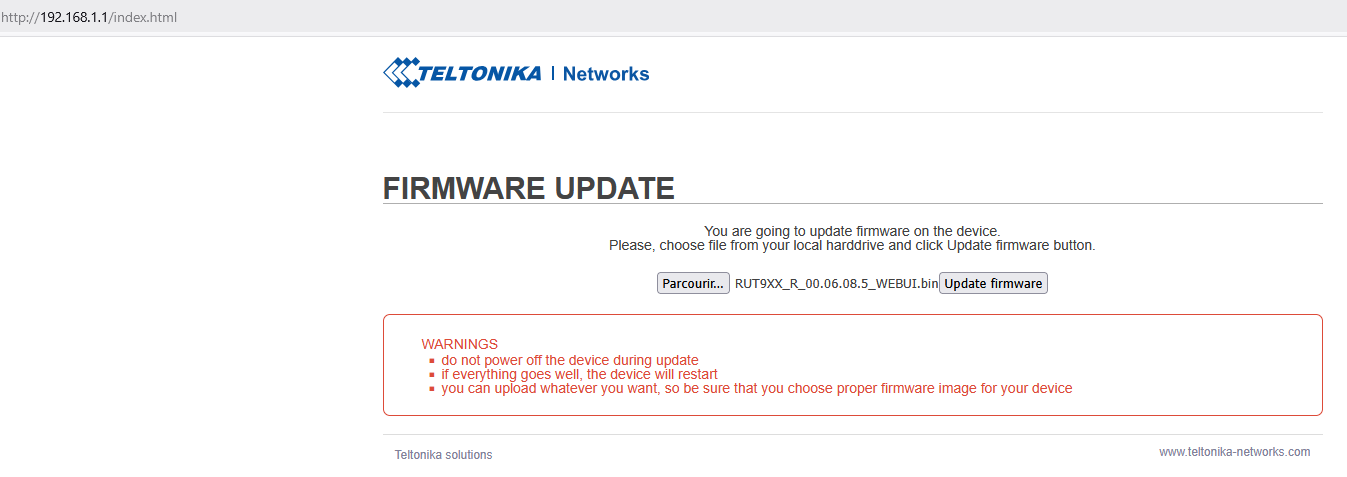
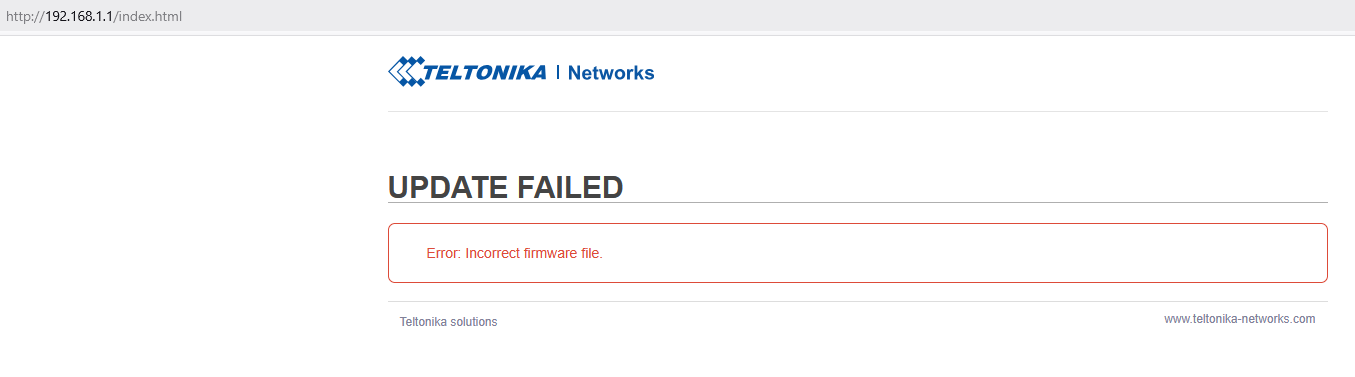
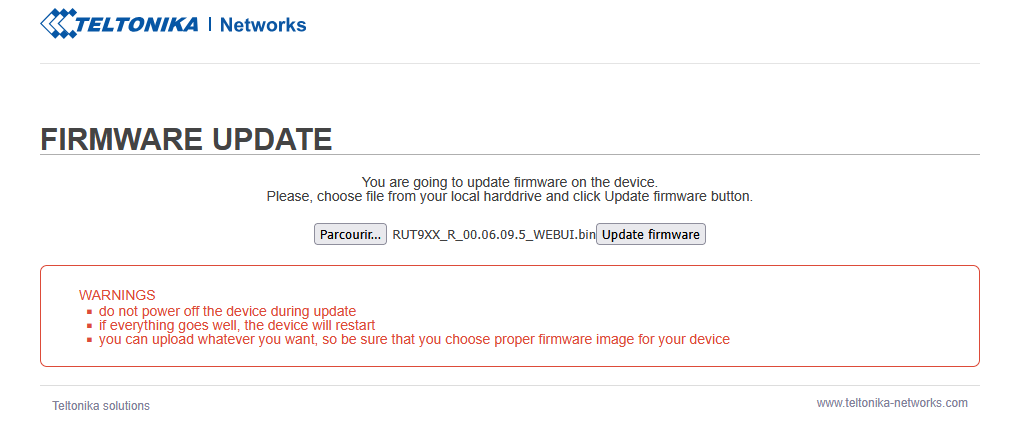
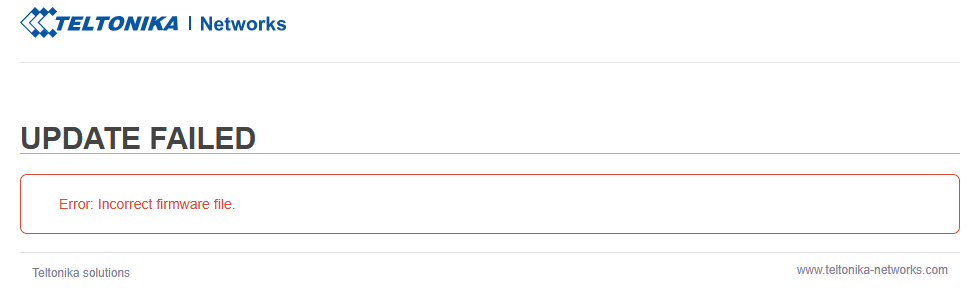
For firmware, I tried several firmware (old UI up to RUT9XX_R_00.06.09.5_WEBUI.bin) , getting “UPDATE FAILED

Error: Incorrect firmware file.”

Any idea ?

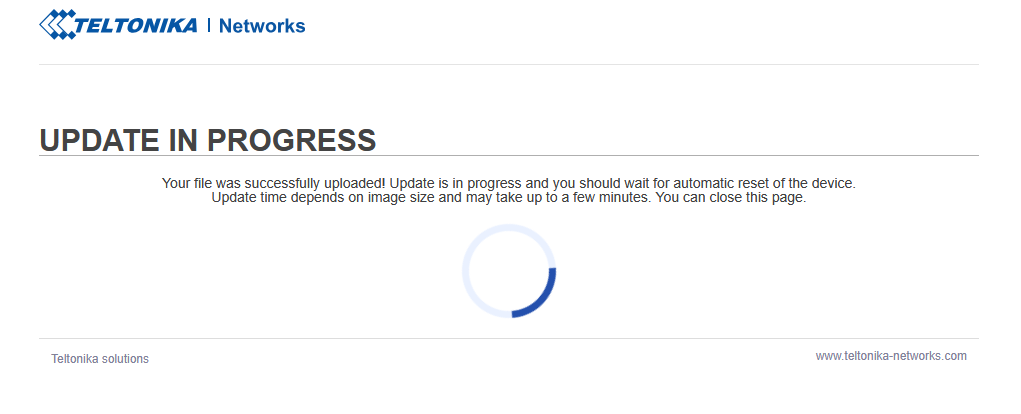
If I try to update with a newer firmware (RUT9_R_00.07.06.19_WEBUI.bin), I get "Update in progress, the signal LEDs flash one to one then all the LEDs flash simultaneously annd never stop.

Hi…

Have you see this?

“ RUT955 devices with MeigLink SLM750 module are only supported on firmware version RUT9XX_R_00.06.08.5 and up. You can find the module present on your device in Device (legacy WebUI) WebUI page. “

try, using…

https://wiki.teltonika-networks.com/images/4/42/RUT9XX_R_00.06.08.5_WEBUI.bin

Hello @ParagonIDGB,

Could you please let me know which firmware version was installed on your device before you attempted to access the bootloader menu?

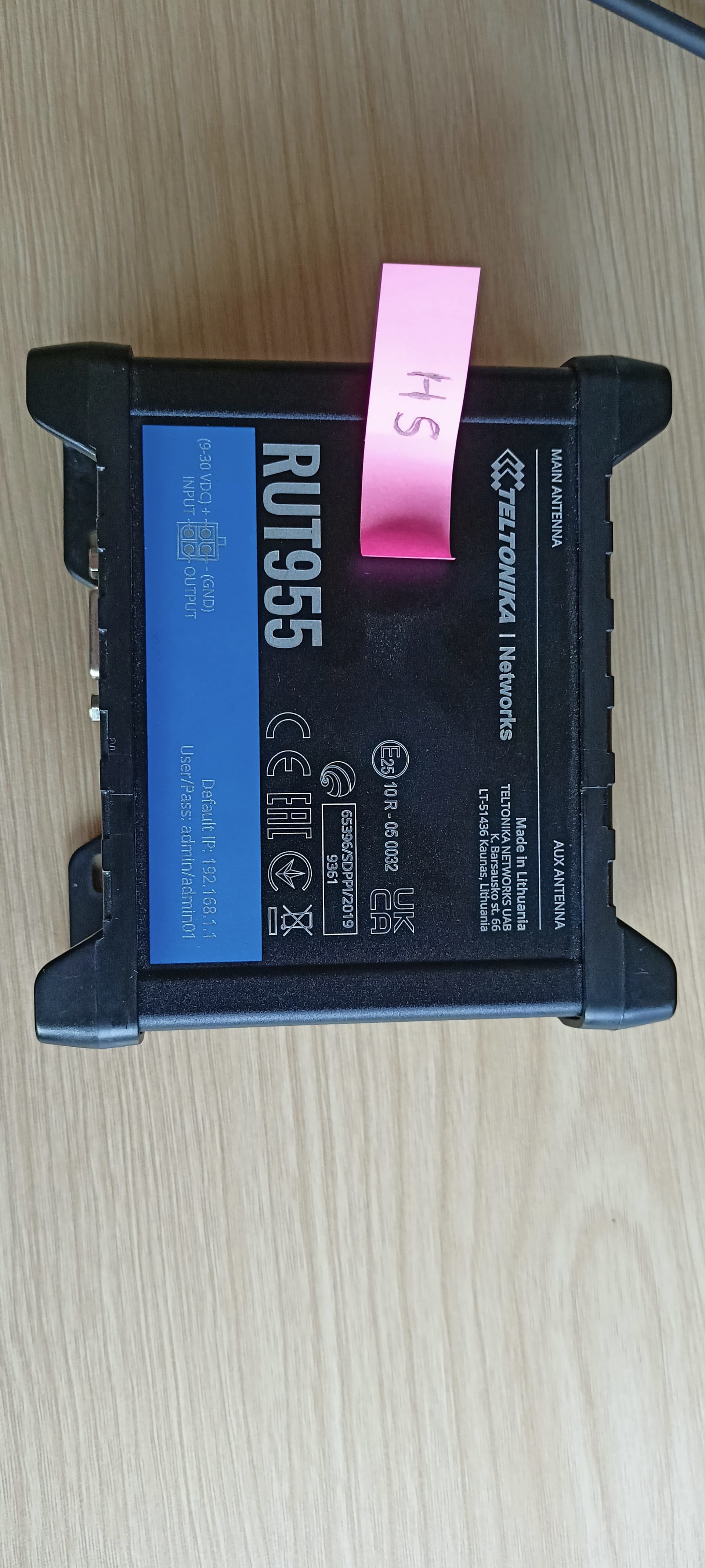
Additionally, please provide your device’s Product Code (Hardware Version), which can be found on the back panel of the device.

Best regards,

Hello Marijà,

I don’t remember about the previous firmware version.

Here are the requested information

Regards

Apologies for the confusion. The product code can be found on the router box.

Additionally, I have deleted your first photo because it contained sensitive device information, which is not safe to share on public forums.

Best regards,

I don’t have the router box, you could revover it from serial number ?

I tried with “RUT9XX_R_00.06.08.5_WEBUI.bin” :

After 30s, I got :

Hello @ParagonIDGB,

Could you please confirm that you downloaded the firmwares from our official wiki: RUT955 Firmware Downloads - Teltonika Networks Wiki?
If I understand correctly, after uploading both the legacy and RutOS firmware to the device, you see the error “incorrect firmware file,” is that right?

Best regards,

Hello,

Yes, right.

Regards,

Hello,

Unfortunately, it looks like a hardware issue with the device. If your device is still under warranty, please contact your distributor to initiate the RMA process.

Best regards,

Hello,

Can I please get a bootloader file to try to load it with “http://192.168.1.1/uboot.html” ?

Regards,

Hello @ParagonIDGB,

From the screenshots you provided, this appears to be the new bootloader menu, which means it does not require an update itself.

However, we can investigate this issue further. For that, I will need some sensitive information from you. I have sent you a form to fill out, and once it is completed, I will contact you privately regarding this issue.
When filling out the form, please use ticket ID “15087”.
Best regards,

This topic was automatically closed after 60 days. New replies are no longer allowed.