RUT301 License expired. Assigned new credits and can’t get it to connect to RMS.
Hi, Colby,
Access your device, go to Services > Cloud Solutions > RMS and try hitting “connect”. If it fails - remove the device from RMS (select it > actions > device > unregister device) and register it again, should work.
Dont worry about the credits/packs, as they’re tied to the SN/IMEI/LAN MAC
Greetings,
For troubleshooting purposes, we will require more sensitive information from your end, such as the troubleshoot file, which may contain passwords, public IP addresses, serial numbers, and such. To avoid leaking this information, we have sent you a form to fill out, which you will receive in your e-mail inbox that you have registered your account with in the forums. In the Ticket ID field of the form, please enter the ID of this thread, which is 16814.
Best Regards,
Justinas
Thanks. I tried this and it still doesn’t work. It says the connection is successful but after 5 seconds goes back to Down (License Expired).
Ok, Colby,
When hitting connect in the webui, a “reset” button should appear instead of it, could you try hitting that and giving another go?
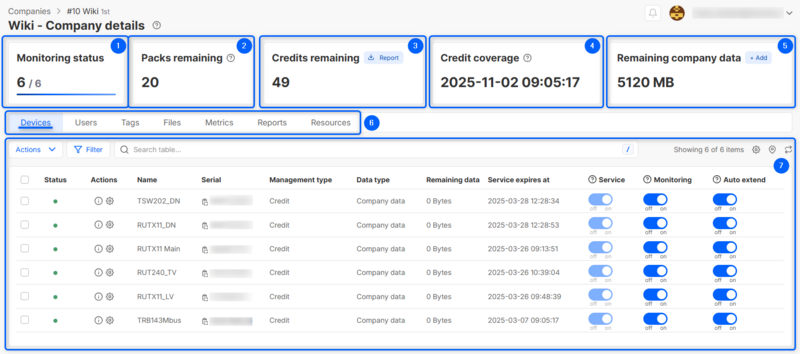
Also, could you confirm that under RMS > Administration > Companies > Company Details the device itself shows that the pack/credit is indeed assigned? Also, are you 100% certain you’ve registered the device with the correct credentials? No typos?
It was a firewall issue on my end. It is now communicating with RMS. Thanks!