Hello everyone,
We are a PV company that installs photovoltaic systems. Since not all customers are allowed to use the existing internal IT infrastructure, we have been using the Teltonika RUT241 for a long time.
We now have the following constellation:
The RUT241 is located in a control cabinet and a SIM card at the customer’s premises. A LAN cable goes from the LAN port of the RUT241 to a switch. The inverters, for example, are connected to this switch and can often be reached via IP addresses.
Now we want to be able to access the devices remotely, i.e. call up the devices via the IP.
For example:
192.168.1.1 - Teltonika router
192.168.1.2 - Inverter 1
192.168.1.3 - Inverter 2
192.168.1.4 - Weather station
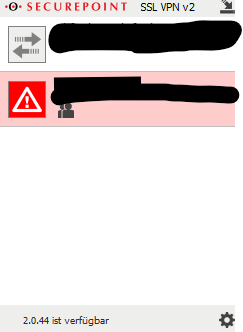
Internally, we use the Securepoint client to do home office. We would like to use this to be able to switch us to the device. Can someone here explain to me step by step using an example how we can solve this?
Unfortunately, the instructions on the Internet have not been very helpful.
Many thanks in advance
David