RUT241 port forwarding

I’m trying to set a port forwarding on this RUT241 but the requested parameter are different than the other router i use allready and i’m lost…

the internal ip address of my device is 192.168.1.113:9001 and i can access with my browser to my device directly connected to my RUT241 wifi!

What external port number I should use?
What internal port I should use?

Thanks for help

i presume this is the ip address of the device connected to the RUT241 you want to reach. Use external port 9001 and internal port 9001 in your forward rule. Remember that it’s unusual for 4G providers to let you reach the RUT241 from the internet due to CGNAT (carrier grade NAT)

Take heed of @pwhooftman ‘s comment regarding CGNAT. You will need a Public IP, not ‘hiding’ behind CGNAT, to access the router and device across the internet. If you have a normal domestic SIM, then you will not be able to directly access the router or device, over the internet.

Thank you for valuable information!
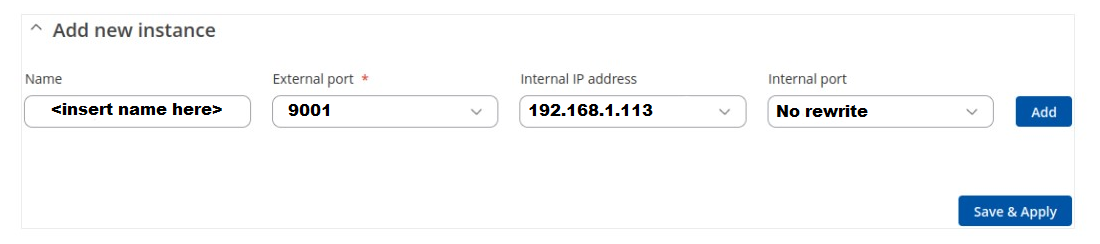
I have set a new instance according @pwhooftman ! but no success!

I try Mike info but I can’t save with ‘‘No rewrite’’ on the internal port field!

If I ask my public IP using wizcase.com I have an public IP 194.230.xxx.xxx displayed!

This make me thinking that i have a wrong setup in my router!

Greetings,

Could you navigate to Network → WAN and check whether the IP address shown for your active WAN interface is a public IP?

Best Regards,
Justinas

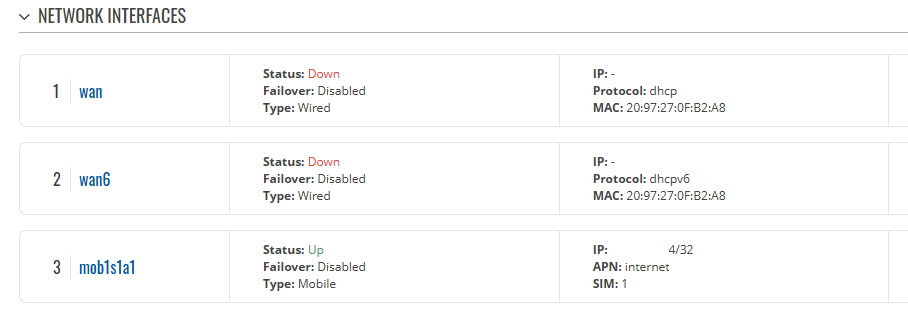
Good evening Justinas, thank you for answering! this is what i see …

Status: UP and the end of the IP address is with a 14/32 !???

Greetings,

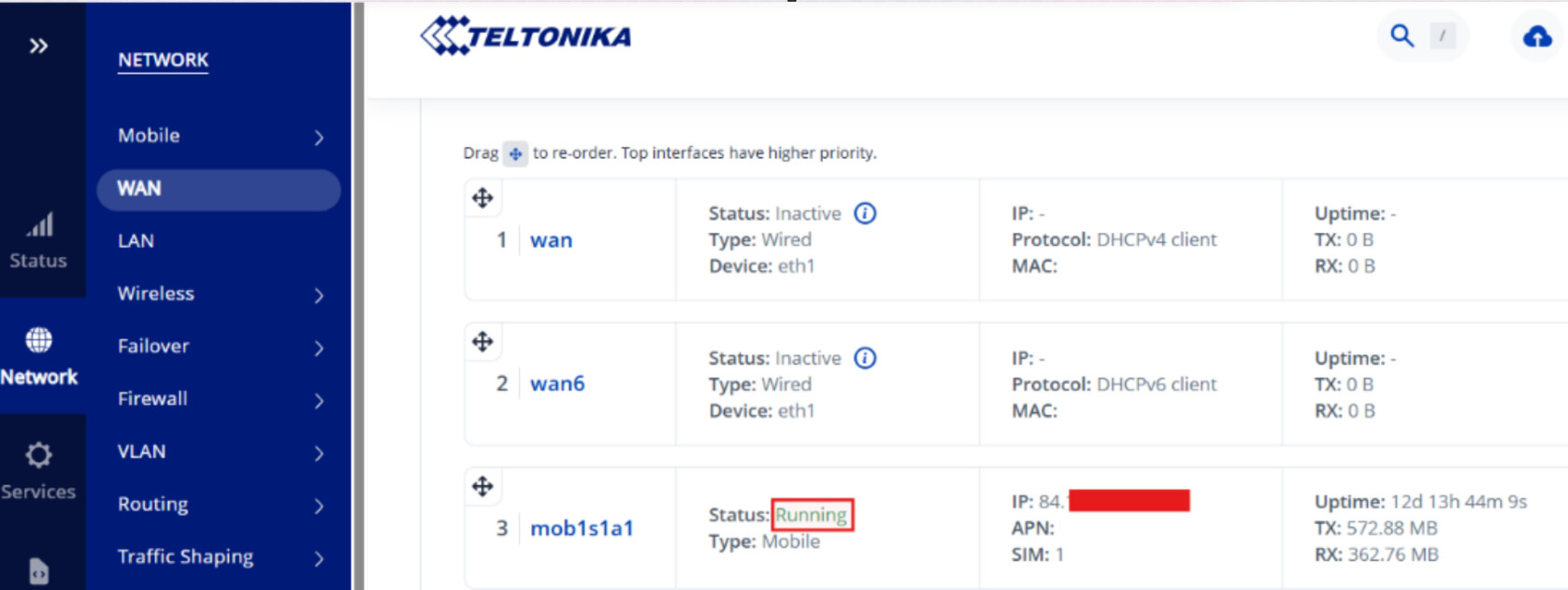
IP addresses within the ranges shown in the picture are private.


Does the IP shown on your WAN interface fall into any of them, starting with 10.0.x.x, 192.168.x.x, or within 172.16.x.x to 172.31.x.x?

Best Regards,
Justinas

the IP is 10.59. …

Greetings,

Because your ISP is assigning you a private IP address, you won’t be able to set up remote access to the device using that address.

As an alternative, you can use a VPN solution that doesn’t require a public IP, such as ZeroTier. You can find setup instructions here: ZeroTier Configuration - Teltonika Networks Wiki

You may also want to explore our Teltonika RMS VPN Hubs or RMS Connect. These services are very easy to set up, though please note that RMS is a paid service. More information, including setup guides and resource requirements, can be found at the following links:
Best Regards,
Justinas

This topic was automatically closed after 60 days. New replies are no longer allowed.