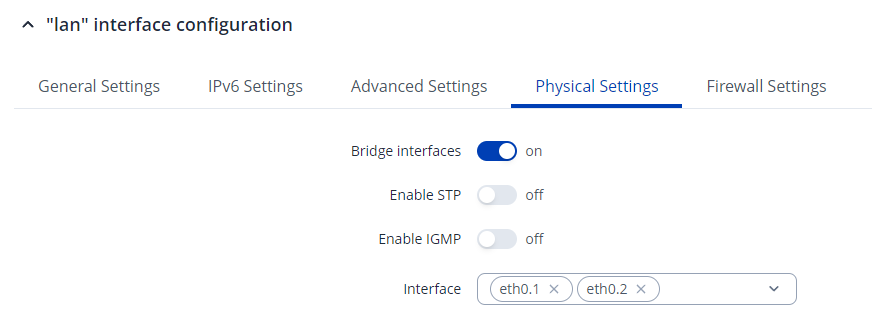
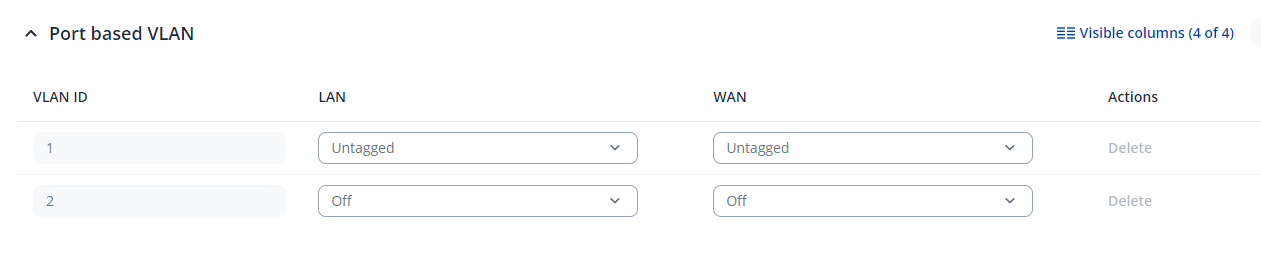
as i just talked with Support on the Phone, here the Issue i’m facing:
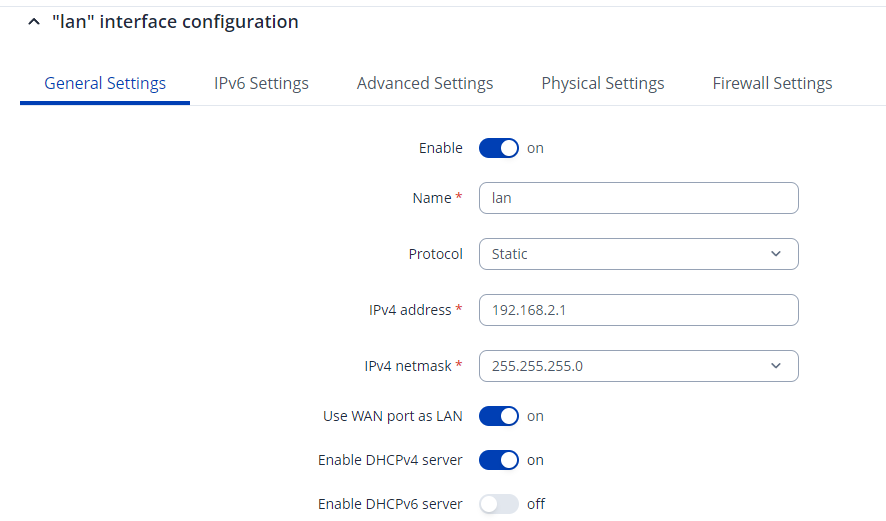
On a RUT241 i have devices connected to both LAN and WAN port, in settings the option ‘use WAN port as LAN’ is also enabled.
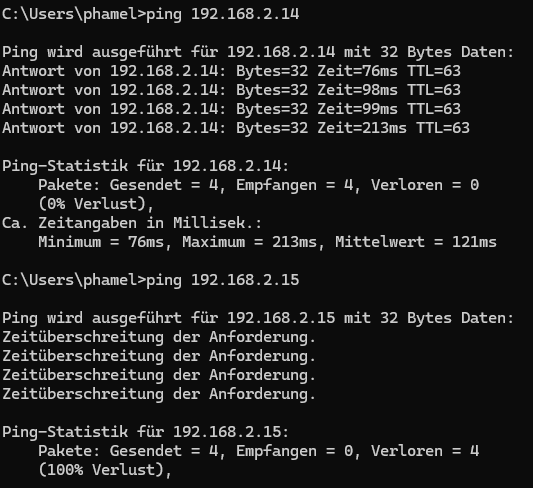
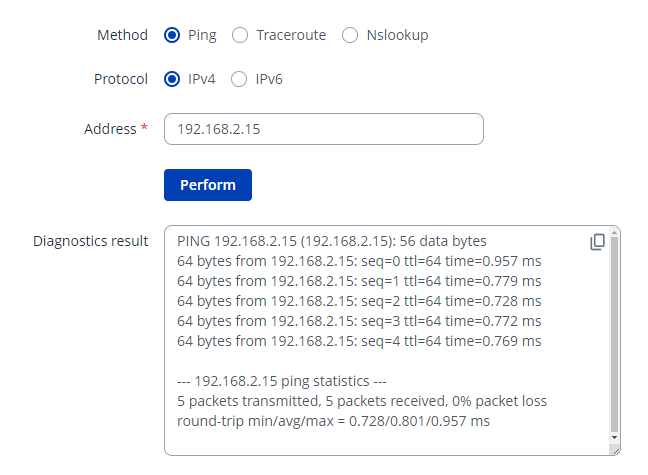
Devices on LAN and RMS VPN can’t connect to the device on WAN, ping failes and web interface won’t load, but a Ping from the Interface of the router itself is successful, further devices Downstream on the WAN port also don’t get any DHCP addresses assigned.
Could you please clarify the firmware version currently running on the RUT241?
Can the device at 192.168.2.14 reach the device at 192.168.2.15 locally?
Additionally, could you provide a screenshot of the Network → VLAN → Port Based page?
Regarding the DHCP issue you mentioned, I’d like to clarify the network setup. Is the device connected directly to the WAN port, or is there a switch/router between them?
On the Router itself the LAN and WAN port connect to a SMA Data Manager M each, both have a few inverters on another network port downstream. The Data Managers have static IPs, the inverters get them assigned through DHCP, only the ones behind the Data Manager on the LAN port are listed in the DHCP Lease page on the Router.