Hello,
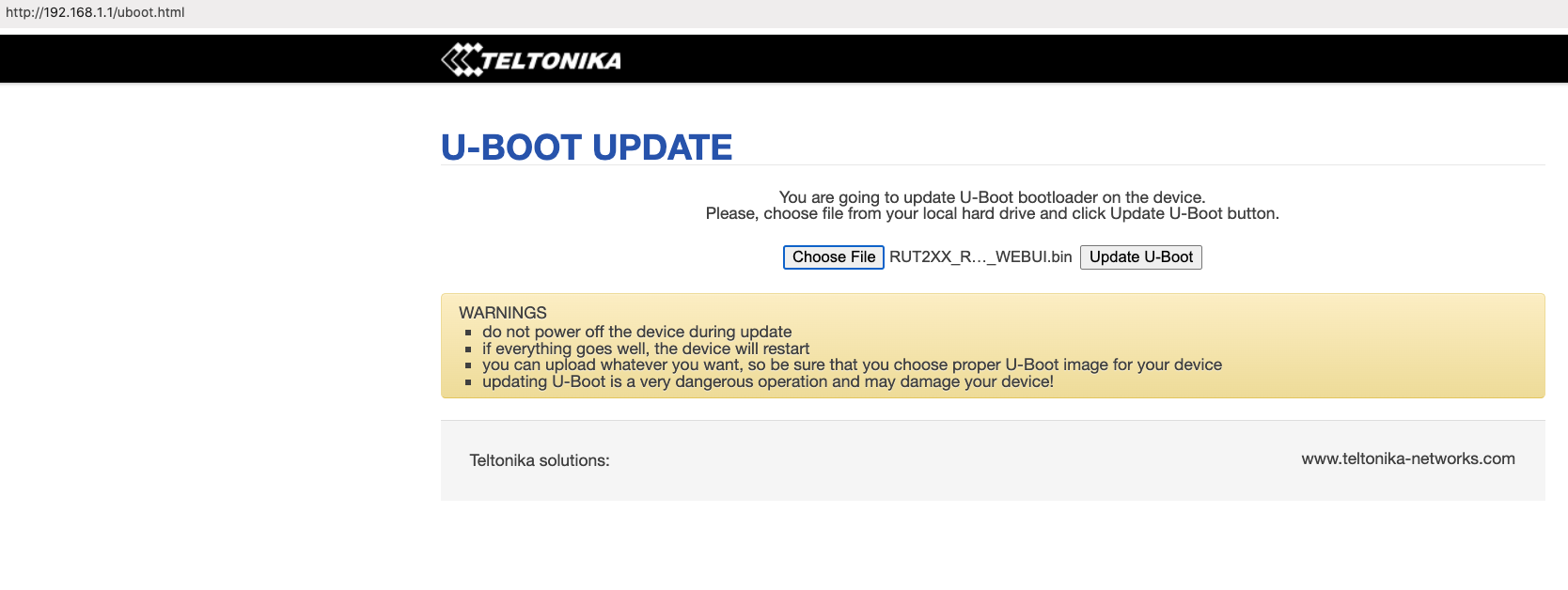
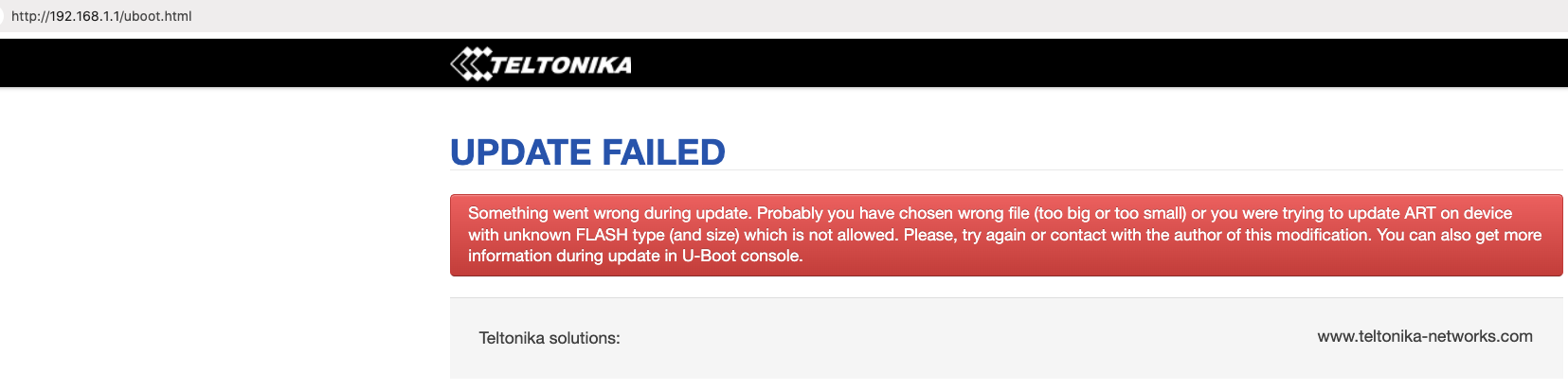
Looking “Bootloader_** ” for Rut240 to recover bricked Rut240 device.
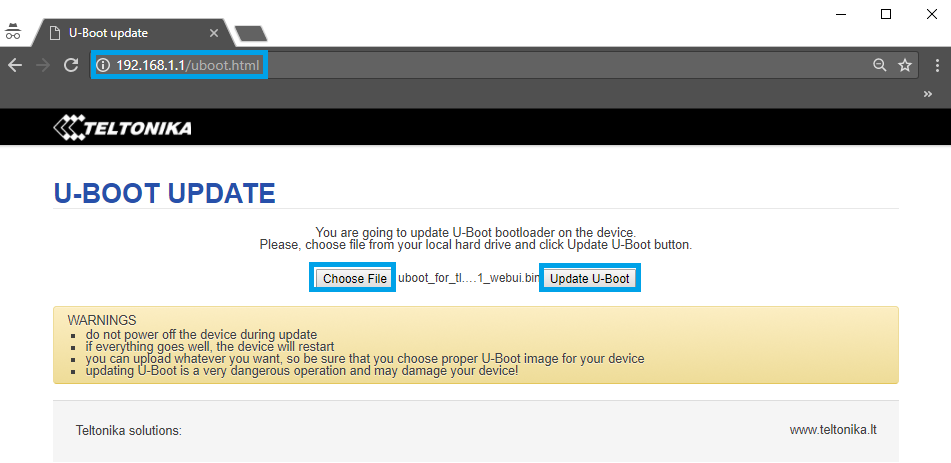
Can someone provide download link ?
Thanks,
Ged A.
Hello,
Looking “Bootloader_** ” for Rut240 to recover bricked Rut240 device.
Can someone provide download link ?
Thanks,
Ged A.
Hi, @Ged
Welcome to community.
You can download firmware for your rut240 at this url RUT240 Firmware Downloads - Teltonika Networks Wiki .
just a note about the rutos 7.x
FW version RUT2_R_00.07.0X contains many major updates, some of which made certain functionalities of RUT240 no longer available to utilize.
For RUT240 devices with MeigLink SLM750 module are only supported on firmware version use this url RUT240 Firmware Downloads (legacy WebUI) - Teltonika Networks Wiki .
Greetings Ged,
Thank you for your message.
The page you reached is intended for updating the bootloader, which is only done in exceptional cases when R&D identifies an issue related to the bootloader itself. In such cases, the necessary files would be provided.
Could you please confirm whether you were able to access 192.168.1.1/index.html for firmware flashing?
You can find more information about the device recovery options here:
To download the firmware file, please visit:
Let me know if you have any further questions.
Kind regards,
V.
Hello,
Yes, I see simultaneously blinking Signal level and ETH port green lights, and able to access 192.168.1.1/index.html for firmware flashing.
Thanks,
Ged A.
Greetings, Ged,
Thank you for your message,
Since now you’re able to access the bootloader menu, you can flash the new firmware to the device.
In case you have any additional questions, don’t hesitate to ask!
Best regards,
V.
Hello,
Ok, so I need bootloader file to flash Rut240, can You provide link or send to my email ?
Thanks,
Ged A.
Hello,
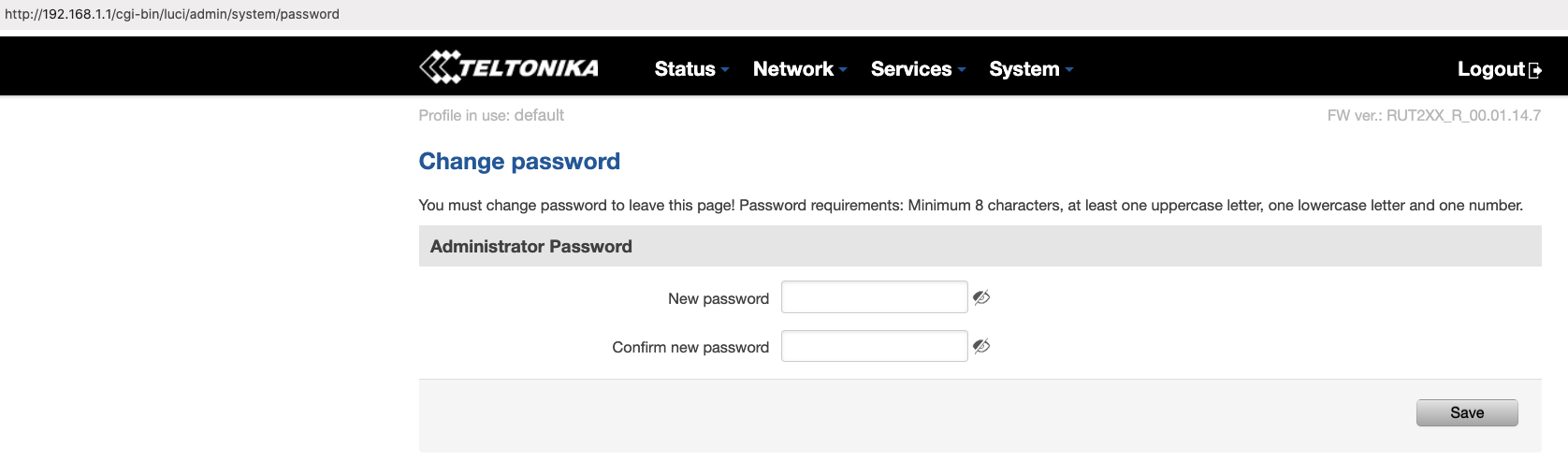
following provided FW upgrade “RUT2XX_R_00.01.14.7_WEBUI.bin”
Can You help with U-Boot ?
Thanks,
Ged A.
Thank you for your swift response,
In this wiki page, you can download firmware for your RUT240. Once you download a firmware file, you can simply drag and drop or choose a file from your file explorer.
Let me know if you need any additional help.
Kind regards,
V.
Hello,
No uboot firmware on provided link.
As You say before it is:
“exceptional cases when R&D identifies an issue related to the bootloader itself. In such cases, the necessary files would be provided.”
Thanks,
Ged A.
Hello,
RUT240 not booting normal at all - meaning “bricked”
all green LED steady green, when power on.
I see only option to flash with Bootloader.** FW using direct link: http://192.168.1.1
Thanks,
Ged A.
Greetings Ged,
Thank you for your message.
I completely understand your concerns and appreciate your patience while we review this situation. I would like to clarify a common misunderstanding regarding the bootloader process. The uBoot component is part of the bootloader system and is used solely for updating the bootloader itself, not the device firmware. Access to the uBoot file is only granted in exceptional cases, when our R&D team identifies a confirmed issue with the bootloader. Since you are able to access the index page, this confirms that the bootloader is functioning as expected.
As you mentioned, you can reach 192.168.1.1/index.html — this is the correct page to upload new firmware for device recovery. If performing the firmware upgrade from this page does not resolve the issue, it may indicate a potential hardware-related fault.
Please let me know the results after attempting the firmware update. I’ll be glad to advise on the next steps based on the outcome.
Kind regards,
V.
This topic was automatically closed 2 days after the last reply. New replies are no longer allowed.