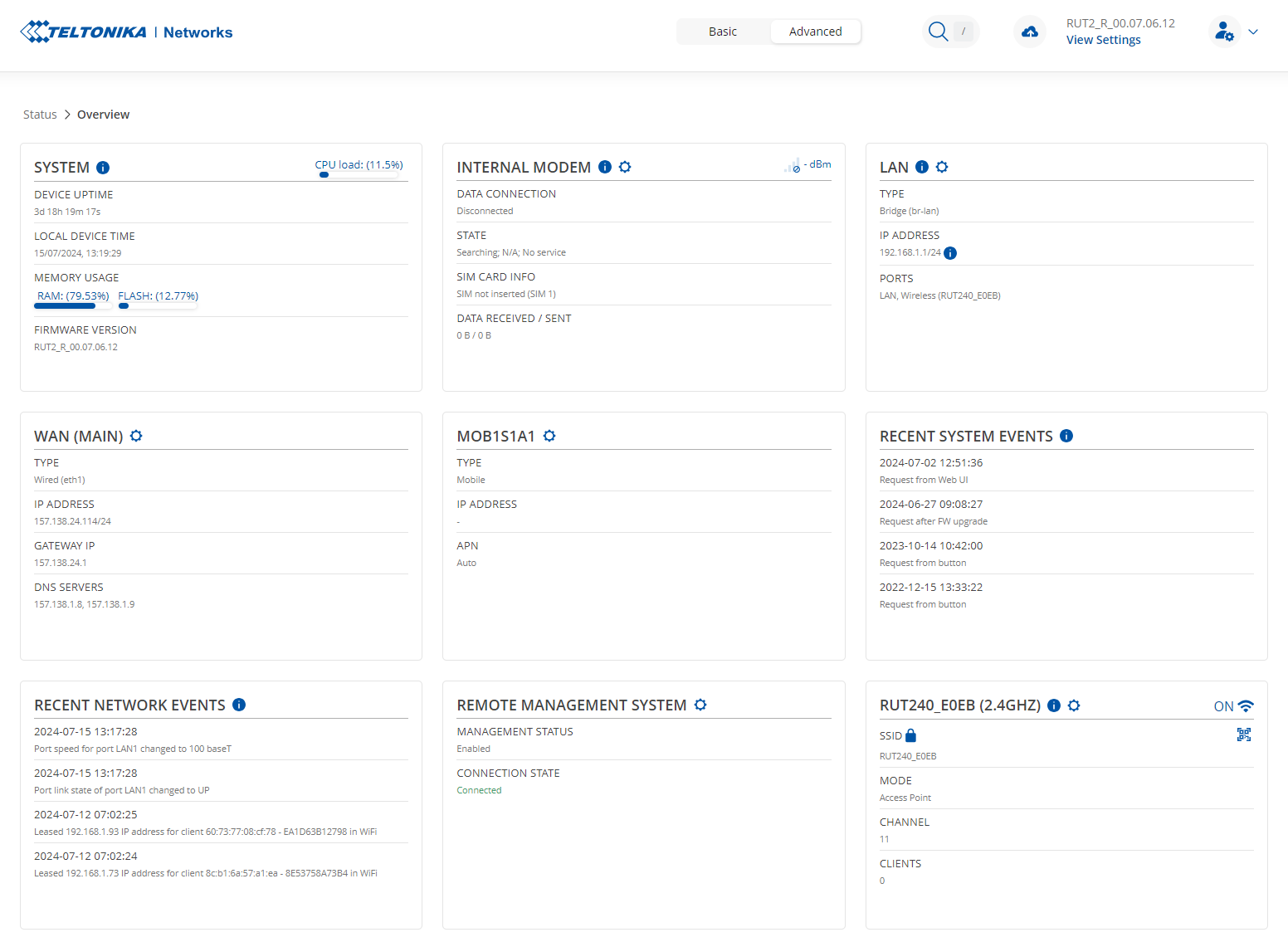
Hi, I have several RUT240 and RUT360 modems. Recently we upgraded the firmware of two RUT240 to the RUT2_R_00.07.06.13. The networks work, but after a while (I don’t know how much, hours/few days), the wifi network disappears, and I need to enter the router to disable and enable it to make it work. One router uses the 4G sim; the other uses the connection from the wan port. Is there a solution? Do I need to downgrade to RUT2XX_R_00.01.14.7?
We didn’t make any particular configuration, just the wifi ssid/password and the connection source (for wan) or the AP (for sim)
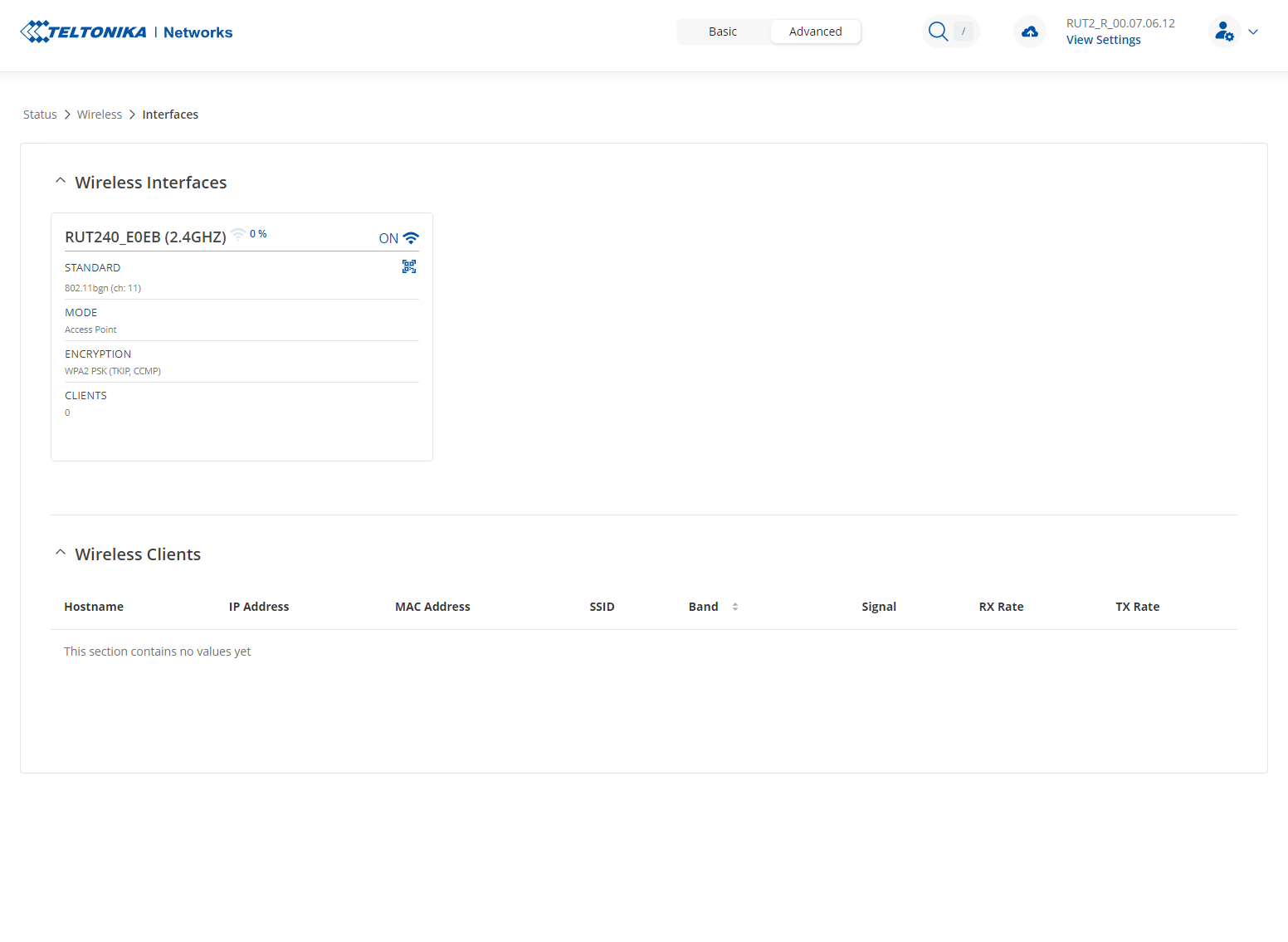
What it seems to me is that the router sort of goes to a power save mode, because the wifi signal drop to 0% and in the logs it isn’t written anything useful at the time in which the connection dropped. See attached screenshots
Could you please specify what you mean by “disappears”? Are WiFi clients losing their connection randomly, or do they not see your RUT in the available WiFi networks? Or is there something else happening?
The signal will always show 0% when there are no active connections. Once a device is connected, you will see this number change.
I mean that no device sees the RUT wifi, and we cannot connect to it. I tried using IoT boards, Linux servers, Windows PCs, and Android phones. All don’t see the network, and I don’t think it’s a problem of 20 devices… Also, the devices were connected to the wifi, but at a particular moment, they lost the connection
Thank you for the clarification. I will need some sensitive information from you, so I have sent you a form to fill out. Once completed, we will contact you privately. For the ticket ID, please use “6809”.