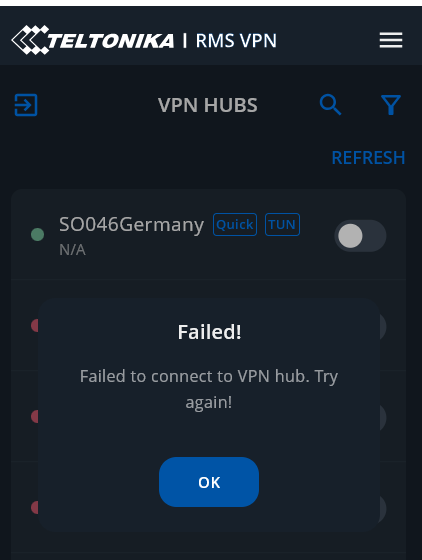
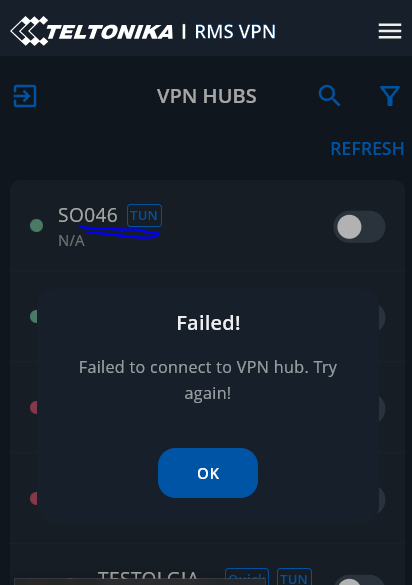
I haven’t used RMS VPN for a while, I tried today and failed to connect because it was unable to retrieve configuration file.
I was using Windows client 0.9.0 and saw there was a 0.9.1 version so I uninstalled the old one and installed the latest one.
Then tried to connect but failed. A warning sign appeared with the note “This Quick COnnect configuration has been inactive for longer than 180 days…”. I therefore deleted the VPN quick connect and recreated a new one.
Still connection failed.
I updated the firmware of the RUT200 to the latest version RUT2M_R_00.07.16.3 but the issue persists. I didn’t find a way to show an error log.
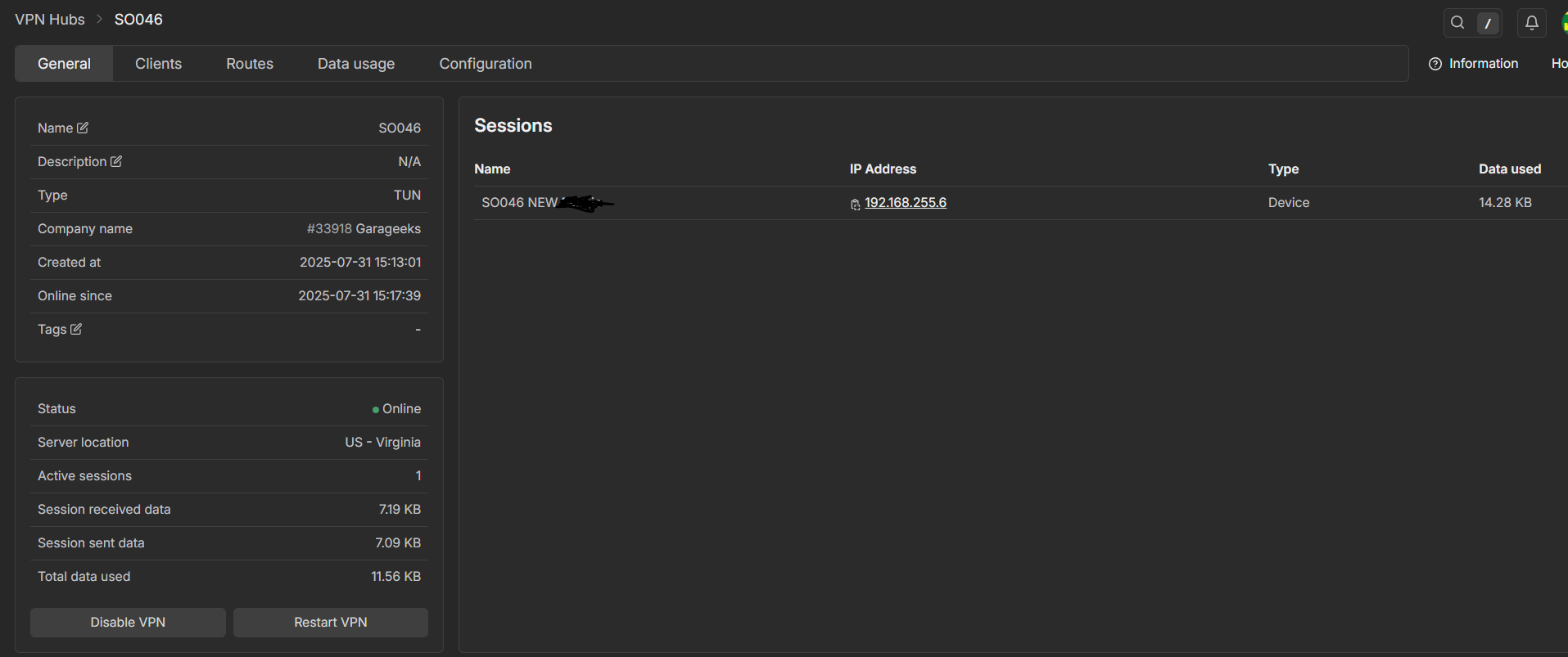
Any particular reason you’re using quick connect and not just a normal VPN hub? Besides that, is the Quick Connect up & running on the RMS Website? Under the clients list, do you have your device added? What location is the hub set to?
3- In Routes enabled LAN forwarding, then Add Route, selected the router and performed Scan device, then selected the IP address of the device I would like to onnect and clicked Add
6- Started connection to the newly created hub, still same error
Please note that in the past I had success only with the “US - Virginia” server, never with the “Germany” server which would be more optimal latency wise - opened a ticket on this issue but the answer was “everything is fine on our side”
One more thing I’d like to suggest - could you download the OpenVPN configuration file by click the arrow down besides your RMS user in the Clients tab, and download and install OpenVPN Connect app? Please try using it to see if its any different.
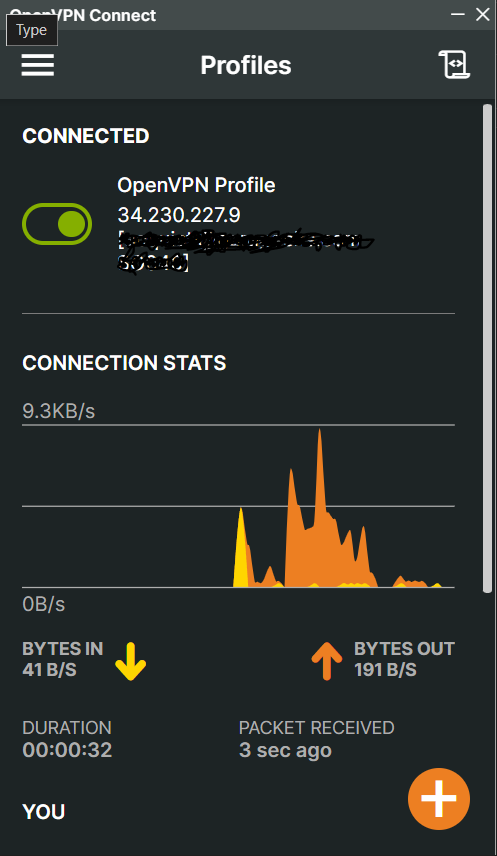
Indeed when tried the configuration file with OpenVPN Connect it immediately connected on first try. I also made sure my WIndows Defender firewall was off when trying with Teltonika RMS VPN client.
Yes, this behaviour is kind of expected due to the fact that the Teltonika RMS VPN app is in BETA version, we’ll work to improve this in the future to hopefully avoid these kinds of issues. Would it be safe to assume that your issue has been resolved?
We had a similar issue with a computer after a Win11 update, we had to manually uninstall RMS and OpenVPN as well, and then install them separately, after which it worked fine. Please update your software accordingly to give proper error messages and handle problems with OpenVPN automatically.