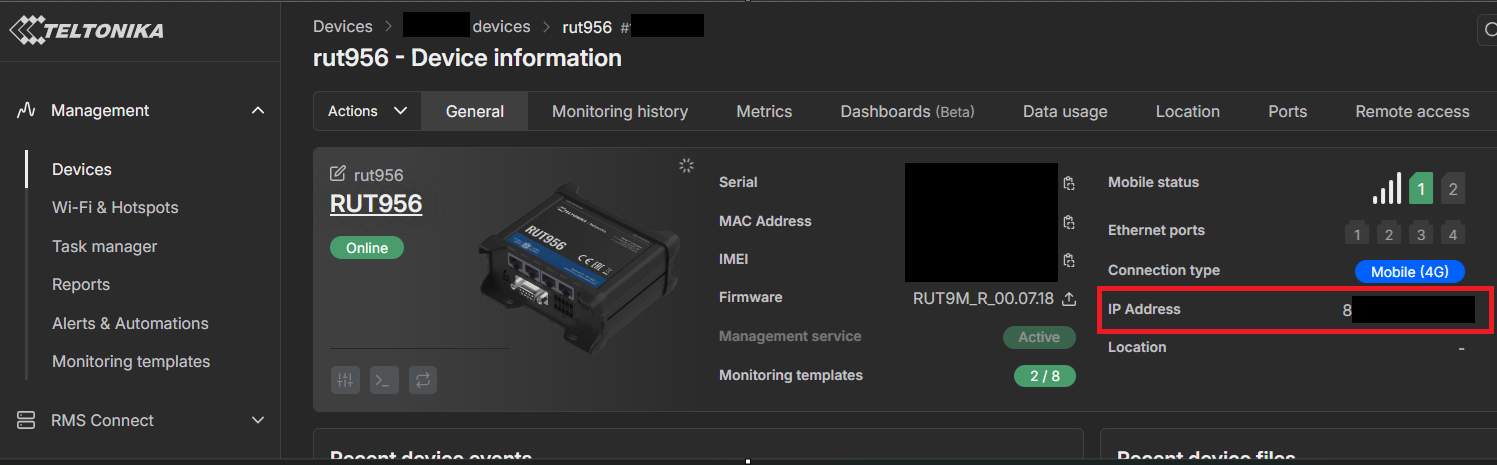
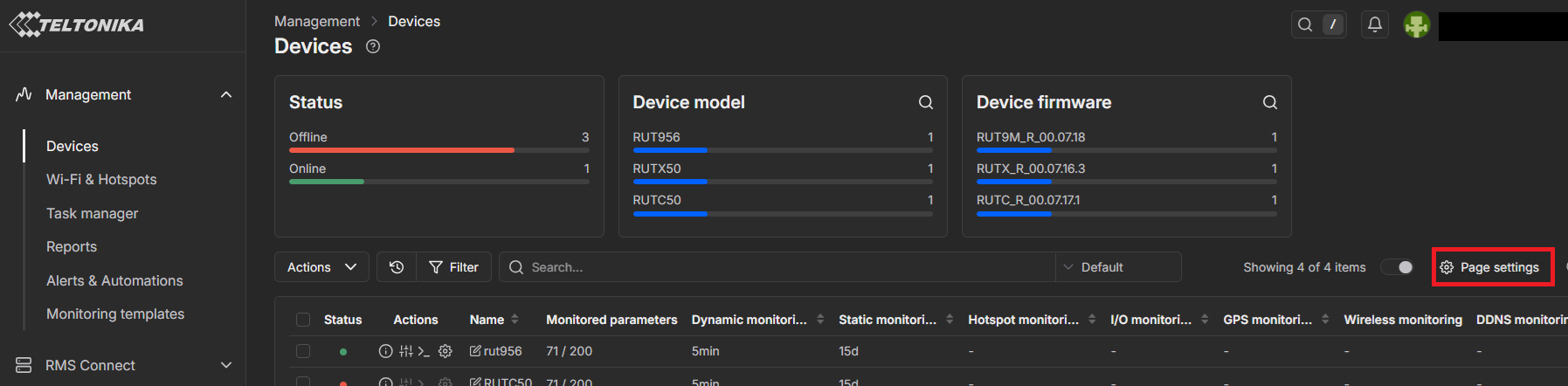
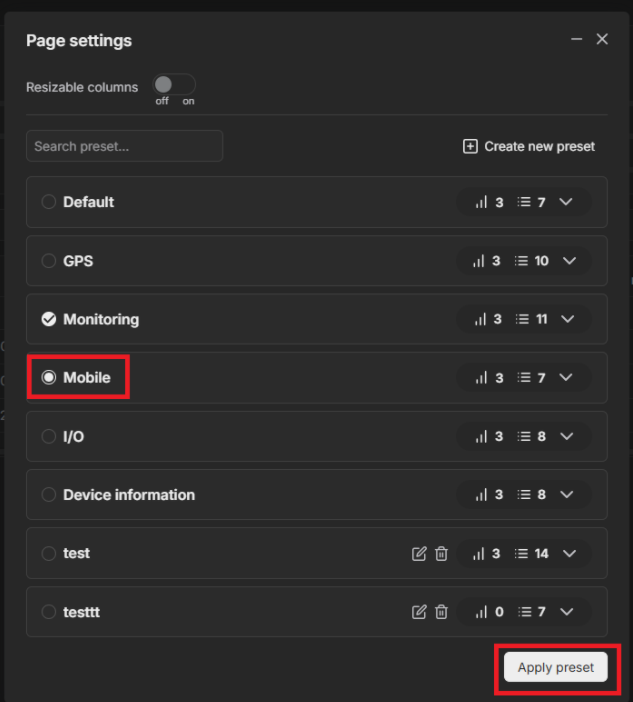
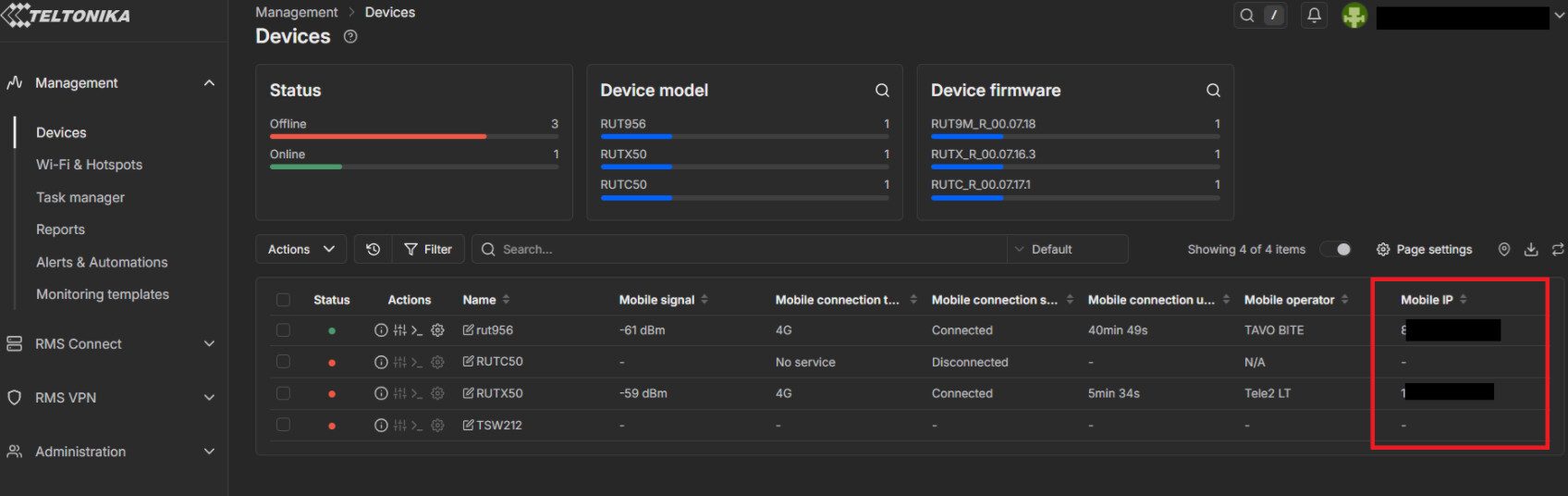
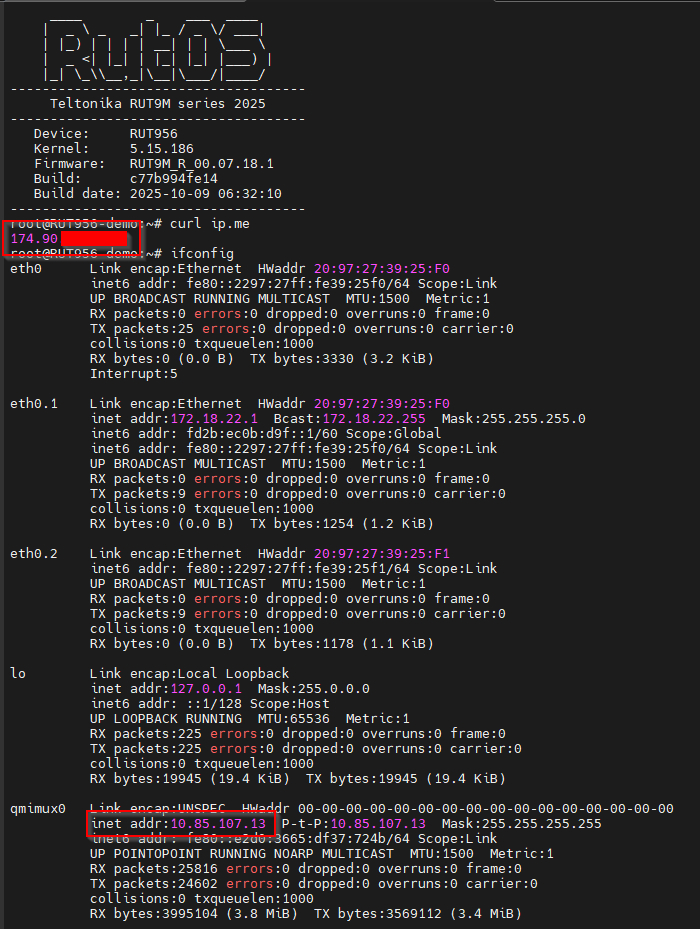
While the RMS dashboard shows the interface IP address, it is unfortunately either a cg-nat IP or a private IP. Since I use the RMS and a VPN to my office, I don’t actually need (to pay extra for) a static public IP from my cell provider, but I do need to be able to see the what public facing IP is so that I can whitelist it in my office firewall in order to allow the vpn to connect.
I would like to be able to see the public IP displayed somewhere on the RMS dashboard, please.
Thanks Marija. But as I said, those only show the cell interface IP address (10.85.107.13 in my screenshot) which is NAT’d by the provider behind a public IP address (174.90.x.y).
I would like to be able to quickly find the public IP address on the dashboard.
I also would like to note that having the Public facing IP address visible in RMS would be useful and not just the address configured to the WAN interface.
If we have a client that sets all of their VLANs for example to 192.168.10.1, that shows as the WAN address in RMS and not the
I have received feedback from our RnD team indicating that this option is not something stored on the device or retrievable by RMS. Implementing it would require changes to both RMS and the device firmware.
At the moment, as only two users have requested this feature, it is unlikely that it will be implemented.
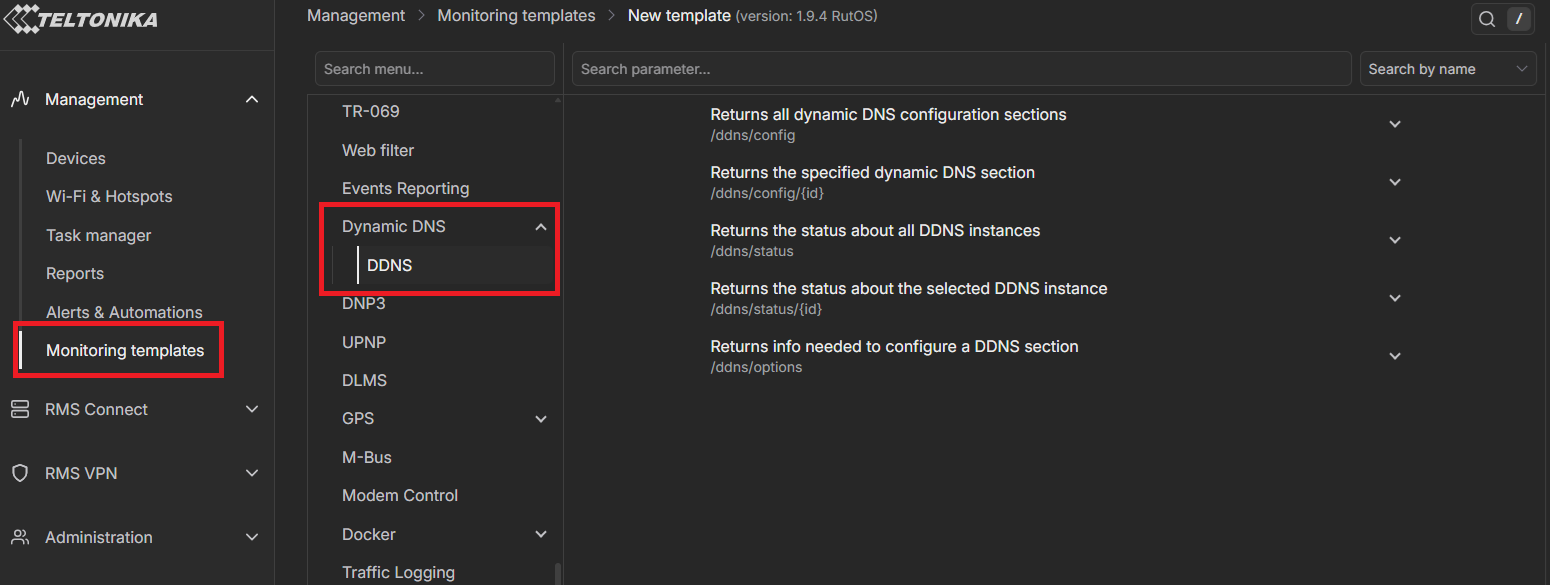
That gives me exactly what I need! Thanks Marija.
Can we have an option to display the ddns IP on the dashboard if enabled?
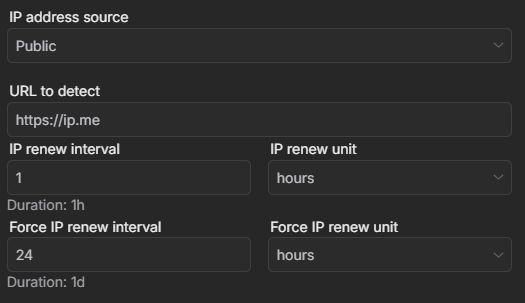
For future reference, “IP address source” in the ddns settings needs to be set to Public to get the public facing IP instead of the interface IP.
https://ip.me is a great choice for finding your public IP address, but be kind and set the “IP renew interval” to at most once an hour. It’s free service so no need to hammer them if your setup is not mission critical.
I would like to have this feature as well. Actually, no changes to the actual firmware is needed. The RMS already has the public facing IP address of the device: It’s the address the device has connected to the RMS from. So it is really just displaying information that the RMS already has.
This is even possible without having DDNS configured on the device (which I would like to NOT have).