Hi,
i would use a configuration template to configure the digital input and output of a RUT200 device. I have done it on the device directly and it worked. Now i want to build a configuration template in RMS to apply that configuration to other devices. But
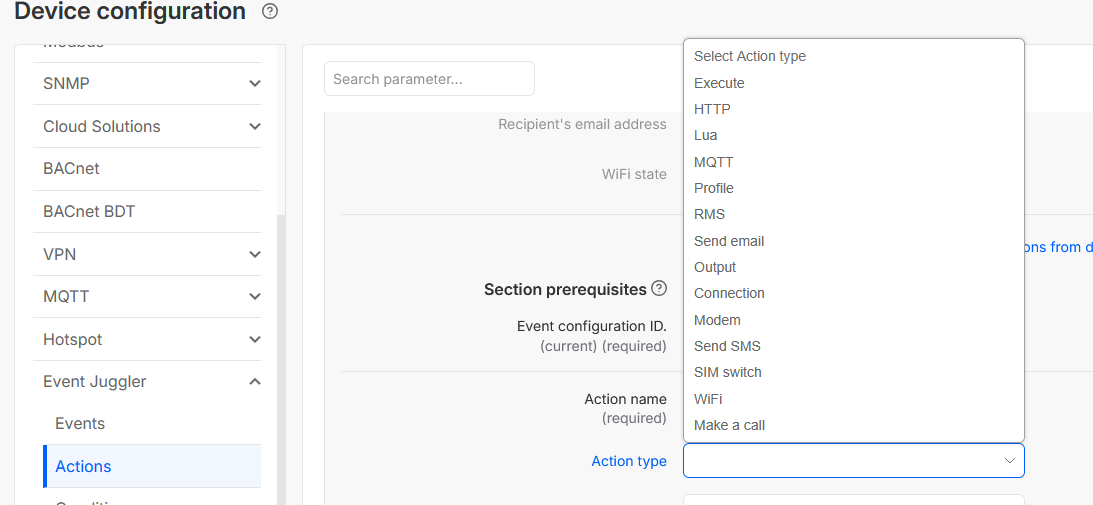
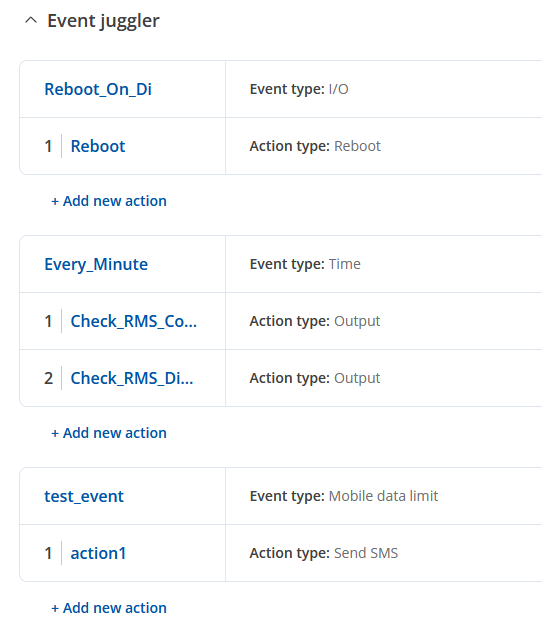
I want to configure the digital input 1 to reboot the device → The action reboot is not available in the Event Juggler Action type section on RMS. See screenshot:
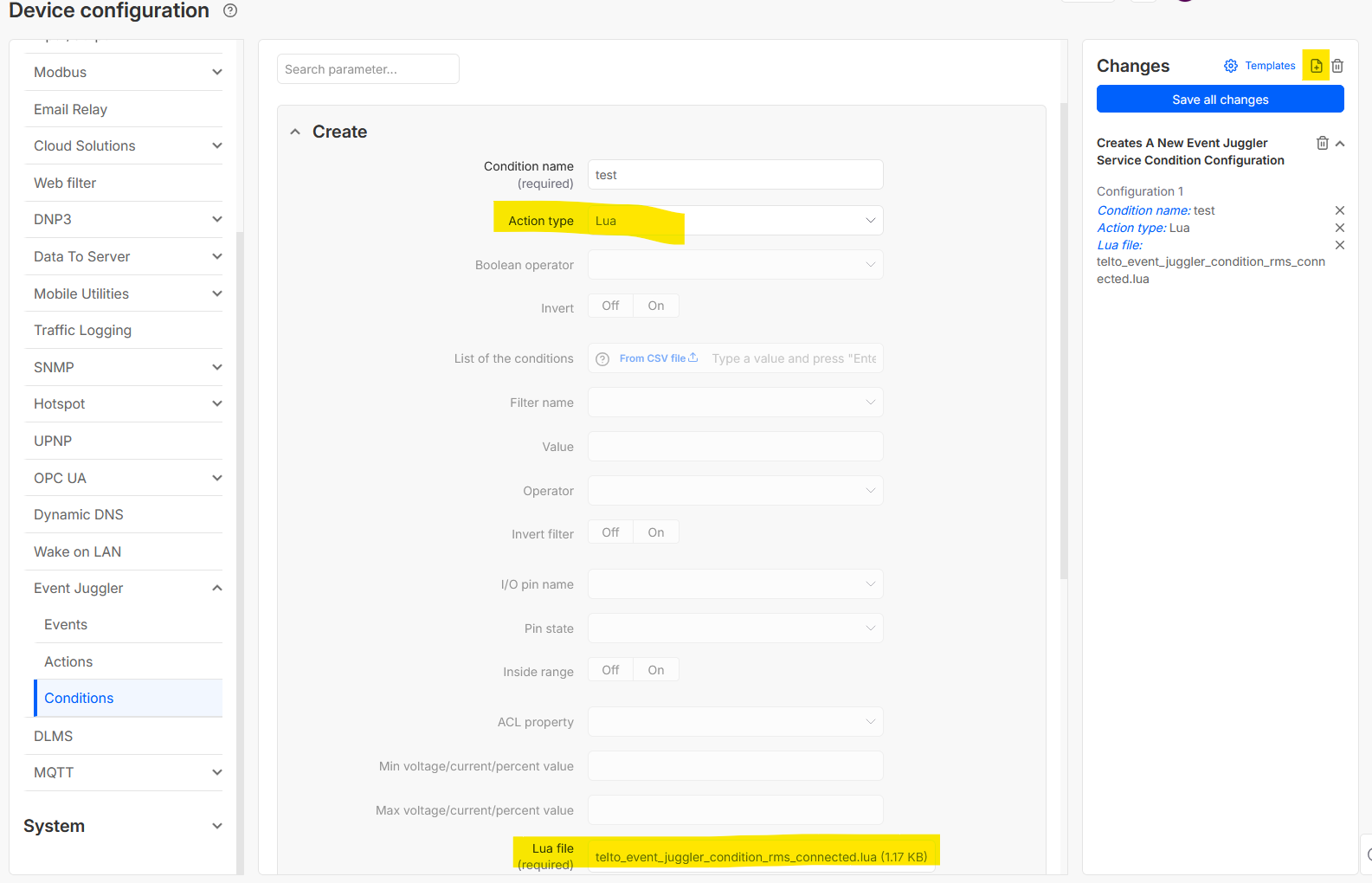
Then i want to configure the digital output 2 to reflect the RMS connected state. I do this by using a lua script as condition. But when i now save the Template and look at the source of that configuration template, there is no reference to that lua script and RMS complains when I try to apply the configuration because the script is missing.
How can i do a reboot without the reboot action and without root privileges (Planned security changes)?
How do i config a condition with a lua script and store it as a template, so that the referecne to that script doesn’t get lost?
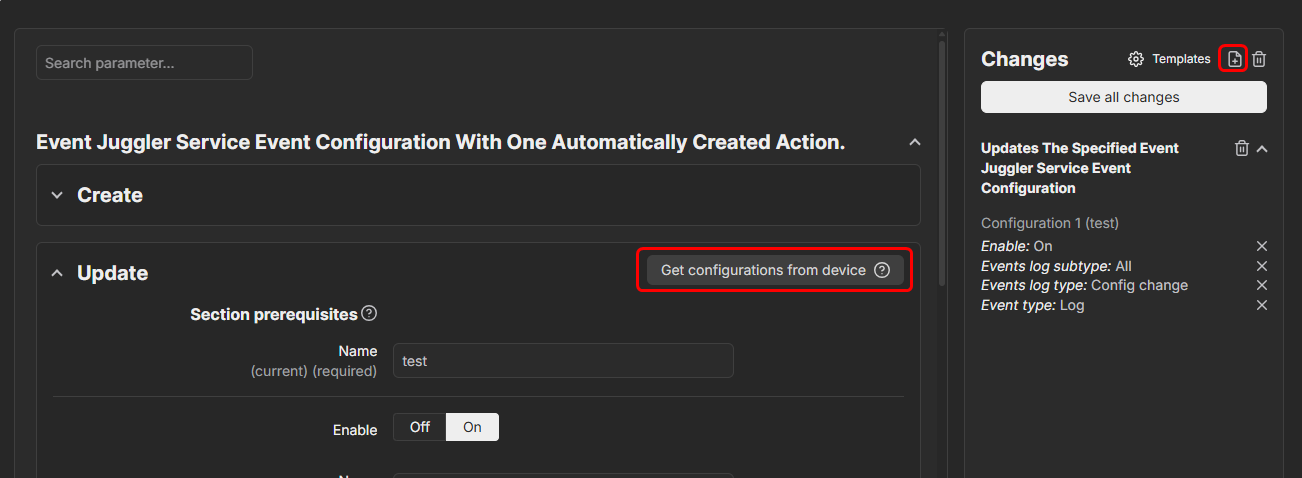
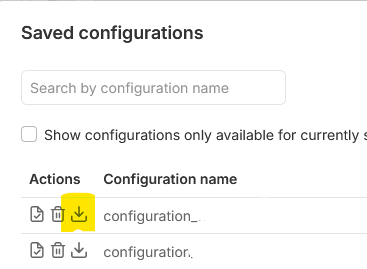
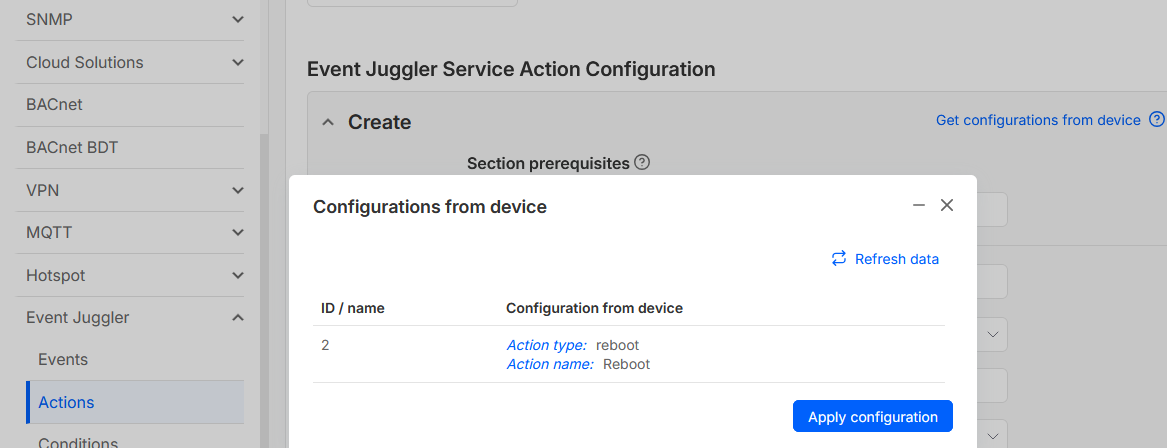
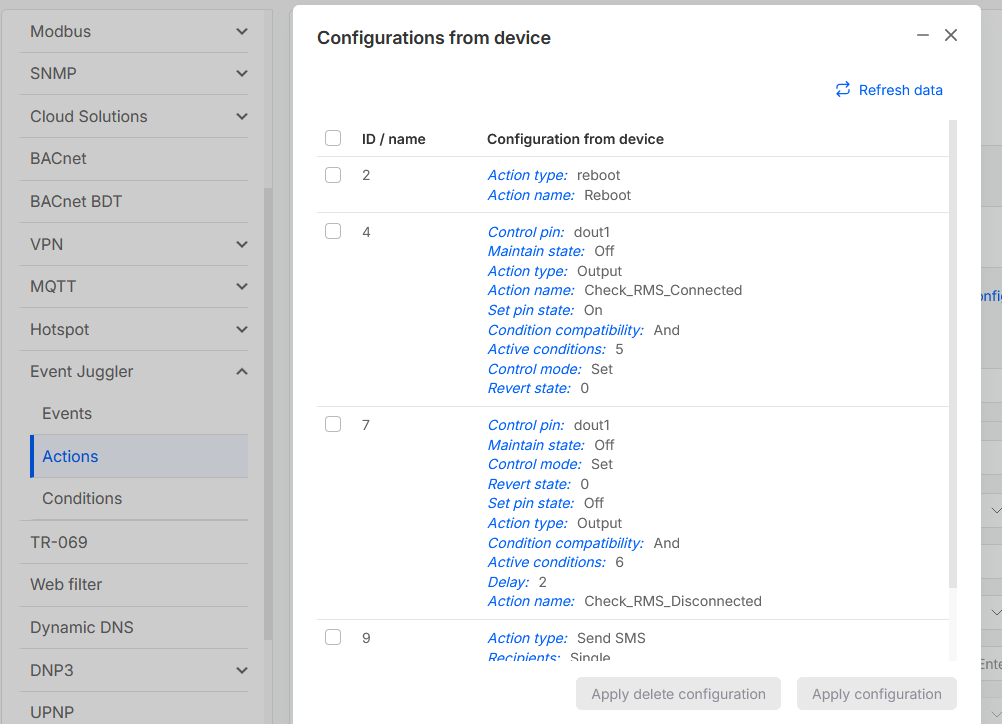
You head to Management → Devices → Device Configuration, and find the Events Juggler section, where you can then press the little Get configurations from device button. Afterward, the sidebar will pop out on the right-hand side and you will be able to save it as a template for future use, or rather, to apply to other devices as well.
Regarding this, custom scripts are out of technical support scope and we’re unable to help much with them, but just so I can try and help, could you provide a bit more details & images of the situation?
Hi,
as mentioned before, everything is working, when i configure it on the Device itself.
I also tried to upload the configuration. But the action type “Reboot” is not available on RMS (as shown in the picture from my last post).
The LUA-Scripts are working as expected, but if i upload a “Event Juggler Condition” from the configured device with as LUA-Script in it, the script itself is not uploaded.
I also tried to configure a condition with a LUA-Script in RMS and saved it as template:
In regards to the reboot option, I’ve triple checked this and can confirm that it is indeed missing, will register an issue with the RMS team about this.
Regarding the LUA script, I’ve also checked this and it also seems to be not working as intended.
I’ll register 2 separate issues for the RMS team to investigate and will get back to you with more details once I have a response.
Regarding the Reboot option, the RMS team has taken note of this and will take appropriate actions to resolve this in the upcoming updates.
As for the LUA script, the R&D team has explained that the Device configuration templates save configurations in JSON format, which does not support files inside it. You need to re-add the file (Lua script) after applying a template.
Hi,
thank you for your answer.
It should be possible to Base64-Encode the LUA script and put it in a JSON property.
If I have to assign the script manually afterwards, the configuration template doesn’t make sense to me.
The “reboot” option hasn’t been added yet, at least according to the ongoing issue that I have created for the RMS team; no further responses or status updates have been provided. I may ask for an ETA for this to be implemented.