Probleme mit eSim beim RUT241

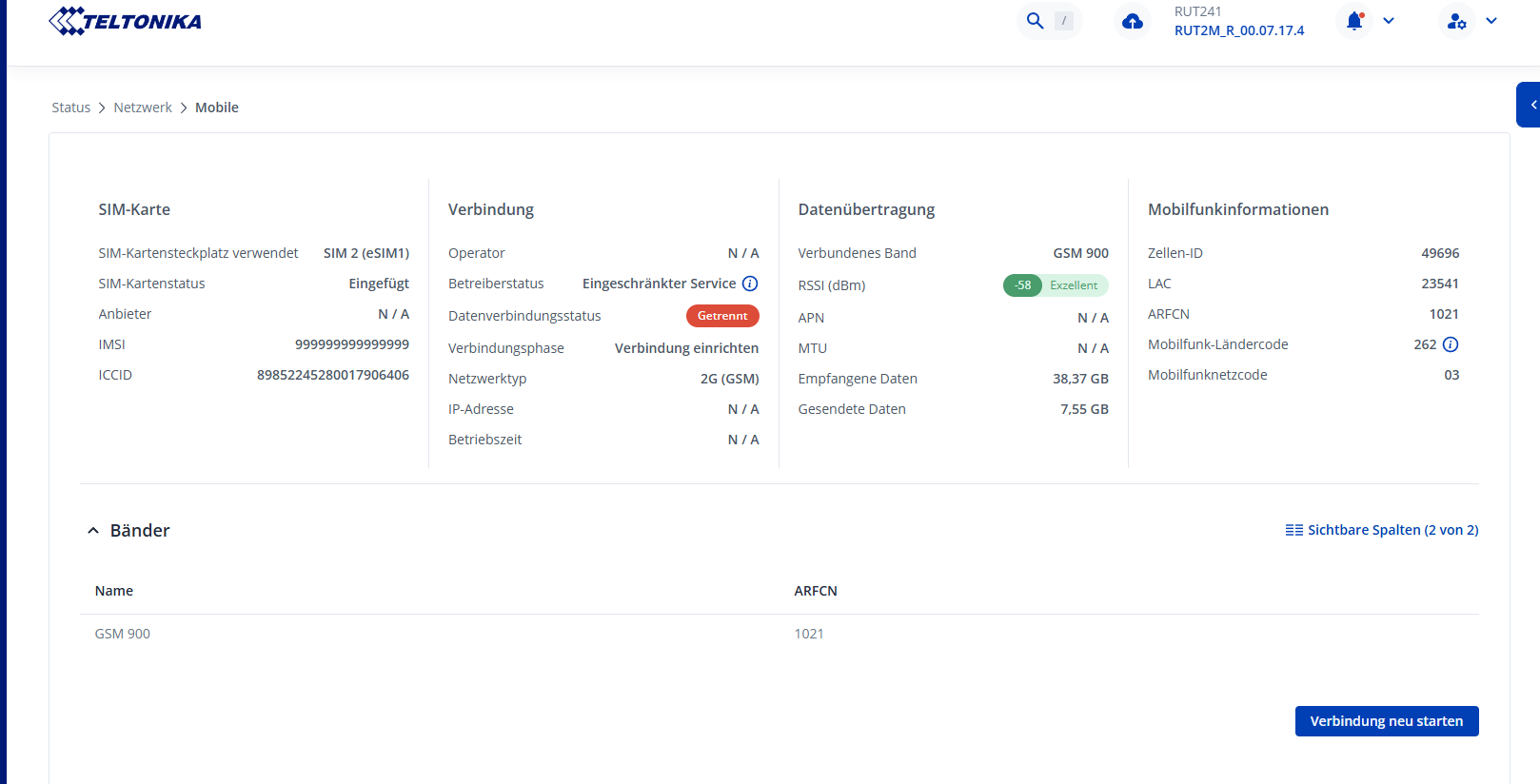
Die eSim hat auf meinem neuen Router seit dem Kauf im Juli 2025 bis September funktioniert. Dann habe ich im Routerprogramm auf dem Laptop ein erforderliches update gemacht. Dann funktionierte die eSim nicht mehr. Der WLAN-Shop 24 stellte damals fest, daß das Programm die IMSI -Nummer geändert hat in nur 9er: 99999999……Leider ist der Shop insolvent, so daß er mein Problem nicht mehr lösen konnte. Die Firmware-version ist RUT2M_R_00.07.17.4.

Ich hoffe, daß Sie mir helfen können.

Mit freundlichen Grüßen Dietmar Batz

Hello,

I kindly ask you to continue the communication in English, so we can understand each other better and other users can also follow and help if needed.

Could you please log in to the WebUI, navigate to Status → Network → Mobile, and check if the IMSI is displayed as 999999... on that page?

Best regards,

Yes See Appendix

Hello,

Could you kindly share a screenshot of the System → Firmware → Update firmware page?

Best regards,

Hello, here the Screenshot.

Regards Dietmar

Hello,

Thank you for providing the screenshots. For further troubleshooting, we will need some additional sensitive information. I have sent a form to the email address you are registered with on the community forum. Once you fill out the form, I will contact you privately.
Please use ticket ID “16153” when completing the form.

Best regards,

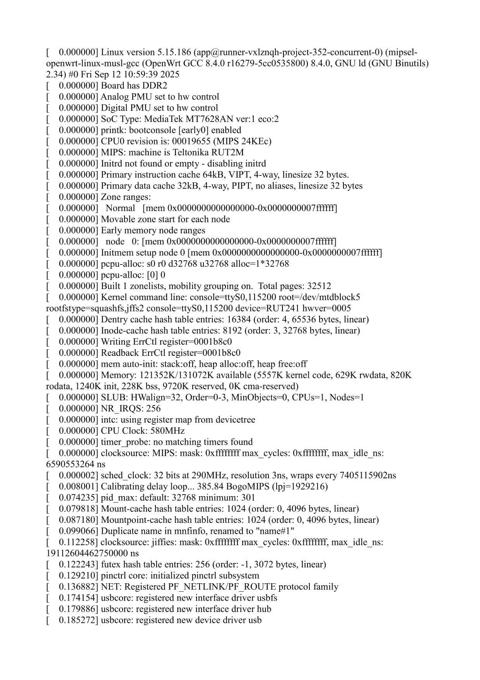
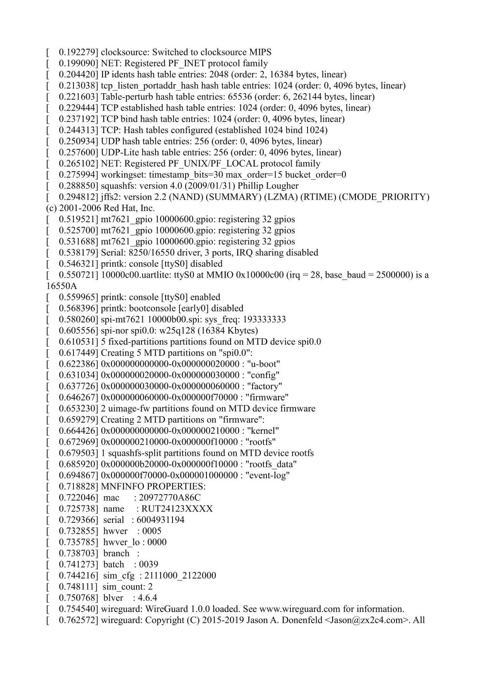
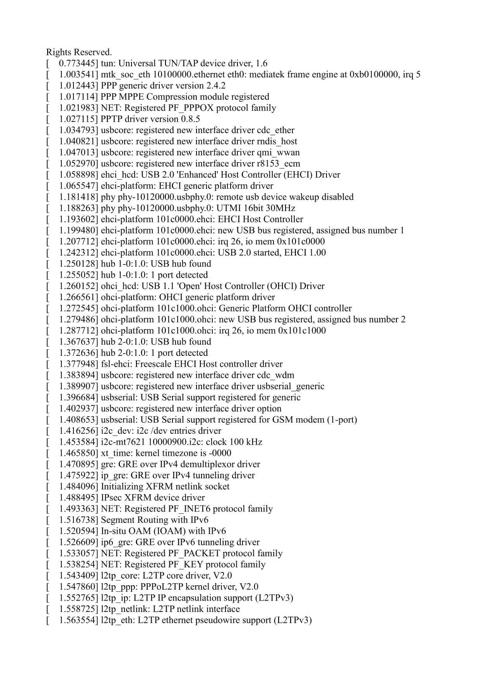
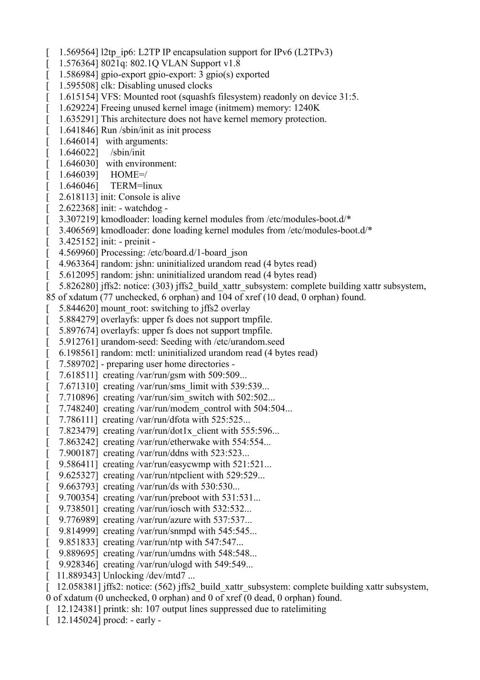
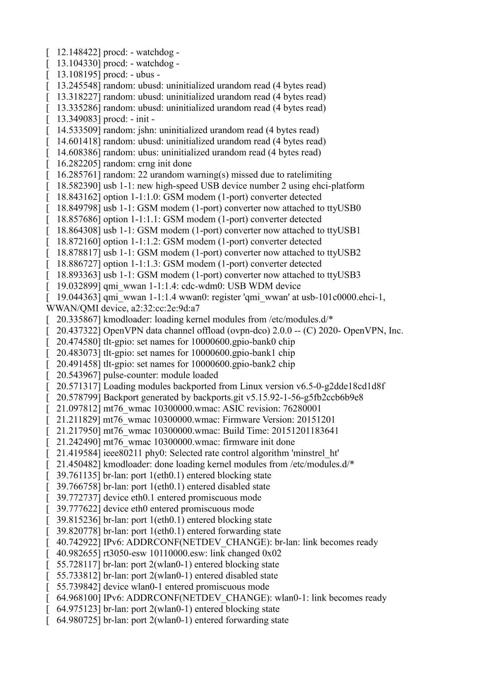
Hello, I’m send you also the Kernel-Protocol.

I have also the system-protocol.

Do you need?

Regards Dietmar

Hello,

We’ll need to collect the mobile logs to investigate this further. I’ll send you an email shortly with all the details.

Best regards,

Hello
I have sent all Informations to your Support-Adress but I doesn’t get any answer the last 2 weeks.
What happens?
Regards Dietmar

Hello,

Our last email reply to you was sent on November 7th. I have just resent it.
Could you please let me know if you have received it?

Best regards,

At 07.11.25, 12:39 write Dietmar Batz <dietmar.batz@gmx.de>:

Hello, yes I have done and than I copy

modem_logger -c /tmp/QMI_AT_OTA_UIM_APDU.cfg -s 9000

and than come
The system cannot find the specified file
“Modem_logger”

  • see attachment.

Regards
Dietmar Batz

Hello,

Could we please continue our communication via email?
When replying, please make sure to click “Reply” directly on our email. Otherwise, your response may not reach us.

Thank you!

Best regards,

Hello, is this the correct way?

Regards Dietmar Batz

….or is this the correct way?

Best regards Dietmar Batz

Hello,

Unfortunately, we still have not received your email.
Could you please confirm if you are clicking the “Reply” button when responding to our message? This is important, as using any other method may prevent your email from reaching us.

Thank you!

Best regards,

Hello,

I get a email from you and there is a button - visit topic to respond.

Than open another site and there I write my answer and use the blue - reply- button.

I hope this is the correct way.

Regards Dietmar

You should receive an email from a HubSpot address regarding collecting logs — not from the community forum. I have sent the request for modem logs to your email. Please open that specific HubSpot email and use the “Reply” button directly in that message to respond.
Best regards,

Hello, I doesn’t get any email from a hubspot Adress.

At 1.12. I sent myself a email to this Adress

support@26113579.eu1.r.hubspot-inbox.com>

and wait also for an answer.

Sorry, but I doesn’t know what I can do.

Best regards Dietmar

Sorry, I was wrong. I get an email and answer at 1.12. to the Adress before but I get no answer till today.

Regards Dietmar