I am trying to reach a RUT300 via OpenVPN, as well as the devices located in its LAN. The RMS service from Teltonika is connected, and I can also access the router’s web interface through the RMS system. However, in the router’s settings under Services > VPN > OpenVPN, the default tunnel is not connected. The logs show the following:
[daemon.notice openvpn(rms_oOhtkxczlKwAxVyb)[3203]: UDPv4 link local: (not bound)
daemon.notice openvpn(rms_oOhtkxczlKwAxVyb)[3203]: UDPv4 link remote: [AF_INET]3.69.106.81:57658
daemon.err openvpn(rms_oOhtkxczlKwAxVyb)[3203]: TLS Error: TLS key negotiation failed to occur within 60 seconds ].
What does that mean? And what do I need to allow in the firewall?
Thanks for reaching out. Regarding your issue, there are a couple of things I’d need you to check:
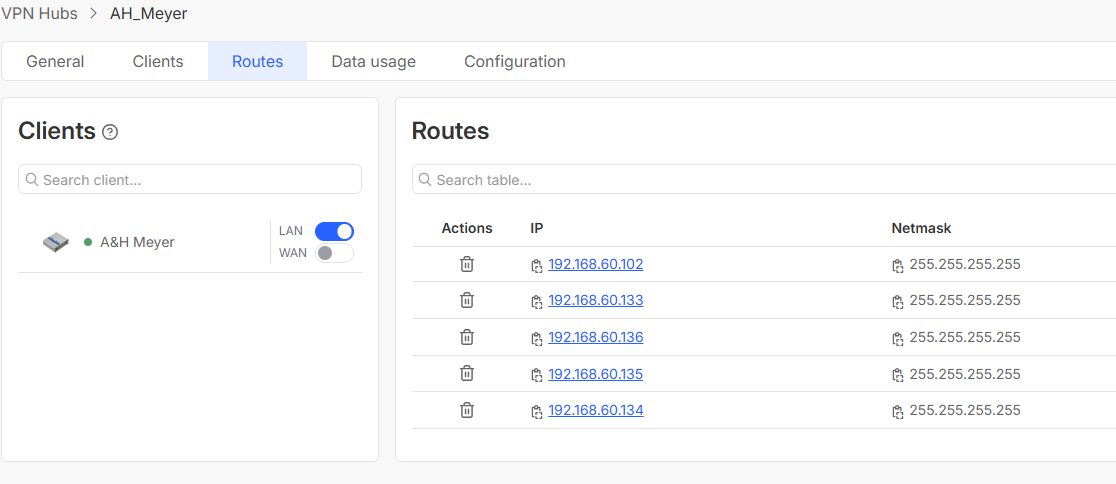
First, when the VPN connection is active, i.e., you’re connected to the VPN by using some client (OpenVPN Connect, Teltonika VPN Hub client, etc.) - does your RMS user and your device that you have added appear in the list under RMS VPN → VPN Hubs → Clicking your VPN Hub → General tab? You should see your clients here:
I believe something needs to be configured in the customer’s network firewall. UDP ports should actually be open. Or is there anything else I could configure to get the TLS handshake working?
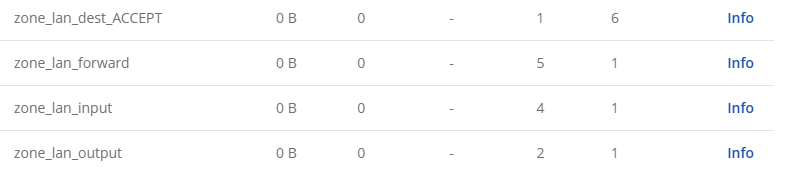
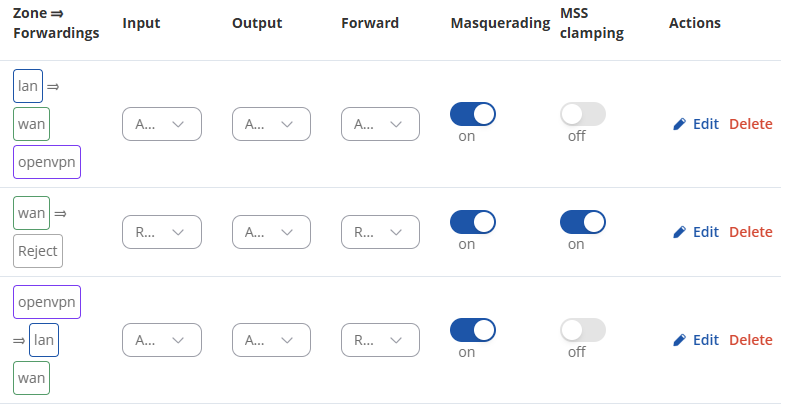
In regard to point No. 4, you seem to be in the incorrect window; you wanna look under Network → Firewall → Zones, you seem to be under Status → Network → Firewall. There’s a separate Network tab on the far left-hand side.
Your device not appearing in the sessions list is also quite weird. If you haven’t already, could you try removing it from the VPN Hub and re-adding it? After doing so, don’t forget to enable LAN forwarding, set up the routes, etc.
Hi,
thanks for the tip — I was looking under the “Status” menu.
I’ve now enabled masquerading under LAN → WAN; it was turned off before.
Is that what you meant? See screenshot. Unfortunately, it didn’t help.
Correct, after enabling the setting, could you confirm that it is still not functioning properly?
If so, I’ve sent you a form to fill out so we can continue our conversation in private, to avoid accidentally leaking any sensitive information. In the Ticket ID field, simply enter the thread’s number, which is 14394.