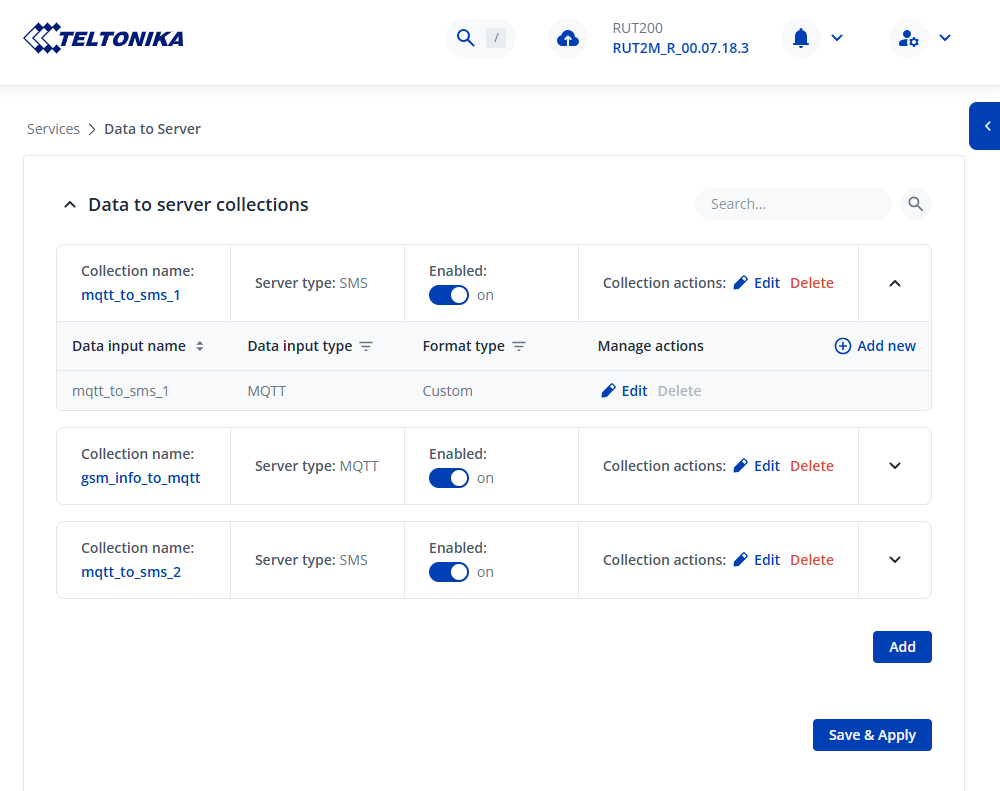
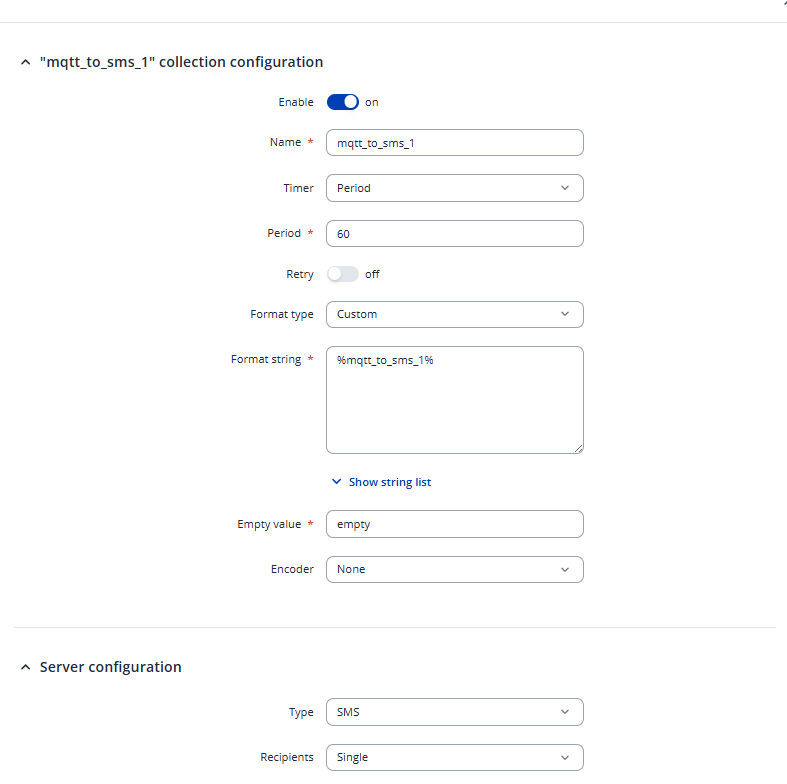
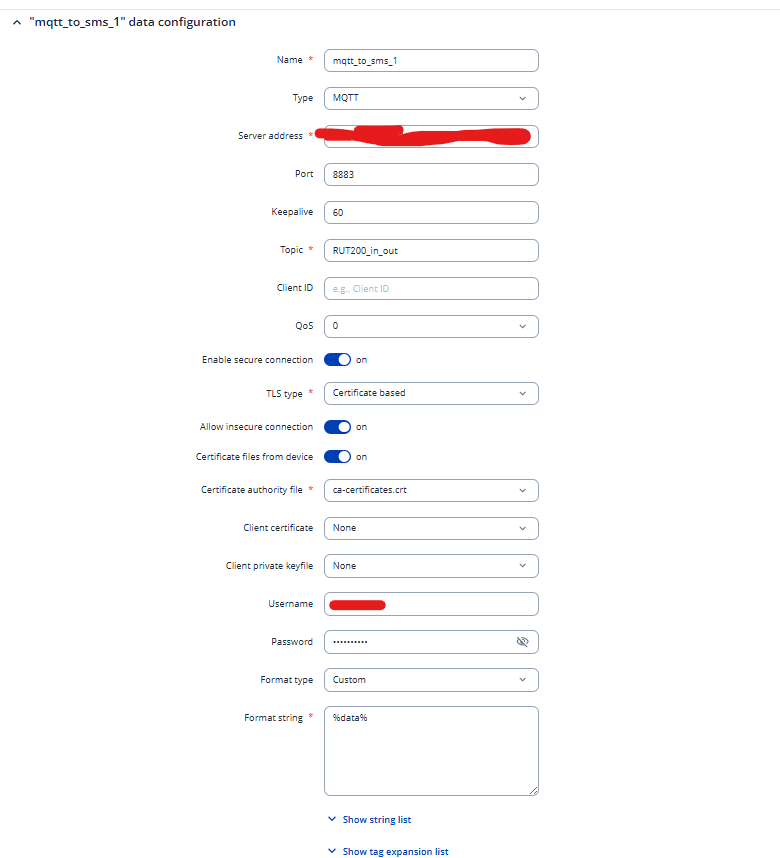
I would most likely have to collect & view the troubleshoot file from your device from when the issue is present (so the logs are visible within the .log files). But for you to be able to share that troubleshoot file, we’ll have to move to a different channel for communication. I’ve sent you a form to fill out, in the Ticket ID field, please enter the number 16460 and I’ll contact you via your e-mail.
Whenever you need to collect the logs, simply head to WebUI → System → Maintenance → Troubleshoot and press Download. This will generate the troubleshoot file which contains all of your configurations, as well as the logs.
And thank you for an update, I am glad that everything seems to be working fine. In case you have any additional questions, please don’t hesitate to let me know.
Once again, it looks like you did not enter your contact e-mail address within the form, so I’m not able to reply to you. Could you please fill out the form one more time with your contact details included?