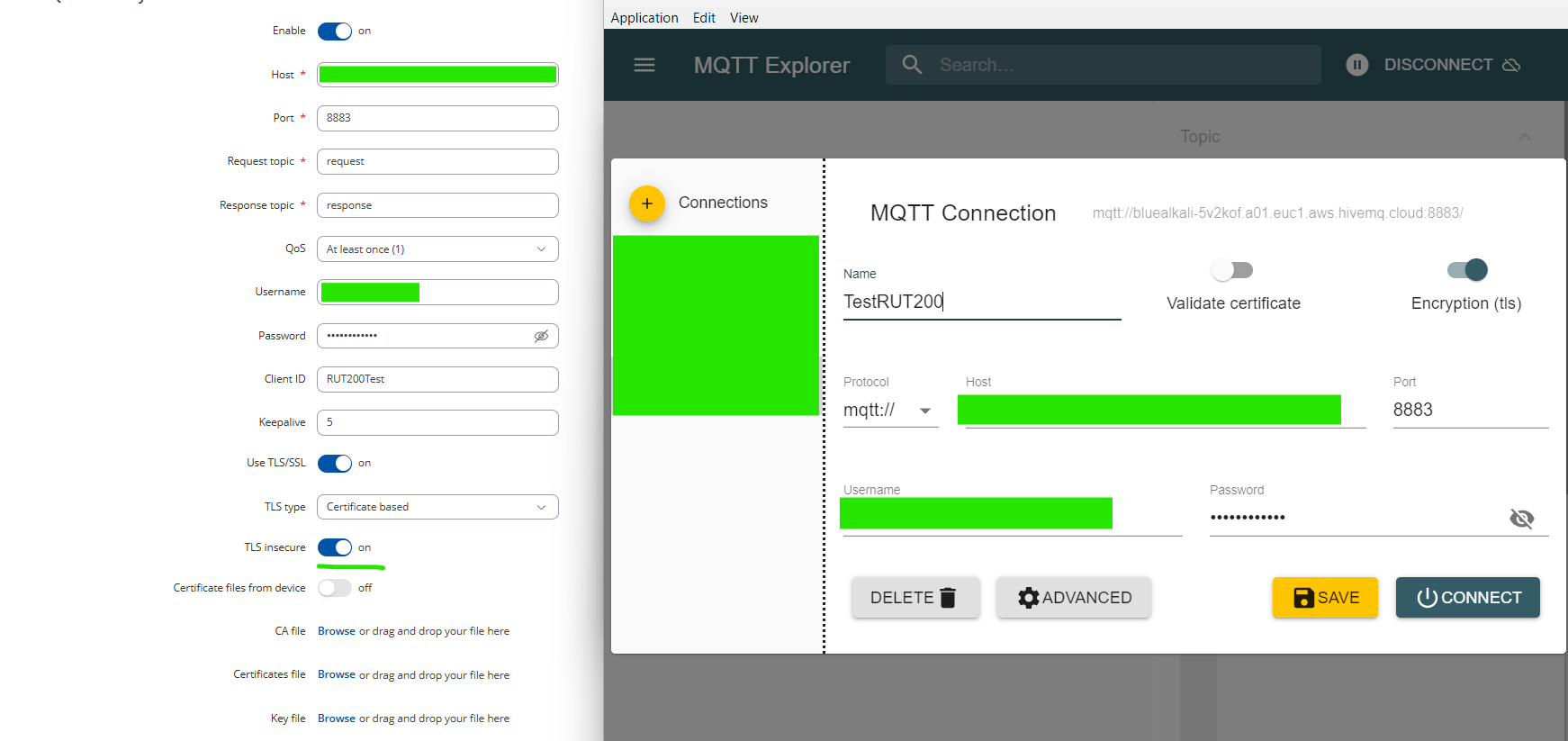
Hi, I need to set-up the MQTT Modbus gateway feature on RUT200. All works when using Flespi as MQTT broker like presented in the folowing documentation Modbus TCP Master MQTT Gateway - Teltonika Networks Wiki but not communicating when I switch to my hiveMQ hosted broker. Is there a difference in MQTT Explorer vs routeur parameters? Host, username and password are good. Thank you!
Hello,
Thank you for your inquiry. Your request is currently under review and analysis. Once the evaluation is complete, I will get back to you with further information, findings, or suggestions.
Additionally, could you confirm if the issue still occurs without using the encryption (TLS/SSL)?
Thank you for your patience in the meantime.
Best regards,
Hi,
My hiveMQ broker allows connections only on port 8883 - encryption ON.
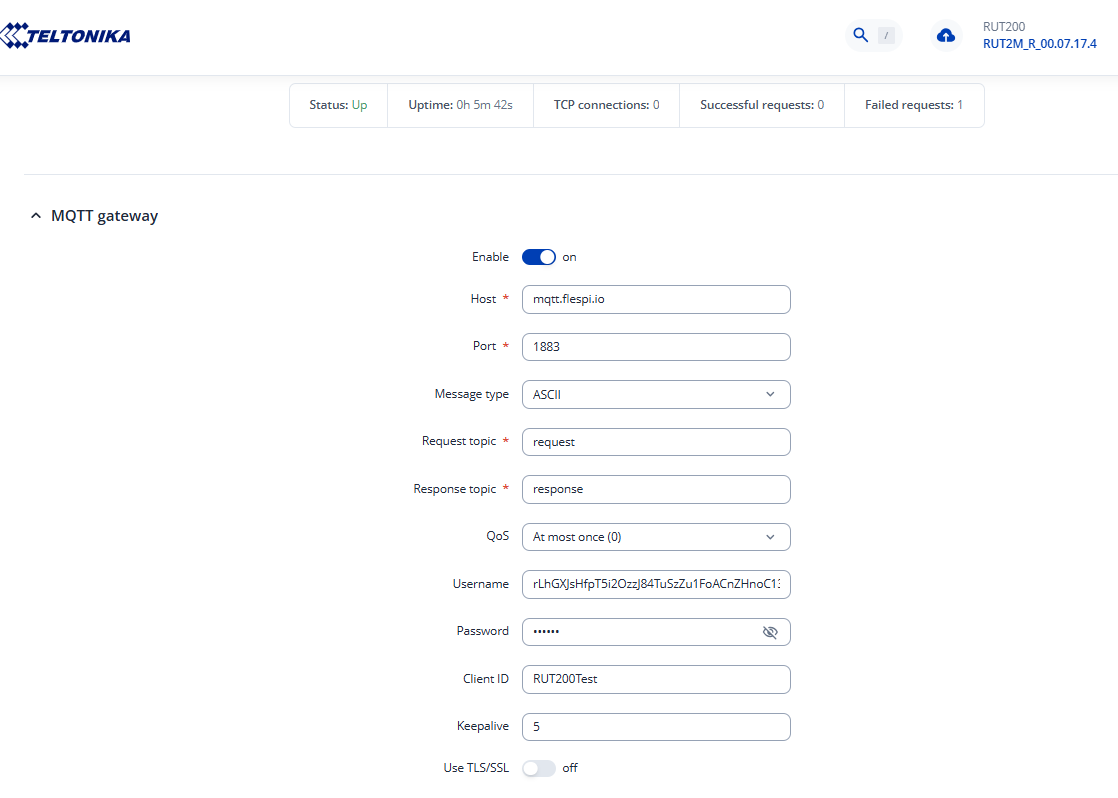
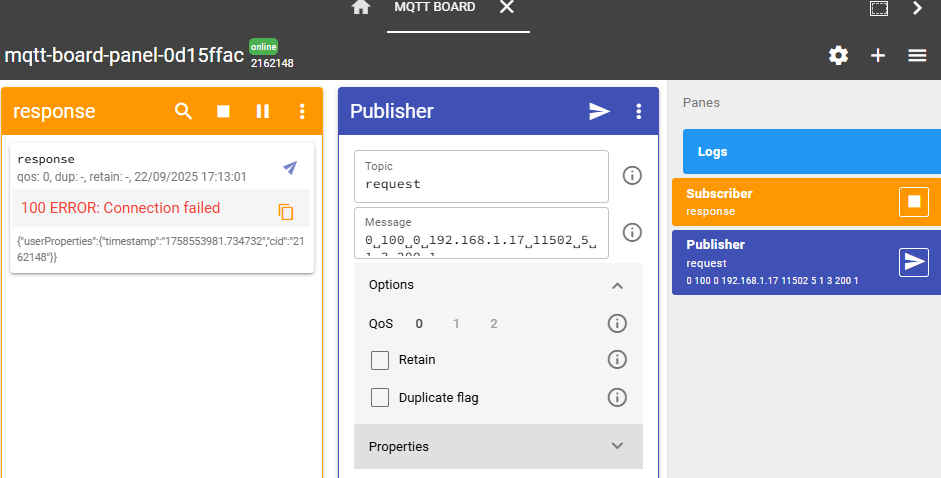
But I did further tests with Flespi.io. First, I use no TLS as in the tutorial. It works:

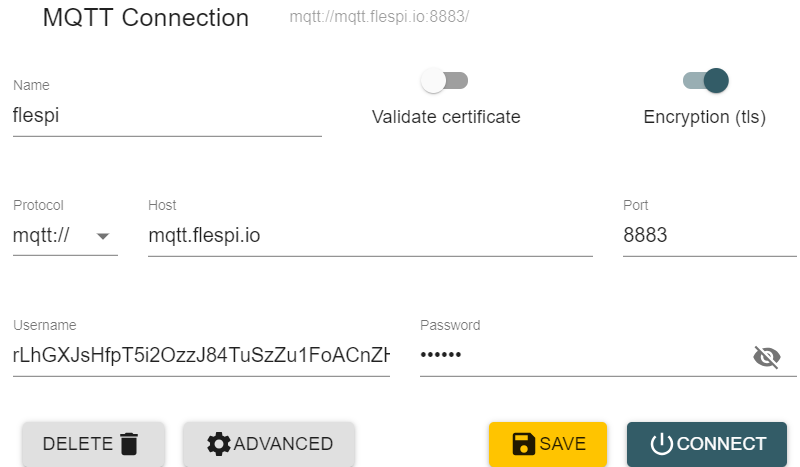
Then I try connect on flespi.io on port 8883. MQTT Explorer can connect with the following setting:
And I try multiple things on the router:

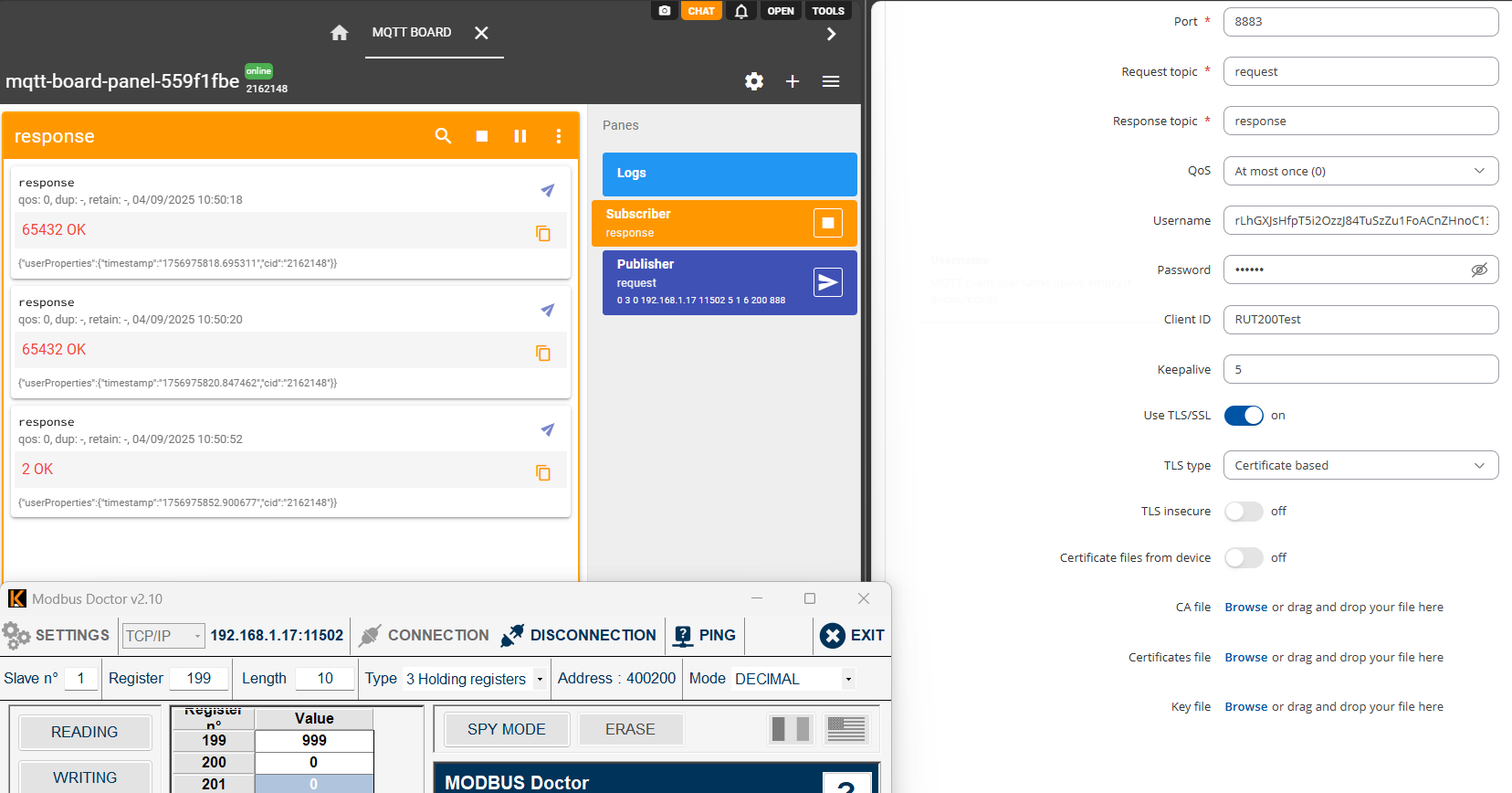
TLS ON/TLS insecure OFF:
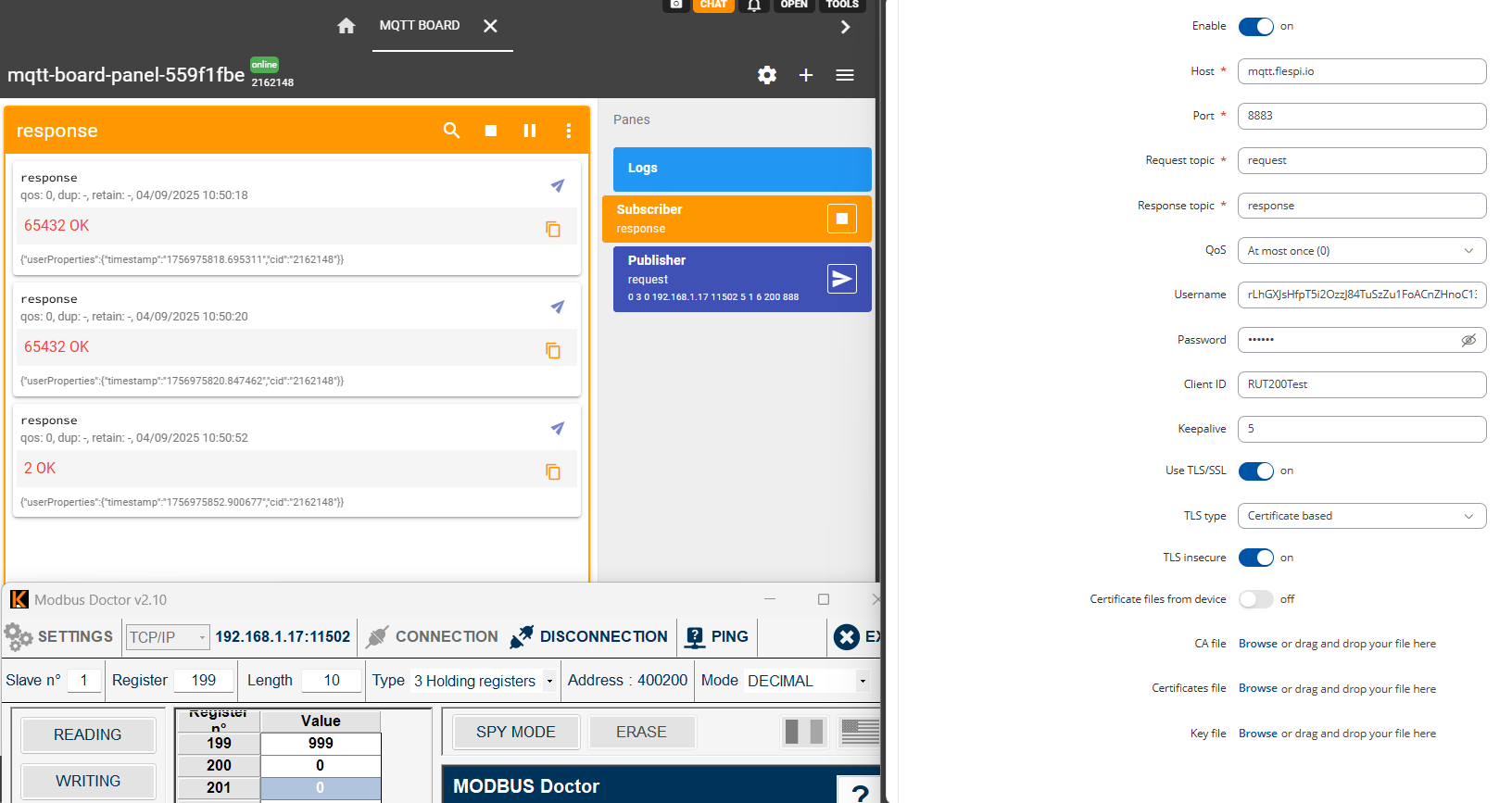
TLS ON/TLS insecure ON:
TLS ON/TLS insecure OFF (Pre-Shared-Key based): same result.
TLS ON/TLS insecure ON (Pre-Shared-Key based): same result.
Thnak you!
Hi,
Were you able to connect to a MQTT broker with TLS?
Can someone change the name of the topic in MQTT Modbus Gateway will not connect to broker using TLS=true ? Thank you
Hello,
After further investigation/testing here are few things to mention:
- Could you please first ensure that your RUT200 is running the latest stable firmware release, as there seem to be some discrepancies with the MQTT Gateway page on your current version (there’s no Message type field, and the CA file seems to be unnecessary)?
- When TLS is selected, the Server CA file becomes mandatory, without it TLS/SSLconnections will not be supported.
Additionally, could you clarify how you are importing the client’s certificate on your HiveMQ broker? Are you using a paid subscription or a self-hosted instance?
Best regards,
Hello,
Apologies for the delay.
The way I wanted to use MQTT was with TLS encryption but without a certificate. It seems that this confiuration is not available.
Yes, when TLS is used, you’ll need to select either a certificate (default) or PSK based TLS type for communication with broker.
Could you please confirm whether the issue with the MQTT gateway is still present? If it is, kindly provide the logs from the Flespi broker or any additional information that could help us reproduce this behavior on our side.
Best regards,
Hi Martynas,
I have set up a new MQTT broker and used certificates. It works very well. Thank you
Regards