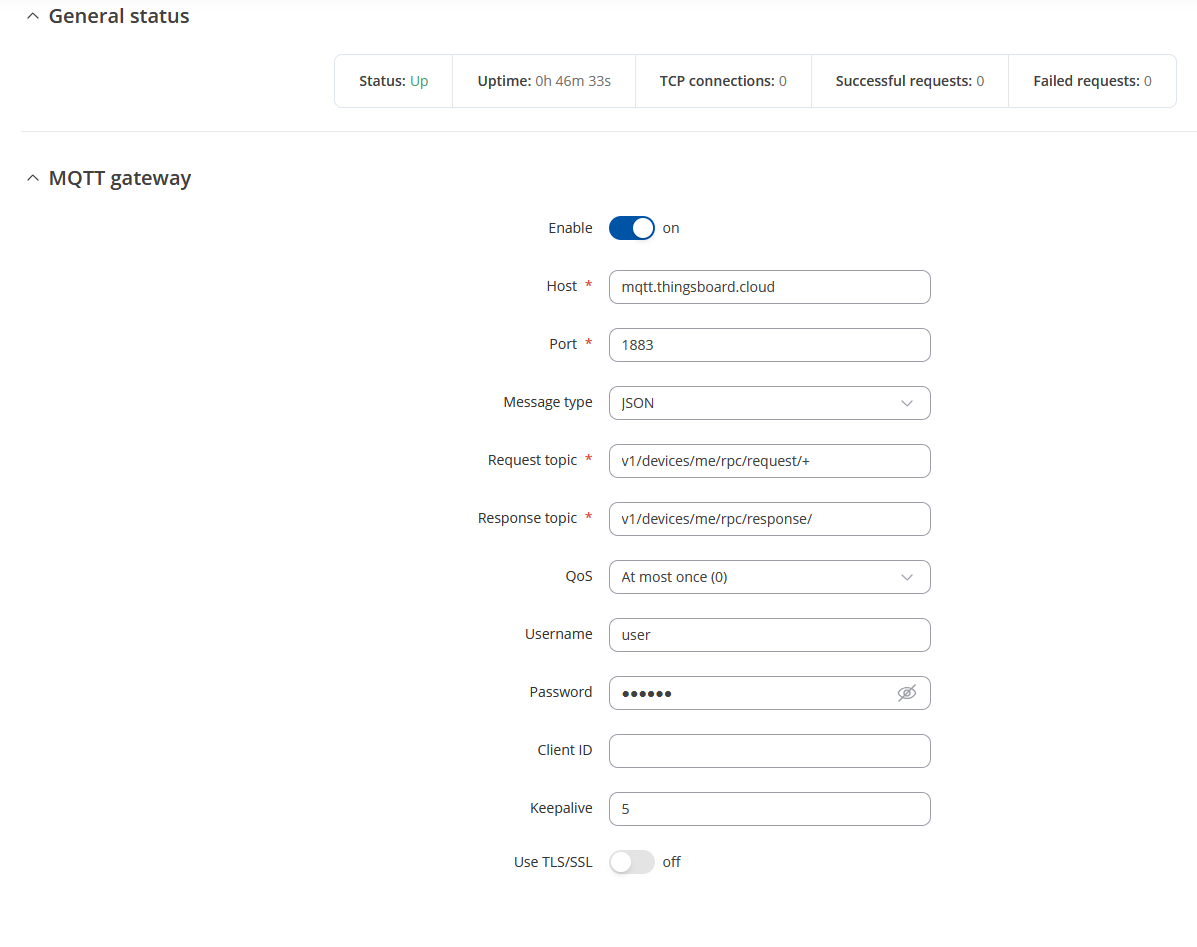
I’ve configured succesfully on RUT300 Data to server to send telemetry data to thingsboard, but I have a problem with MQTT Modbus Gateway, if I send an RPC from thingsboard goes in timeout and the rut doesn’t receive nothing. Here’s my configuration on the router
For testing, could you please try setting the QoS level to 2 in your MQTT configuration?
Also, just to confirm, are you using the same broker (ThingsBoard) for both the MQTT Gateway and Data to Server services?
It would be great if you could share the ThingsBoard RPC request log.
Additionally, for testing purposes, try entering your ThingsBoard device access token as the username, and set the Client ID to match your device name.
Could you also confirm whether JSON parsing is enabled for RPC requests on your ThingsBoard instance?
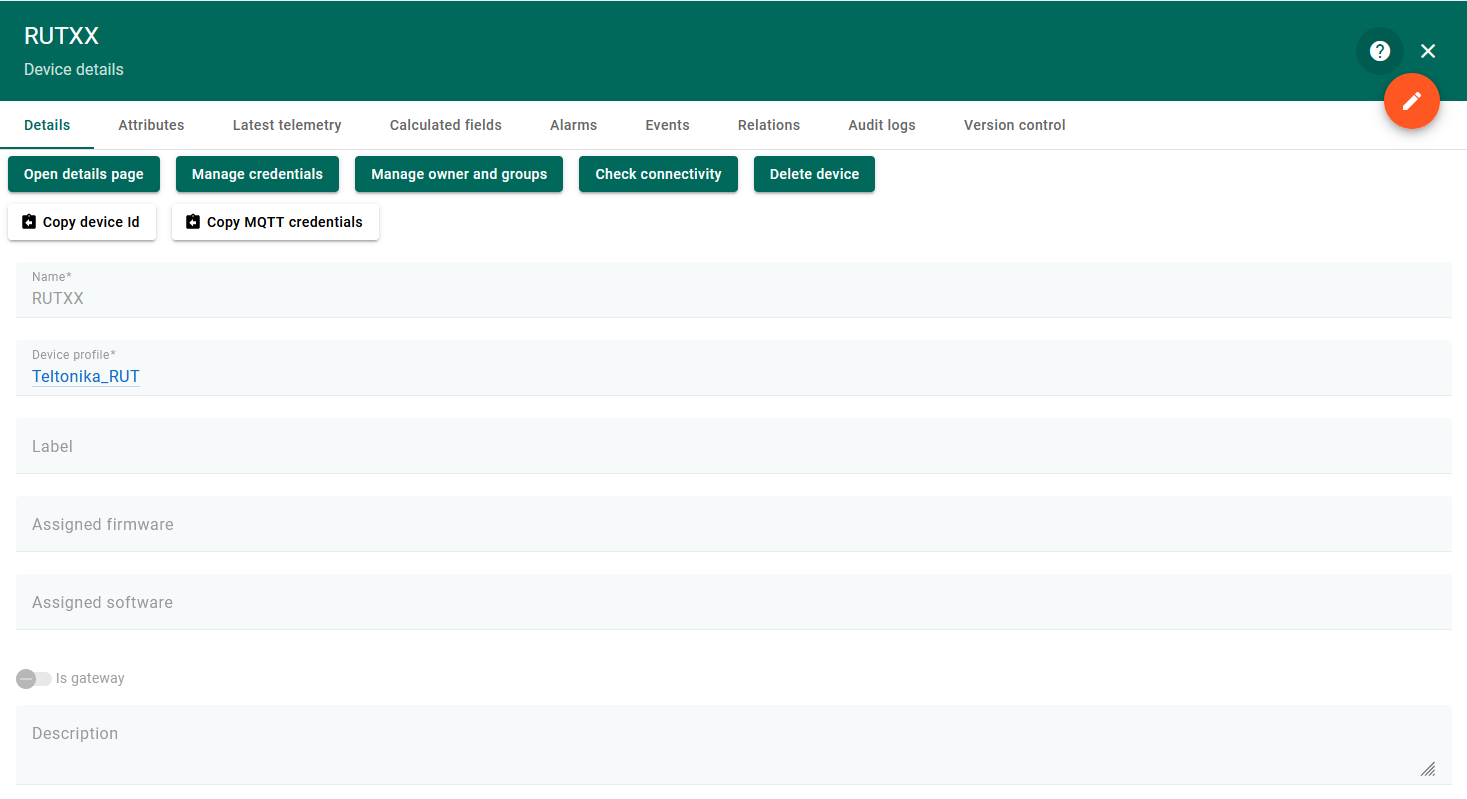
Finally, if possible, please share a screenshot of your ThingsBoard device configuration.
I’ve performed all the requested checks.
Here are the results and current configuration details:
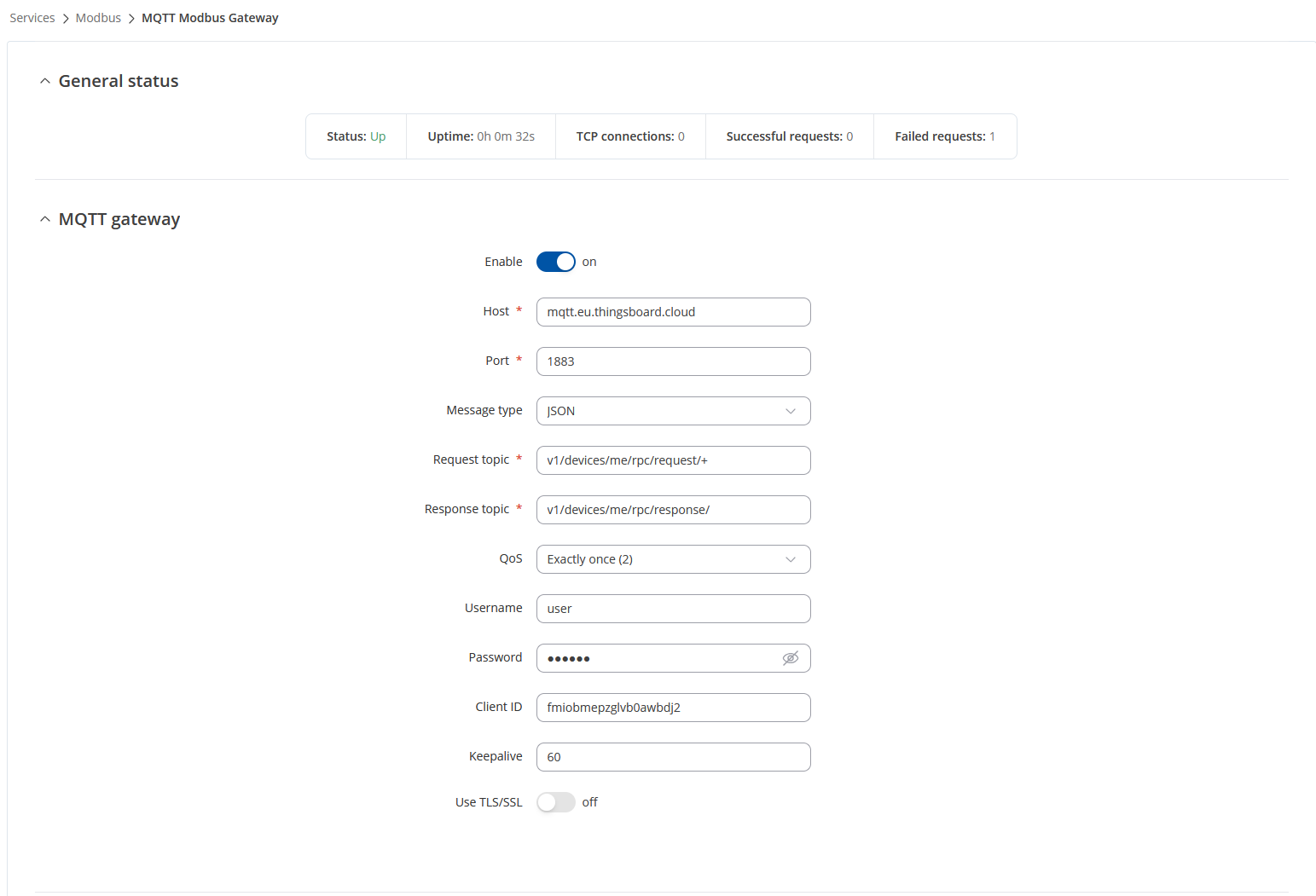
QoS: Set to Exactly once (2) for the MQTT Gateway.
Broker: Both the MQTT Gateway and the Data-to-Server service use the same broker – mqtt.eu.thingsboard.cloud on port 1883.
Message type / JSON parsing: The message type is JSON, so RPC messages are sent in JSON format.
Client ID: Matches the client ID taken from thingsboard (fmiobmepzgvlb0awbjd2).
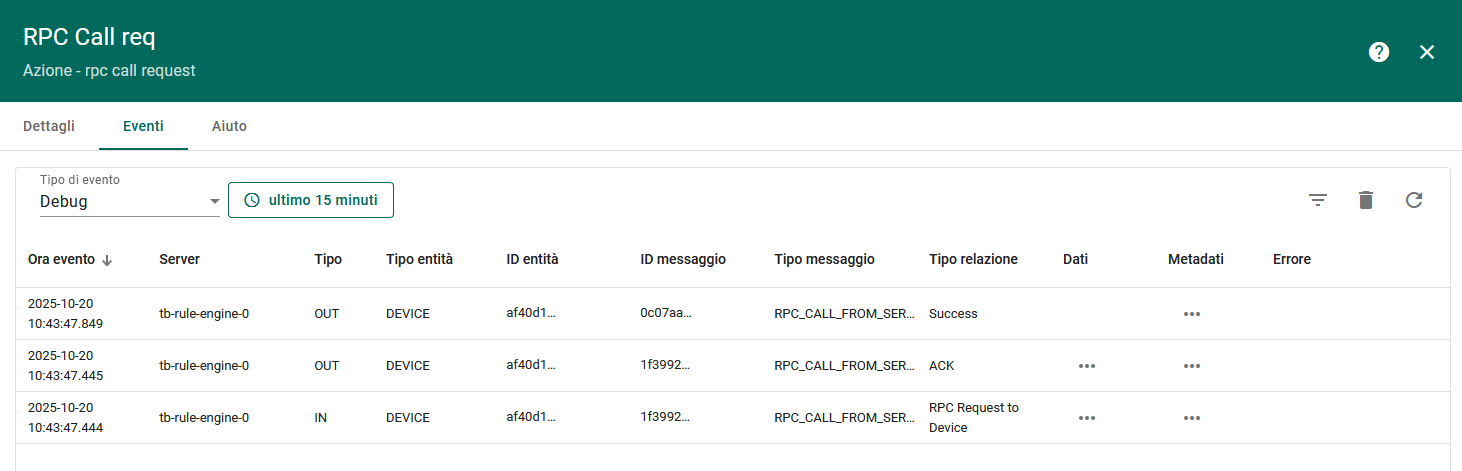
RPC log: Shows correct IN/OUT messages with ACK and Success events from ThingsBoard.
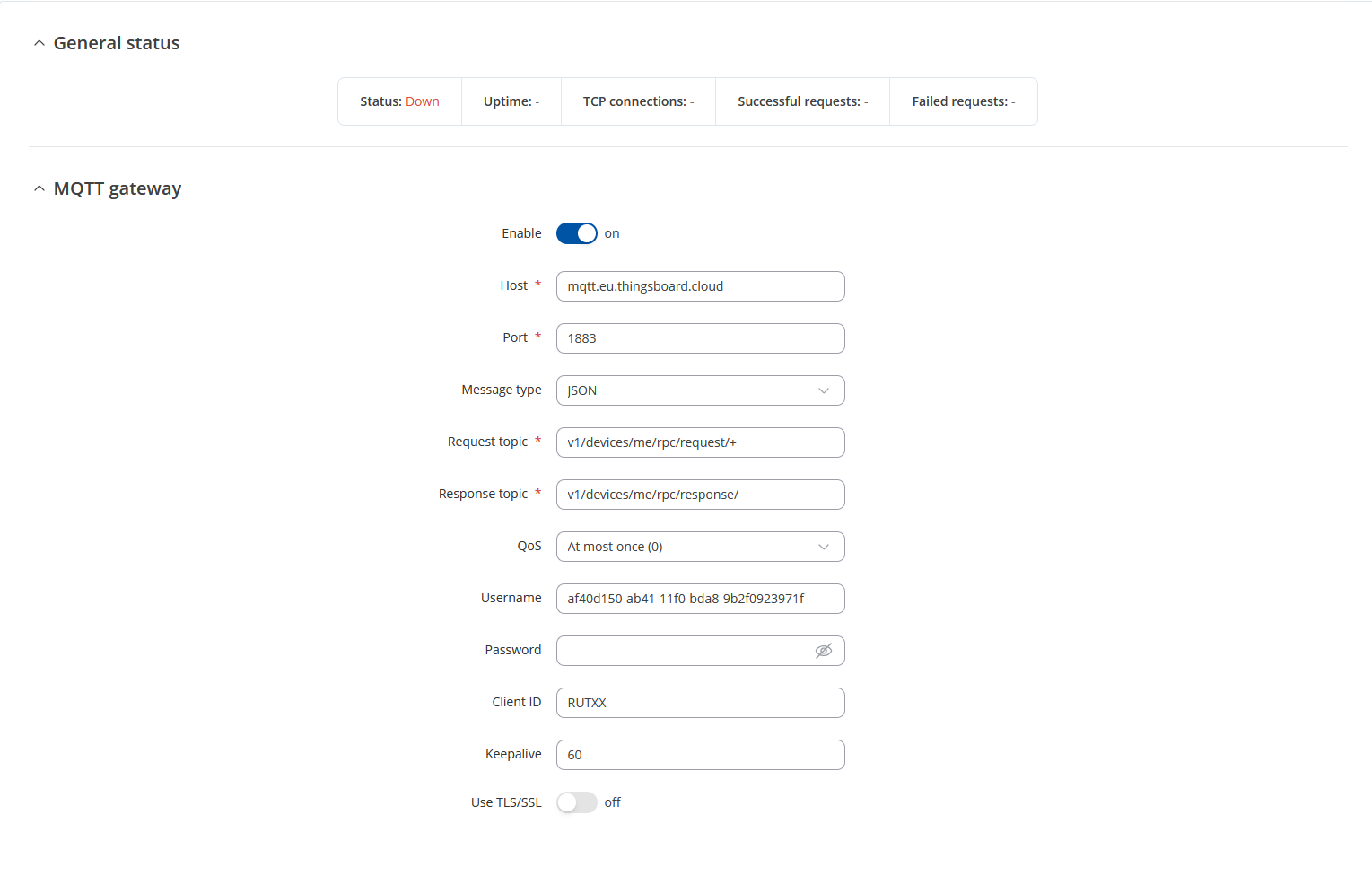
I also tested using the device access token (copied from “Copy MQTT credentials”) as username and the device name as Client ID — with this configuration the MQTT connection works correctly, but Teltonika reports a Failed request.
However, when I use the device ID (copied from “Copy device ID”) as username, the MQTT connection remains down and never establishes.
At this point, I believe the issue may be related to how ThingsBoard sends the RPC payload.
It seems that the Teltonika MQTT Modbus Gateway expects only the JSON object inside the “params” key rather than the complete RPC structure ({method, params, additionalInfo}).
Could you please clarify what you mean by: “confirm whether JSON parsing is enabled for RPC requests on your ThingsBoard instance”? Because actually I’ve just configured an RPC button on the dashboard, here the configuration: